

Wan 2.6 vs Wan 2.5: Complete Comparison of Features and Improvements
Alibaba's Wan 2.5 just launched in late September 2025. Now Wan 2.6 is already here. Is this a minor refresh, or a major upgrade worth switching for?
The gap between them is bigger than it looks. Wan 2.6 extends videos to 15 seconds (vs 2.5's 10), adds multi-shot storytelling (vs single-shot only), and introduces video reference generation with voice cloning (vs text/image input only). Those aren't incremental tweaks - they're capability jumps. And which model's strengths match your project needs.
Wan 2.6 vs 2.5: Quick Comparison Table
Before we get into the details, here's the quick version. This table shows you exactly where the two models differ.
| Feature | Wan 2.5 | Wan 2.6 |
|---|---|---|
| Max Video Duration | 10 seconds | 15 seconds |
| Multi-Shot Storytelling | No (Single-shot only) | Yes (Smart scene transitions) |
| Input Types | Text-to-video, Image-to-video | Text-to-video, Image-to-video + Video reference |
| Audio-Visual Sync | Standard audio generation | Enhanced sync quality + voice cloning |
| Best For | Quick projects, proven stability | Complex narratives, character consistency |
Wan 2.6 and Wan 2.5 : What Actually Changed?
Now let's break down what the Wan 2.6 update actually brings to your workflow.
Video Length: 15 Seconds vs 10 Seconds
Wan 2.6 Video: Up to 15 seconds per generation
Wan 2.5 Video: Caps at 10 seconds
That extra 5 seconds is the difference between a product reveal and a product reveal with context. Think: establishing shot → action → result. For commercial work - ads, explainer clips, brand videos - Wan 2.6 lets you pace the narrative without feeling rushed. Wan 2.5 forces you to compress everything into 10 seconds.
Multi-Shot Storytelling: Intelligent Splitting vs Single Shot
Wan 2.6: Intelligently splits prompts into multiple camera angles with consistent characters
Wan 2.5: Single continuous shot only
Example: "A character walks into a cafe, orders coffee, and sits down."
Wan 2.6 output:
- Shot 1: Wide angle of character entering
- Shot 2: Close-up of ordering at counter
- Shot 3: Medium shot of sitting with coffee
Wan 2.5 output: One continuous shot, medium angle trying to capture everything. The camera stays static, the character stays in frame the whole time.
The difference? Wan 2.6 feels cinematic. Wan 2.5 feels like surveillance footage. You can toggle this with the multi_shots parameter in 2.6.
Input Types: Video Reference vs Text/Image Only
Wan 2.6: Text + Image + Video reference (appearance, movement, voice)
Wan 2.5: Text + Image only
This is the biggest difference. Wan 2.5 makes you describe characters in text or show a static image. Wan 2.6 lets you upload a 2-30 second video. The model extracts appearance, movement patterns, and voice characteristics.
Prompt: "character1 cooking pasta in a kitchen"
- Wan 2.6: Generates a video with that exact person (from your reference video) cooking pasta
- Wan 2.5: Generates a generic person matching your text description - might look different each time
What Wan 2.6's video reference unlocks:
- Works for humans, cartoon characters, pets, or objects
- Supports up to two video references for multi-character scenes
- Clones voice if the reference video has audio
- Enhanced lip-sync and natural voice texture
For character consistency across multiple scenes, Wan 2.6's video reference provides stronger consistency guarantees than Wan 2.5's image-based approach.
Wan 2.5 vs Wan 2.6: When to Use Each
Those are the upgrades. Now let's talk about when each model actually makes sense for your work.
Choose Wan 2.5 When:
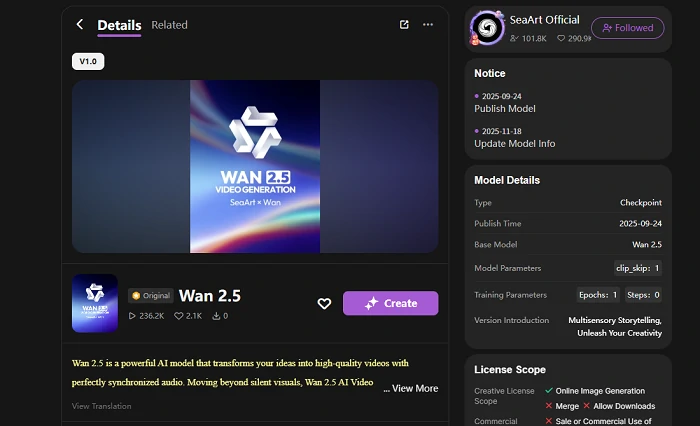
- Videos under 10 seconds: Most social media content (Instagram Reels, TikTok, Stories) fits within this range. Why use 2.6's extra complexity?
- Single-shot simplicity: Product showcases, looping animations - sometimes one clean shot beats multiple cuts.
- Speed matters: Wan 2.5 generates faster. For high-volume work, that adds up.
- You value stability: Wan 2.5 is battle-tested. More predictable outputs, fewer surprises.
Choose Wan 2.6 When:
- 11-15 second videos: You need the extra length that Wan 2.5 can't provide.
- Cinematic multi-shot sequences: Cuts between angles, scene transitions - Wan 2.5 can't do this.
- Character consistency across scenes: Animated series, branded mascots - Wan 2.6's video reference keeps characters identical. Wan 2.5 drifts.
- Voice cloning and lip-sync: Dialogue-heavy projects benefit from Wan 2.6's enhanced audio. Wan 2.5's sync is basic.
Or Use Both: The Hybrid Approach
You don't have to pick sides between the two models. Use Wan 2.5 for drafts and high-volume work. Use Wan 2.6 when you need the capabilities Wan 2.5 lacks - character consistency, multi-shot sequences, voice cloning.
Think: Wan 2.5 for speed, Wan 2.6 for quality. Most production workflows benefit from both.
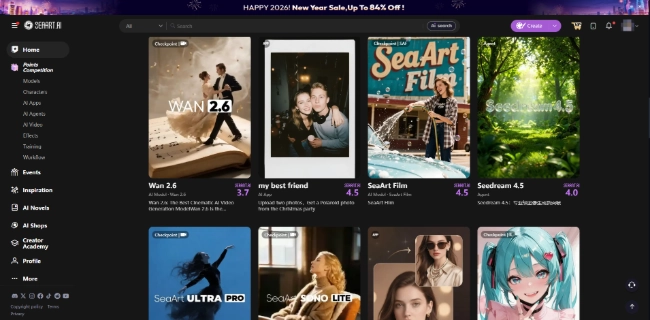
If you want a platform that gives you access to both models, SeaArt AI handles that. You can switch between Wan 2.5 and Wan 2.6 in the same project, plus use community-built tools that simplify common tasks.
FAQ
What is the main difference between Wan 2.6 and Wan 2.5?
The core difference is creative capability. Wan 2.6 extends video length from 10 to 15 seconds, introduces multi-shot storytelling with intelligent scene transitions, and adds video reference input (vs text/image only in 2.5). It also includes enhanced audio-visual sync with voice cloning.
What is video reference generation in Wan 2.6?
Video reference generation lets you input a short video (2-30 seconds) along with text prompts to generate new videos.
How it differs from Wan 2.5: Wan 2.5 uses text prompts or static images. Wan 2.6 adds video input, which captures appearance, movement, and voice in one reference.
How it works:
- Upload your reference video (MP4 or MOV)
- The model extracts facial features, body proportions, and voice
- Prompt with "character1 doing [action]" and the model generates a new video
You can reference up to two videos at once for multi-character scenes. The reference video must contain audio for voice cloning.
How can I access both Wan 2.5 and Wan 2.6?
You can access both through Alibaba's Model Studio (official API) or platforms that integrate them.
SeaArt AI offers both models with a simpler interface. You can:
- Use Wan 2.5 directly or through community tools
- Switch to Wan 2.6 on the video creation page
- Test both side-by-side in the same project
The advantage: no API setup, and you get access to community workflows.
Conclusion
So, Wan 2.6 vs Wan 2.5 - which one? It depends on what you're building.
Need 15-second videos, multi-shot sequences, or character consistency across scenes? Go with Wan 2.6. Working on quick social clips under 10 seconds where speed matters? Wan 2.5 handles it.
You can also use both. Draft with 2.5, polish with 2.6. Or stick with 2.5 for simple projects and only jump to 2.6 when you need those advanced features.
If you want easy access to both models, SeaArt AI has you covered. Beyond Wan 2.6 and Wan 2.5, you'll also find Wan 2.2, Wan 2.1, Nana Banana Pro, and other leading video models - all in one platform. Switch between models, test different approaches, and use community workflows without juggling APIs.
The 2.6 update brings real upgrades. But now 2.5 isn't going anywhere. Pick the one that fits your project.
Related Articles
Wan 2.6 vs Veo 3.1: Full Comparison for Video Creators
Wan 2.6 Usage Guide: Complete Tutorial for Video, Image & Music Generation with Pricing & Comparison
Wan 2.6 Best Alternative for AI Image and Video Creation - 10 Top Choices
Wan 2.6 vs Kling 2.6 vs Kling O1: Complete Comparison
Wan 2.6 Prompt Guide: How to Master AI Video Generation
Wan 2.6 vs Sora 2: Which AI Video Model Fits You?