

How to Create Stunning New Year Greeting Cards in 2026: Free AI Tools & Design Ideas
Over 6.5 billion greeting cards are purchased annually in the United States alone - but here's the thing: you don't need to spend $2-5 per card anymore. Whether you're a content creator, small business owner, or just someone who wants to send personalized wishes for 2026, new year greeting cards have gone digital - with help from an AI image generator.
The old way? Spend hours in Photoshop, hire a designer, or settle for generic templates. The new way? Type what you want, wait 10 seconds, and get professional-quality cards ready for printing or social media. This guide shows you exactly how to make your own happy new year greeting card using free AI tools, plus 30+ design ideas you can steal right now.
Ready to create cards that actually stand out? Let's go.
What Are New Year Greeting Cards?
New year greeting cards are visual messages sent to celebrate the transition into a new year - whether it's December 31st (Western New Year), Chinese Spring Festival, or Japanese Shōgatsu. They combine festive imagery (fireworks, clocks, champagne) with warm wishes or cultural blessings.
Traditional vs Digital New Year Cards
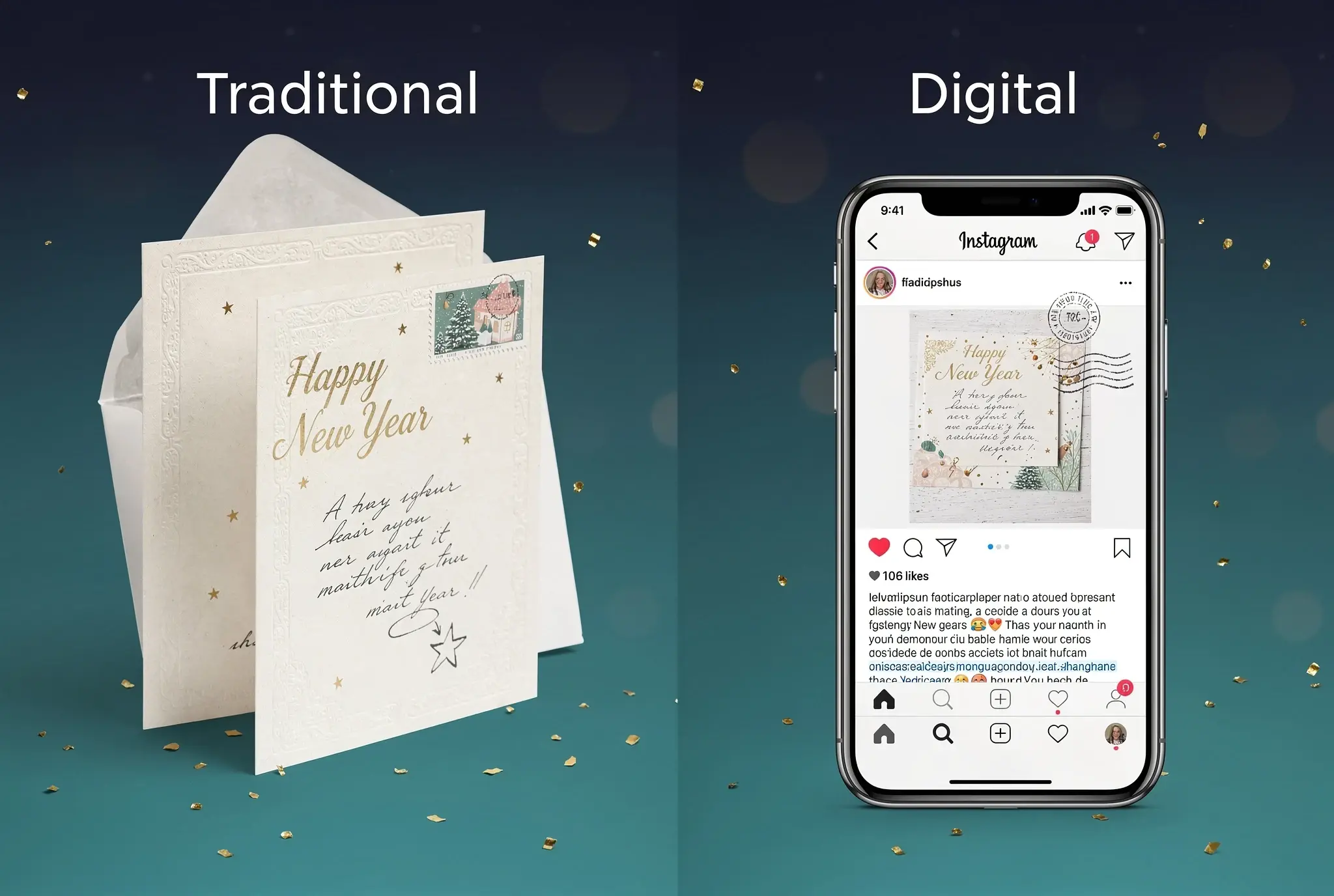
Traditional cards ruled for centuries: fold-out cardstock, hand-written notes, mailed weeks in advance. Think Hallmark stores and FedEx printing services charging $2-5 per card.
Digital cards flipped the script in the 2000s. Email greetings, social media posts, and digital invitations made sending free - but often felt impersonal.
Now? The hybrid approach wins: AI-generated designs you can print professionally or share digitally. You get the personalization of custom design without the time or cost.
Why Create Custom New Year Greeting Cards in 2026?
Three reasons custom cards matter more than ever:
1. Personalization Builds Connection
Generic "Happy New Year" templates get ignored. A card with someone's name, inside joke, or tailored design? That gets shared.
2. Brand Marketing Value (for Businesses)
Send 100 new year greeting cards to clients with your logo? That's $200-500 with a printing service. AI generation? Under $10 in credits. Plus, clients actually remember brands that send thoughtful cards.
3. Cost Efficiency Analysis
- Traditional printing: $2-5 per card (FedEx, Vistaprint)
- Designer fees: $50-200 per custom design
- AI generation: Free with SeaArt AI (130 Stamina daily) or $0.10-0.50 per design
That's 10-50× cheaper. For a business sending 100 cards, you save $400+.
How to Make New Year Greeting Cards with AI (Step-by-Step Guide)
Here's the exact process I use to create client-ready new year greeting cards in under 10 minutes - no design experience required.
Step 1: Choose Your Design Style
Before opening any tool, decide on your visual direction. Four main styles dominate 2026:
Classic Elegant: Gold accents, champagne glasses, fireworks at midnight, cursive typography. Best for formal business cards or sophisticated personal greetings.
Modern Minimalist: Geometric shapes, gradients (rose gold to navy), clean sans-serif fonts. Perfect for tech companies or contemporary aesthetics.
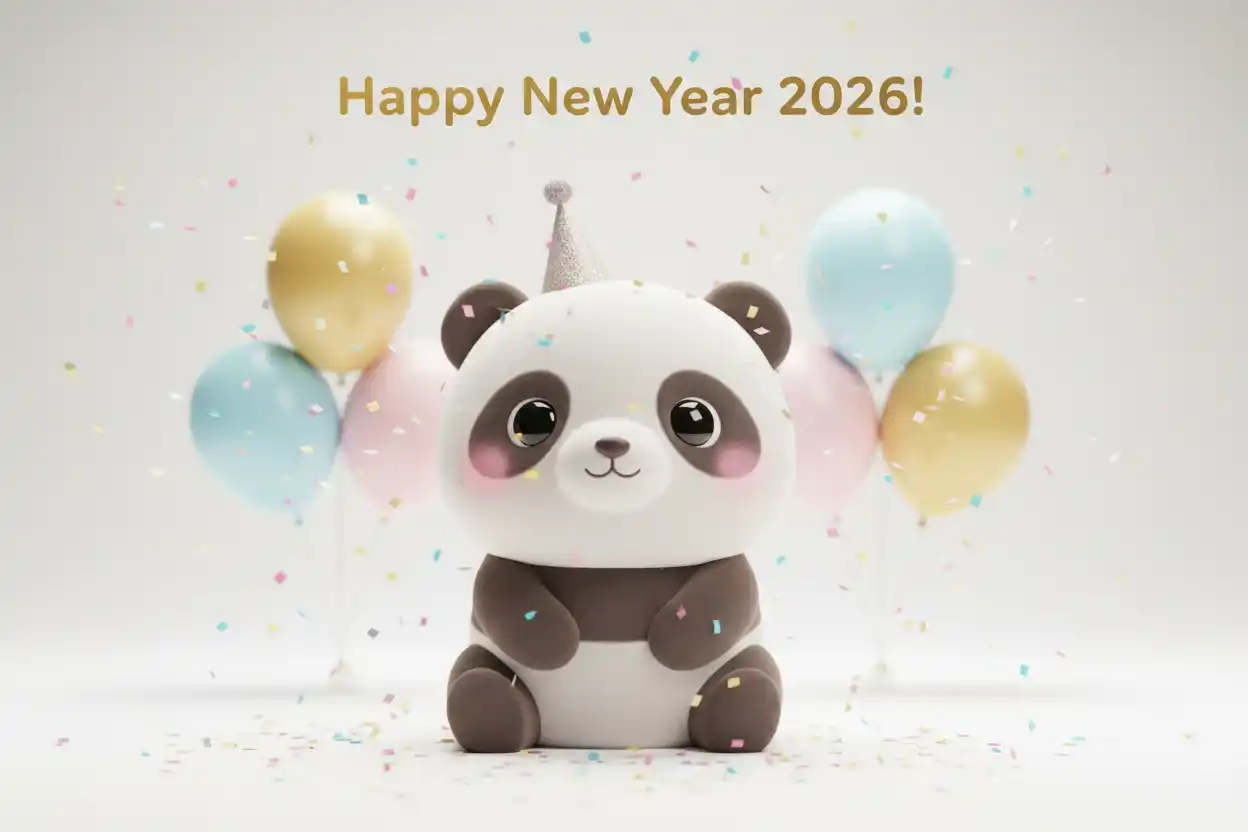
Cute & Playful: Cartoon animals (especially 2026's zodiac animal), emoji-style icons, bright colors. Great for social media posts or family cards.
Cultural Themes:
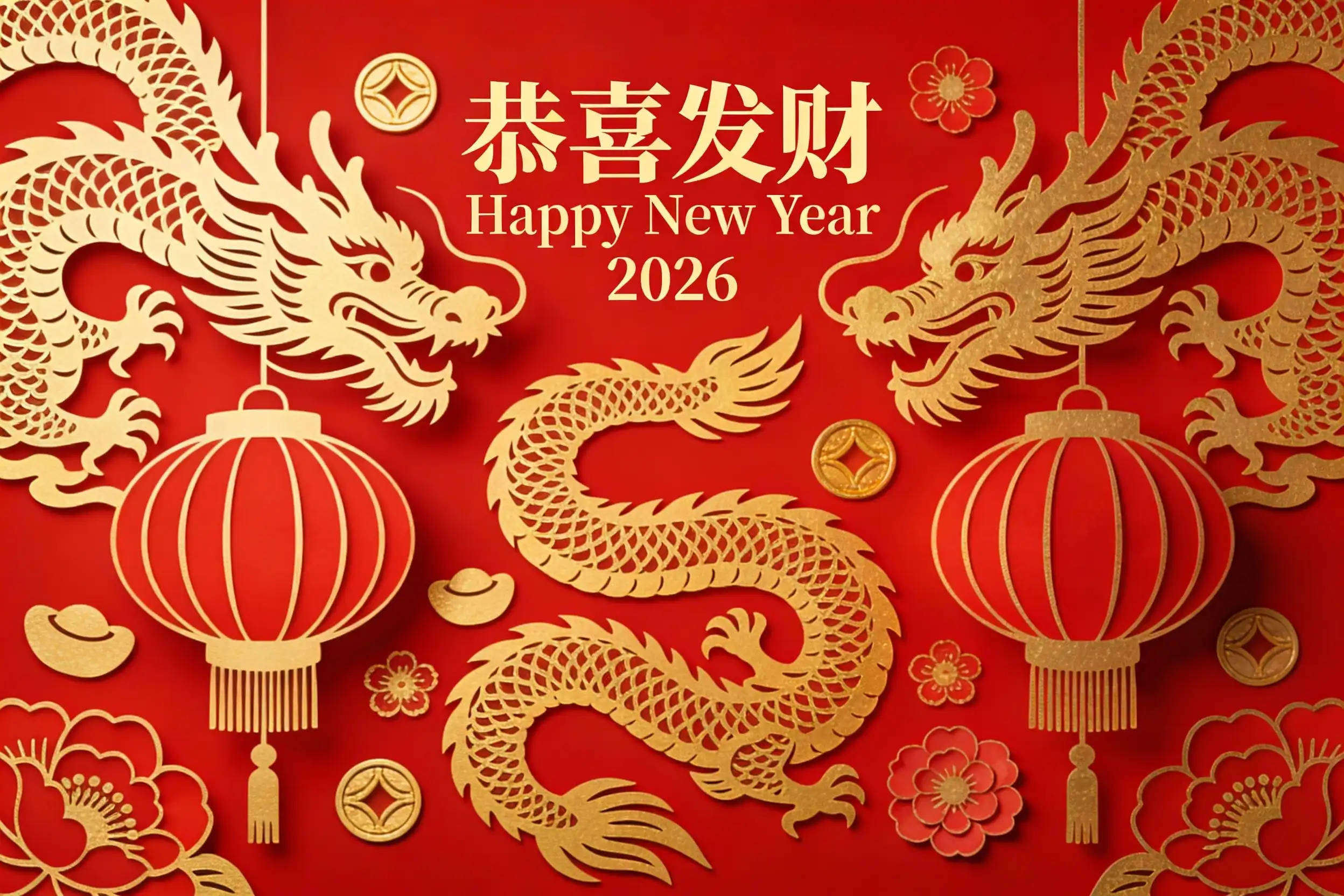
- Chinese New Year: Red envelopes, lanterns, dragons, gold coins
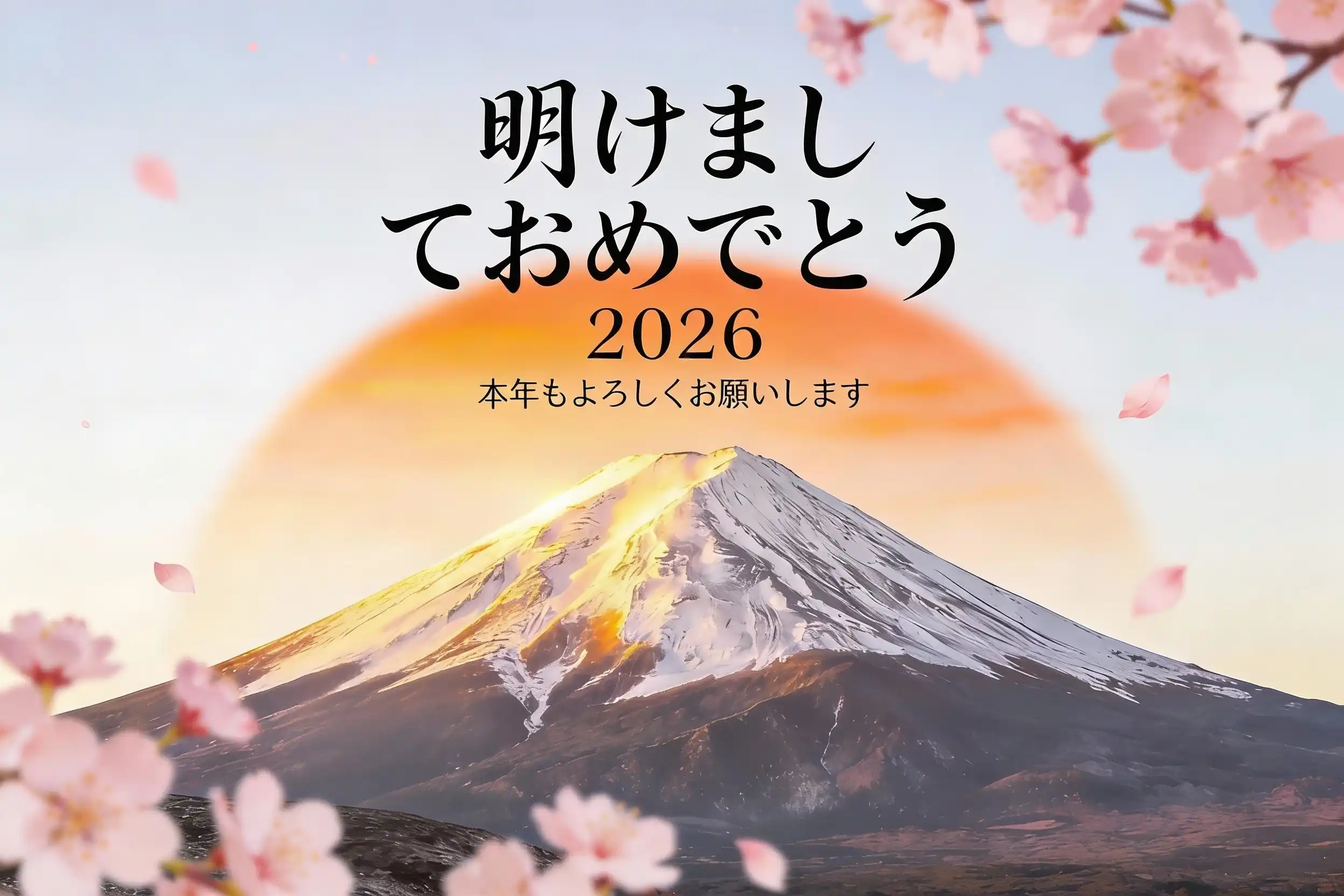
- Japanese New Year: Mount Fuji, sunrise (hatsuhinode), bamboo, traditional calligraphy
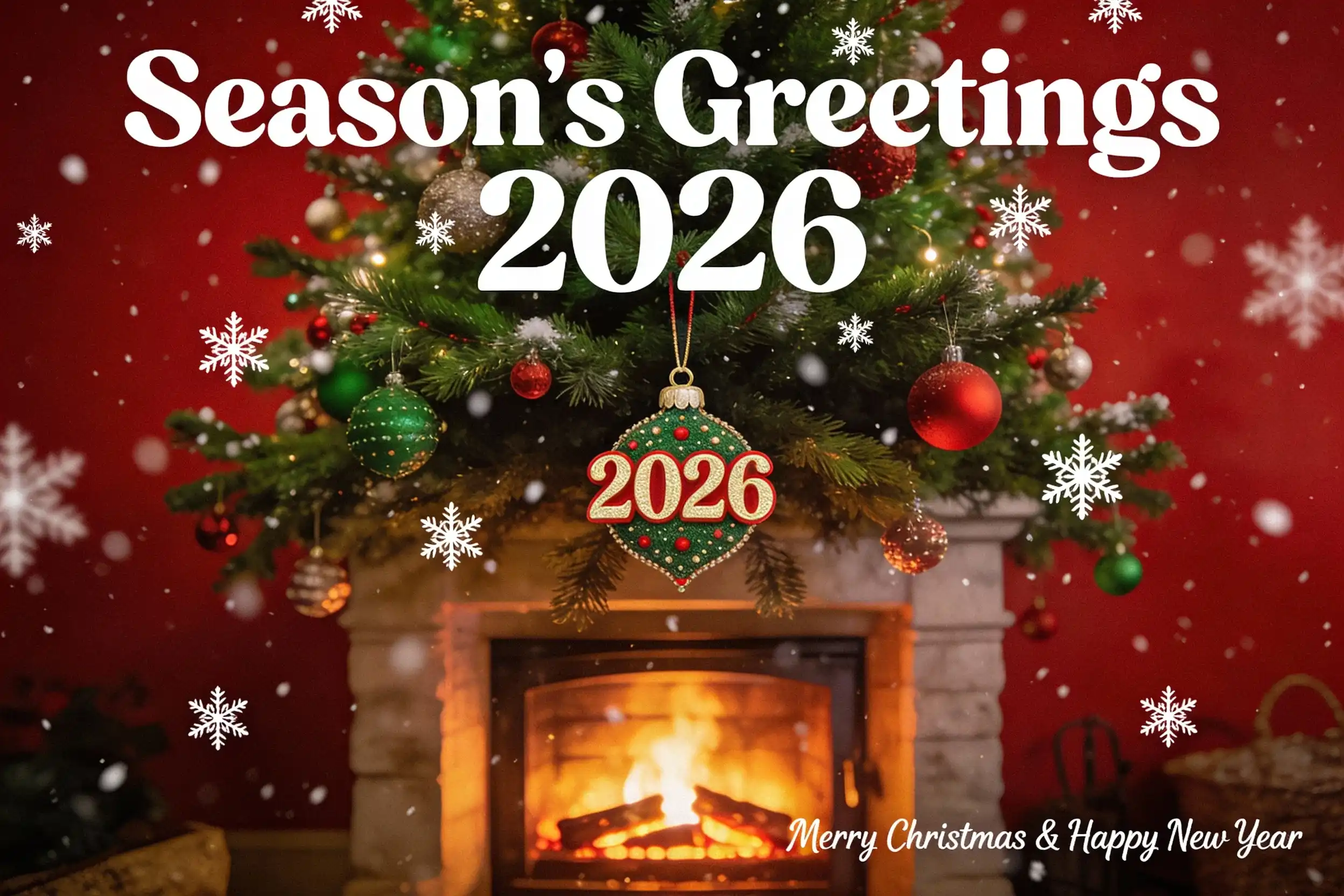
- Western New Year: Clocks striking midnight, confetti, party hats
Pick one. Mixing styles creates visual confusion.
Step 2: Select an AI Greeting Card Generator
I've tested a bunch of tools. These two are the most practical:
SeaArt AI (Recommended)
- Why it wins: 500+ pre-trained models, 130 Stamina daily, supports text rendering (critical for cards)
- Best for: Beginners and professionals who need both quality and variety
- Cost: Free tier covers most personal use; Pro starts at $9.99/month for commercial projects
Canva AI
- Why it's popular: Integrated editing tools (add text, adjust colors)
- Tradeoff: Paid only ($12.99/month minimum)
- Best for: Users already paying for Canva Pro
For this guide, I'll use SeaArt AI - it has the best free tier and handles text in images better than competitors.
Step 3: Create Your New Year Greeting Card with SeaArt AI
Here's the step-by-step:
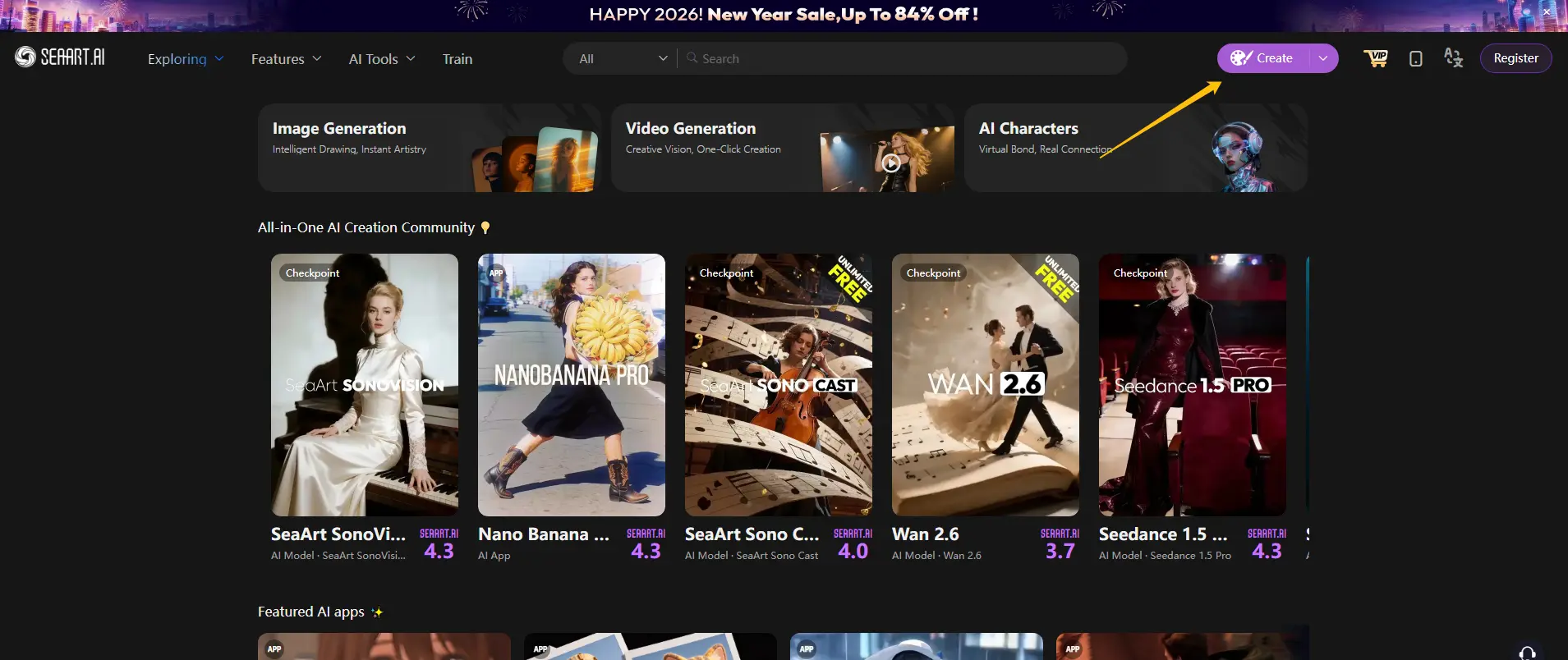
Step 3.1: Go to SeaArt AI and sign up (free, takes 30 seconds).
Step 3.2: Click "Create Image" in the top navigation. You'll see the image generation dashboard.
Step 3.3: Type your prompt in the text box. Example:
Elegant New Year 2026 greeting card, gold fireworks exploding over city skyline at midnight, "Happy New Year 2026" in elegant script font, champagne glasses clinking, festive celebration, bokeh lights in background, 4K, cinematic lighting
Step 3.4: Adjust settings (optional but recommended):
- Model: Select Nano Banana Pro (best for text rendering)
- Aspect Ratio: Choose 3:4 for printable cards or 1:1 for Instagram posts
Step 3.5: Click "Generate" and wait 10-15 seconds.
Pro tip: Generate 4 variations at once (free with SeaArt). Pick the best one instead of hoping your first try works.
Step 4: Customize and Add Personal Touches
Got your AI-generated base? Time to personalize it:
Add Recipient Names
Use SeaArt's text overlay feature or download and edit in Canva (free). Place names in complementary fonts - avoid Comic Sans.
Insert Your Logo (for Business Cards)
Position it subtly in a corner (10-15% of card size). Don't cover the main design.
Adjust Color Schemes
Stuck with brand colors? Use SeaArt's "Recolor" feature to shift the palette while keeping composition.
Create Multi-Language Versions
Need "新年快乐" (Chinese), "明けましておめでとう" (Japanese), or "Feliz Año Nuevo" (Spanish)? Generate separate cards with culturally appropriate imagery - not just translated text.
Step 5: Export and Share
For Digital Use (social media, email):
- Format: PNG or JPG
- Resolution: 1080×1080 (Instagram), 1200×630 (Facebook)
- Download directly from SeaArt
For Printing:
- Format: PNG (no compression) or PDF
- Resolution: 300 DPI minimum (set in SeaArt settings)
- Size: Standard greeting card is 5×7 inches (1500×2100 pixels at 300 DPI)
- Print services: Vistaprint, Printful, or local print shops
Batch Export Trick: Need 50 different cards? Use SeaArt's "Batch Generate" with variable prompts. Saves hours.
10+ New Year Greeting Card Prompts & Design Ideas for 2026
Can't visualize your design? Steal one of these proven concepts. Copy these prompts directly into SeaArt AI to generate new year greeting cards fast.
Photorealistic Prompts
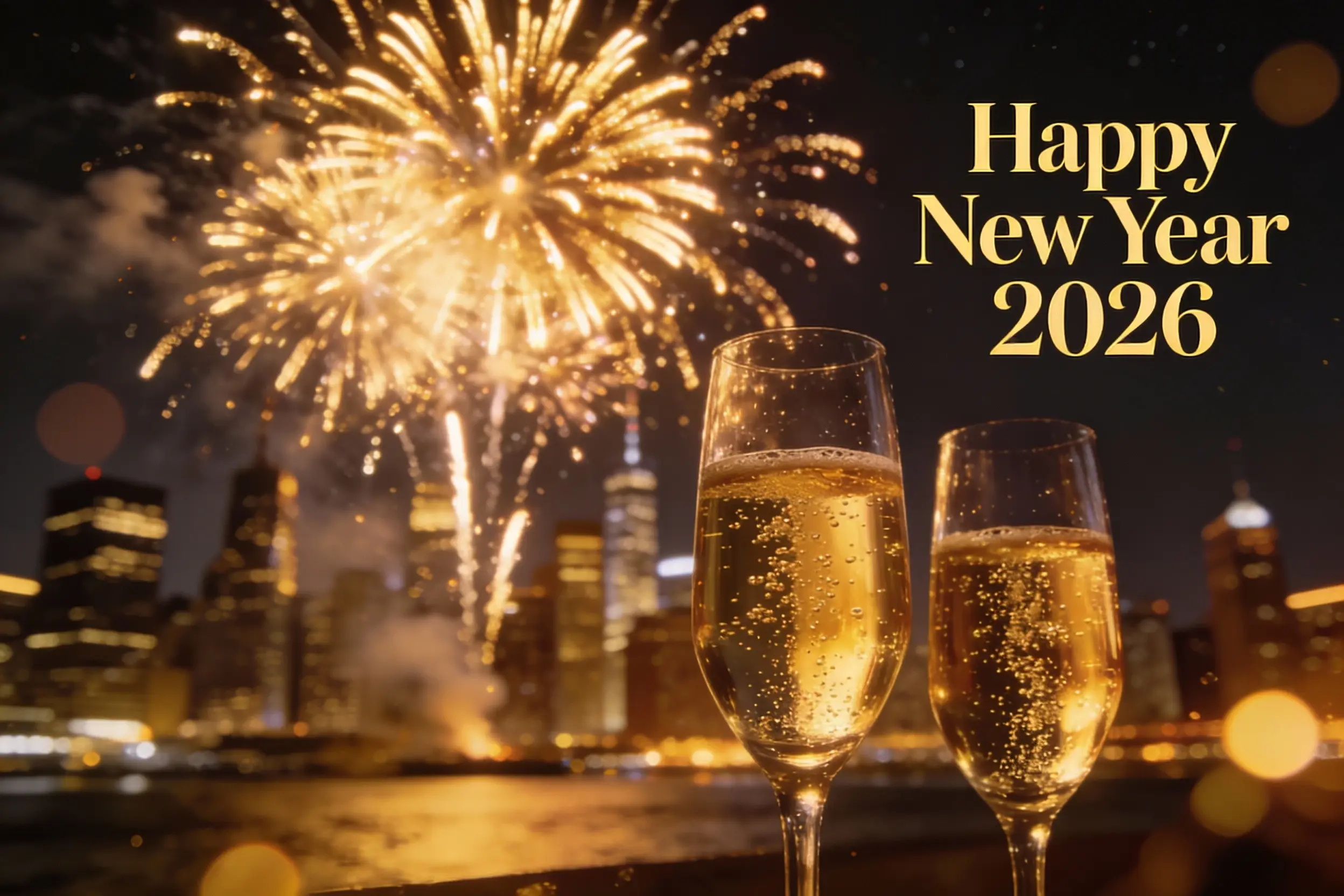
1. Midnight Fireworks: Golden fireworks exploding over city skyline at midnight, "Happy New Year 2026" in elegant serif font, champagne glasses in foreground, bokeh lights, cinematic lighting, 4K resolution, festive celebration atmosphere
2. Champagne Toast: Two crystal champagne flutes clinking together, golden bubbles rising, black and gold background, "Cheers to 2026" in cursive script, luxury aesthetic, studio lighting, ultra-realistic, 8K
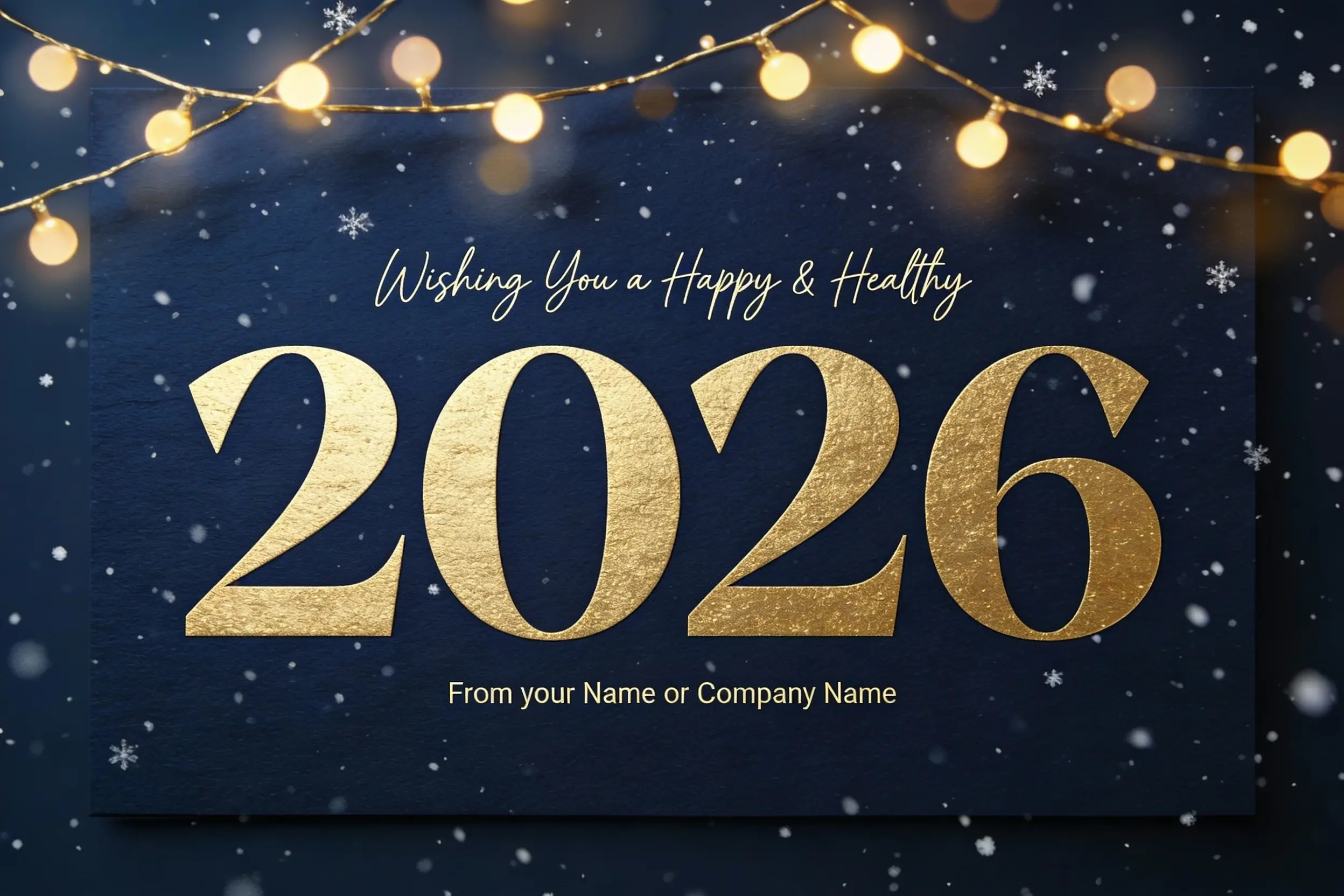
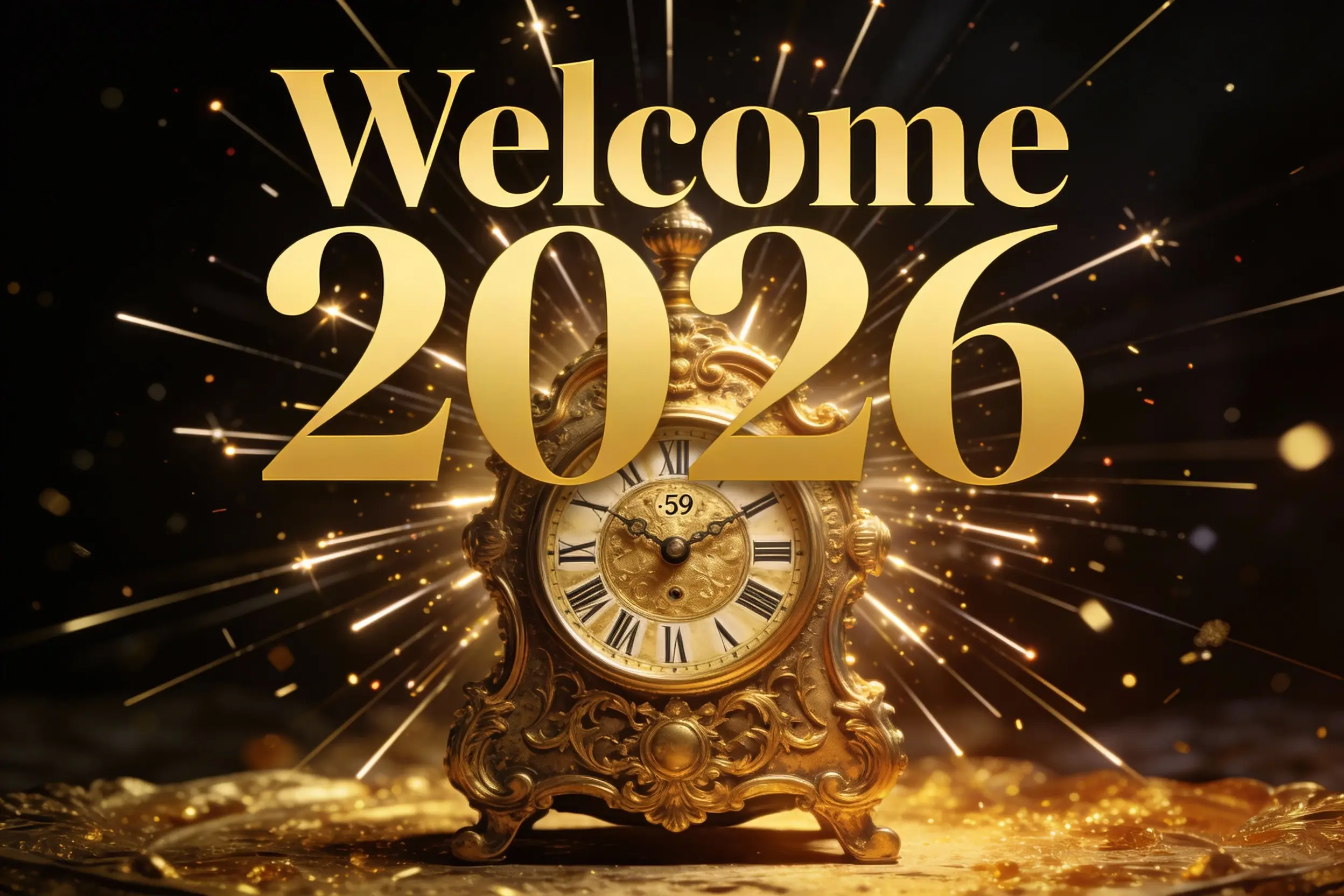
3. Clock Countdown: Antique golden clock showing 11:59 PM, Roman numerals, light rays bursting as clock strikes midnight, "Welcome 2026" text overlay, dramatic lighting, dark background with gold accents
Artistic & Illustrated Prompts
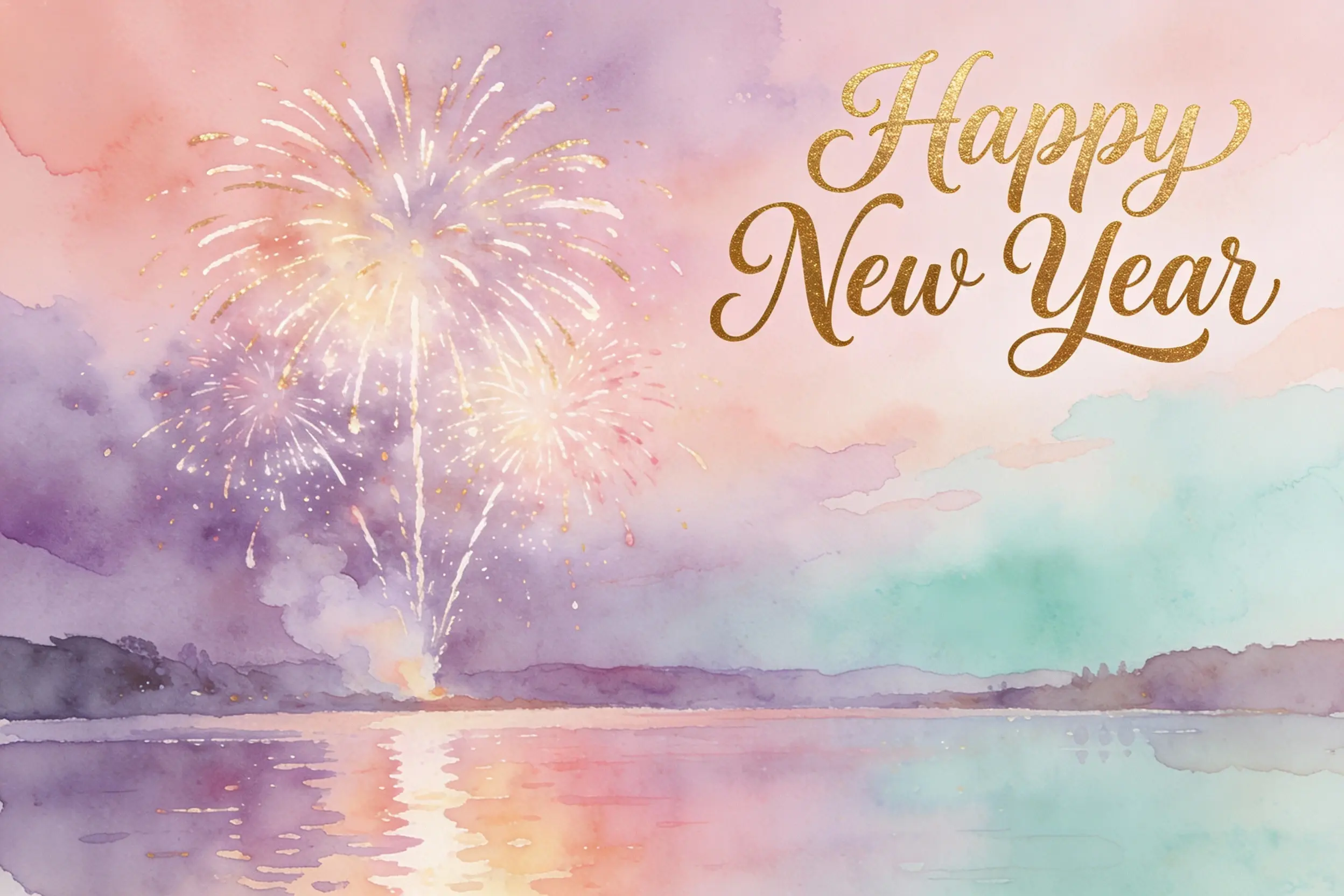
1. Watercolor Style: Watercolor painting of fireworks over lake, soft pastel colors (rose gold, lavender, mint), "Happy New Year" in hand-lettered calligraphy, dreamy atmosphere, artistic, high resolution
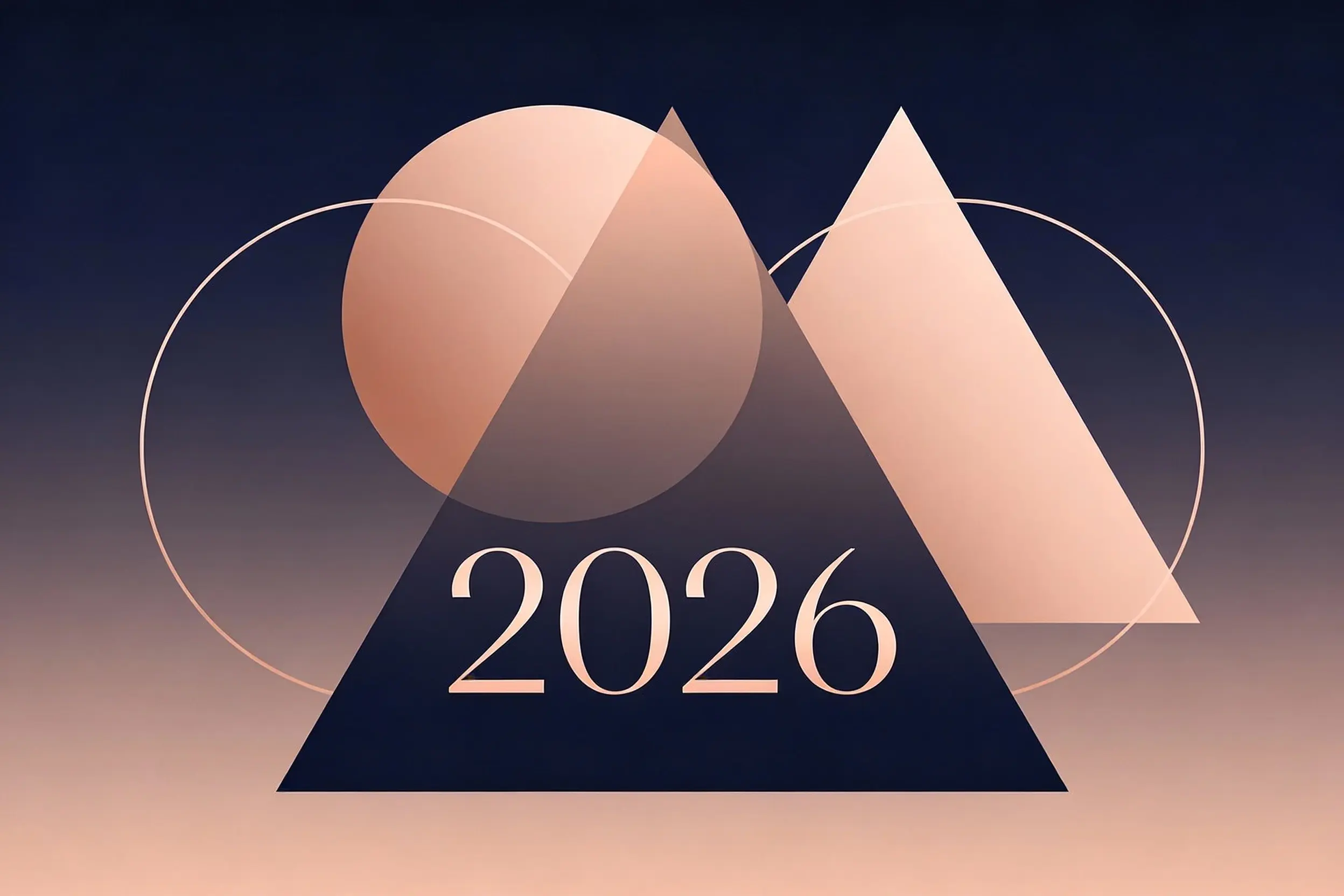
2. Minimalist Geometric: Minimalist geometric design, overlapping circles and triangles, rose gold to navy gradient, "2026" in modern sans-serif font, clean lines, negative space, sophisticated
Cultural Theme Prompts
1. Chinese New Year: Chinese Spring Festival greeting card, red lanterns hanging, golden dragons, traditional paper-cutting art style, "恭喜发财 Happy New Year 2026" bilingual text, auspicious symbols, vibrant red and gold colors
2. Japanese New Year: Japanese New Year card, Mount Fuji at sunrise (hatsuhinode), traditional kadomatsu decoration, subtle cherry blossoms, "明けましておめでとう 2026" in elegant calligraphy, peaceful atmosphere, soft lighting
3. Western + Christmas Hybrid: Merry Christmas and Happy New Year greeting card, decorated holiday tree with 2026 ornament, snowflakes falling, "Season's Greetings 2026" in festive font, warm cozy atmosphere, fireplace glow
Fun & Playful Prompts
1. Soft 3D Toy Panda: Kawaii panda character wearing a party hat, soft 3D toy style, matte material, subtle studio lighting, festive confetti floating, a few balloons softly blurred in the background, clean composition, elegant text: "Happy New Year 2026!" in a simple rounded font, premium greeting card design, high resolution
2. Art-Deco Retro Night: New Year greeting card, Art Deco inspired layout, deep navy background with subtle paper grain, champagne-gold foil linework, symmetrical geometric frame, minimalist fireworks in the corners, elegant centered typography: "Happy New Year 2026", premium editorial poster design, refined negative space, print-ready
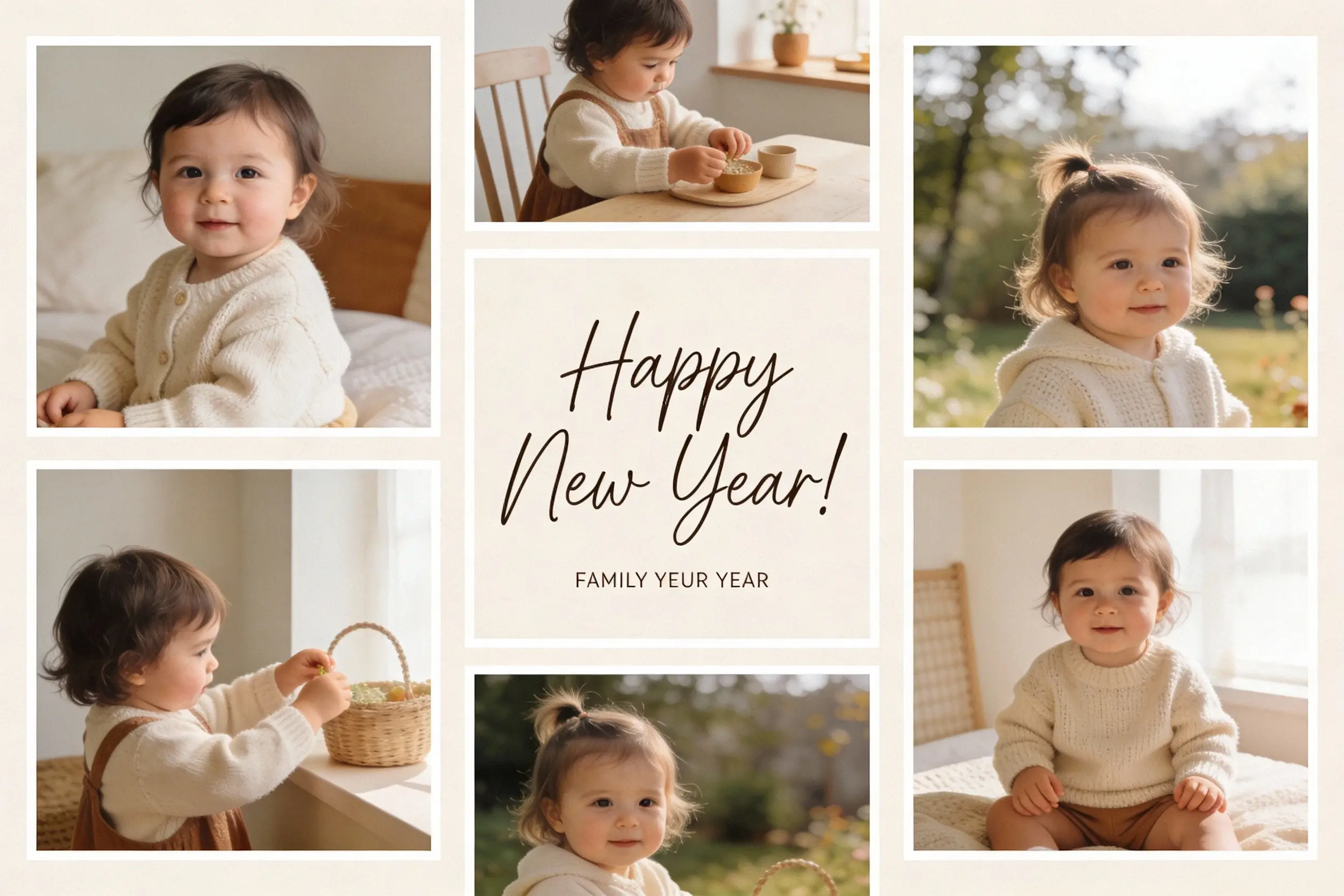
Pro tip: Always include "4K" or "high resolution" in prompts - SeaArt outputs sharper images when you specify quality.
If you already have a photo (like a team selfie or product shot), you can also try an AI new year filter to get a quick festive version before adding your message.
More ideas: Search "New Year" on SeaArt to discover community-made designs.
Comparison: AI-Generated vs Traditional Greeting Cards
Still wondering if AI is worth it? Here's the honest breakdown:
| Dimension | AI-Generated (SeaArt AI) | DIY Design (Canva/Photoshop) | Printing Service (FedEx) |
|---|---|---|---|
| Cost | Free - $10/month | $0-$30/month (tools + assets) | $2-5 per card |
| Time | 10-30 seconds per design | 1-3 hours per design | 3-7 days (design + shipping) |
| Design Skills Required | None | Intermediate to Advanced | None |
| Customization Level | High (infinite variations) | Complete control | Template-based (limited) |
| Print Quality | 4K-ready (300 DPI export) | Depends on your skills | Professional |
| Quantity Flexibility | Unlimited digital copies | Unlimited | Minimum order (often 25+) |
| Best For | Personal use, small business, social media | Design professionals | Corporate bulk orders |
Real Cost Example (100 cards):
- FedEx/Vistaprint: $250-500 (printing + design)
- DIY Designer: $0-$30/month + 20 hours of your time
- SeaArt AI: $10 (if using Pro) or free + 2 hours total
The winner depends on your priorities: quality vs time vs control.
For most people? AI generation wins on convenience and cost. For designers who enjoy the process? DIY offers complete creative freedom.
Frequently Asked Questions (FAQ)
Can I use AI-generated new year greeting cards for commercial purposes?
Yes, but check your AI tool's license. SeaArt AI allows commercial use with paid plans (Creator tier and above). Free tier is for personal use only. If you're selling cards or using them for client work, upgrade or verify the license first.
What's the best resolution for printing greeting cards?
Use 300 DPI at the final print size; for a standard 5×7 inch card, that’s 1500×2100 pixels. Set the size before generating and export as PNG for print.
How do I create a happy new year 2026 greeting card for free?
Use SeaArt AI's free tier and generate your card from the prompts above.
What are the most popular new year greeting card designs for 2026?
For 2026, the safest bets are minimalist gold-and-navy layouts, retro neon nostalgia, and cultural-fusion designs that mix local symbols with clean typography. For digital-only posts, animated fireworks-style visuals are also trending.
How long does it take to make a greeting card with AI?
Usually under a minute to generate a few options, plus about 5-10 minutes to add names and export for print or social.
Conclusion
Creating new year greeting cards in 2026 isn't about graphic design skills anymore - it's about knowing what you want and how to ask an AI for it. Whether you're designing a single happy new year greeting card for a friend or batch-creating 100 corporate cards, the process is the same: pick a style, write a clear prompt, generate in seconds, customize if needed.
The best part? You're not limited to stiff templates from 2010. Want a card featuring a cyberpunk city celebrating New Year's Eve? Type it. Need a watercolor painting of your dog wearing a party hat? Done. That creative freedom - combined with zero cost and 30-second generation - is why millions of people now use free AI art generator tools for holiday cards.
Here's what you should do right now:
- Pick your favorite prompt from this guide
- Head to free AI art generator
- Generate 4 variations
- Download the best one
- Send it before January 1st
Your friends, family, or clients will notice the difference. And you'll wonder why you ever spent hours (or dollars) doing it the old way.
Happy 2026 - now go make something stunning.
Related Articles
Lovart vs Sovart: Which AI Design Agent Should You Choose?
6 Best Lovart Alternatives for AI-Powered Design in 2026
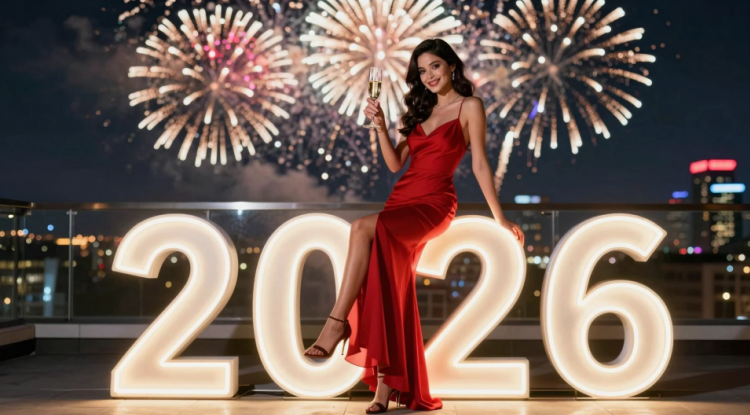
Best 22 2026 New Year Photo Prompts to Create Celebration Photos