







Generate
History
Private Creationvip-icon
Details
Related Works
OpenClaw Text-to-Image & Image Editing
Original

OpenClaw Text-to-Image & Image Editing

323
0
89
2026-03-14 07:27:04 Update
#Realistic
#Illustration
...View More

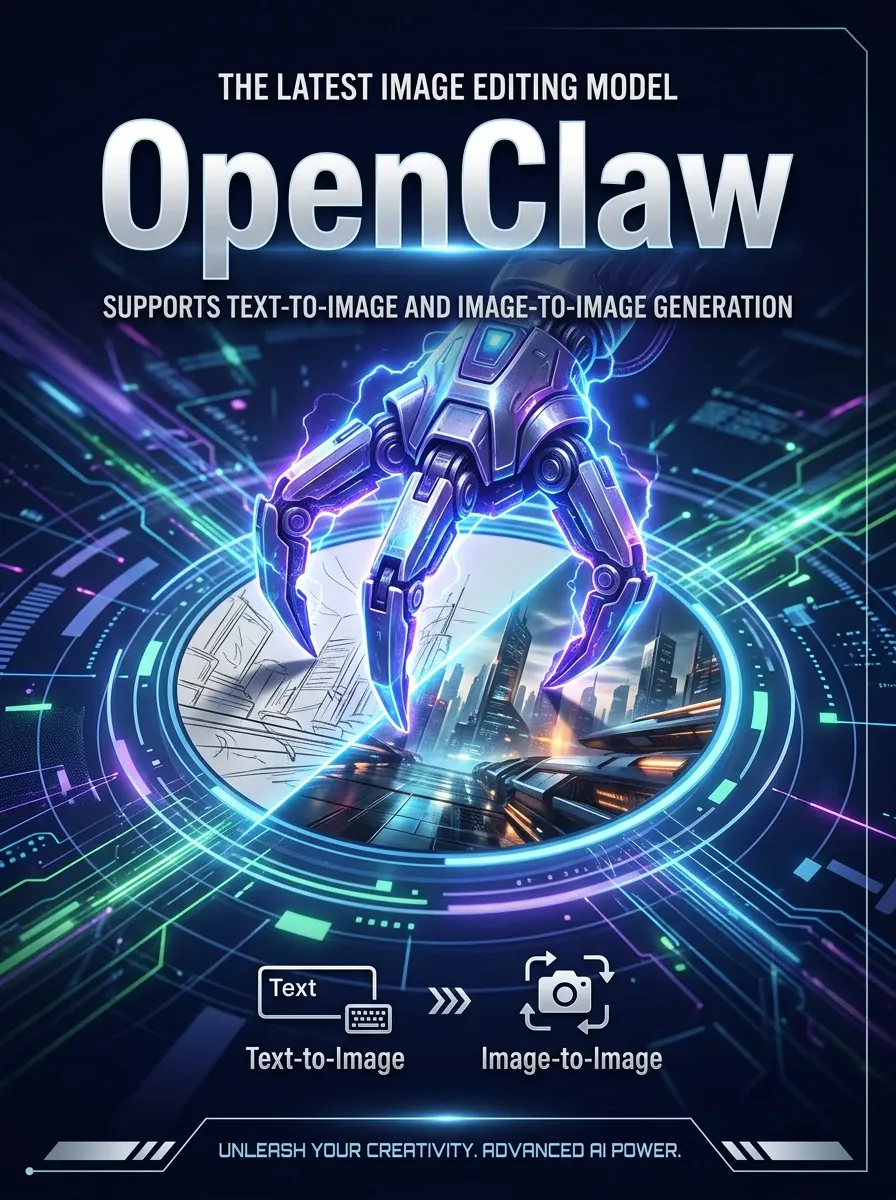
OpenClaw Image Generator is an all-in-one AI image generation and image editing tool that supports Nano Banana, Seedream, FLUX, Stable Diffusion, and more. It makes it easy to create high-quality AI images from text, edit existing images, apply style transformations, and enhance visual content for a wide range of creative needs. Text-to-image (no image input = text-to-image mode) and image editing (single image editing) (multi-image editing).


Rating & Review

-- /5

Not enough ratings or reviews received yet

more
no-data
No data available

What OpenClaw Image Generator Can Do for You

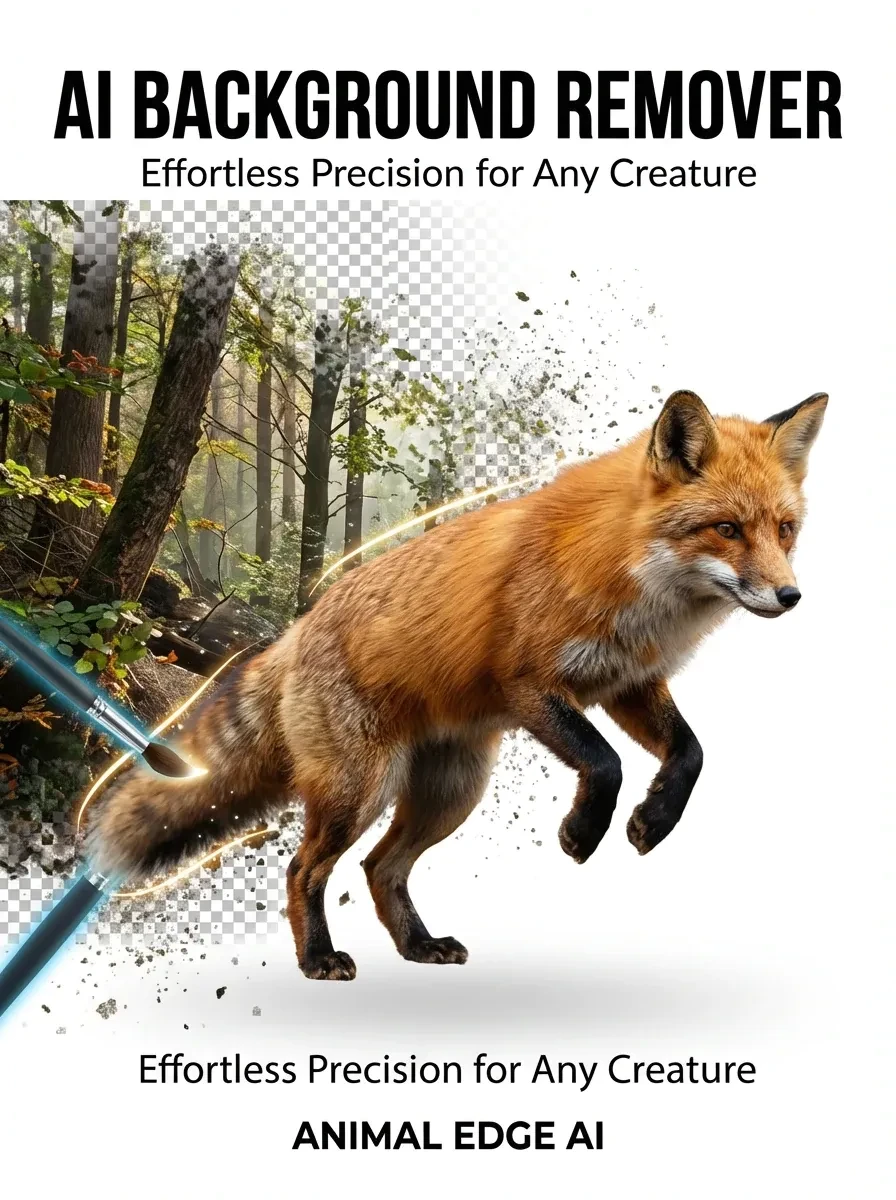
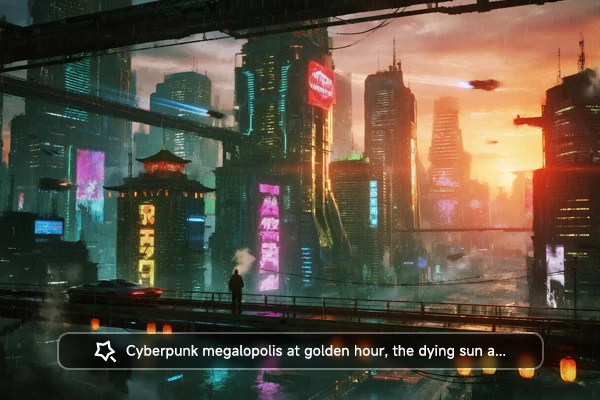
OpenClaw text-to-image mode showing prompt input with no image upload and AI-generated artwork result

Generate Any Image from Text

Type a description and OpenClaw generates the image from scratch. Write "a cyberpunk cityscape at sunset" or "a minimalist coffee logo" and the tool returns a finished result. The tool supports FLUX, Seedream, and Nano Banana, covering styles from photorealistic to illustrated.

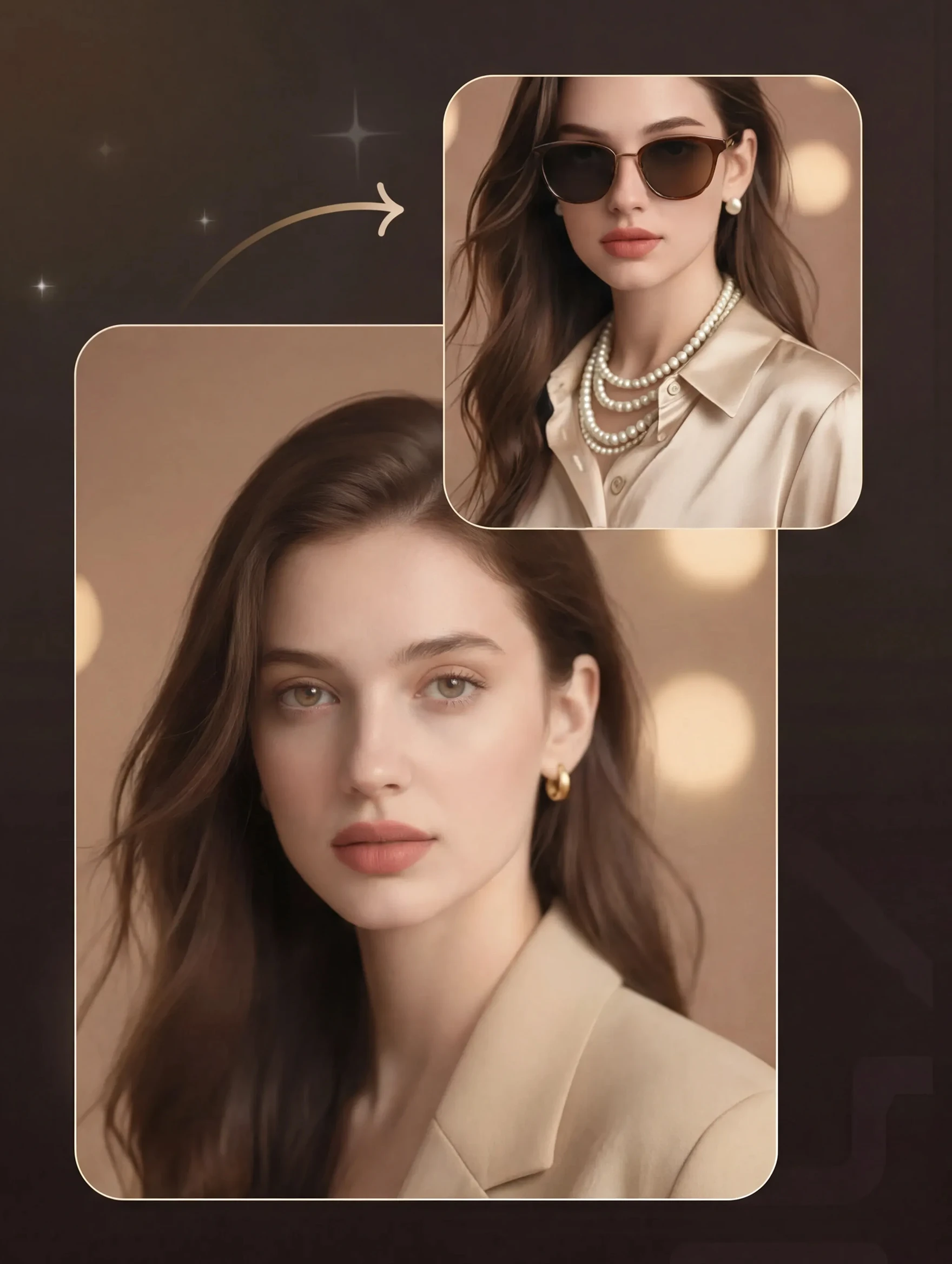
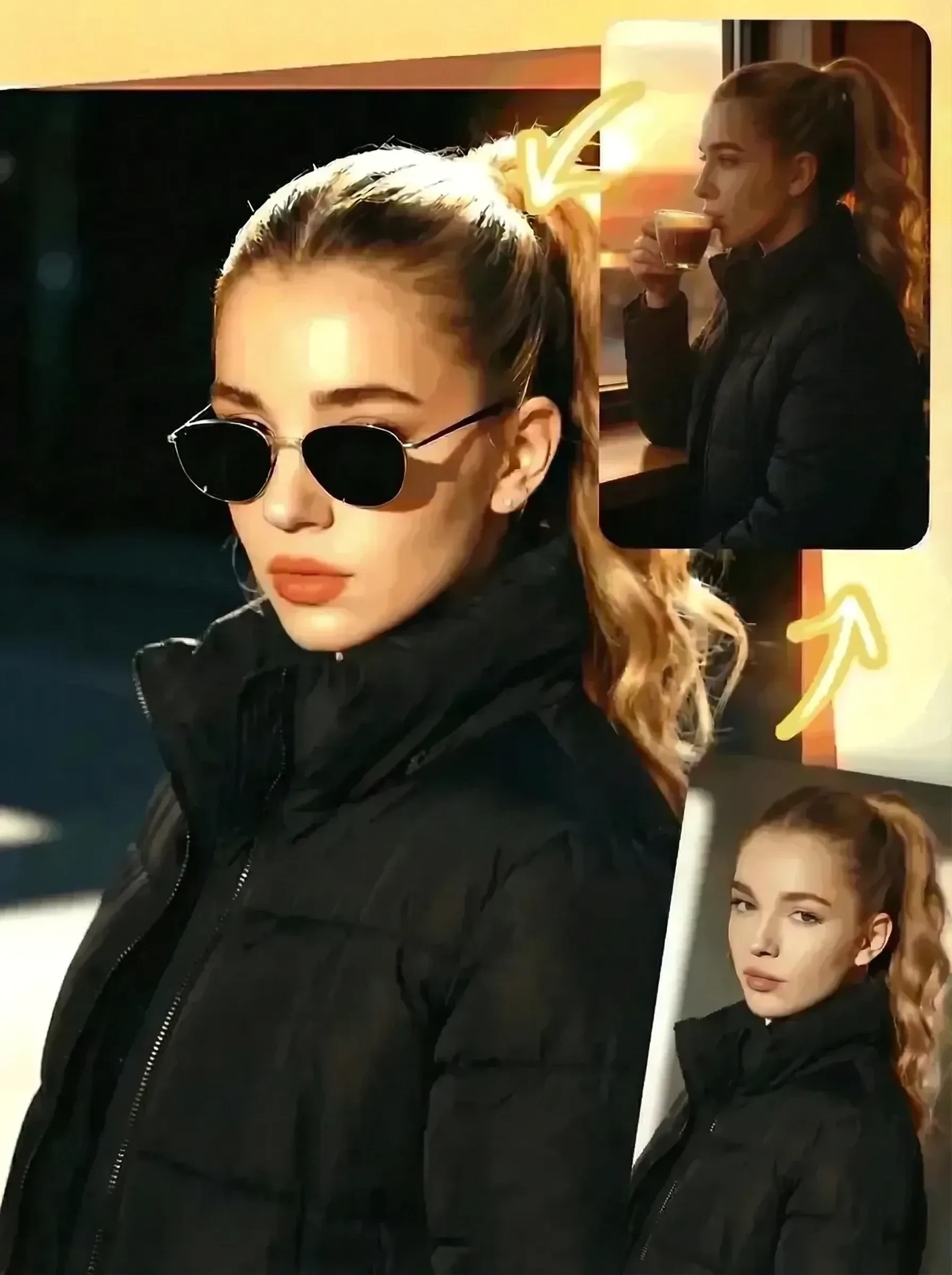
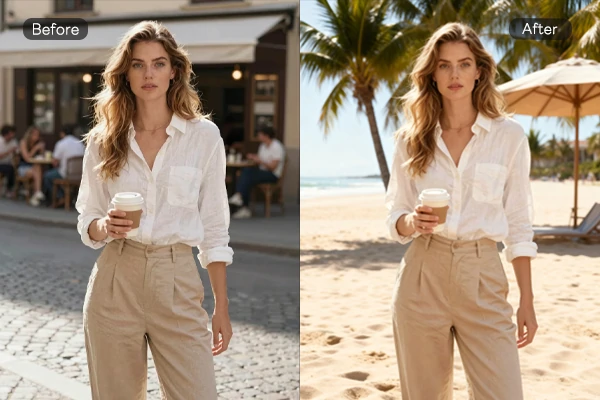
Single image editing with OpenClaw showing before and after photo transformation results

Edit Any Photo, Change Only What You Need

Upload one image and describe what to change in plain text. The tool applies targeted edits - swap backgrounds, adjust lighting, remove objects, or transform the overall look. It works with photos, illustrations, and AI-generated content. Changes apply only where needed, keeping the rest of your image intact.

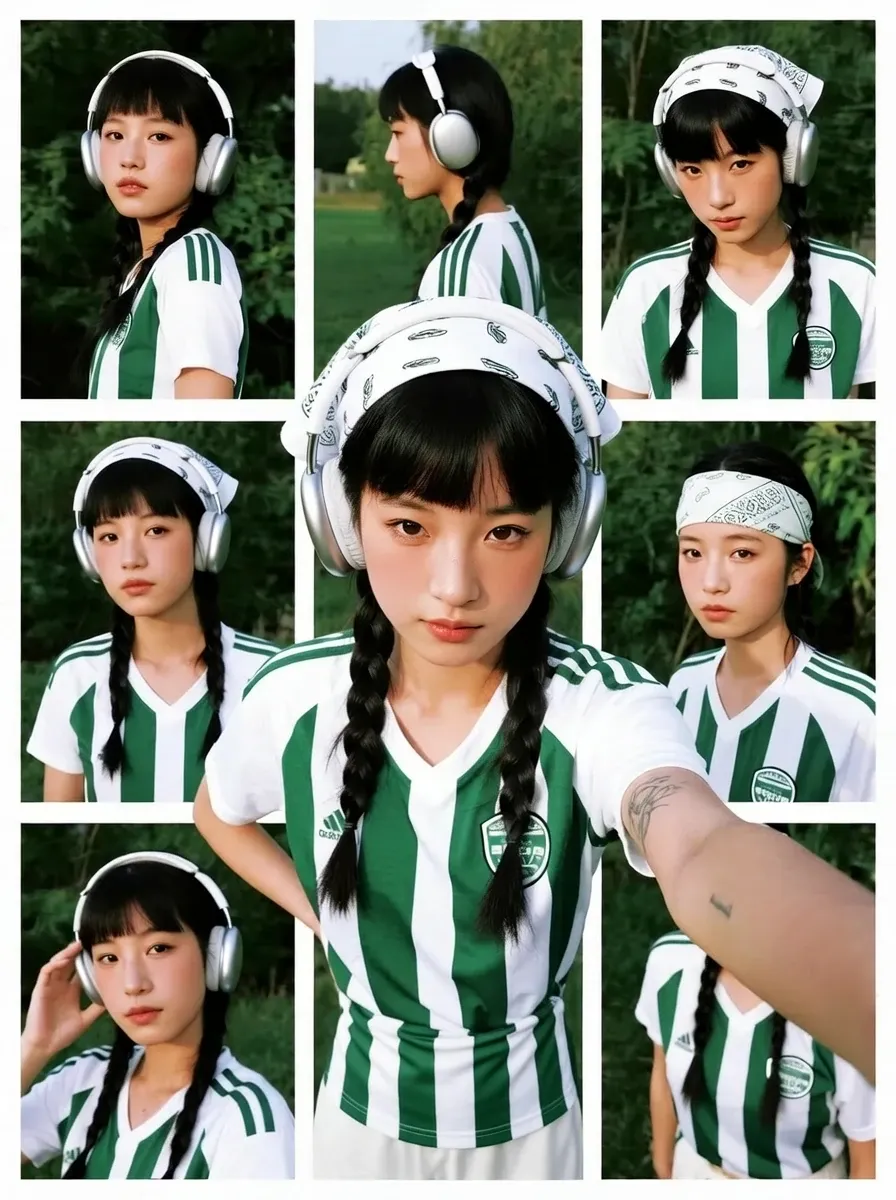
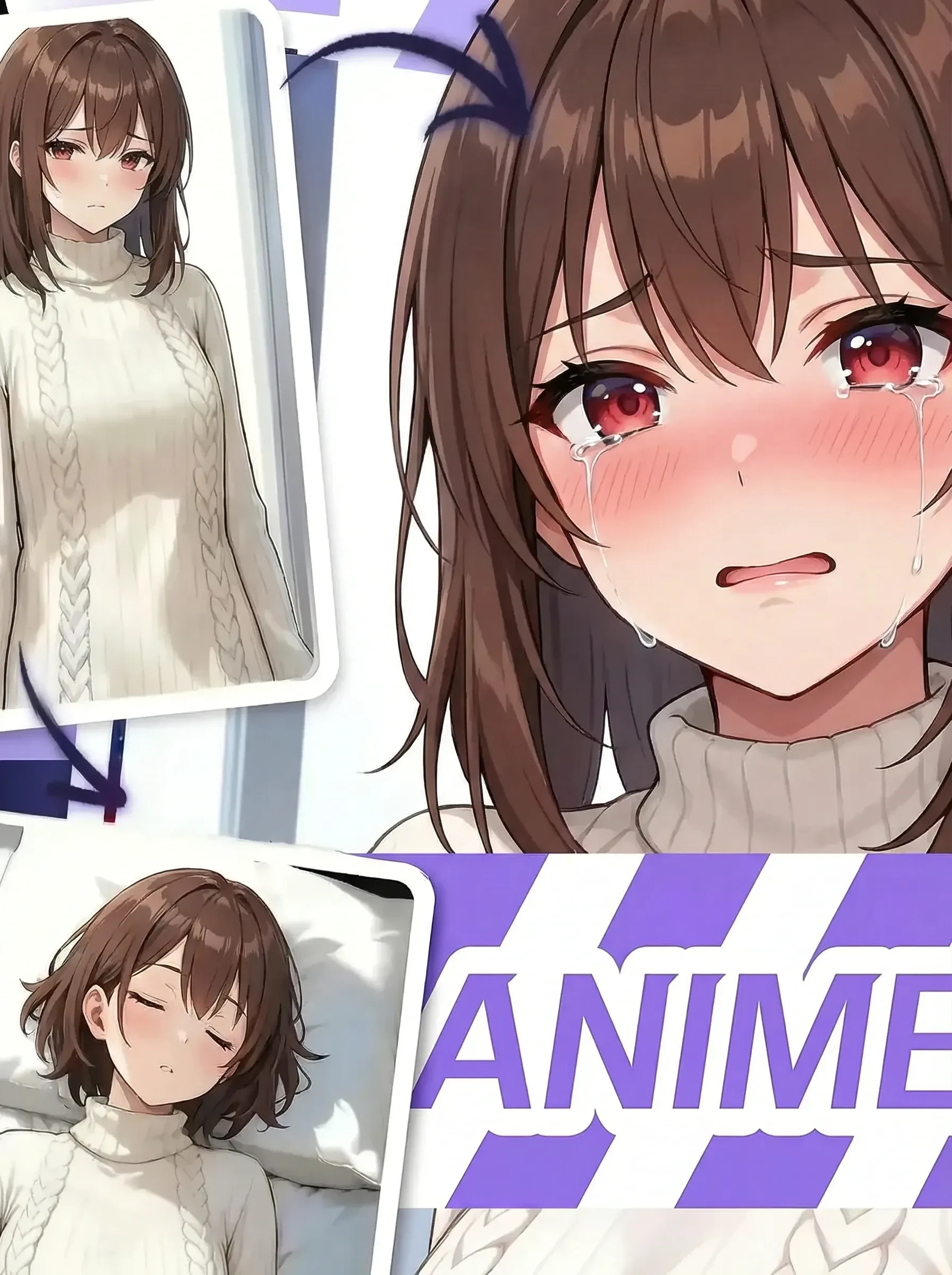
OpenClaw multi-image editing mode with multiple uploaded photos being combined into one AI-generated output

Merge Multiple Image References

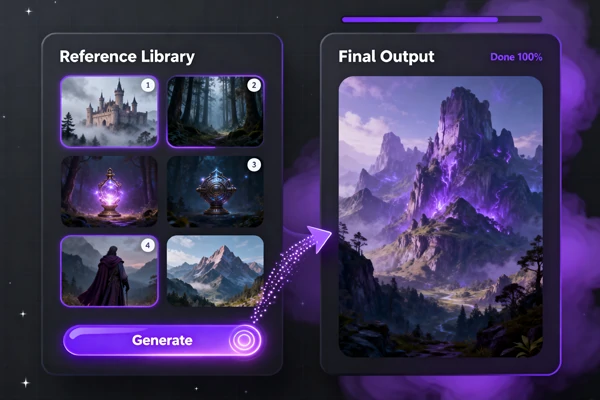
Upload two or more reference images and OpenClaw uses them in one generation. This mode handles character consistency across scenes, blends elements from separate photos, and builds composite outputs. This works well for product mockups, character references, and any creative work that draws from multiple sources.

Why Creators Choose OpenClaw Image Generator

Create Anytime, Anywhere

Use OpenClaw on any device - phone, tablet, or desktop. Cloud-based processing handles everything, so no software downloads or local installs are needed.

Start from a Text Prompt

Type a prompt, skip uploading anything - the tool generates original AI images directly from your description.

Download Clean - No Watermark

All images generated or edited on SeaArt AI download without a watermark. Use your creations freely across any project or platform.

Style Transfer on Any Photo

Apply artistic style transformations to existing images - convert photos into illustrations, sketches, or other visual styles.

50M
+
Creator
100M
+
Generated Images
1M
+
Models
100K
+
AI App

Ready to Create Your First AI Image?

Whether you're creating original artwork from a text prompt or editing an existing photo, OpenClaw Image Generator has the right mode for you. Start with a description and get AI visuals instantly, or upload an image and transform it - all on SeaArt AI, a free AI art generator platform.

Start Creating in Three Steps

Choose Your Mode

Select text-to-image for new creations, or image editing mode to modify an existing photo.

Enter Prompt or Upload Image

Type your description for text-to-image, or upload one or more reference photos for editing.

Generate and Download

Click generate, wait a few moments, then download your finished AI image.

Frequently Asked Questions

collapse

What is OpenClaw Image Generator?

OpenClaw Image Generator is an all-in-one AI tool on SeaArt AI that creates images from text descriptions and edits existing photos. It supports text-to-image mode, single image editing, and multi-image editing in one place.

expand

Which AI models does OpenClaw support?

OpenClaw includes Nano Banana 2, Seedream, FLUX, and Stable Diffusion - covering styles from photorealistic to illustrated.

expand

What is the difference between text-to-image and image editing mode?

Text-to-image mode creates a new image from scratch using only your text description, with no photo input required. Image editing mode takes one or more uploaded photos and modifies them based on your prompt.

expand

Can I edit multiple images at the same time?

Yes, the multi-image editing mode lets you upload two or more photos and combine or transform them together. This works well for character consistency, background swaps, and composite scenes.

expand

Can I use OpenClaw for social media and content creation?

Yes. You can generate images for Instagram posts, Pinterest boards, YouTube Shorts covers, thumbnails, and product listings - all without a design tool or photographer.

expand

What are the most common ways people use it?

Common patterns include generating product mockups from a text prompt, editing a reference photo to swap backgrounds or adjust lighting, and combining multiple character or scene images into one consistent output. Creators also use it to apply style transformations to existing photos for visual branding.

SeaArt AI Trusted by