 Enterprise Version
Generate
History
Private Creation
Private Creation
Create private works that are only visible to yourself.
[Private Creation] is a premium feature that is available after becoming an SVIP.
Unlock Now
Already the end

No Data
No Data
Details
Related Works
Report
Not Interested
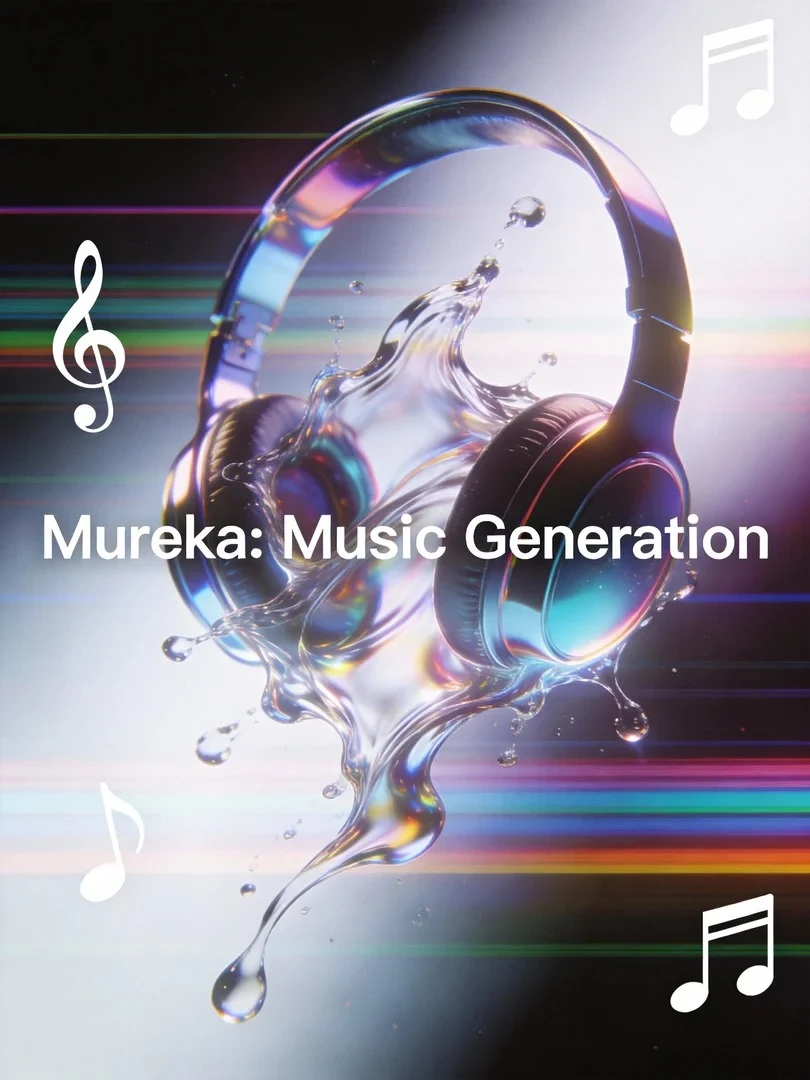
Original
Mureka: Music Generation
616
0
167
2026-02-04 02:44:55 Update
#Music Generation
#Audio Analysis
#Audio Conversion
Rating & Review
4.8 /5
Not enough ratings or reviews received yet
more

No data available
Related Works

No Data
Log in to view all works
Log In Now


Explore Related









Download SeaArt App
Continue your AI creation journey on mobile devices
What Makes Mureka AI Music Generator Distinct


Full-length Song Structure
Generate complete songs with intro, verse, chorus, and transitions—built like real productions, not loop snippets.

Consistent Vocals, Studio-ready Feel
Create songs with a cohesive lead vocal tone and polished delivery, so the track sounds finished, not like a rough draft.



Beginner-friendly Controls
Start with a simple idea or a few lyric keywords. No instrument skills or DAW knowledge needed.

Stems and Export-ready Audio
Split tracks into layers for remixing, then export the parts you need - full songs, choruses, or custom cuts.
Turn Prompt to a Finished Song with Mureka AI
Make export-ready music fast with Mureka AI music generator: text-to-song, lyrics drafting, reference vibe matching, and stems. Build intros, podcast themes, ad loops, and demo tracks without needing instruments or complex DAW setup.
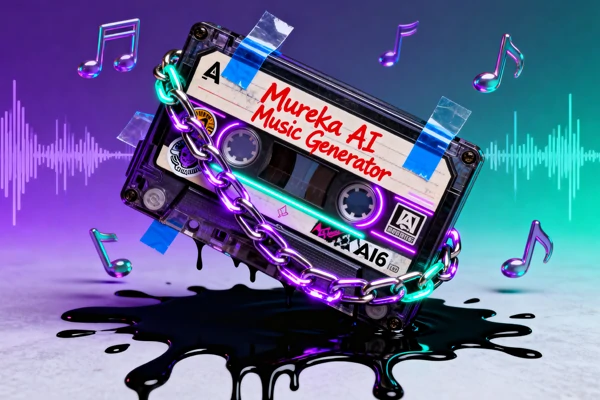
Get a Full Song with Vocals from Text and Lyrics
Begin with a simple prompt, a few lyric lines, or even keywords and a rhyme direction, and Mureka AI music generator returns a full track with intro/verse/chorus plus a coherent vocal line. This keeps the workflow easy for beginners while still useful for songwriters building demos: you get a structured first take that already sounds like a complete song, with consistent vocals and clear sections.
Control Your Music Style by Uploading References
When “describe the vibe” feels too fuzzy, anchor it by uploading one of your reference track or choosing presets in SeaArt AI. With that guide, Mureka AI music generator aligns tempo feel, instrumentation, and mood so the output lands closer to your target style. For campaigns or series, reuse the same reference and vary lyrics and sections to keep a consistent sonic identity across multiple tracks.
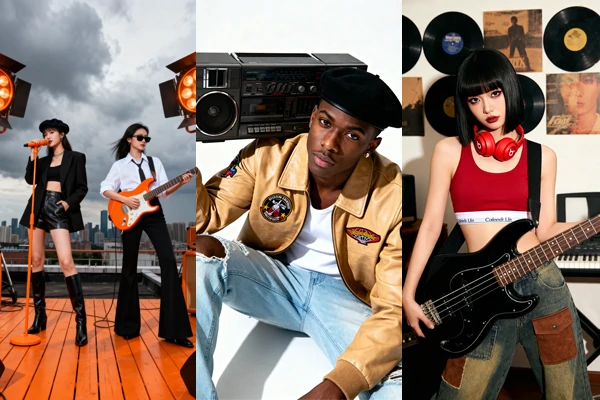
Create Music Videos in Any Style You Want
Crate your music in multiple styles like EDM, R&B, Latin, Blues, Cinematic, and more. You can also select built-in genre templates, then shape mood, instruments, and vocals with the Mureka AI music generator. The platform is described as offering a royalty-free commercial license for YouTube, TikTok/Reels, podcasts, and ads. Pair tracks with visuals via AI music video to create MVs in any style.
Improve a Specific Section While Keeping the Best Hook
Description: Songs often have one weak spot - a verse, bridge, or transition. Mureka AI lets you refresh only that section while keeping the hook that already works. This section-level control helps you reach a stronger, more cohesive song faster, instead of restarting from scratch when only one part needs improvement.
How to Use Mureka AI Music Generator?
Step 1: Input Your Creative Vision
Type a concept, paste lyrics, or add a reference link to guide the style and mood.
Step 2: Customize the details
Pick genre, tempo feel, instruments, and vocal tone, then adjust the structure if needed.
Step 3: Generate and Download
Create multiple versions, trim the best section, and download audio or stems for your workflow.
FAQs About the Mureka AI Music Generator

What makes Mureka different from a simple loop-based AI music tool?
It focuses on full song structure—intro, verse, chorus, and transitions—so you can draft a complete track instead of stitching loops. Region editing, extend, trim, and stems help you keep what works and change only what doesn’t. That matters when you need a usable track fast, but still want control over the final shape of the song.

Can I use Mureka as an ai music generator with vocals for full songs?
Yes. Start from lyrics or a few keywords and generate a track with an arranged vocal line. You can influence vocal tone and style so the voice fits the genre and mood. If one section feels off, refresh that part while keeping the rest consistent, which avoids losing a chorus you already like.
How does reference-based "style matching" work?
Upload a reference track. The system uses that guidance to shape instrumentation, pacing, and overall vibe, which helps when you want “something like this” without copying a specific song and when text alone tends to drift.
Is the music royalty-free and safe for commercial use?
Mureka is described as providing royalty-free commercial usage for generated tracks, which helps creators publish on YouTube, TikTok, podcasts, and ads with fewer licensing headaches. For professional projects, review the latest terms and keep input assets compliant, especially when using external references. For a broader creative suite beyond music, visit SeaArt AI.
Explore More AI Apps


More
SUNRISEAI PTE. LTD.