
Generate
History
Private Creation

Details
Related Works
691
117
2026-01-19 13:33:29 Update
...View More
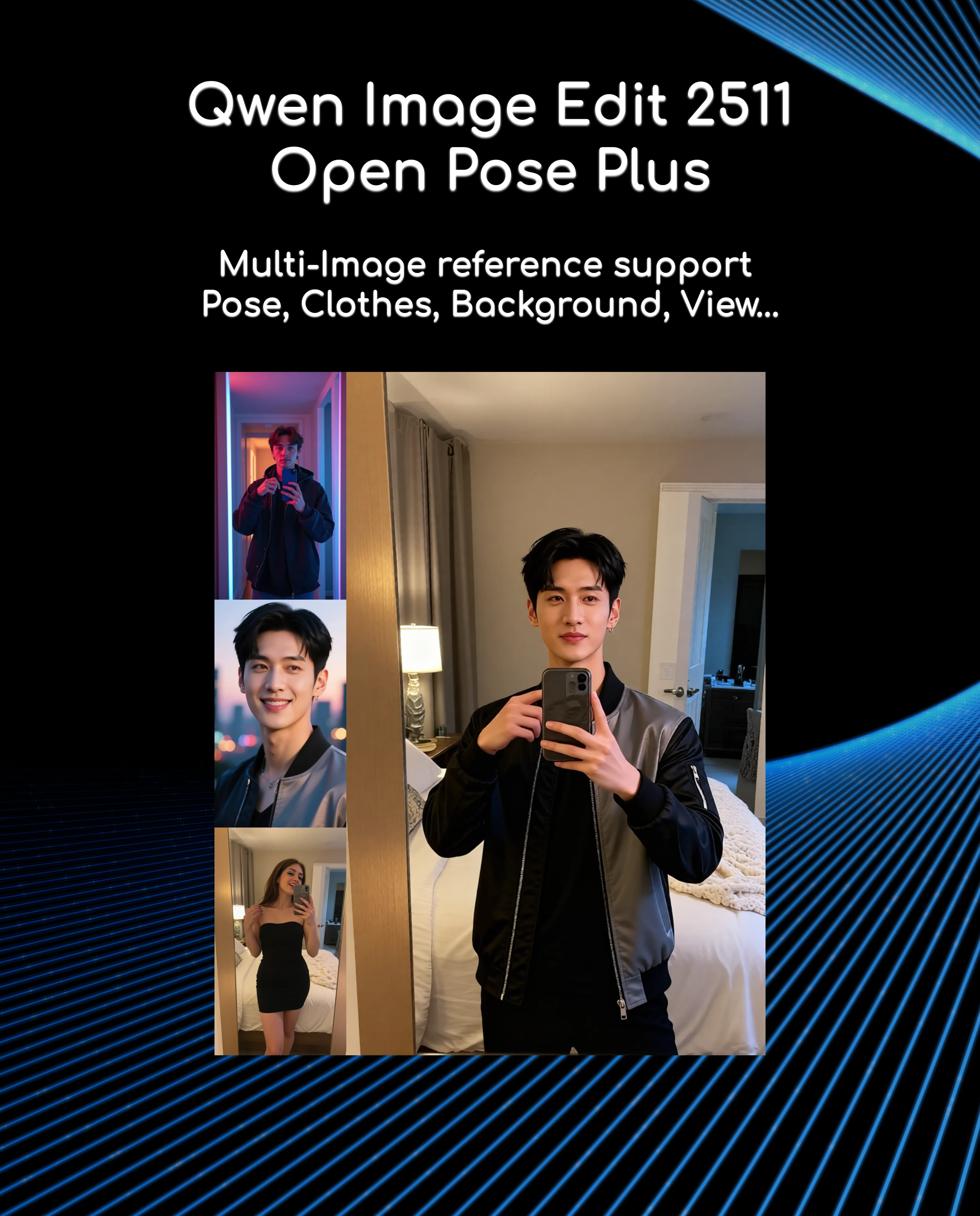
Open pose control primarily allows you to swap poses between multiple images, as well as add other changes such as clothing, backgrounds, views, and even specific objects. It's recommended to start with intensities of 4-6, and you can also introduce simple prompts with good results.
For example: Change the pose from Figure 1 to the pose in Figure 2 and use the outfit from Figure 3.
For better results, it's recommended that the pose and character images have the same aspect ratio when loading. The character works with just the face, but loading half the body improves the result. When loading the third image, you must specify what you want in the prompt. If the result is unstable, you can change the intensity along with the prompt, making it more specific.
more

No data available
Related Works

No Data


Gibbs Ortiz
2
112
Explore Related









Download SeaArt App
Continue your AI creation journey on mobile devices