Generate
History
Private Creationvip-icon
Details
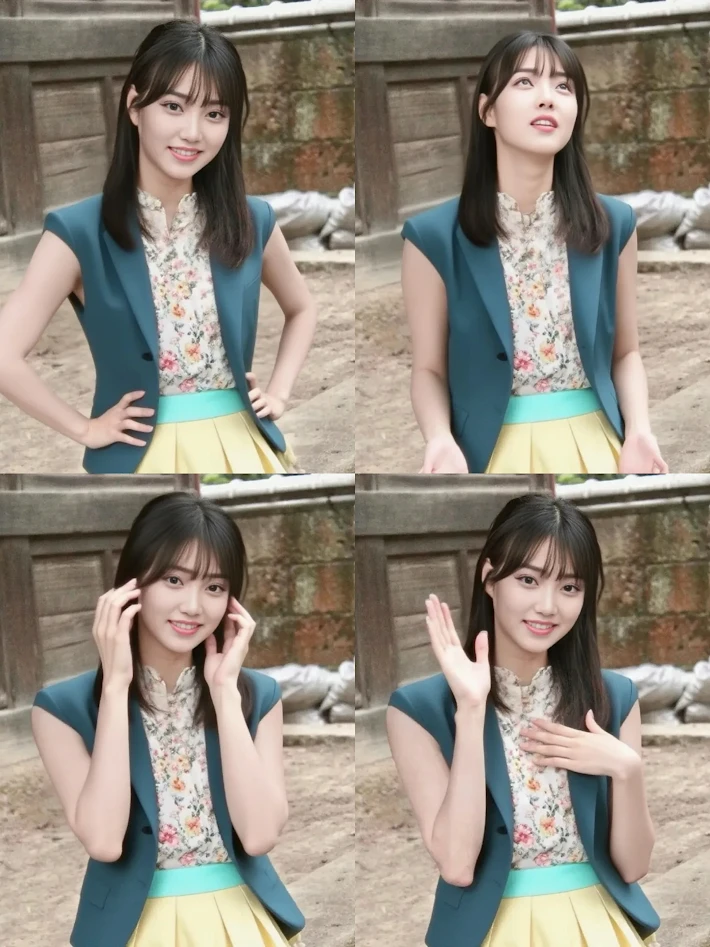
Reference image to multiple angle (poses) images
Original

Reference image to multiple angle (poses) images

1.6K
0
517
2026-01-04 08:34:51 Update
#Realistic
#Graphic Design
#E-commerce Design
#Background Removal
#HD Zoom

Rating & Review

5.0 /5

Not enough ratings or reviews received yet

more
no-data
No data available

Enhance Images with Multiple Angles and Poses

Convert reference images into multiple angles and poses for diverse graphic design needs.

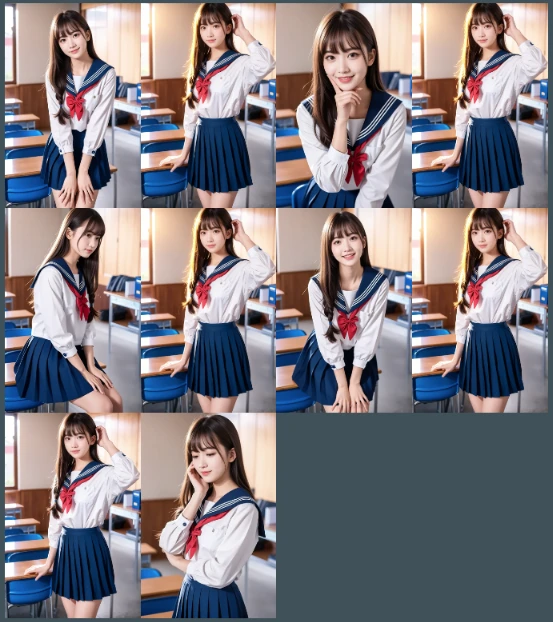
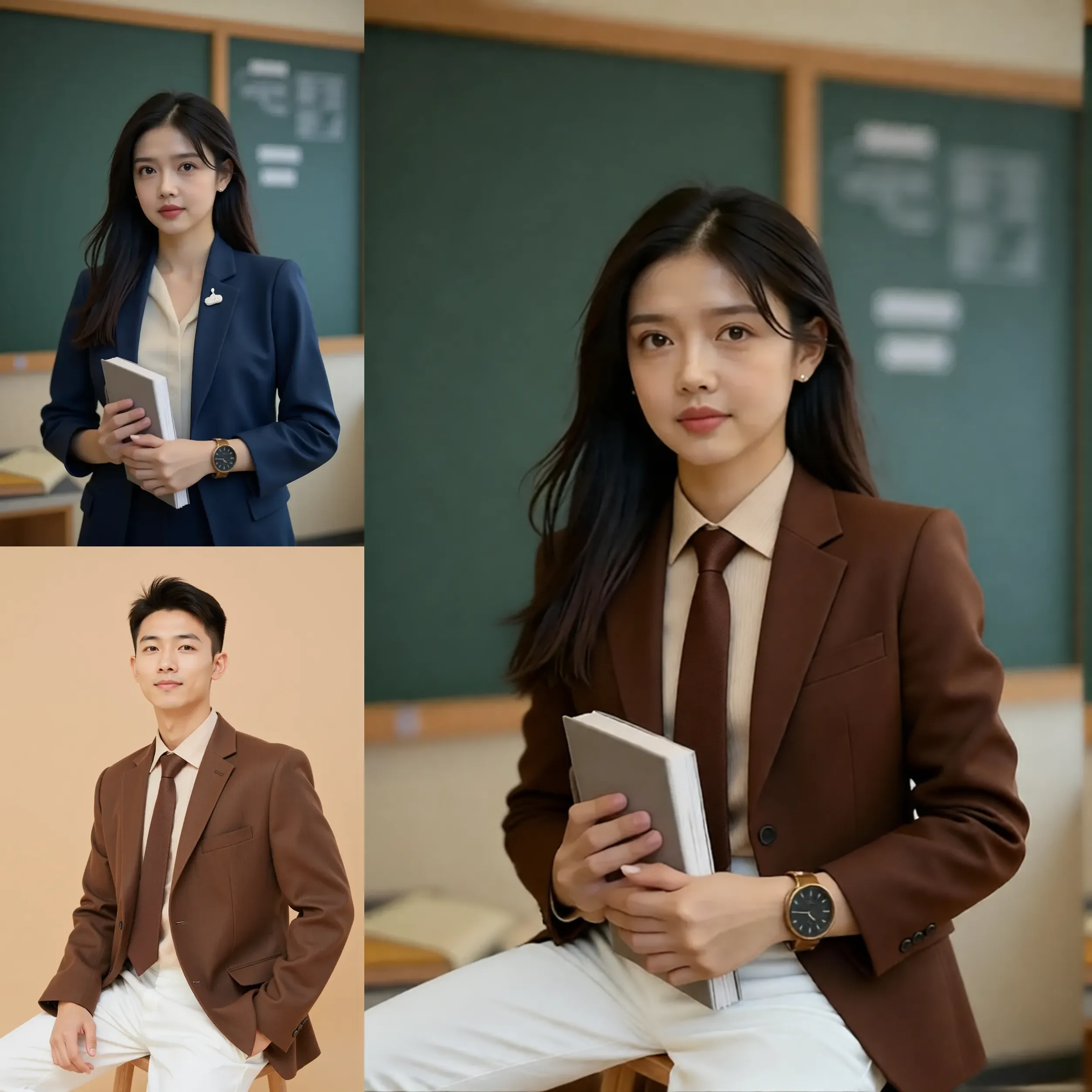
Student in uniform, classroom setting

Create Varied Shot Types

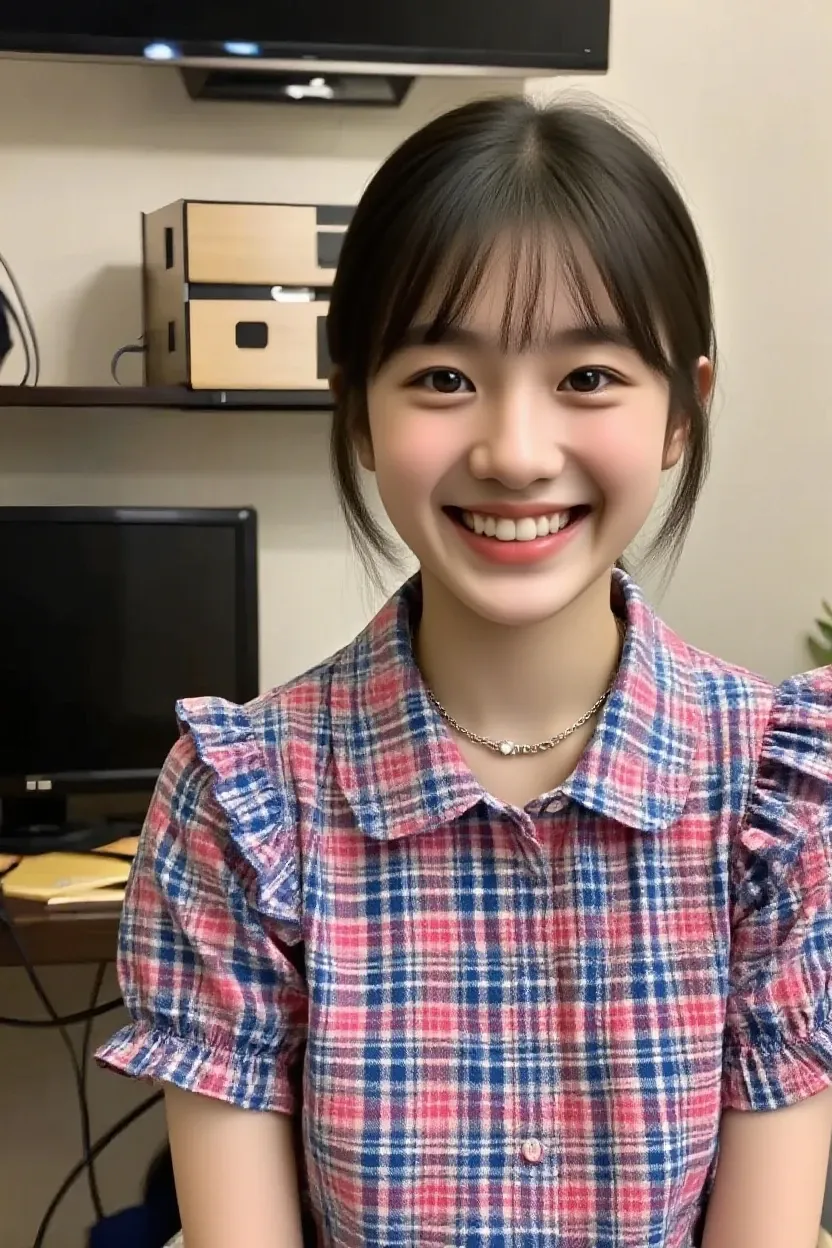
Transform your images to medium or close-up shots with various angles. Achieve a front view with a medium shot while maintaining high detail at 8K resolution, ideal for professional graphic design projects.

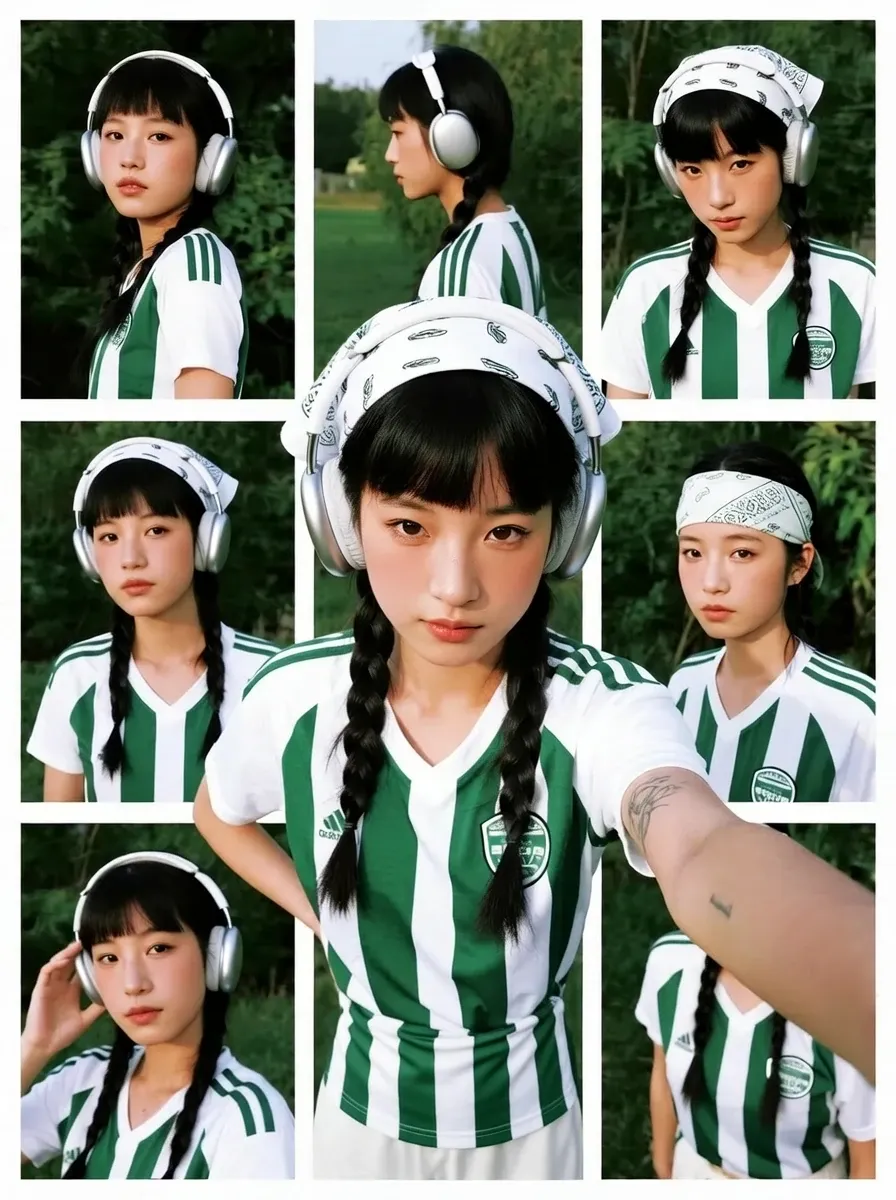
Student in uniform, classroom setting

Generate Realistic Poses

Utilize thought-out poses like lightly bowed heads or pursed lips for natural expressions. Perfect for e-commerce designs where different emotional expressions can enhance product attraction.

Student in uniform, classroom setting

Flexible Angle Adjustments

Images can be changed to specific downward angles ranging from 15 to 40 degrees. These subtle modifications allow tailored graphic creations, helpful for targeted advertising.

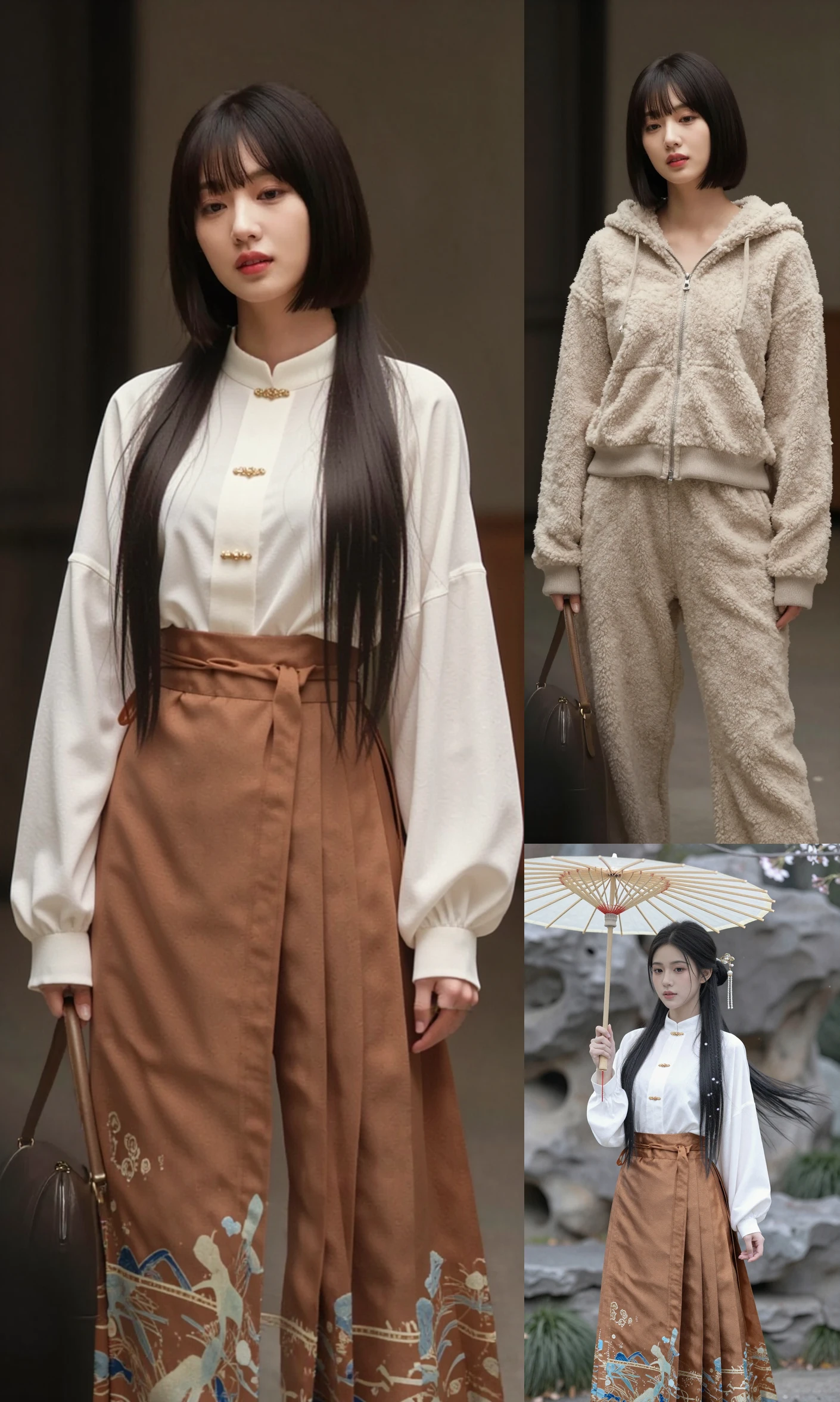
Student in uniform, classroom setting

Detailed ?????? Expressions

Capture nuanced ?????? changes like smiles or slightly biting lips in varied views. These details increase realism in graphic outputs, essential for achieving high-quality visual content.

Operation Steps

Prepare Reference Image

Start by selecting a reference image that you'd like to convert into various angles and poses within the design tool.

Select Desired Angles and Poses

Use prompt-based commands to choose specific shots and angles for transformation, adjusting poses and viewpoints as needed.

Download Transformed Images

Once satisfied with the transformations, download your images in high resolution, ready for use in graphic design or e-commerce applications.

FAQ

collapse

How does the multiple angle transformation work?

This tool allows you to apply specific prompts and parameters to change the angle and pose of a reference image, applying 8K resolution for clear and detailed results.

expand

Is the output suitable for commercial use?

Yes, the images generated are of high enough quality for use in commercial graphic design and e-commerce platforms, providing realistic transformations.

expand

What are the resolution capabilities?

The tool outputs images at an impressive 8K resolution, ensuring clarity and detail suitable for professional use.

expand

Can I customize the image poses?

You can choose from pre-defined prompts to control pose and angle, allowing you to customize images according to specific design requirements.