
Generate
History
Private Creation

Details
![[V2] Prompt to "Real" Face | Magical T2I FaceSwap (Multi-Source Build) 【Z-image】](https://image.cdn2.seaart.me/2025-12-11/d4tcf9le878c73fe2ahg/e733d7778d1130eb9cb846319592d6ea.webp)
337
430
2025-12-27 23:04:38 Update
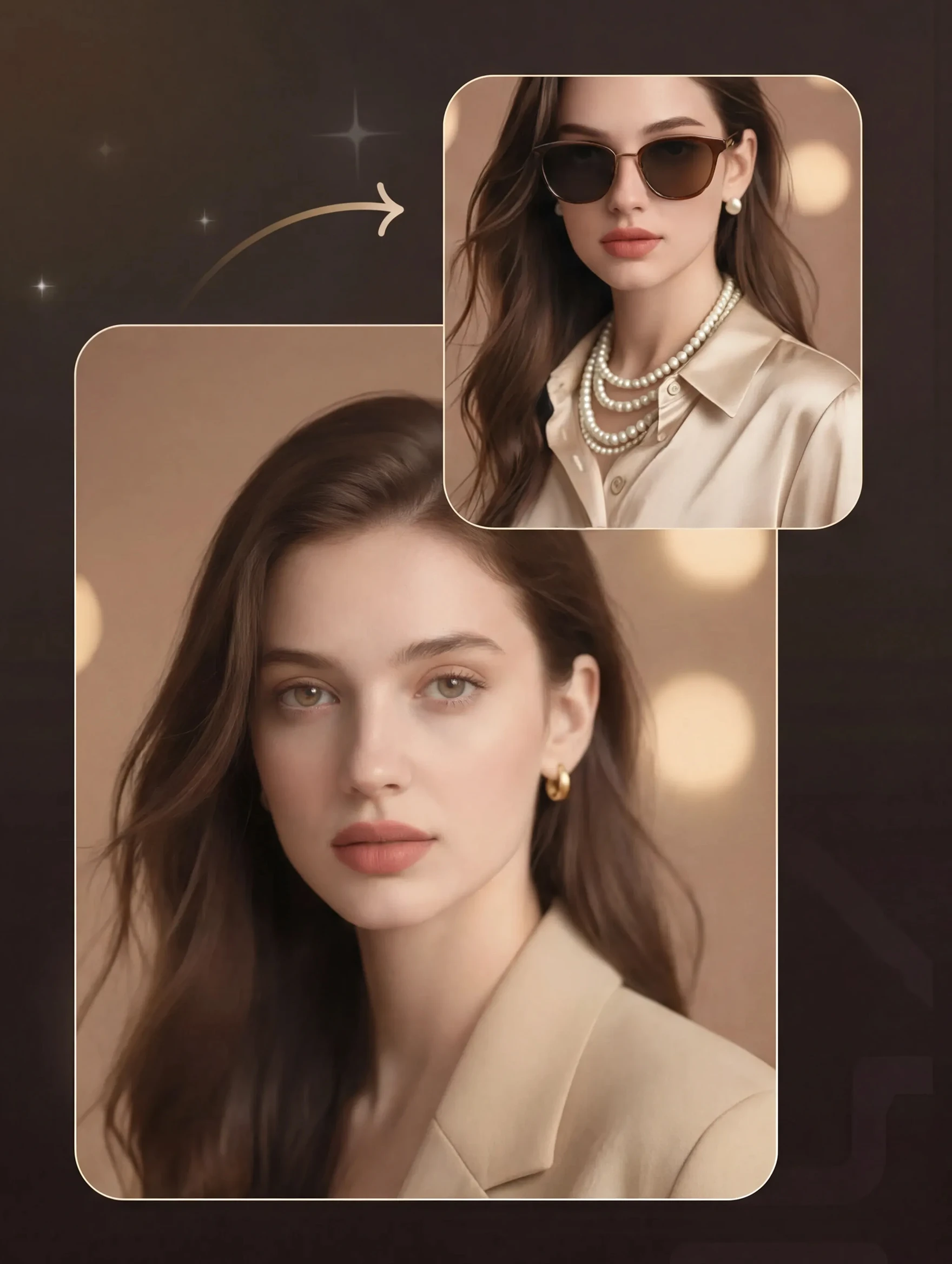
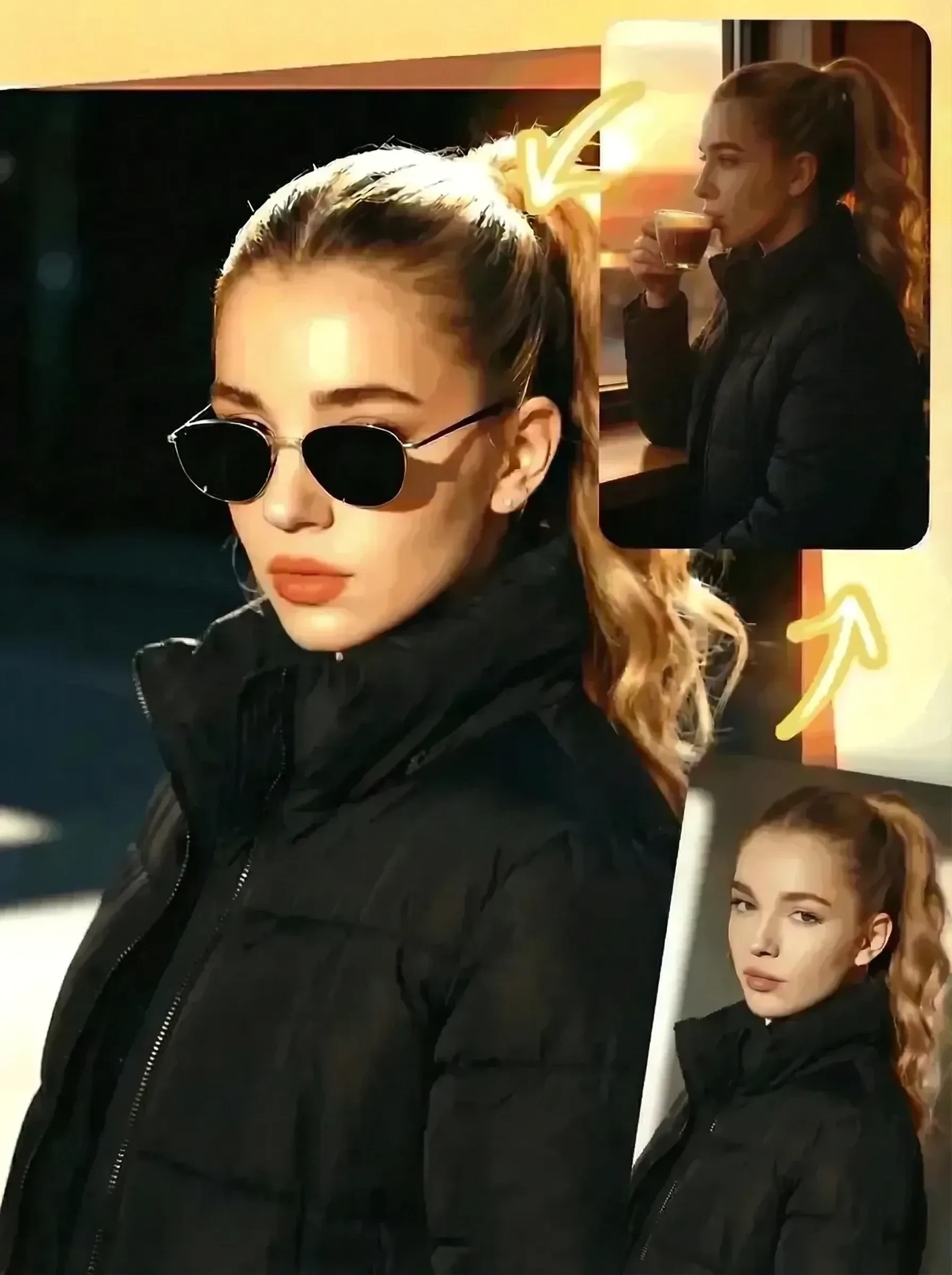
[Overview] This workflow brings your "What if..." scenarios to life. It combines T2I (Text-to-Image) with a "High-Fidelity Face Model" blended from multiple source photos. No base image is required. Simply enter a prompt, and your target person will appear in the world you envisioned.
[Why this workflow is amazing]
No Base Image Needed (T2I): The AI generates the base photo automatically. Just describe the situation like "at the beach" or "at a cafe" in the prompt.
Unmatched Likeness: Unlike simple single-image swaps, this workflow calculates features in depth from multiple photos (Build Model). This ensures the subject looks authentic and recognizable from any angle.
[How to use]
Prompt (Positive): Enter the situation you want to create in English (e.g., "high school girl, beach, sunset").
Source Images: Upload multiple face photos (3-5 recommended) of the target person. (Mixing front view, side profile, and smiling faces creates the best results).
Generate: Press the generate button and wait for about 1.5 to 2 minutes.
[Tips]
Specifying the person's hairstyle and clothing in the prompt will result in a more natural blend.
Since it precisely calculates multiple face data, generation takes a little time, but the resulting "miracle shot" is well worth the wait.
【概要】 「好きなあの人が、こんな場所にいたら…」を叶えるワークフローです。 T2I(テキストからの画像生成)と、複数の顔写真を混ぜ合わせる「高精度Face Model」を組み合わせました。元画像は不要。プロンプトを入力するだけで、指定した顔の人物が、あなたの思い描いた世界に現れます。
【このワークフローの凄いところ】
元画像不要(T2I): ベースとなる写真はAIが自動で作ります。「海辺で」「カフェで」など、好きなシチュエーションをプロンプトで指定するだけ。
圧倒的な本人再現度: 1枚だけの顔移植ではなく、**複数の写真から顔の特徴を立体的に計算(Build Model)**して合成するため、どんな角度でも「本人」に見えるクオリティを実現しました。
【使い方】
Prompt (Positive): 「女子高生、海、夕日」など、どんなシチュエーションの絵を作りたいかを英語で入力してください。
Source Images: 出したい人物の顔写真を**複数枚(3〜5枚推奨)**セットしてください。(正面、横顔、笑顔など混ぜると最強になります)
Generate: 生成ボタンを押して、約1分半〜2分お待ちください。
【ポイント】
プロンプトで人物の髪型や服装を指定すると、より自然になじみます。
複数の顔データを精密に計算するため、生成に少し時間がかかりますが、待つ価値のある「奇跡の1枚」が仕上がります。

No data available

KEKU
73
9.0K

Explore Related









Download SeaArt App
Continue your AI creation journey on mobile devices