
Continue your AI creation journey on mobile devices
ViduQ2 Video Generation Workflow | Performance-Driven Cinematic Shots
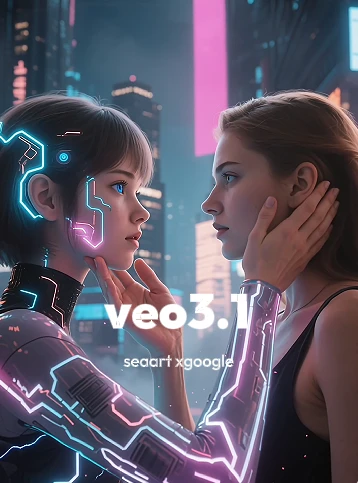
Supports single-image video generation and a custom first-and-last-frame mode, focusing on enhancing subtle facial expressions, micro-movements, and camera movement performance, making emotional changes feel more natural and shots more narrative.

Performance-driven character acting: more natural micro-expressions
Better at presenting subtle changes in the eyes, corners of the mouth, jaw, etc.; ideal for emotional shifts, close-up slow-motion shots, and performance-driven scenes.
More controllable creation: single image / first-and-last-frame + adjustable duration
Supports single-image generation and custom first-and-last-frame, combined with adjustable duration and 720p/1080p output, helping shots better match the script and delivery specs.
Includes text-to-video, image-to-video, image reference, and video extension; you can choose according to your own needs.
Generate results
Click the Generate button, then wait a short while to see the generated results.
FAQ
How to make shots feel more 'cinematic'?
In the prompt, clearly specify 'shot type + camera movement method + pacing,' for example: 'cinematic close-up, slow push-in, shallow depth of field, emotion shifts from hesitation to determination.'
When is it more appropriate to use the 'first-and-last-frame' mode?
When you need to control the opening and closing shots (e.g., transitioning from pose A to pose B, or from motion to a freeze-frame ending), using first-and-last-frame can significantly improve controllability and consistency.