 Enterprise Version
Generate
History
Private Creation
Private Creation
Create private works that are only visible to yourself.
[Private Creation] is a premium feature that is available after becoming an SVIP.
Unlock Now
Already the end

No Data
No Data
Details
Related Works
Report
Not Interested
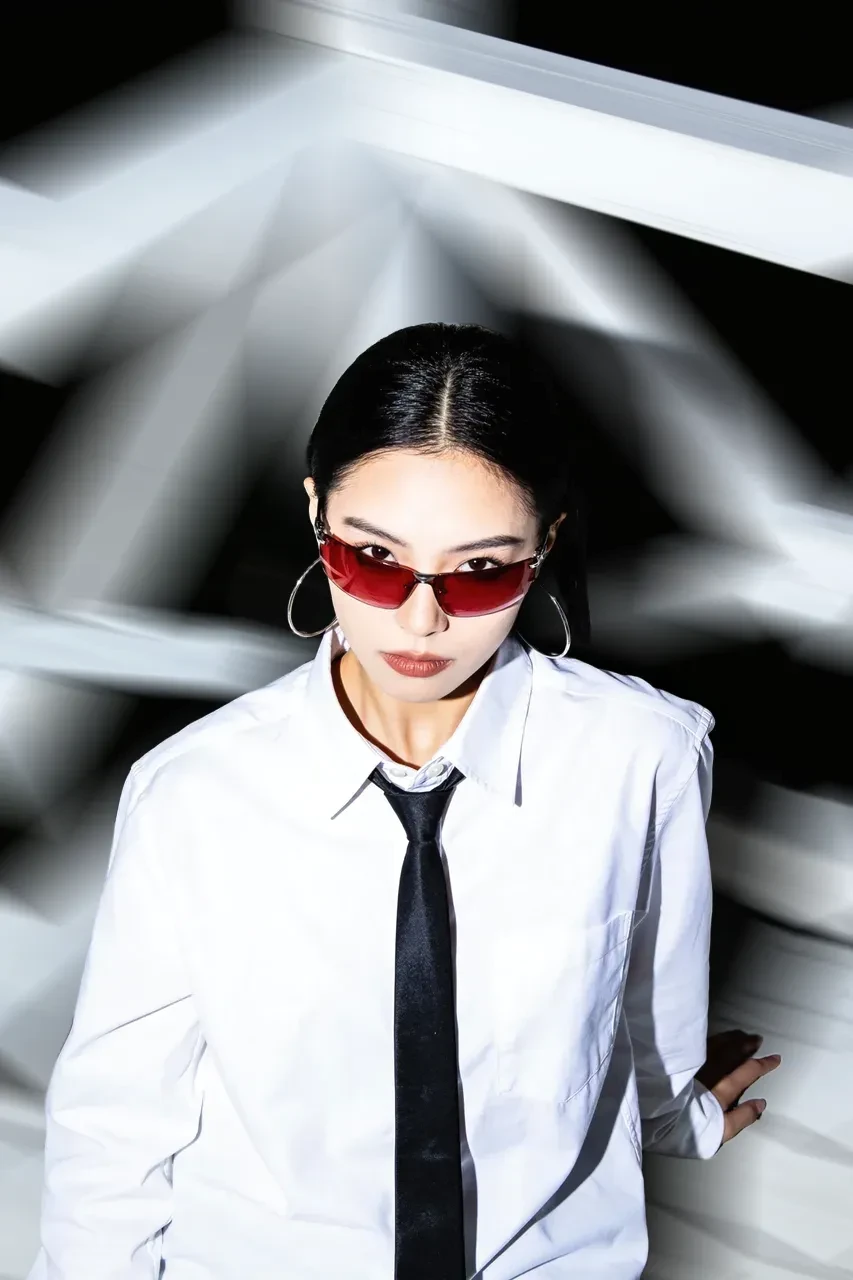
Original
Blur Background
378
0
562
2025-12-31 10:43:11 Update
#Graphic Design
#Poster Design
#Brand Visual Design
#Background Removal
#Eliminate
Rating & Review
-- /5
Not enough ratings or reviews received yet
more

No data available
Related Works

No Data
Log in to view all works
Log In Now


Explore Related
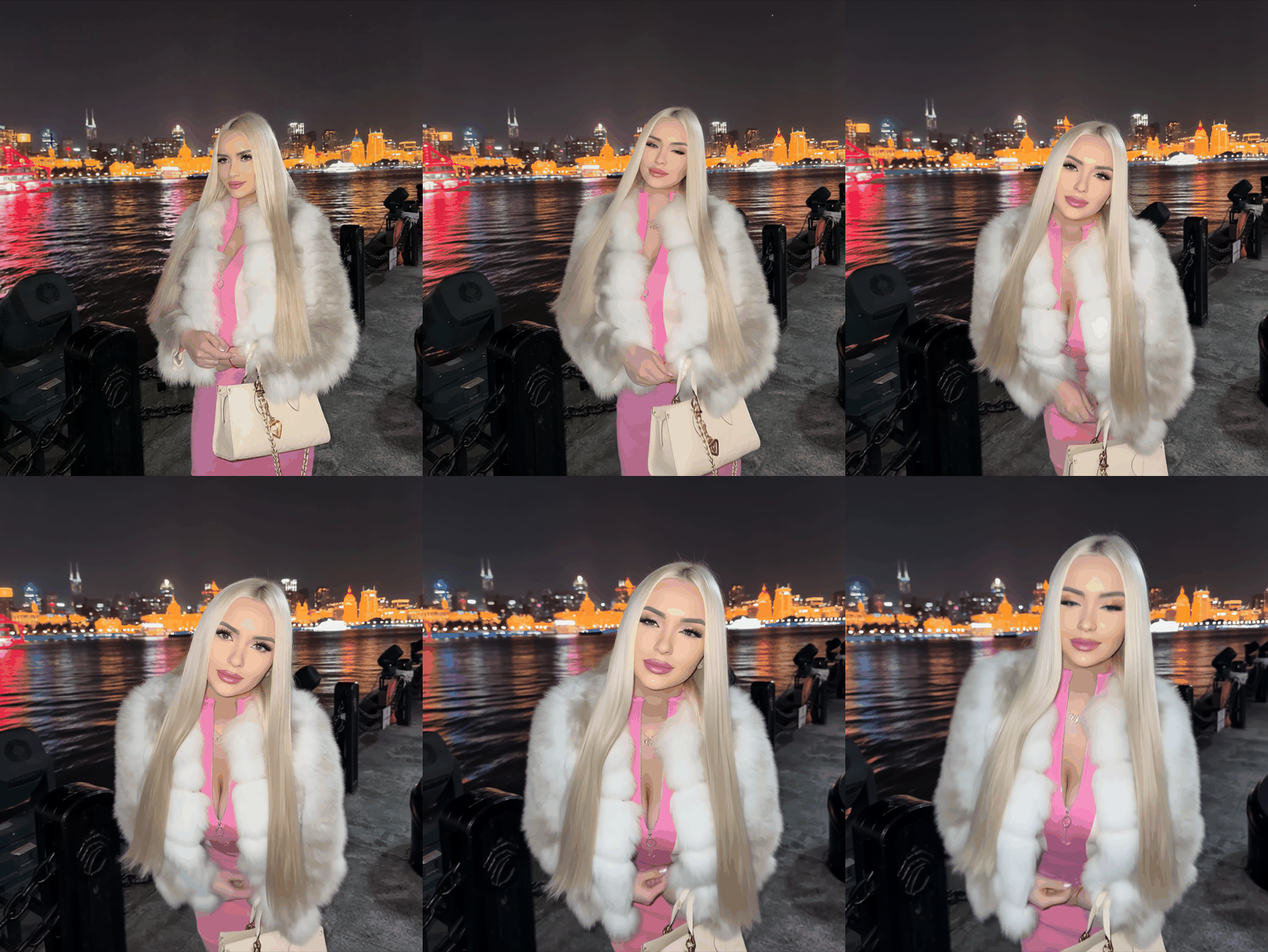

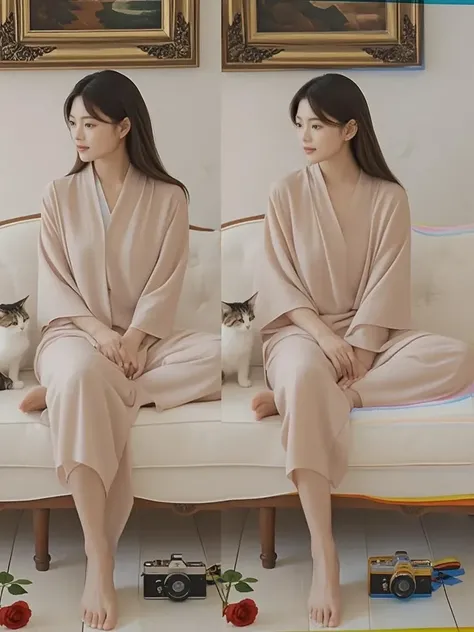






Download SeaArt App
Continue your AI creation journey on mobile devices
Why Does This Blur Background Tool Stand Out?
From AI background blur precision to creative control, effortlessly enhance any image with directional blur and adjustable strength - online and free at SeaArt AI.


Simple & Quick to Use
Just upload your photo, adjust the blur settings, and get high-quality results in seconds. No experience is required.

Customizable Blur Effects
Choose directional blur at any angle, and adjust the intensity to match your vision.



Smart AI Precision
Advanced AI automatically detects your subject, applying a perfect blur effect to the background while keeping details crisp.

Effortlessly Make Blur Background of Photo

Anyone Can Create Pro Photos
Create professional photos without photography skills or expensive equipment. This blur background tool simplifies everything, letting anyone blur the background of a photo like an expert. Perfect for beginners or pros, it delivers stunning results in minutes. Transform portraits, product shots, or casual snaps with ease using this free online solution.
Realistic, High-Quality Blur Effect
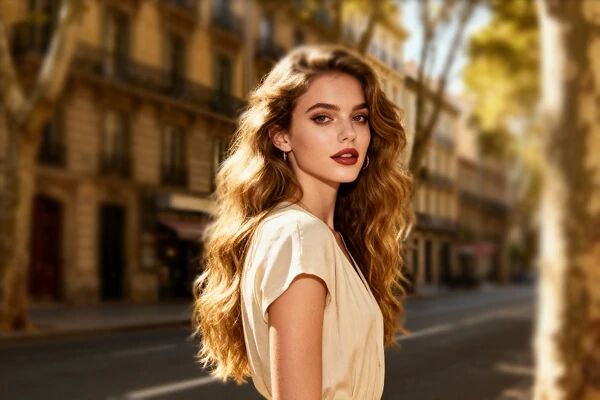
The blur background AI tool replicates the natural depth-of-field effect seen in professional photography. The background blends smoothly while keeping the subject sharp. The blur effect looks natural and seamless, avoiding the artificial appearance of basic filters. Plus, the AI image upscaler can enhance clarity before applying the blur effect, ensuring that the final image maintains depth and realism.

Full Control Over Blur Settings
The blur photo background tool provides adjustable blur setting options. You can increase or decrease the blur effect to achieve your desired look, such as creating a motion blur effect in your photos. The AI automatically detects the subject and precisely applies the blur from any angle. The customization options make it easy to create everything from subtle background softening to dramatic artistic effects.
How to Blur Background in Photo
Step 1: Upload a Photo
Choose a photo from your device or use the AI image generator to create one and upload it to the blur background tool.
Step 2: Adjust Blur Setting & Generate
Select your preferred blur angle, tweak the strength, and hit the Generate button, then let the AI magic create the effect.
Step 3: Download & Share
Save your high-quality edited image without a watermark and share it on social media, websites, or marketing materials.
FAQs - Blur Background

How to blur background on an iPhone?
The iPhone's Photos app allows users to adjust background blur in Portrait mode using the depth control slider. However, this only works for portrait shots. For other images, this blur background tool provides a more flexible solution. Upload your photo, adjust the blur settings, and get high-quality results. The online AI tool supports all devices, including iPhones, and ensures data security. Also, for a premium experience, download the SeaArt App to access more advanced AI-powered features.

Does this background blur tool work for all image types?
Yes, this AI background blur tool works on various image types, including portraits, landscapes, product photos, and more. The AI automatically detects subjects and applies a smooth, natural blur effect. It supports different file formats and resolutions, ensuring high-quality results regardless of the original image type. Users can customize blur intensity and angle to fit their needs.
Is the AI blur background free to use?
Yes, this tool is free to use. SeaArt AI provides 150 stamina daily, allowing users to explore various AI-powered features without cost. This makes it easy to enhance photos, experiment with different effects, and create professional-looking images. The free access ensures that everyone can achieve high-quality results without any upfront investment.
Explore More AI Apps


More
SUNRISEAI PTE. LTD.