
Generate
History
Private Creationvip-icon
Details
Face Cutout Online Free
Original

Face Cutout Online Free

182
0
416
2025-03-11 02:49:20 Update

Rating & Review

3.0 /5
0 Ratings

Not enough ratings or reviews received yet

no-data
No data available

Why Choose Our Face Cutout Tool?

AI-Powered Precision

The face cutout AI offers precise, detailed face cutouts in seconds, ensuring accurate results for your creative projects with ease.

User-Friendly Interface

SeaArt AI's intuitive design makes it easy for anyone to create precise face cutouts, no experience needed with the free face cutout tool.

Fast and Efficient

Get fast, high-quality results with the face cutout generator, saving you time while ensuring your creative projects maintain professional-level precision.

Unleash Fun with the Face Cutout Generator

Unleash your creativity with SeaArt AI's face cutout tool and create high-quality cutouts in seconds, perfect for any occasion or design project.

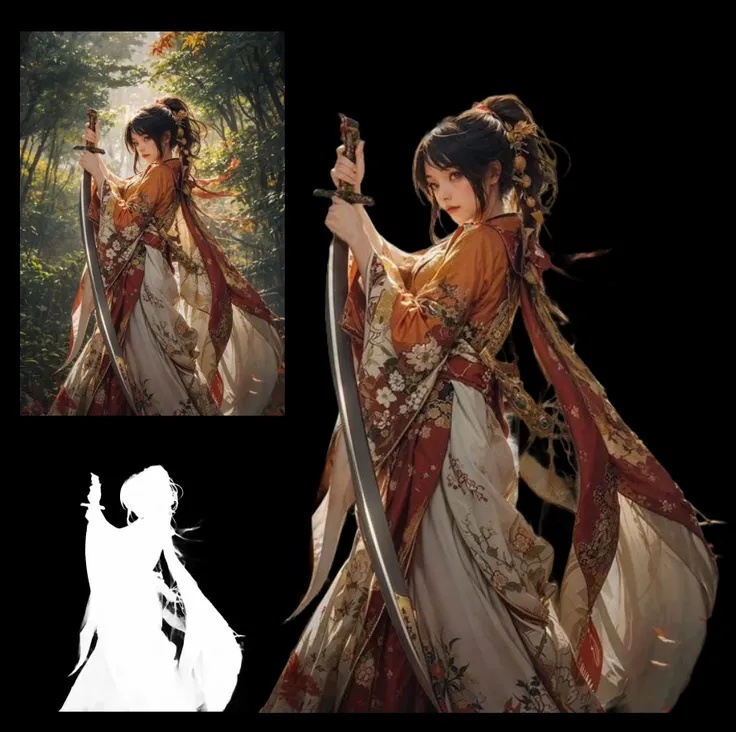
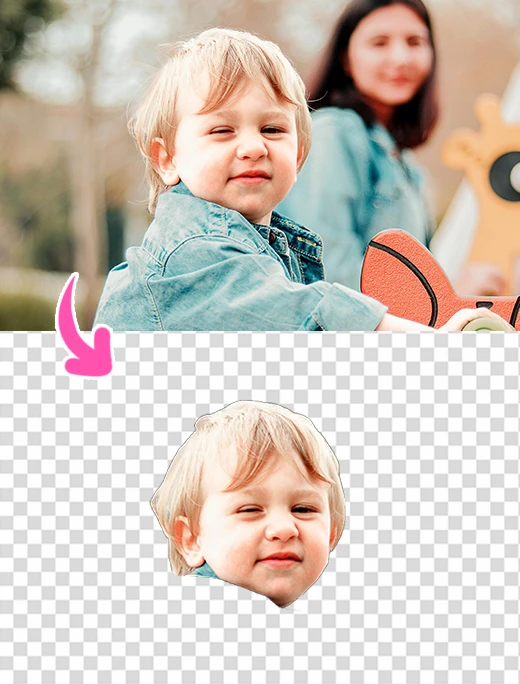
Example image of face cutout

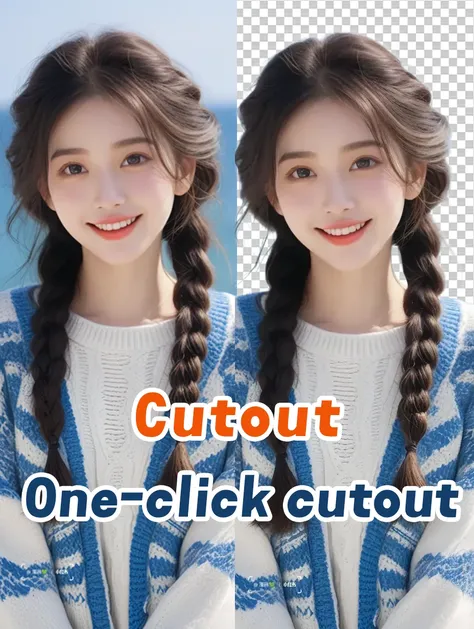
Effortlessly Cut Out Faces from Photos with Precision

The face cutout tool lets you quickly and effortlessly isolate faces from photos with minimal effort. In seconds, create precise, clean cutouts with ease. The streamlined, fast process ensures you get professional results in no time, making it ideal for custom designs, social media content, and more - without the hassle of complicated editing.

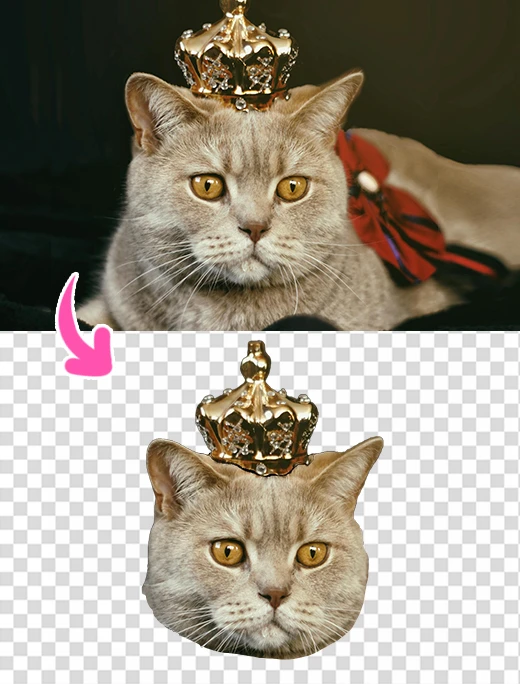
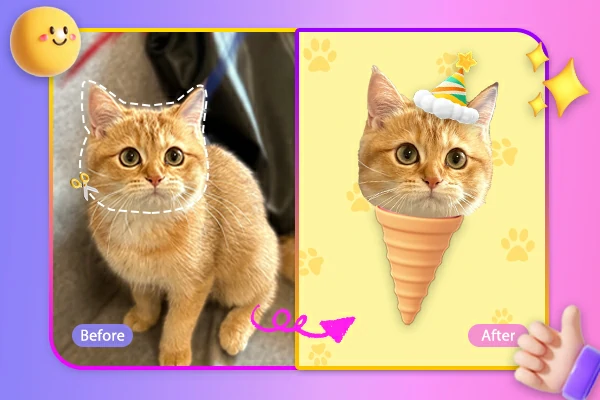
Custom big head cutout for pets

Personalized Big Head Cutouts for Pets and Events

Unleash the fun with custom big head cutouts and swap heads for your pets and events. Turn pet photos into hilarious masterpieces or add big head props to make your celebration unforgettable. These creative cutouts bring humor and uniqueness to every moment, perfect for adding a playful twist to any occasion.

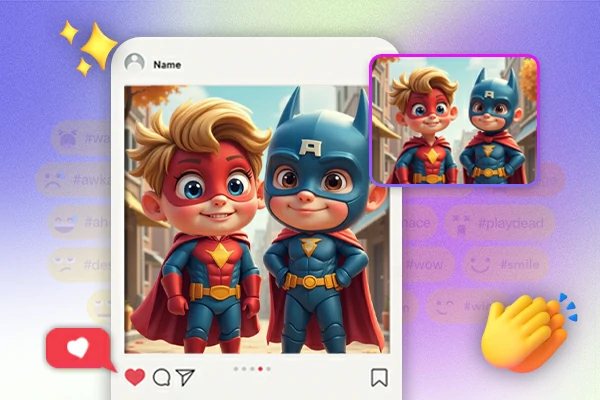
Sharing big face cutout on social media

Take Your Face Cutouts to the Next Level

Turn your big face cutouts into fun, personalized creations like phone wallpapers, social media profile pictures, or quirky images to share with family and friends. Get creative and design unique, entertaining pictures that stand out. Share them on social media to showcase your playful style and add a fun twist to your posts.

How to Use Face Cutout Tool

Step 1: Upload the Image

Upload your image to the tool, and easily begin the process of creating a precise and detailed face cutout.

Step 2: Click the "Generate"

Click "Generate" to instantly create an accurate face cutout, ensuring precision and detail for your creative projects.

Step 3: Preview and Save

Preview the face cutout, make any adjustments if needed, and save it to your device once you're happy with the result.

collapse

Is the face cutout tool free to use?

Yes, SeaArt AI's face cutout tool is completely free to use, offering all features without hidden fees, making it accessible for anyone to create precise, high-quality face cutouts effortlessly.

expand

Can I use the face cutouts for commercial purposes?

Yes, you can use your face cutouts for any commercial purposes, such as custom products and designs. However, please ensure your use complies with all legal guidelines, as we are not responsible for any unlawful activities.

expand

Can I use the face cutout tool on mobile devices?

Yes, the face cutout tool free is compatible with both desktop and mobile browsers, and you can easily use the face cutout app to create cutouts anytime, anywhere.