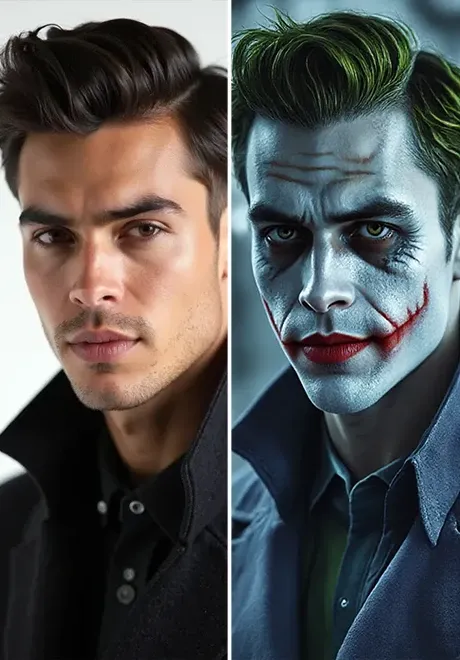
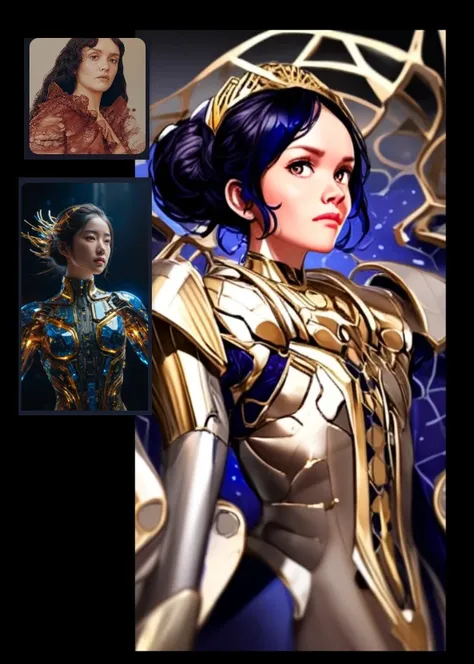
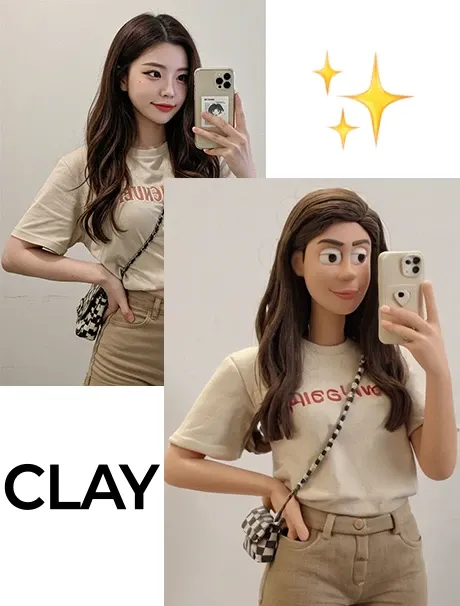
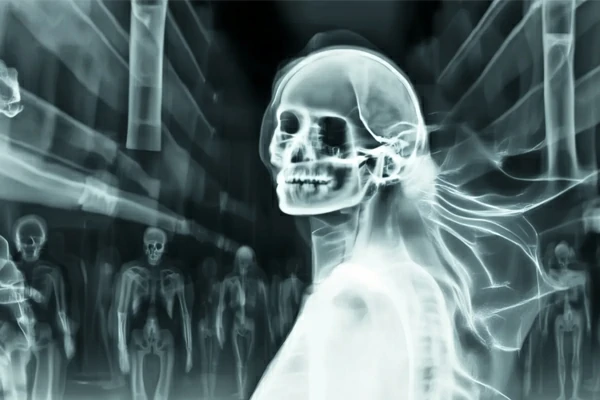
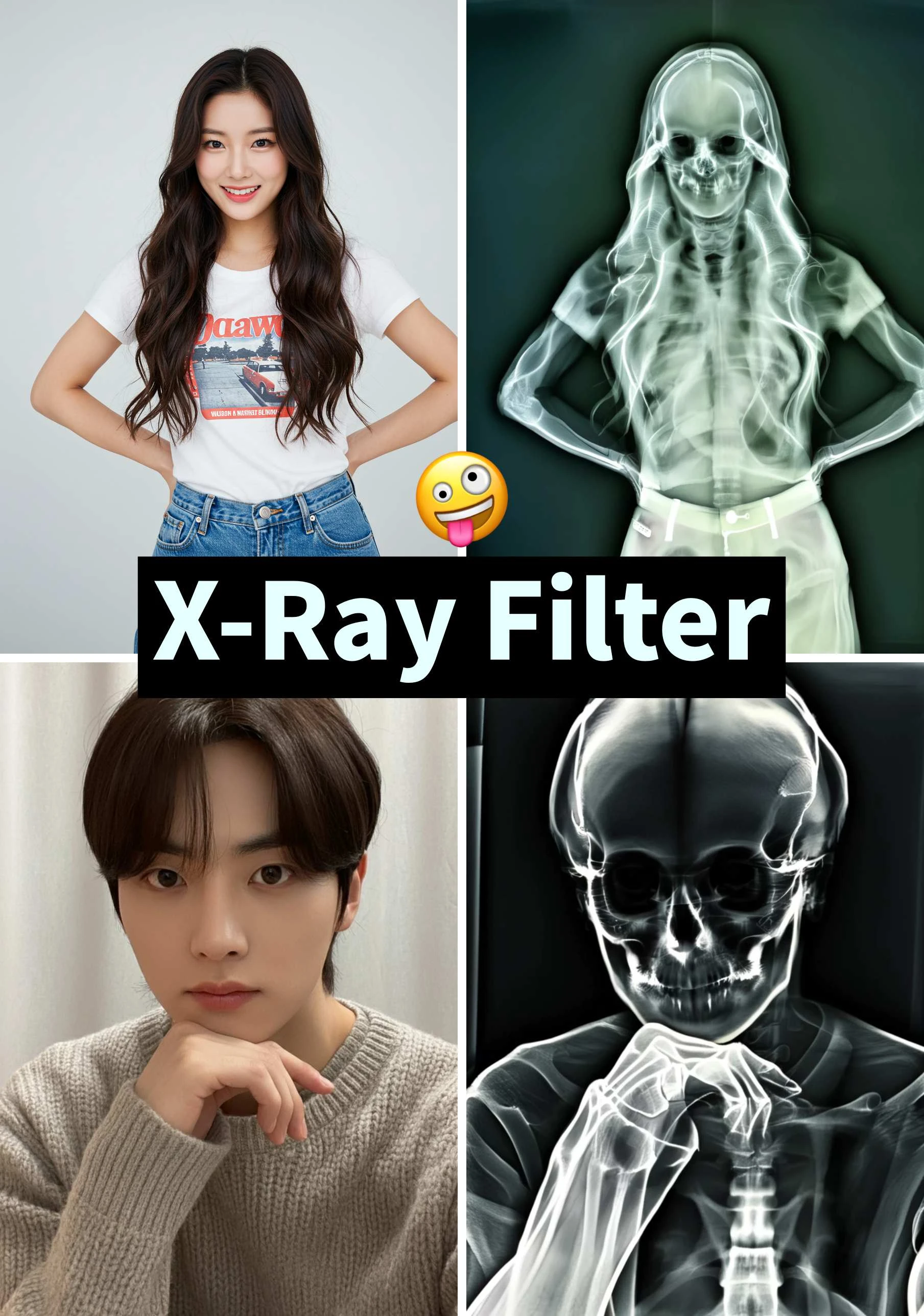
Use this X-ray filter to make your image look like it's been scanned with X-ray vision and watch your photo change into something strange, stylish, and shareable.


It doesn't matter what type of image you have - portraits, selfies, pets, or even random objects - SeaArt AI effortlessly converts them into eerie, transparent X-ray visuals. Simply upload your image, click "Generate," and let the AI intelligently apply an authentic X-ray filter. Within moments, you'll receive an intriguing and spooky transformation, showcasing this AI tool's creative capabilities.

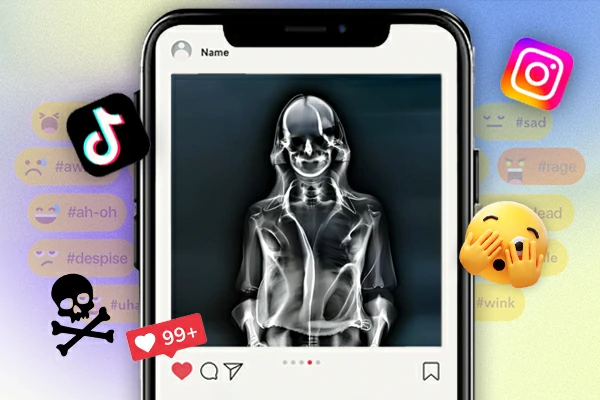
Looking for something fresh to prank your friends or surprise your followers? The X-ray photo effect helps you create quirky, attention-grabbing content effortlessly. Share your transparent-style transformations on Instagram or TikTok and see your likes skyrocket - you might even become an influencer overnight! Combine your X-ray picture with funny captions to craft memorable memes. These unexpected and amusing results will make your content stand out on social media.

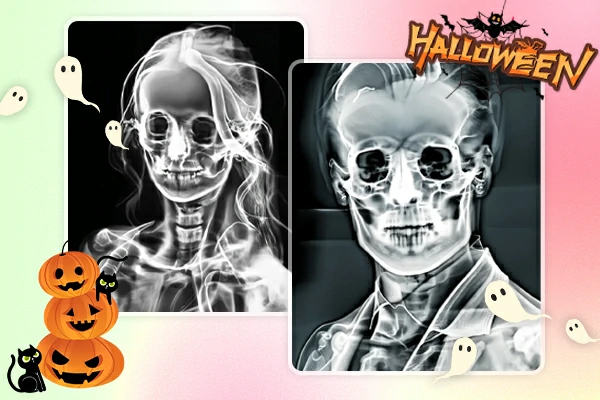
Skip the face paint! Transform your Halloween party photos into eerie X-ray visuals for a spooky, ghostly effect. You can also try the Halloween anime filter for an added touch of creativity and fun. Forget the makeup and costumes - use the X-ray photo effect to easily turn party snapshots, costume selfies, or even your pet photos into bone-chilling works of art with just one click.


User Friendly
Anyone can use it - just upload your image and click a button. It's easy for all users, with no complicated settings required.
Fast Processing
Get your X-ray picture in seconds. SeaArt's powerful AI engine delivers quick results, perfect for on-the-go creativity.
No Editing Apps Needed
You don't need Photoshop or other editing apps. Easily apply the X-ray photo effect to any image directly online.

Step 1: Upload a Photo
Go to the SeaArt X-ray photo effect page and upload the image you want to transform. It could be a portrait, a pet photo, or anything fun.
Step 2: Generate & Wait
Click "Generate" and let the AI process your image. The system will apply the X-ray filter and create a unique image with the X-ray filter.
Step 3: Download & Share
Save your new X-ray picture and share it directly on Instagram, TikTok, or other social platforms. Want to try again? Just change your photo or click generate one more time.
How to turn a photo into an X-ray?
Simply visit the SeaArt X-ray photo effect tool, upload your image, and click to generate.
What if I do not want to use my photo?
No worries! SeaArt also offers an AI image generator where you can create random or themed images first.
Can I try other AI effects too?
Absolutely. SeaArt also offers unique effects, such as the AI squish effect and AI explosion effect, for even more creative fun.