Step 1: Upload Your Images
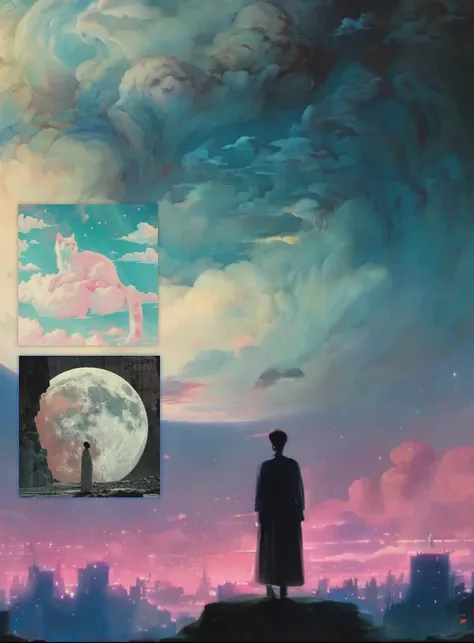
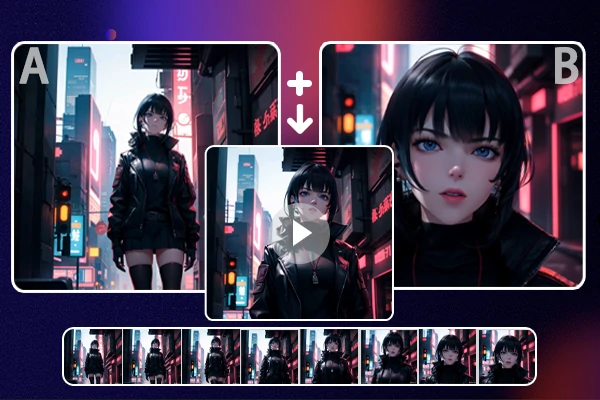
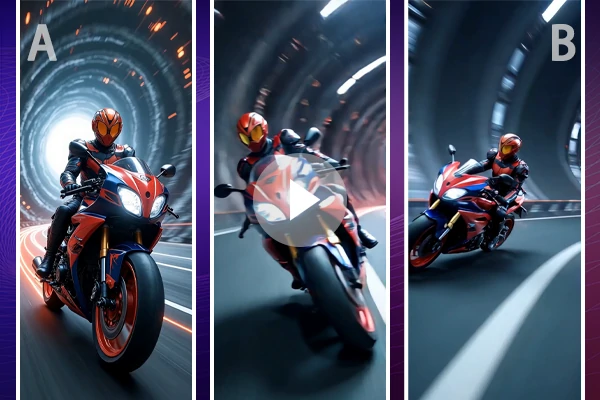
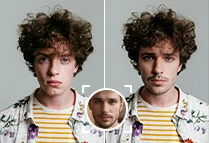
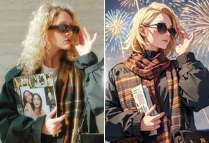
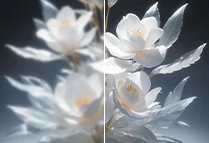
Upload two images: one for the start frame, and the other for the end frame. Avoid uploading realistic human photos.
Step 2: Enter Your Prompt
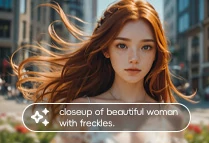
Provide a brief description of how you want the animation to flow, and let the AI handle the rest.
Step 3: Let the AI Create
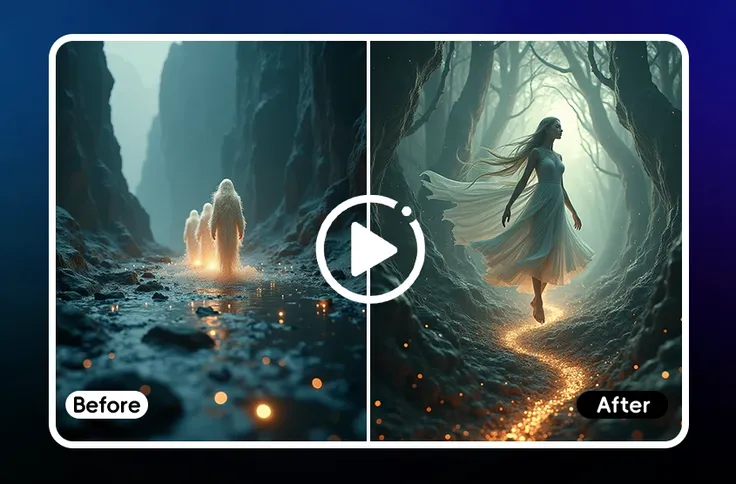
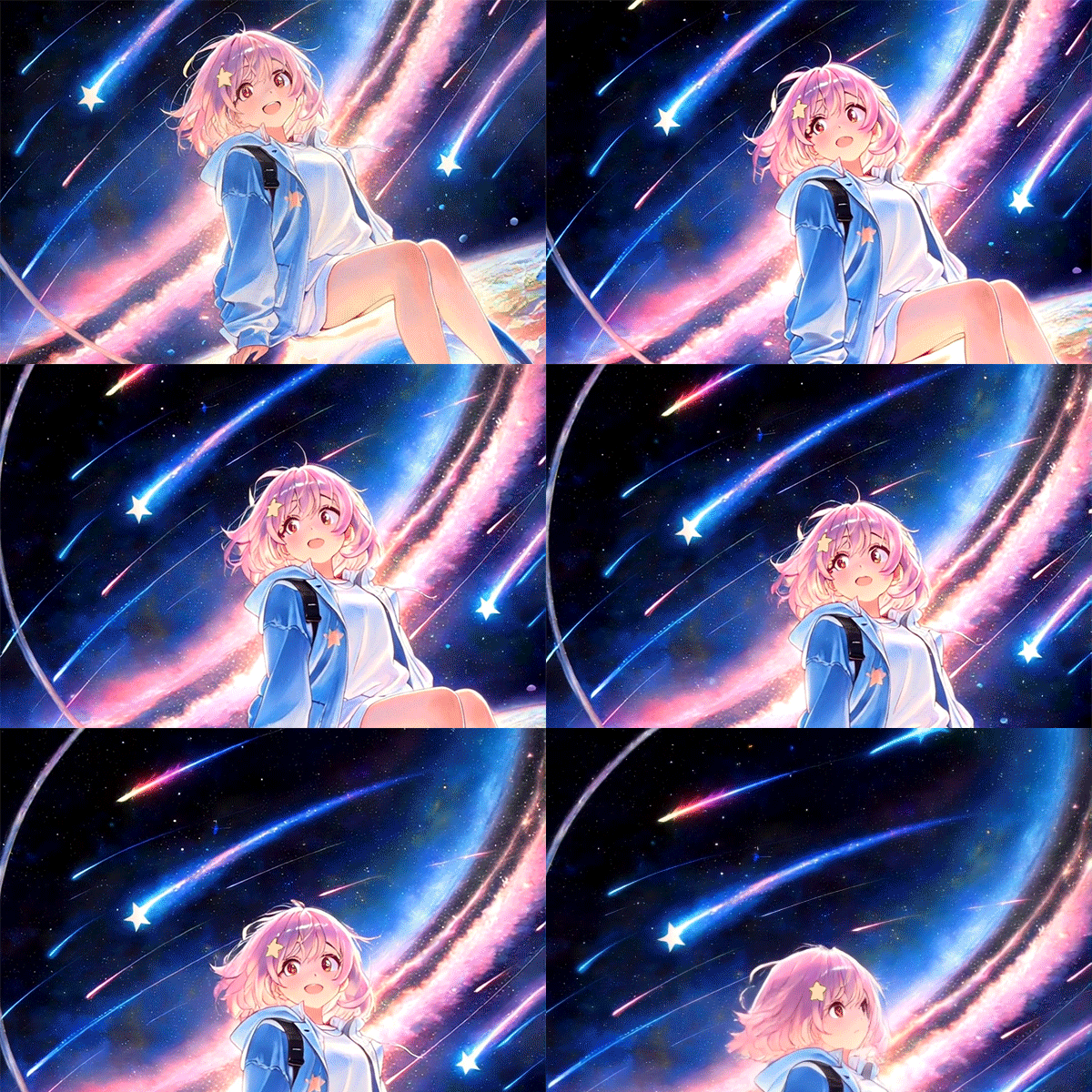
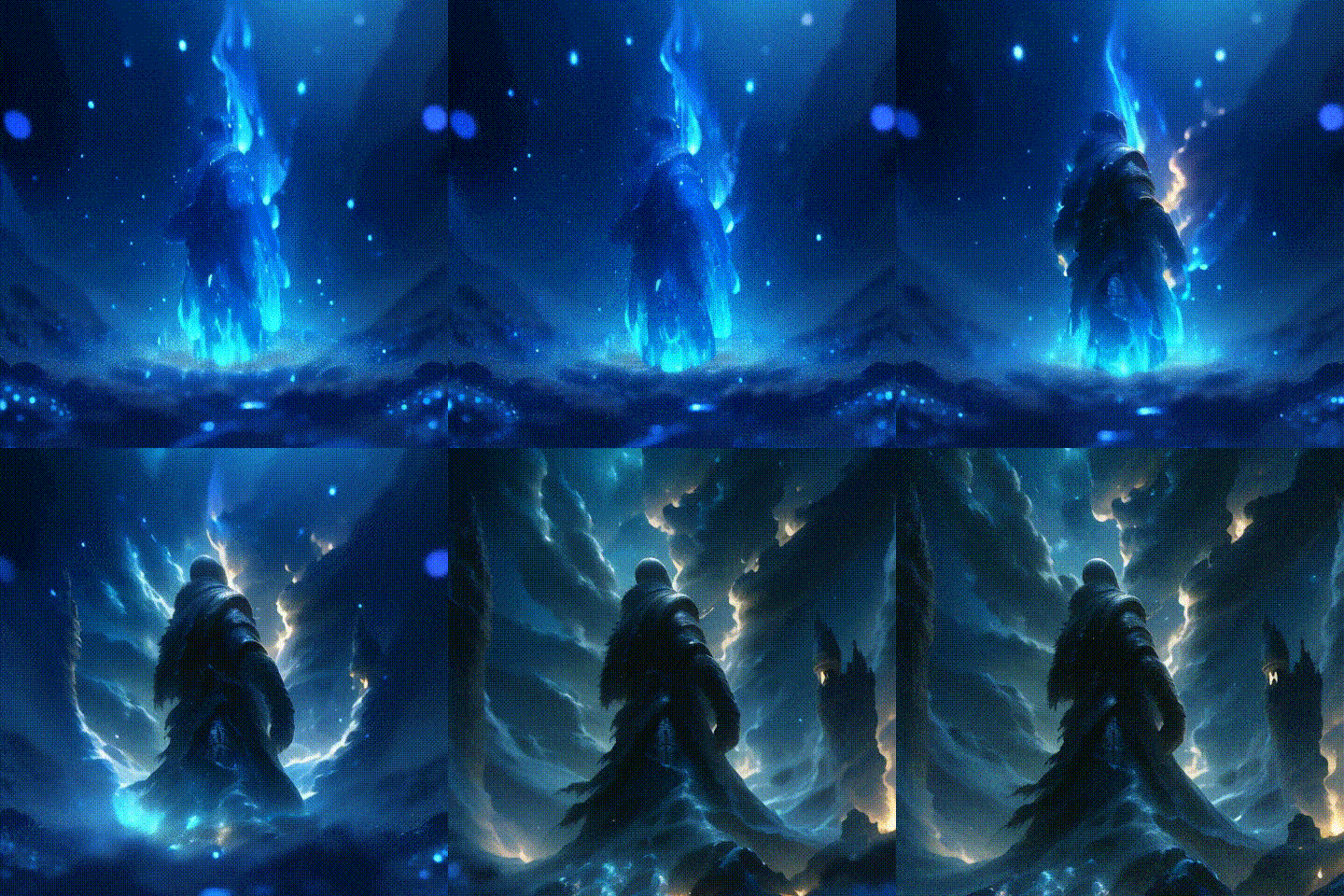
Hit "Generate" and watch AnimateDiff transform your images into a smooth, high-quality video in seconds.
Step 4: Download and Share
Once the animation is ready, download your video without watermarks and share it on social media or any platform.