
Type
Controlnet
Publish Time
2023-03-20
Base Model
SD 1.5
Version Introduction
Normal background threshold - 0.25

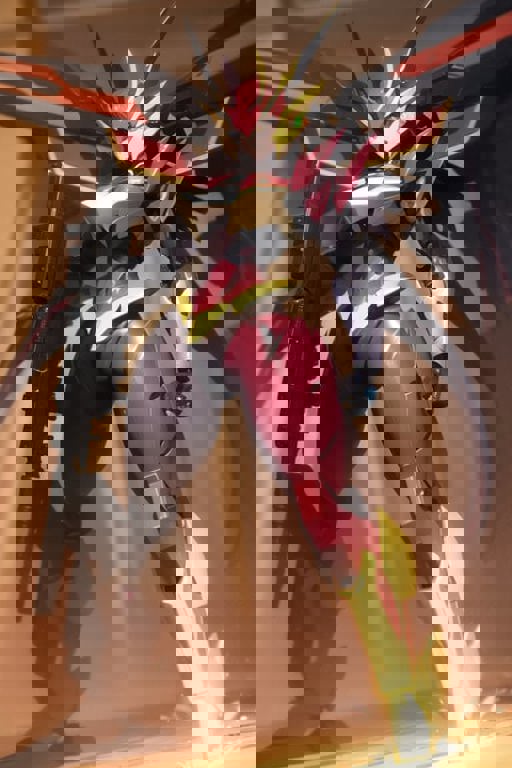
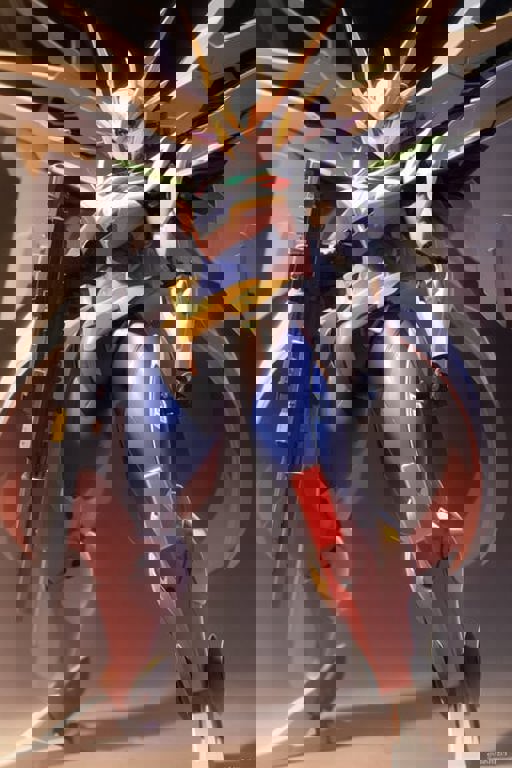

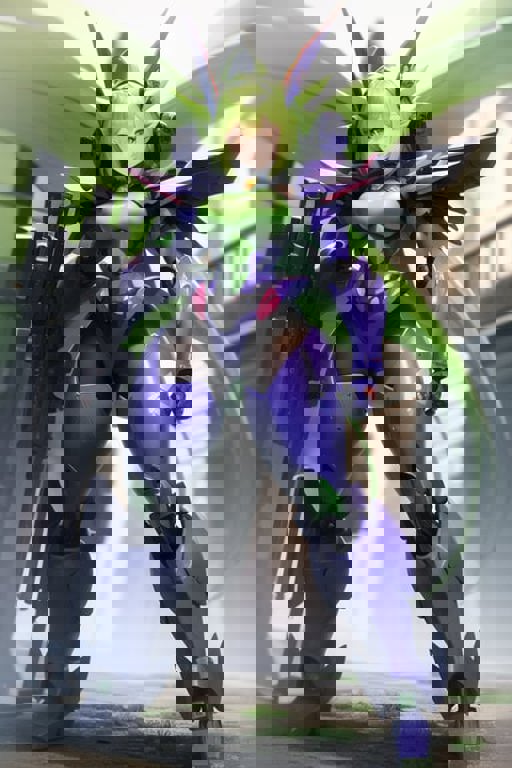
Original ControlNet Difference Models HuggingFace Repository
Control Nets allow you to guide the structure of an image based on existing ones and preprocessing them, or by using images that match the expected format for a given control net. More information regarding ControlNet and the different types can be found at https://github.com/lllyasviel/ControlNet.
All examples generated using preprocessors, with the AbyssOrangeMix2 - Hardcore model, with the prompt used being the same as the original input image (but with different seeds). All settings default except where mentioned on a specific control net type. Canvas width set to 512 x 768 to match the input image.
You only need to download the models you want to use, you do not need to download all of them.
These are the models required for the ControlNet extension, converted to Safetensor and "pruned" to extract the ControlNet neural network. I have tested them with AOM2, and they work. Download these models and place them in the \stable-diffusion-webui\extensions\sd-webui-controlnet\models directory.
Diagram was shared by Kohya and attempts to visually explain the difference between the original controlnet models, and the difference ones.

Normal background threshold - 0.25
1. The rights to reposted models belong to original creators.
2. Original creators should contact SeaArt.AI staff through official channels to claim their models. We are committed to protecting every creator's rights. Click to Claim
