
Type
Checkpoint
Publish Time
2025-09-10
Base Model
SeaArt Film
Model Parameters
clip_skip:1
Training Parameters
Epochs:1
Steps:0


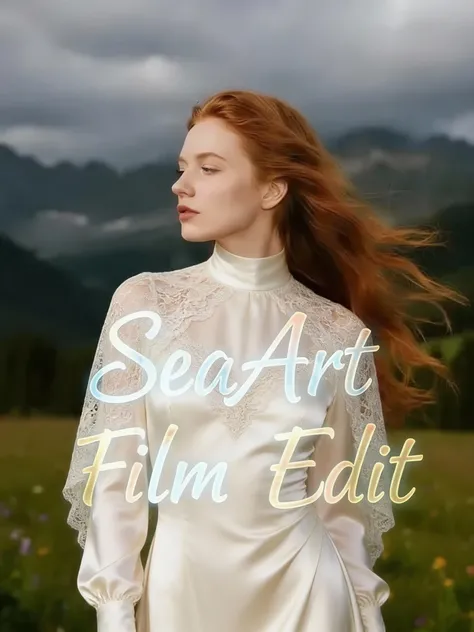
Leveraging cutting-edge SOTA technology, SeaArt Film Edit empowers you with enhanced, faster, and more precise creative capabilities. It breaks through traditional creative barriers to deliver an unprecedented image generation and editing experience!
✨Key Features
Precise Instruction-based Editing
Transform your ideas into reality with simple text commands - whether it's modifying, adding, removing, or referencing elements. Perfect for commercial design, artistic creation, and entertainment applications across multiple scenarios.
Advanced Feature Preservation
Whether working with characters, scenes, or brand elements, the model maintains consistent details and style through multiple generations and modifications, ensuring precision in every artwork.
Deep Intent Understanding
The model comprehends and captures your creative intent beyond surface-level semantic recognition, enabling precise creation through multimodal inputs (text + images).
Multi-Image Processing
Input: Process multiple images simultaneously, supporting complex operations like combination, style transfer, replacement, and derivative editing to effortlessly handle sophisticated composition tasks.
Output: Generate multiple related images with a single click, maintaining content coherence - perfect for brainstorming and storyboard creation.
Ultra-Fast High-Definition Processing
Speed: Experience smooth "instant generation" for significantly improved creative efficiency
Quality: Enhanced resolution support up to 4K, providing greater post-processing flexibility and delivering exquisite image quality.
✨Example Applications
1️⃣Precise Editing
Prompt 1: "Change the hairstyle to a spiky hairdo"
Prompt 2: "Replace the current outfit with a short-sleeve shirt"
2️⃣Feature Preservation
Prompt: "Change to a low-angle view, switch from panorama to close-up, and modify the aspect ratio to landscape"
3️⃣Deep Intent Understanding
Prompt: "Create a hand-drawn recipe-style illustration of traditional bread baking"
4️⃣Multi-Reference Image Fusion
Prompt: "Replace the model's clothing in image one with those from images two and three"



