

Best 7 Seedance 1.5 Pro Alternatives for AI Video Creation
Seedance 1.5 Pro just dropped, and the AI video generation community is buzzing. This new model promises impressive video quality and smooth motion generation. But here's the thing: it's not your only option—and depending on your needs, it might not even be the best one.
I've test 7 different AI video generators that compete directly with Seedance 1.5 Pro. Some offer better pricing. Others deliver more features or easier access. A few actually outperform Seedance in specific use cases. Here's what you need to know: whether you're creating content for social media, professional projects, or just experimenting with AI video, there's a Seedance 1.5 Pro alternative that fits your workflow perfectly.
What is Seedance 1.5 Pro?
Before we explore alternatives, it's worth understanding what Seedance 1.5 Pro brings to the table. This Seedance 1.5 video generator is ByteDance's answer to the growing demand for AI-powered video creation. It excels at converting text prompts and static images into dynamic, multi-shot videos with smooth transitions and cinematic camera movements.
The platform supports various aspect ratios and resolutions up to 1080p, making it versatile for different social media formats and marketing needs. Its strengths lie in subject consistency, physics-accurate motion, and the ability to maintain visual coherence across multiple shots. However, as impressive as it sounds, no single tool is perfect for every use case—which is exactly why exploring alternatives makes sense.
Quick Comparison Table
Here's a fast overview of all 7 alternatives before we go into detail:
| Tool | Best For | Starting Price | Free Tier | Key Strength |
|---|---|---|---|---|
| SeaArt AI | Community-driven versatility | $9.99/month | ✅ Daily credits | Multi-modal creation + thousands of styles |
| Runway | Professional filmmakers | $12/month | ✅ 125 credits | Gen-3 Alpha + 30+ AI tools |
| Kling AI | Long-form content | $6.99/month | ✅ Small daily allocation | Up to 2-minute videos |
| Pollo AI | Natural motion & quality | Flexible plans | ✅ Competitive tier | Clean interface + realistic effects |
| Media.io | All-in-one toolkit | $5.99/month (annual) | ✅ Limited features | Complete media suite (1000+ formats) |
| Pika Labs | Quick iterations | $8/month (annual) | ✅ 80 Monthly credits | Fast generation + simple interface |
| PixVerse | Budget-conscious creators | $10/month | ✅ Daily refreshes | Generous free tier + frequent updates |
Top 7 Seedance 1.5 Pro Alternatives
1. SeaArt AI Video Generator – Best Overall Alternative
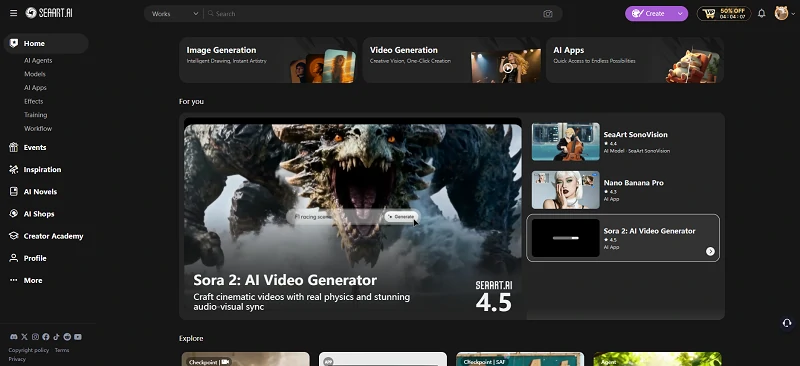
SeaArt AI is one of the best Seedance 1.5 Pro alternative for creators who want versatility. What makes SeaArt stand out is its community-driven approach—you get access to thousands of pre-made models and styles that can be applied to both image and video generation. The platform combines the power of text to video and image to video capabilities with an extensive library of artistic styles, from anime to photorealistic renders.
✨Key Features:
- Multi-modal AI generation (images, videos, audio, and character creation)
- Community model library with thousands of styles
- Could-based ComfyUI
- AI agents for art creation
💰Pricing:
SeaArt AI offers a freemium model. The free tier provides daily credits that are generous enough for casual users. Paid plans start at around $9.99/month for the basic subscription, with professional tiers ranging from $19.99 to $39.99/month, offering increased credits, faster generation, and priority processing.
2. Runway
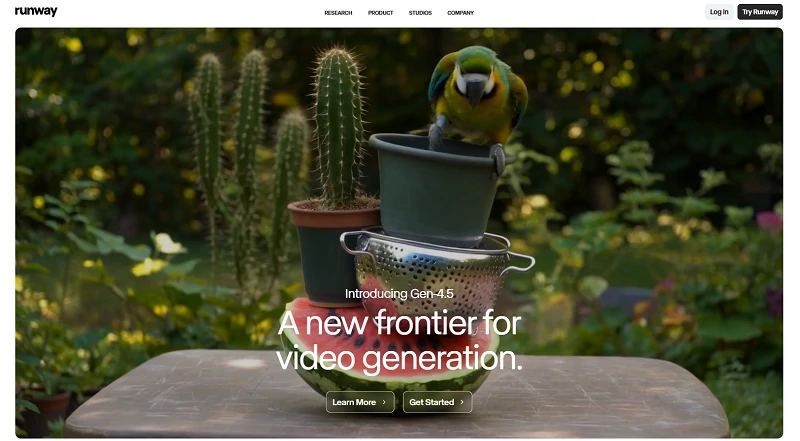
Runway has established itself as one of the most comprehensive creative AI platforms available today. If you're looking for a Seedance 1.5 Pro alternative that prioritizes professional-grade output and creative control, Runway delivers. Its Gen-3 Alpha model produces remarkably realistic videos from text prompts, while the platform's suite of over 30 AI tools covers everything from text to video generation to advanced post-production effects. Runway has become the go-to choice for filmmakers, advertisers, and content creators who refuse to compromise on quality.
✨Key Features:
- Gen-3 Alpha for high-fidelity text-to-video generation
- Frame interpolation and slow-motion effects
- AI-powered video editing features
- Multi-modal inputs (text, image, video)
- Collaboration features for team workflows
💰Pricing:
Runway operates on a credit-based system. The free tier includes 125 credits to test the platform. Paid plans start at $12/month (Standard) with 625 credits. Video generation typically costs 5-10 credits per second depending on quality settings.
3. Kling AI
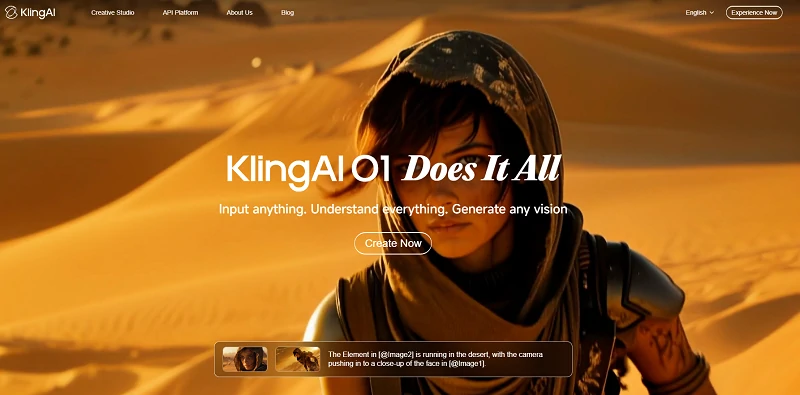
Developed by Kuaishou Technology, Kling AI has emerged as a serious contender in the AI video generation space. Kling O1 offers an impressive balance of quality and accessibility, making it a strong Seedance 1.5 video generator competitor. What sets Kling apart is its ability to generate longer video sequences—up to two minutes with professional models—while maintaining visual consistency and narrative coherence. The platform handles complex scenes with multiple elements surprisingly well, and the results often have that cinematic polish we're all after.
✨Key Features:
- Extended video length
- High-resolution output
- Advanced motion physics simulation
- Multi-shot scene generation with smooth transitions
- Professional camera movement controls
💰Pricing:
Kling AI uses a credit-based pricing model. Free users receive a small daily allocation to test the platform. Subscription plans start at $6.99/month for the basic tier. Each plan includes a monthly credit allowance, with additional credits purchasable as needed.
4. Pollo AI
Pollo AI is one of the newer entrants that's been making waves with its focus on quality and user experience. As a Seedance 1.5 video generator competitor, Pollo brings fresh perspectives to text to video and image to video generation. The platform emphasizes natural motion, realistic video effect, and maintaining subject consistency across frames—areas where many competitors still struggle. What I find particularly appealing about Pollo is its clean interface and straightforward workflow that doesn't sacrifice power for simplicity.
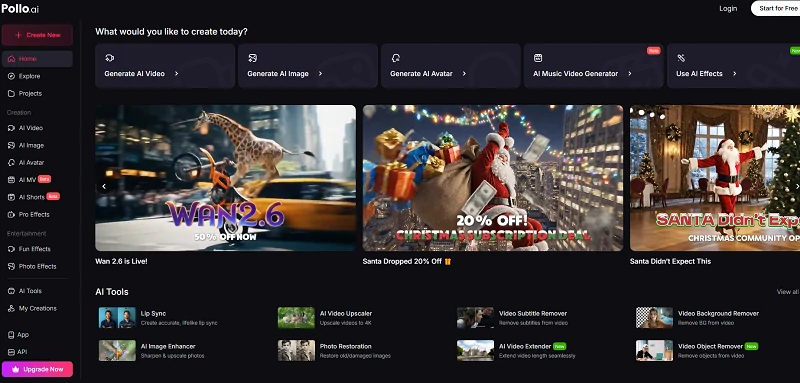
✨Key Features:
- High-quality video generation with natural motion
- Text and image input support
- Style presets for different aesthetic needs
- Motion control parameters
💰Pricing:
Pollo AI operates on a subscription model with a competitive free tier for testing. It also offers very flexible subscription package options, allowing users to choose to pay monthly or yearly, and even customize credits.
5. Media.io
Media.io takes a different approach as a comprehensive media toolkit that includes AI video generation among its many features. Think of it as your Swiss Army knife for content creation—not just an alternative, but a complete solution for various media needs. Beyond text to video generation, you get video editing, format conversion, compression, enhancement, and more. This makes Media.io particularly valuable if you need an all-in-one platform rather than juggling multiple specialized tools.
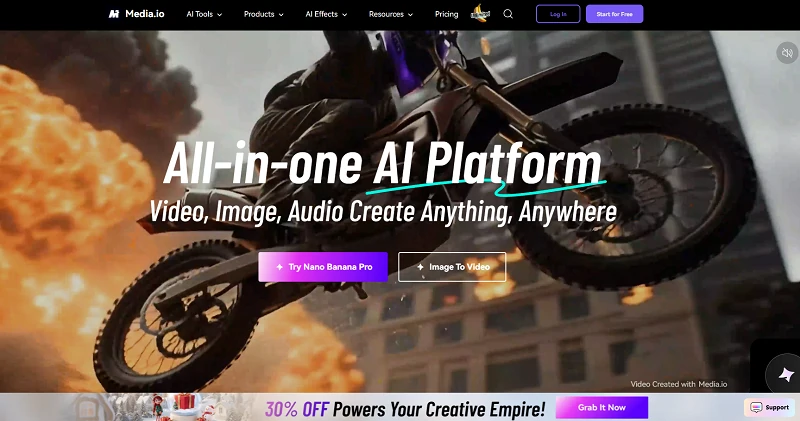
✨Key Features:
- AI video generator with text and image inputs
- Video editor with timeline and effects
- Video enhancement and upscaling
- Audio tools (noise reduction, voice changer)
💰Pricing:
Media.io offers a freemium model with limited free conversions and generations. The Monthly plan costs $10.99/month for basic features. The Annual plan at $71.88/year (effectively $5.99/month) provides better value with increased limits. Each tier includes different processing limits and feature access.
6. Pika Labs
Pika Labs has carved out a niche by making AI video generation genuinely accessible without overwhelming users with complexity. If you want a Seedance 1.5 Pro alternative that you can start using productively within minutes, Pika is your answer. The platform excels at quick iterations and experimentation, making it perfect for social media creators, marketers testing concepts, and anyone who values speed and simplicity. While it might not match the absolute top-end quality of some competitors, Pika's output is more than sufficient for most practical applications, especially short-form content.
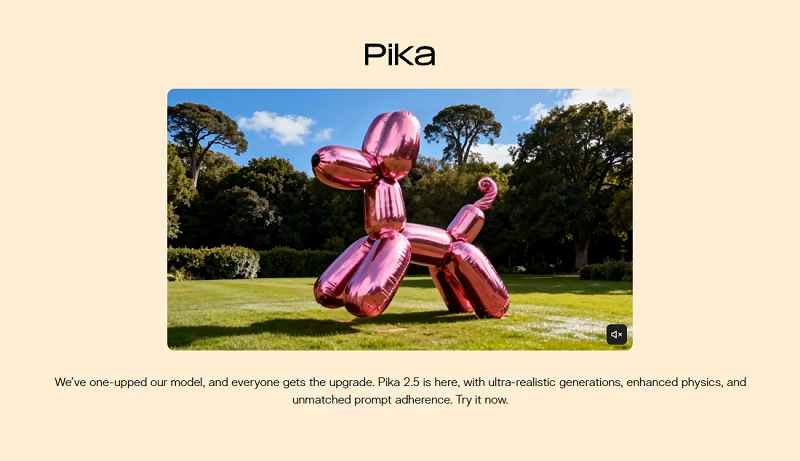
✨Key Features:
- Intuitive text-to-video interface
- Image animation and expansion
- Fast generation times
- Community showcase for inspiration
💰Pricing:
Pika offers a free tier with 80 monthly video credits for new users, allowing you to explore the platform without commitment. The Standard plan costs $10/month (billed annually at $8/month) with 700 credits monthly.
7. PixVerse
PixVerse positions itself as the democratizing force in AI video generation—powerful enough to produce quality content but accessible enough that anyone can jump in and start creating. This platform is an excellent Seedance 1.5 Pro alternative for creators working with tighter budgets or those just starting their AI video journey. Don't let the lower price point fool you; PixVerse consistently delivers solid results for social media content, and the platform's development team ships new features at an impressive pace.
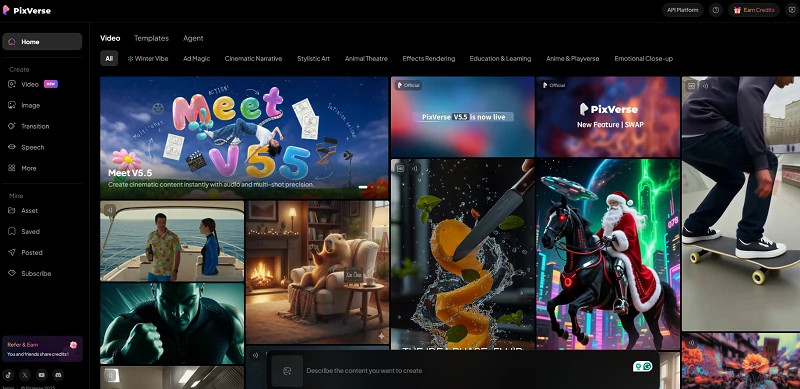
✨Key Features:
- Text-to-video generation with multiple styles
- Image-to-video animation
- Character consistency across shots
- Upscaling options for enhanced quality
- Community gallery and trending creations
💰Pricing:
PixVerse offers one of the most generous free tiers in the industry, with daily credit refreshes that let you create consistently without paying. The Standard plan costs $10/month with 1,200 monthly credits. The Pro plan at $30/month includes 6,000 credits, faster generation, and watermark removal. Annual subscriptions offer additional savings.
Final Thoughts
The AI video generation landscape is evolving rapidly, with new tools and updates dropping constantly. What matters most is finding a platform that aligns with your workflow, budget, and creative vision. My advice? Start with one or two alternatives that sound most appealing, experiment with their free tiers, and see which one clicks with how you work.
Ready to explore these Seedance 1.5 Pro alternatives? Start by trying out the free versions of 2-3 platforms that caught your attention. You'll quickly get a sense of which interface and output style resonates with your creative process. Remember, the best tool is the one you'll actually use consistently—not necessarily the one with the most features.
Related Articles
Seedance 1.5 Pro vs Veo 3.1: Which AI Video Model Wins?

Seedream 4.5 vs Nano Banana Pro: Which AI Image Generator Wins in 2025?
Wan 2.6 Best Alternative: Top 10 AI Tools for Images & Videos
Complete Sora 2 Tutorial: How to Use Sora 2 (Mobile & PC)