
Seedance 1.5: New Standard in AI Video Generation
The landscape of generative AI is shifting rapidly. While 2023 and 2024 were defined by the explosion of static image synthesis—dominated by Midjourney, Stable Diffusion, and DALL-E—2025 has firmly established itself as the year of video. Amidst a crowded field of contenders like OpenAI’s Sora, Google’s Veo, and Runway’s Gen-3, a new heavyweight has emerged from ByteDance’s Seed Vision division: Seedance 1.5.
Often colloquially referred to as an "image model" due to its exceptional image-to-video (I2V) capabilities, Seedance 1.5 is, in reality, a multimodal powerhouse designed to bridge the gap between static imagery and cinematic motion. It introduces a paradigm shift by not just generating pixels in motion, but by intimately weaving audio synchronization into the generation process itself.
This guide serves as a comprehensive manual for creators, developers, and AI enthusiasts who want to master Seedance 1.5. We will explore its architecture, how to access it, how to craft the perfect prompts, and crucially, what pitfalls to avoid to ensure professional-grade results.
Part 1: What is Seedance 1.5?
Seedance 1.5 (specifically the Pro and Lite variants released in late 2025) is ByteDance’s flagship generative video model. Unlike its predecessors, which often treated video as a sequence of silent images, Seedance 1.5 was built from the ground up with a "multimodal-first" philosophy. This means it understands the intrinsic relationship between sound and visual cues.
Core Capabilities
- Native Audio-Visual Synchronization: This is the model's "killer feature." When you prompt for a character speaking or a car engine revving, Seedance 1.5 generates the audio track simultaneously. This eliminates the need for post-production Foley work or complex lip-syncing tools. The model understands that a dog barking looks different from a dog panting, and it generates the corresponding sound wave to match the visual mouth movements perfectly.
- Cinematic Camera Control: One of the biggest frustrations with early AI video was the localized "warping" effect where the background would shift unnaturally. Seedance 1.5 introduces parametric camera controls. Users can specify pan, tilt, zoom, dolly, and tracking shots with precision.
- High-Fidelity Image-to-Video (I2V): While Text-to-Video (T2V) allows for pure creativity, I2V is the workflow of choice for professional designers. You can feed Seedance 1.5 a perfectly composed Midjourney image, and it will animate it while preserving the original lighting, texture, and composition with near-perfect consistency.
- Multi-Shot Consistency: The "Pro" model supports generating sequences. It can remember character assets across different "shots," allowing for actual storytelling where the protagonist doesn't change their shirt or structure between scenes.
The Architecture: "Pro" vs. "Lite"
- Seedance 1.5 Pro: The powerhouse. It renders at up to 1080p density with a focus on temporal coherence (smoothness over time). It is computationally heavy and slower but produces broadcast-ready results. It excels at complex physics, such as water simulation or cloth dynamics.
- Seedance 1.5 Lite: Optimization for speed. It generates at 720p and is significantly faster, making it ideal for rapid prototyping, social media content, or draft iterations before committing to a Pro render.
Part 2: Technical Deep Dive
Understanding how Seedance 1.5 "thinks" is crucial for mastering it. Most users treat AI models as black boxes, but knowing a bit about the underlying mechanisms can improve your prompting success rate.
The Diffusion-Transformer Hybrid
Seedance 1.5 utilizes a hybrid architecture that combines the texture-generation strengths of Diffusion models with the temporal understanding of Transformers.
- Spatial Layers: These handle the "look" of the frame. They ensure that a cat looks like a cat in every single frame.
- Temporal Layers: These handle the "movement." They predict how pixels should flow from Frame A to Frame B.
- Audio Attention modules: This is the unique addition. The model has attention heads specifically attending to audio embeddings, ensuring that if a transient sound (like a clap) occurs, the visual representation reflects it instantly.
Latent Space Understanding
When you prompt "A cyberpunk city in rain," Seedance 1.5 accesses a high-dimensional latent space. However, unlike older models that might just layer a rain filter over a city image, Seedance simulates the physics of rain. It understands that rain creates puddles, puddles simulate reflections, and reflections change as the camera moves. This depth of physical understanding is why detailed prompts describing lighting interactions work so well with this model.
Part 3: The Art of Prompting for Seedance 1.5
Prompting for video is fundamentally different from prompting for images. In image prompting, you describe a moment. In video prompting, you must describe a change.
The "SCC" Formula: Subject, Camera, Change
A good Seedance prompt follows this structure:
[Subject Description] + [Action/Movement] + [Camera Move] + [Atmosphere/Lighting] + [Audio Cue]
1. Subject Description
Be specific but allow room for motion.
- Weak: "A car."
- Strong: "A vintage 1960s Mustang, cherry red paint gleaming with raindrops, mud splattered on the tires."
2. Action/Movement (The "Change")
This is the most critical part. You must use active verbs.
- Weak: "Driving fast."
- Strong: "The car drifts around a sharp corner, smoke billowing from the rear tires, suspension compressing as it hits a bump."
3. Camera Move
Direct the virtual cinematographer.
- Keywords:
Pan Right,Tilt Up,Zoom In,Dolly Out,Tracking Shot,FPV Drone View,Low Angle,Dutch Angle.
4. Atmosphere/Lighting
Video relies on lighting continuity.
- Example: "Cyberpunk neon lights reflecting in the wet pavement, volumetric fog illuminated by the headlights."
5. Audio Cue (Crucial for Seedance 1.5)
Since it generates audio, you must describe it.
- Example: "Roaring V8 engine noise, screeching tires, distant thunder."
The "Negative Prompt" for Video
Just as important as what you want is what you don't want. Seedance 1.5 supports negative prompts to filter out bad behaviors.
- Standard Negative Prompt:
static, frozen, morphing, jittery, distortion, watermark, text, blurry, low resolution, bad audio, robotic voice, desynchronized lips, extra limbs.
Part 4: Hall of Fame - Prompt Examples
To truly understand Seedance 1.5, we need to analyze successful prompts. Below are three distinct categories of prompts: Realistic/Cinematic, Animation/Stylized, and Abstract/Surreal.
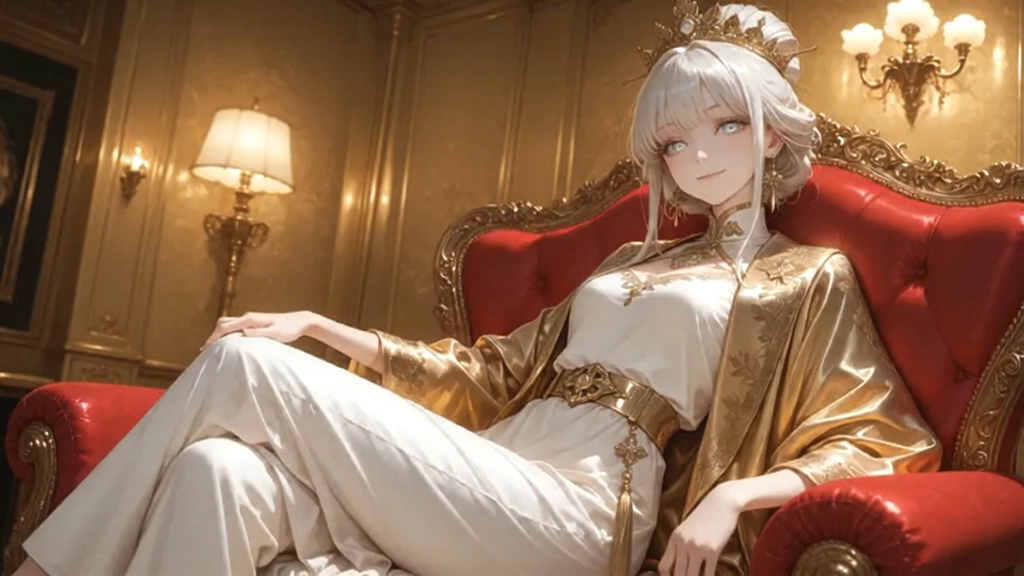
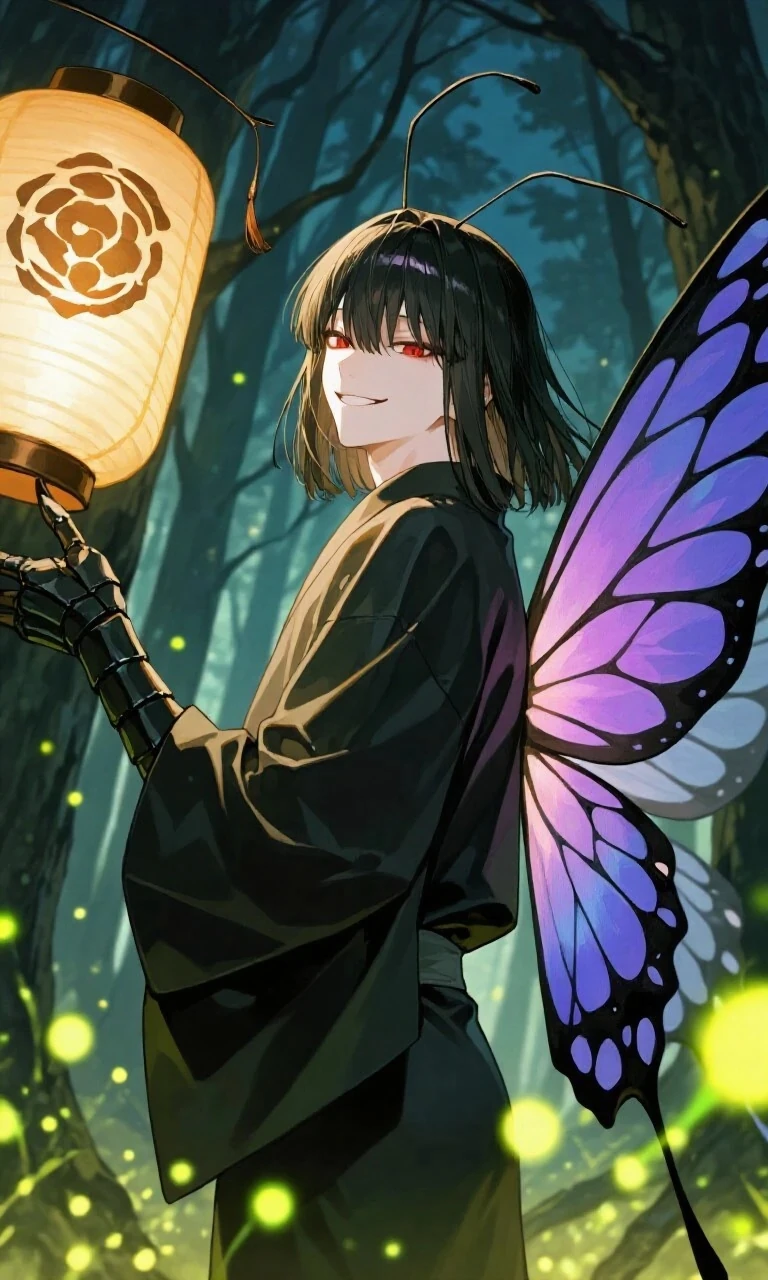
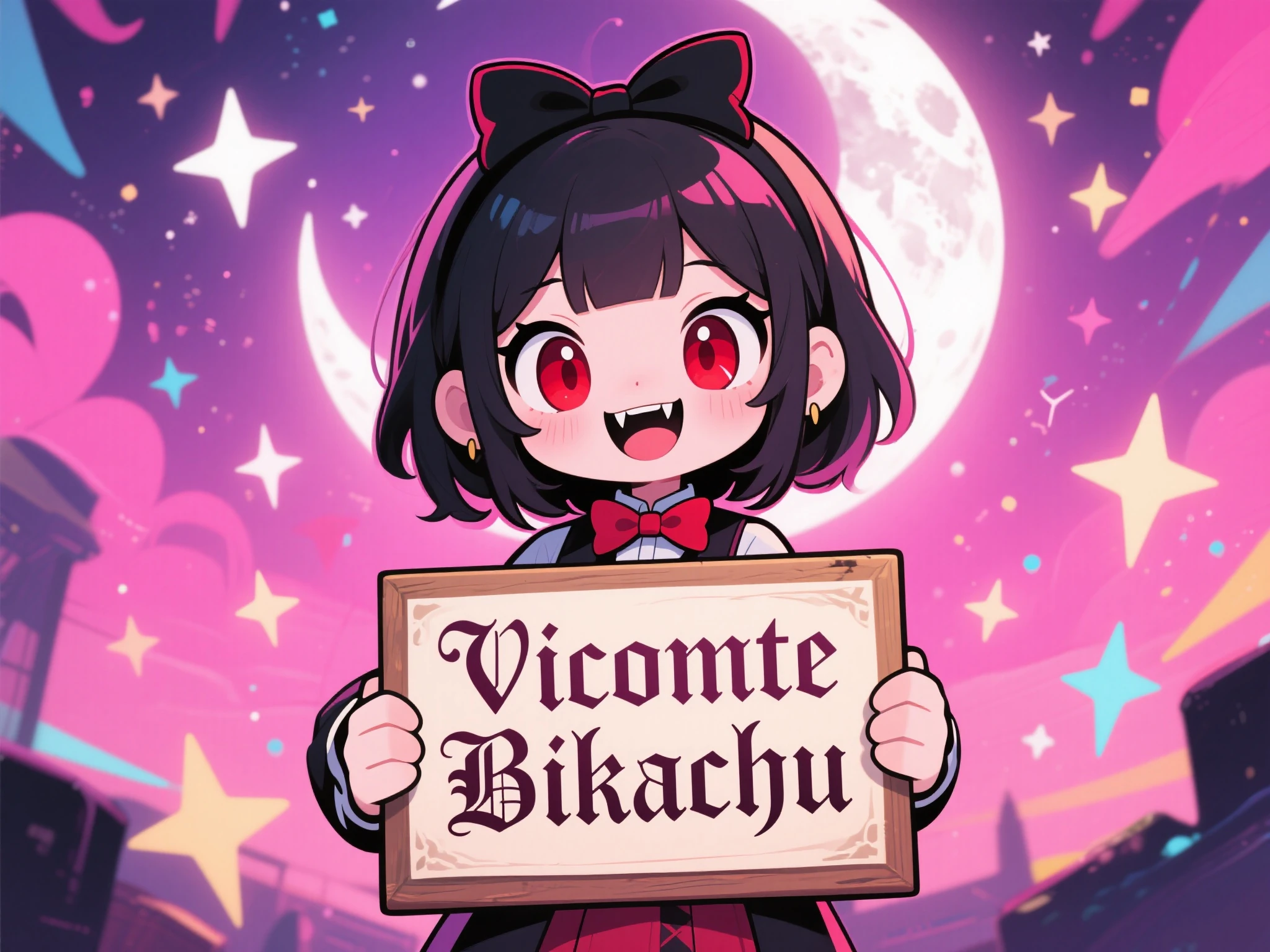
Note: All videos are created with a single attempt.
Category 1: The Cinematic Live Action Shot
Goal: Create a highly realistic, movie-like opening shot for a thriller.
Prompt: "Cinematic 35mm film shot, anamorphic lens. A detective in a beige trench coat stands on a dimly lit Victorian street at night. Heavy rain falls, creating ripples in the puddles. The detective lights a cigarette, the flame illuminating his weary face for a split second. Smoke exhales slowly, blending with the fog. In the background, a horse-drawn carriage passes by, hooves clacking on cobblestones. Audio: Heavy rain ambience, strike of a match, deep exhale, distant horse hooves, melancholic cello music."
Why this works:
- Lens Specification: "35mm film", "anamorphic lens" tells the model to add film grain and lens flares, avoiding the "plastic" AI look.
- Micro-Action: "Lights a cigarette" is a specific, complex hand movement that Seedance 1.5 excels at, compared to older models that would mangle the fingers.
- Audio Layering: The audio prompt matches the visual layers (foreground match strike, background carriage).
Category 2: The Pixar-Style Animation
Goal: A cute, character-driven clip for social media.
Prompt: "3D animation style, Pixar render, Octane render. A fluffy orange kitten trying to catch a floating butterfly in a sun-drenched garden. The kitten jumps clumsily, paws outstretched, eyes wide with excitement. Soft focus background with blooming tulips. High saturation, warm lighting. Audio: Cute meow, soft thud of landing on grass, playful orchestral score, buzzing of bee."
Why this works:
- Style Directives: "Pixar render", "Octane render" shifts the model's coherent aesthetic from photorealism to stylized 3D.
- Emotional Keyword: "Excitement" helps the model adjust the rigging of the subject.
- Physics: "Jumps clumsily" adds a nuance to the motion; the model won't just slide the cat upwards, it will generate a generic stumble or uncoordinated landing.
Category 3: The Surreal Product Commercial
Goal: An abstract, high-energy commercial for a soda brand.
Prompt: "Macro shot, extreme close-up. A can of lemon-lime soda exploding into liquid form. The aluminum can morphs into swirling liquid mercury and fresh lime slices. Water droplets suspended in zero gravity. High speed camera, slow motion. 1000fps. Vibrant green and silver color palette. Studio lighting. Audio: Pop of a soda tab, fizzy carbonation sound, electronic bass drop, splash sound effects."
Why this works:
- Impossible Physics: "Can morphs into swirling liquid" leverages the generative nature of AI. This is something that would cost thousands in VFX but is easy for Seedance.
- Temporal Control: "High speed camera, slow motion" tells the model to generate more intermediate frames for a smooth, fluid look, rather than a frantic blur.
Part 5: What to Avoid (The "Antipatterns")
Even the best models have limitations. To save credits and time, avoid these common mistakes when using Seedance 1.5.
1. The "Kitchen Sink" Prompt
Mistake: Stuffing the prompt with too many contradictory elements.
- Bad Prompt: "A futuristic city and a medieval castle and a spaceship and a cowboy and a dragon, 8k, best quality."
- Result: The model will get confused. You will likely get a "concept bleed," where the cowboy might be wearing a space helmet, or the dragon looks like a spaceship.
- Fix: Focus on one cohesive scene. If you need all those elements, generate them in separate shots and edit them together.
2. Static Verbs
Mistake: Using verbs that imply a state rather than a movement.
- Bad Prompt: "A man standing," "A dog sitting."
- Result: A very boring video. It will look like a photo with a "camera wobble" effect.
- Fix: Even if the subject is still, add environmental motion. "A man standing still while crowds rush past him in time-lapse."
3. Neglecting Audio
Mistake: Leaving the audio prompt blank or generic.
- Bad Prompt: (No audio prompt)
- Result: Seedance 1.5 will try to guess. Often, it defaults to a generic "lo-fi beat" or stock ambient noise that might not fit the mood.
- Fix: Always dictate the soundscape, even if it's just "Silence, wind howling."
4. Over-Complicating Text
Mistake: Asking the model to render legible text on signs or shirts.
- Bad Prompt: "A neon sign that says 'Welcome to the Future of AI 2026'."
- Result: "Welcme to Future of A1." While Seedance 1.5 is better at text than SDXL, it is still hit-or-miss for long sentences.
- Fix: Use AI for the visual, and add text overlays in After Effects or CapCut.
5. Ignoring Aspect Ratios
Mistake: Generating a landscape video for TikTok.
- Bad: Generating 16:9 for a phone viewing experience. The subject might be too small.
- Fix: Decide your platform first. Use
--ar 9:16for vertical content to ensure the composition frames the subject correctly for mobile screens.
Part 6: Advanced Workflows (Image-to-Video)
The true power users of Seedance 1.5 rarely start with text. They start with an image. The Image-to-Video (I2V) pipeline allows for maximum control over composition.
1. The "Midjourney Handoff"
The most popular workflow in 2026 is the "Midjourney to Seedance" pipeline.
- Generate base image in Midjourney v7: Focus on perfect lighting and composition.
- Upscale: Use a tool like Magnific or Topaz to ensure the source image is crisp.
- Ingest into Seedance: Upload the image as the "First Frame."
- Prompt for Motion Only: Since the visual is already defined, your text prompt should purely describe movement.
- Prompt: "The girl smiles and turns her head to the left. The wind blows her hair."
- Note: Do not re-describe the colors or clothing; the model sees them in the image.
2. Motion Buckets & Guidance Scale
When using the API or advanced UI, you will see a parameter called "Motion Bucket ID" (usually ranging from 1 to 255).
- Low Values (1-50): Very stable, minimal movement. Good for subtle animations like breathing or blinking.
- High Values (150-255): Extreme motion. Good for explosions, car chases, or heavy camera movement.
- Warning: Set the motion bucket too high, and the video will "break"—limbs might detach, or the background might hallucinate. Start at 127 and adjust.
3. Camera Motion Looping
For creating seamless loops (great for Spotify Canvas or wallpapers), use the Orbit camera move combined with a seamless start/end frame constraint (if available in your interface). This creates an "infinite" video perfect for backgrounds.
Part 7: Troubleshooting & FAQ
Q: My video looks "shimmering" or inconsistent.
A: This is usually due to a low "Guidance Scale" or a high "Motion Bucket." Try increasing your CFG Scale (Guidance) to force the model to stick closer to your prompt, or lower the motion bucket to reduce the amount of generated change.
Q: The characters' faces get distorted when they turn.
A: This is the "profile view" problem common in many models. Seedance 1.5 handles this better than most, but it can still struggle. Fix: Use a reference image (I2V) where the character is slightly angled, rather than a perfect front-facing portrait. This gives the model more geometric data to work with.
Q: The audio doesn't sync with the lips.
A: Ensure you are using "Seedance 1.5 Pro" and not "Lite." The Lite model sometimes generates audio as a post-process layer rather than simultaneously. Also, prompts like "Character speaking directly to camera" help lock in the synchronization.
Q: How do I make the video longer than 6 seconds?
A: Seedance 1.5 generates clips in 4-6 second chunks. To make a longer video, you must use the "Extend" feature. Take the last frame of your first clip, use it as the "Image Input" for the next clip, and continue the prompt. This "daisy-chaining" method allows for indefinite video length.
Part 8: Conclusion
Seedance 1.5 represents a maturation point for AI video. It is no longer just a novelty toy for creating surreal nightmares; it is a legitimate tool for filmmakers, marketers, and storytellers. By treating audio and video as inseparable partners, it allows for a level of immersion that was previously impossible without a full production crew.
For the aspiring AI director, the key to mastering Seedance 1.5 is patience and precision. Treat it like a camera, not a magic wand. Plan your shots, control your lighting, and respect the physics of the world you are building. The era of the "one-man film studio" is not coming—it is here.
Go forth and create behaviors, not just images.