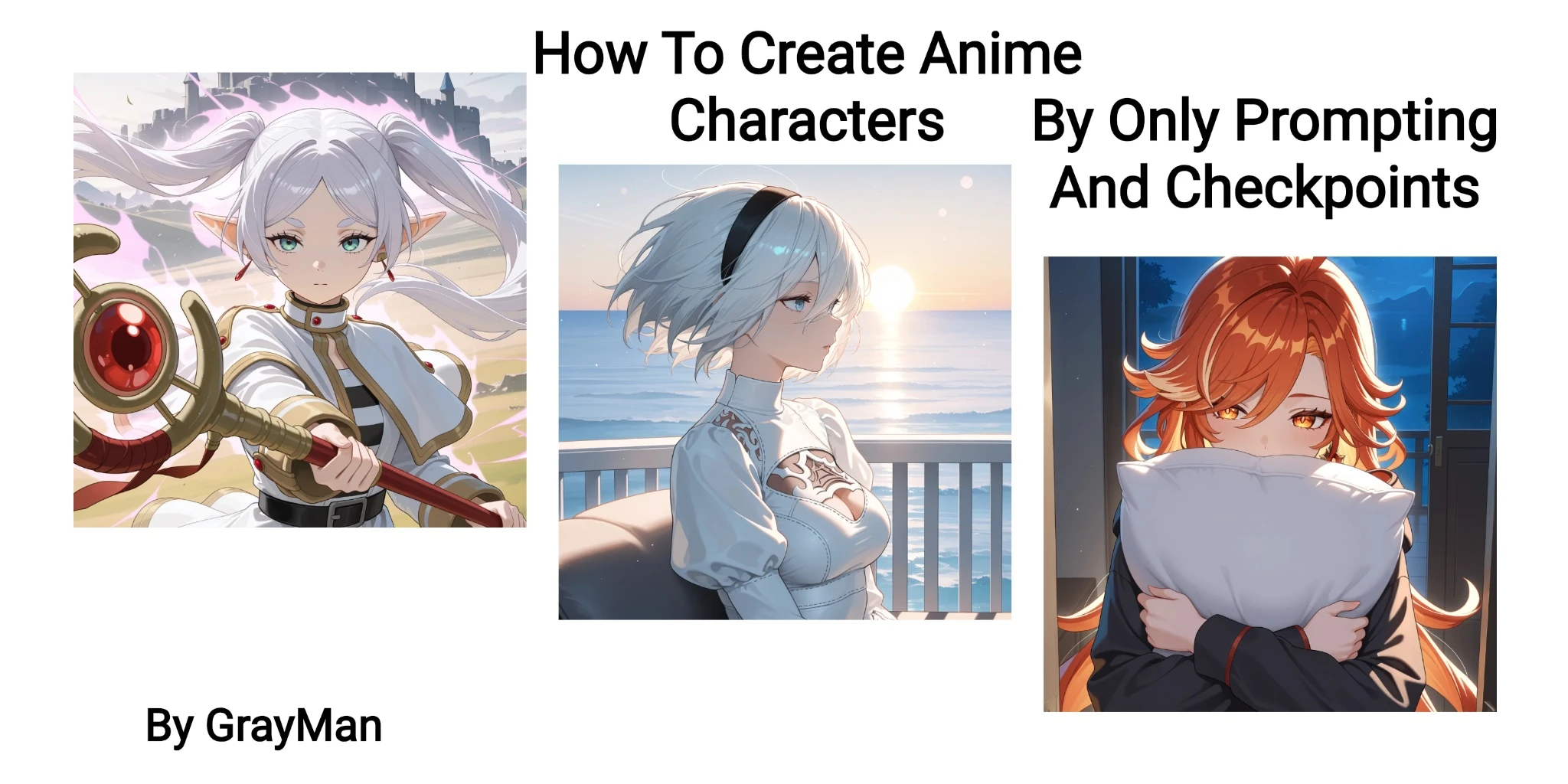
Creating exist anime characters on models without LoRAs is actually easier than it looks to beginners. Only thing you need is a model that has dataset of what character you are trying to create and Danbooru tags of that characters. This guide will show you how to do that easily, so let's begin.
Selecting Base Model
There is certain type models that has been trained with Danbooru datasets and number of these models increasing day by day. We can categorize them in 3 main group currently.
- Illustrious Base Model
- NoobAI Base Model
- Animagine Base Model
These are base models that include character datasets of Danbooru and a few other booru website. But we only need Danbooru since we will learn our tags from there. Models merged/fine-tuned over this base models also have same dataset so they can create same characters too.
You can find these models by checking what is written on right side of Checkpoint.
If it's IL, it means it's an Illustrious model.
If it's NAI, it means it's an NoobAI model.
For Animagine, there is almost no merge or fine-tuning so you can select Animagine model as your model to use.
Finding Tags For Characters
The website we are going to use is Danbooru but small warning, it's a ???? art sharing website and almost all data of these models belongs to this website tags and images. But don't worry, if you don't want to see a ???? image, there is a website version for you too as Safebooru. It's same website with Danbooru but ???? Content is hidden for users.
When you open website, there is a Search Bar that we can use. I will use Safebooru website for this guide. If you don't care about what is posted and just want to look at tags, it doesn't matter that much.
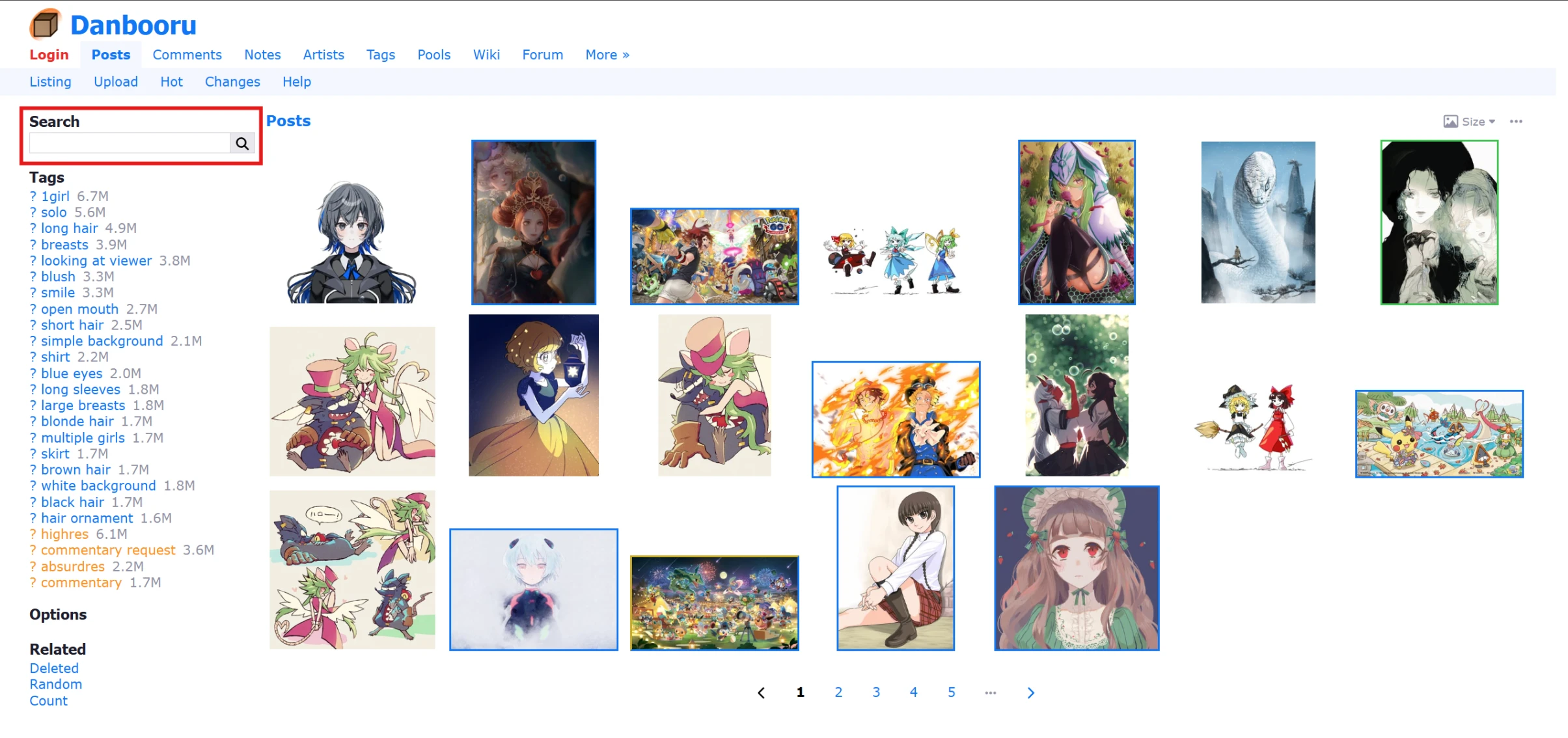
We have to write name of our character here to search but for correct searching, name must be same without an typo because we are searching for tags. Don't forget you must never use space between words of a tag, you should use underscore `_` instead.
For example `nico robin` must be written as `nico_robin` or website will take your both words as seperate tags.
Let's say we want to create Nico Robin since she was already our example. When you start to write, related tags will start to appear. If you don't know the full name of tag, you can try to find like this on list.
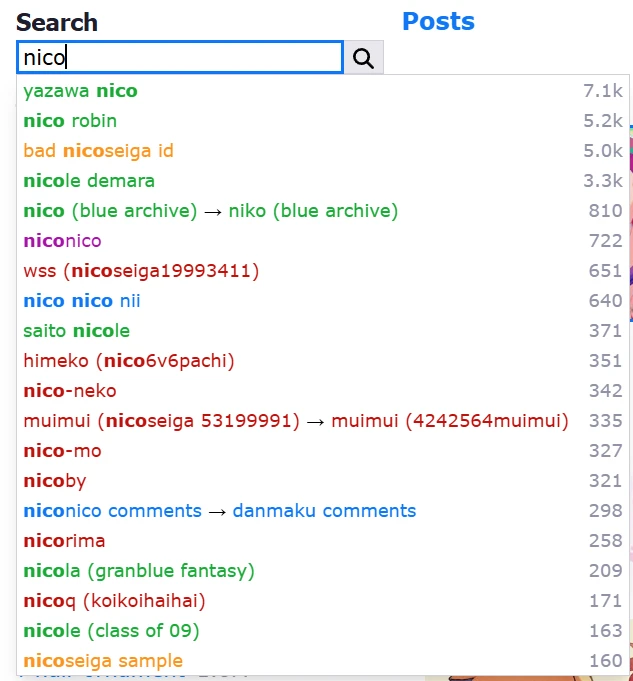
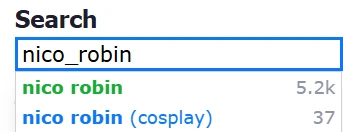
But in this case, we already know the tag of her name so we can easily find it. It's Nico Robin, this is what we are going to use in our prompts.
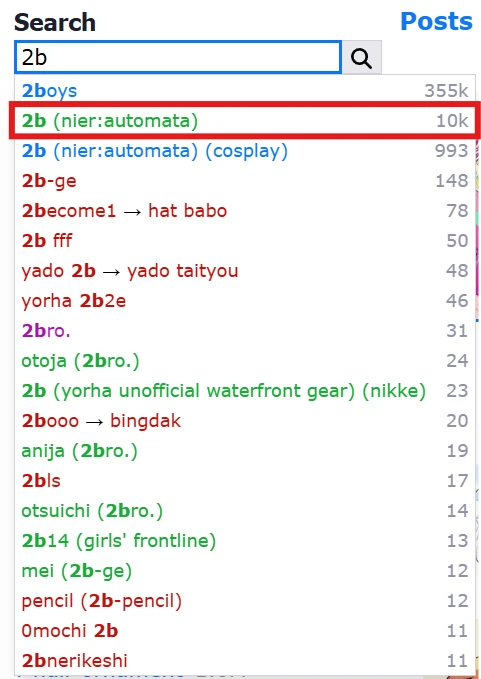
To show another example, let's search another character. 2B for example, one of my favourite game characters. Of course i know the tag but let's pretend we don't know the tag.
Doesn't matter which part of tag, if we write something that tag includes, we can find the tag itself.

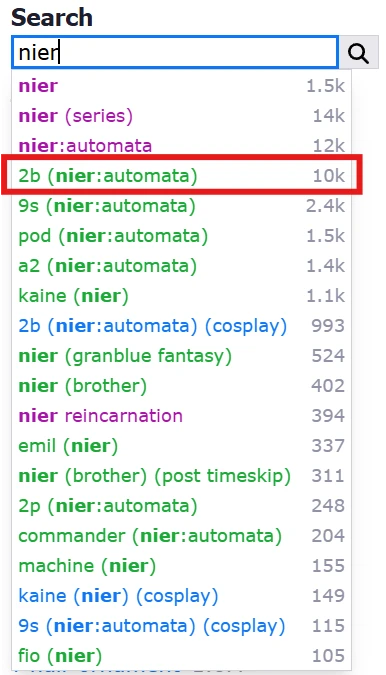
But as you can see here, writing with spaces make website ignore other words written before our tag. In this example, it only shows tags start or include "aut" part.
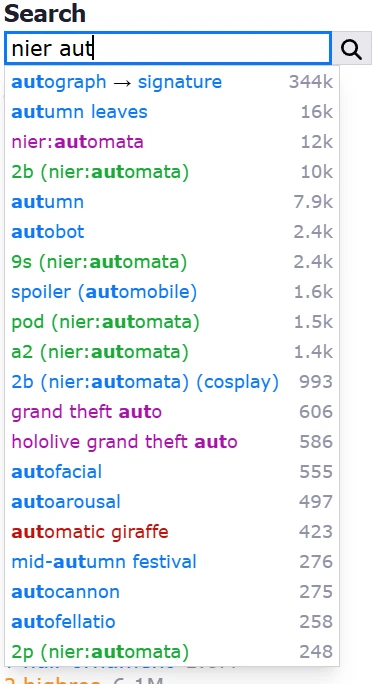
So basically this is the finding part. After finding our character tag, we should take a look at the number at the right side of tag. It refers to how much that tag is used in data of website for images.
Basically there is approximately 10.000 image of 2B, 5.200 image of Nico Robin in website. This number is important because if it's higher, it means models have more data to train character which means it will be recognized by our models.
Prompting Phase
After finding our character tag, we can directly use it on our prompts after tag of subject. For example, using `nico robin`after `1girl`tag. And other parts of prompt can stay same.
There is a few thing you must focus while writing these tags.
Rule 1. No Underscore: Most of people get confused by this so i have to write, you must not write underscores in your tags because it's only a searching feature of Danbooru to seperate different tags. They has no meaning in AI and they just waste your tokens. More token means more confused AI so avoid doing that for no reason.
Example: `nico_robin` tag must be written as `nico robin` in prompts.
Rule 2. Usage of Backslash: As you saw, there are tags that uses parantheses in their name, but we use parantheses to weight keywords in AI. So, how should we avoid AI to doing that and consider them as a part of tag. It's simple, when we use backslash before parantheses, it removes weighting feature of parantheses and make them work as actual parantheses.
Example: `2b_(nier:automata)` tag must be written as `2b \(nier:automata\)` in prompts. As you can see we followed both rule 1 and 2.
Examples
`masterpiece, best quality, amazing quality, newest, very aesthetic, upper body, 1girl, white dress, sitting on couch, wind, floating hair, balcony, ocean background, sun, horizon, bokeh, soft shadows, absurdres, highres`
Just basic prompt and i added character tags after `1girl`on other two example.
- 1girl
- 1girl, nico robin
- 1girl, 2b \(nier:automata\)



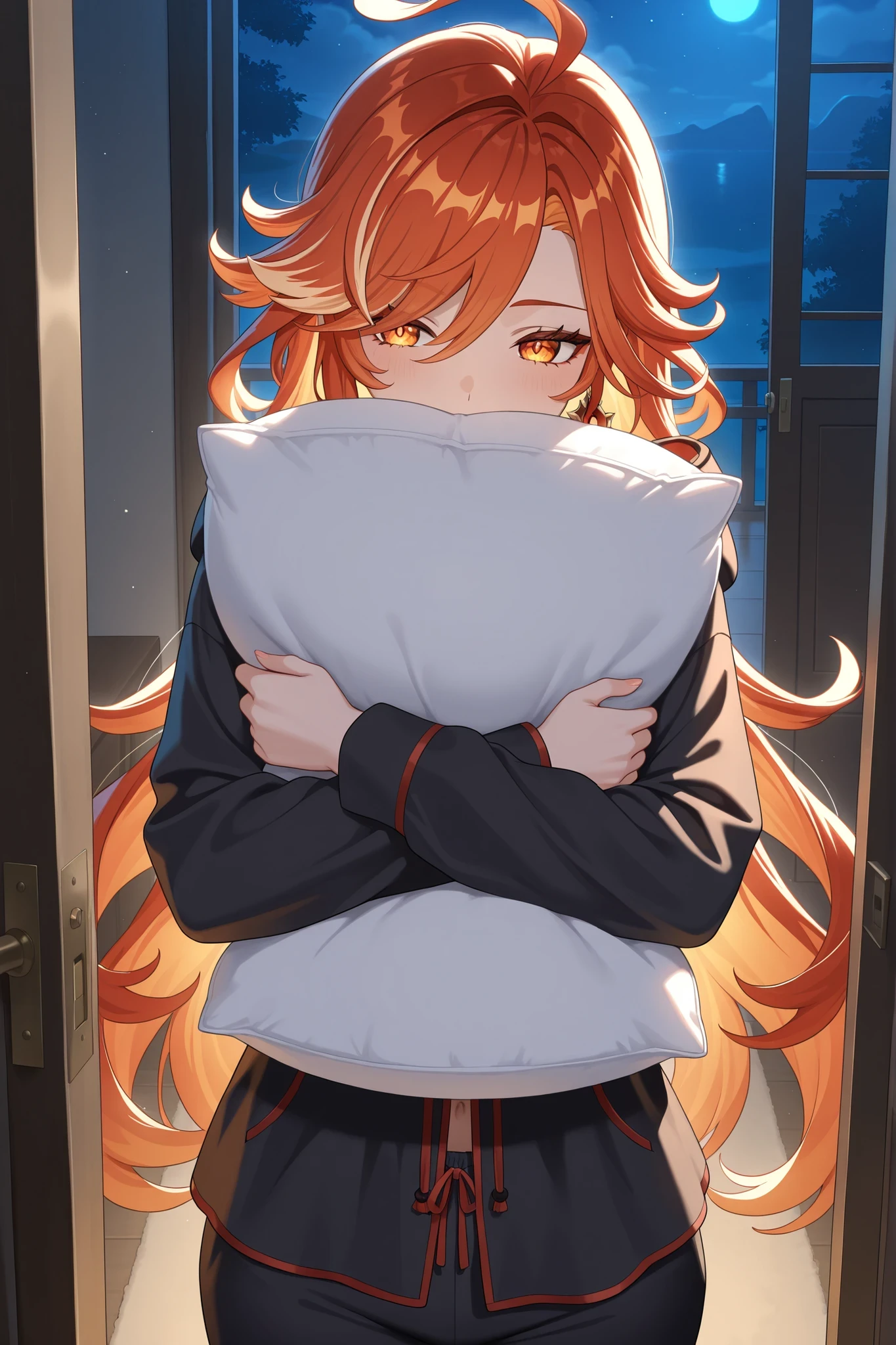
I saw a nightmare
Positive Prompt
`masterpiece, best quality, amazing quality, newest, very aesthetic, upper body, 1girl, mavuika \(genshin impact\), black pajamas, hooded pajamas, pillow, hugging pillow, night, open door, standing front door, backlighting, indoors, absurdres, highres`
Negative Prompt
`lowres, bad quality, worst quality, bad hands, bad ?, sketch, jpeg artifacts, ugly, poorly drawn, censor,blurry, watermark, artistic failure, artistic error, bad proportions, bad perspective, displeasing, very displeasing, oldest, child, childish`
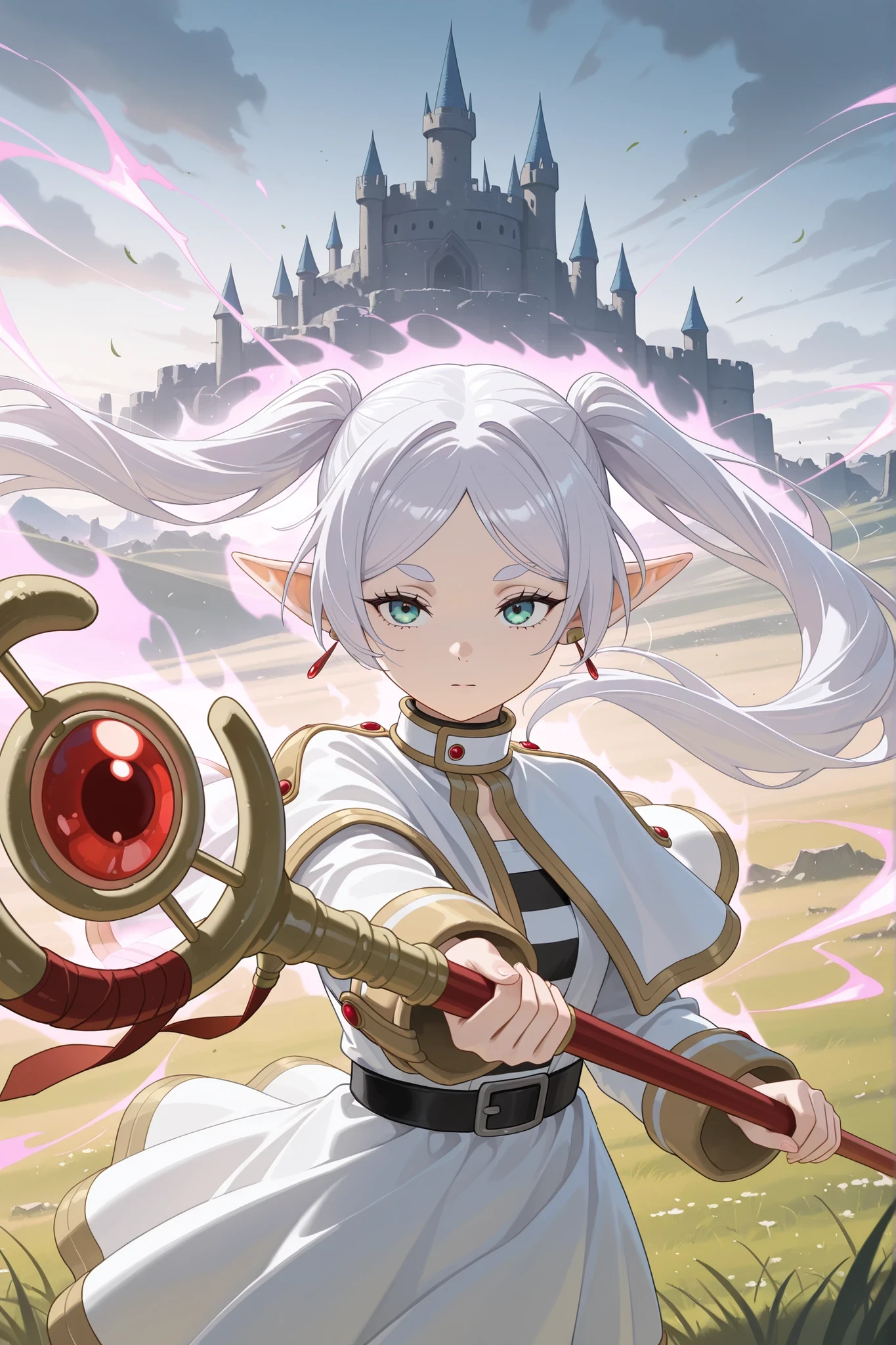
Put this foolish dreams to rest!
Positive Prompt
`masterpiece, best quality, amazing quality, newest, very aesthetic, upper body, 1girl, frieren, holding staff, casting spell, aura, wind, grass field, outdoors, amazing scene, fighting stance, canstle ruins, castle background, cloudly sky, absurdres, highres`
Negative Prompt
`lowres, bad quality, worst quality, bad hands, bad ?, sketch, jpeg artifacts, ugly, poorly drawn, censor,blurry, watermark, artistic failure, artistic error, bad proportions, bad perspective, displeasing, very displeasing, oldest, child, childish`
This method only works models based on base models i mentioned, data of models can be different. If your model can't recognize character you trying to make, you can try different model.
Dataset of newest models mostly limited to December 2024 due to dataset requirements. Model i used is one of them, GR-Illustrious 3in1. Which is a model trained by me. WAI and models merged by WAI has close dataset to this model. If you want to try two different trained models, i can recommend WAI and my model. Good luck and happy generatings!