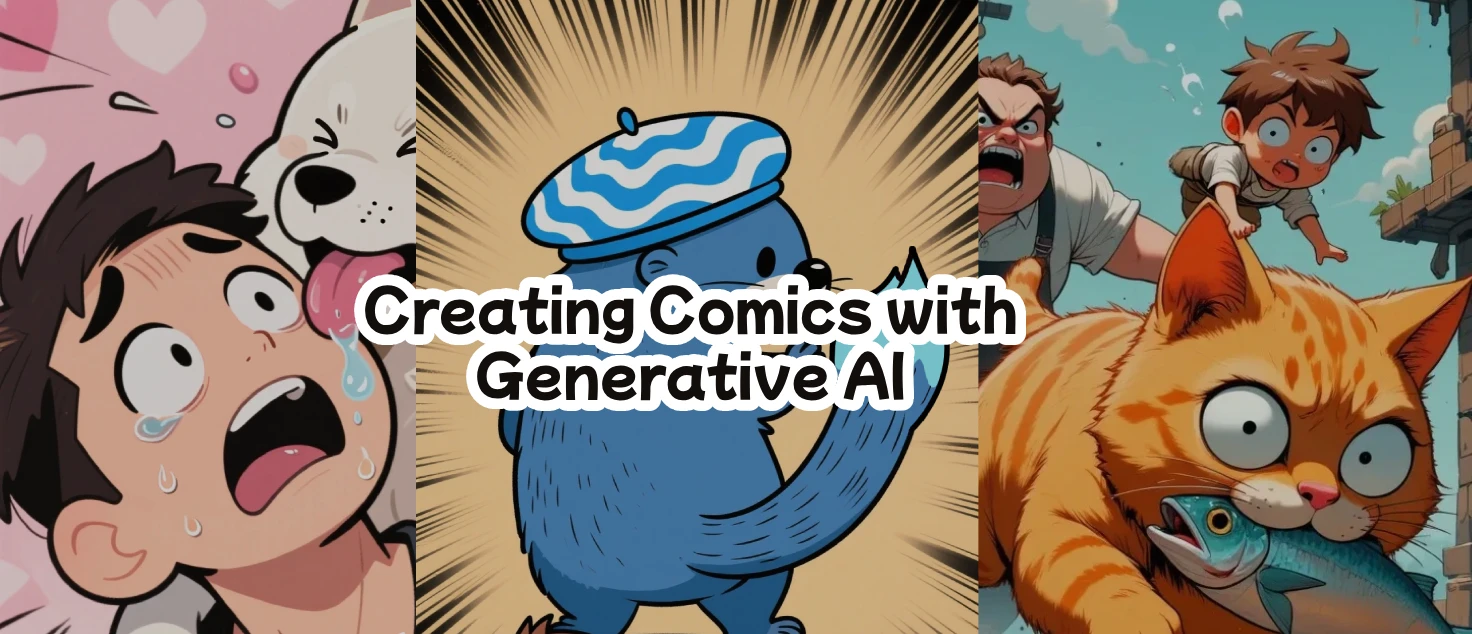
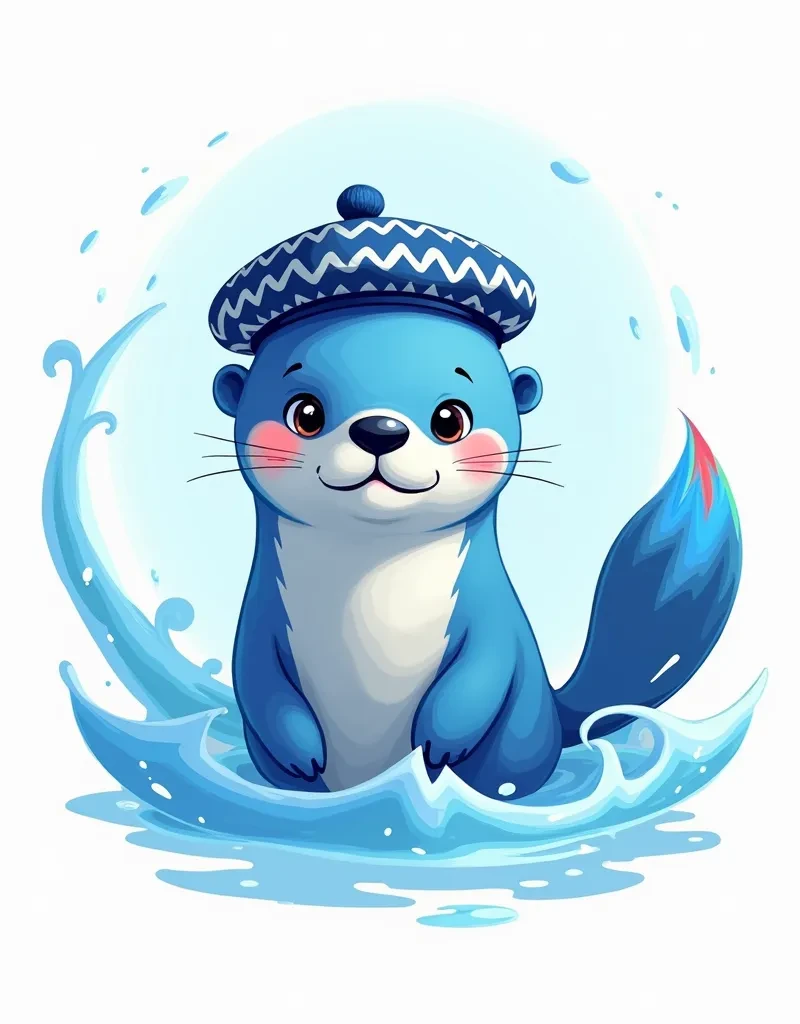

This is a sharing on how I usually create my comics. This is my step-by-step workflow for most of my comics. If you are interested in creating your comics, I hope you will find this useful.
Step 1: The idea
For the first step, you need to have the idea of a story you want to make. Make sure to imagine them as comic panels, as this is important for the next step – generating the images. Since I usually only work on short-form comics, I imagine each panel in my head. You might need to write them out or sketch them if it is more complicated.
Step 2: Image generation
Once you have thought of how each comic panel should look like, it is time to generate them. It is crucial to pick a checkpoint that can generate the things you want for the comic panel. I will list down things you should consider for your image generation:
Character
If you have a specific character design, chances are the generation will give inconsistent details. My character has always been generic animals, no character design aside from the few descriptions I wrote in the prompt. So it always ended up in many different styles with different details.
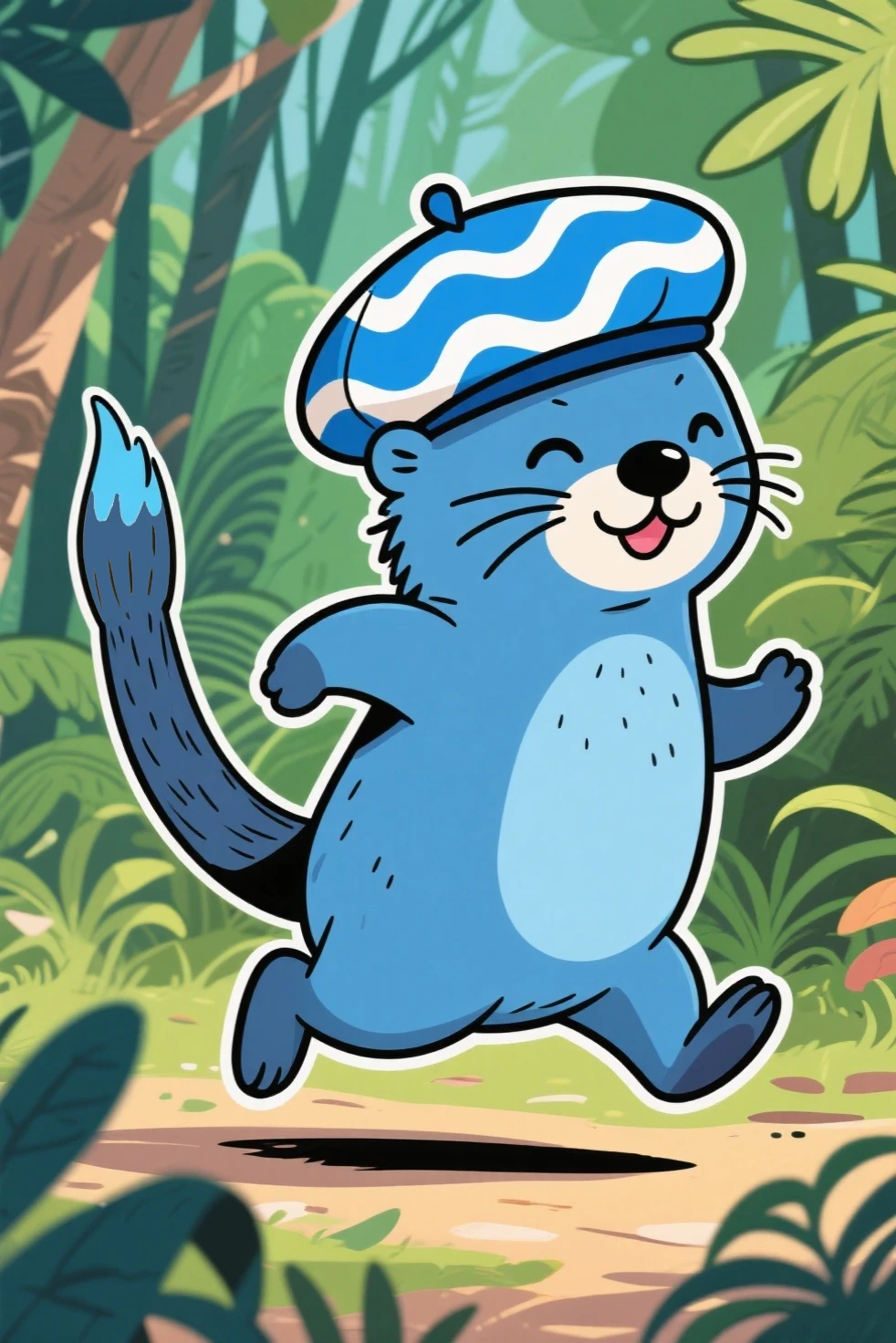
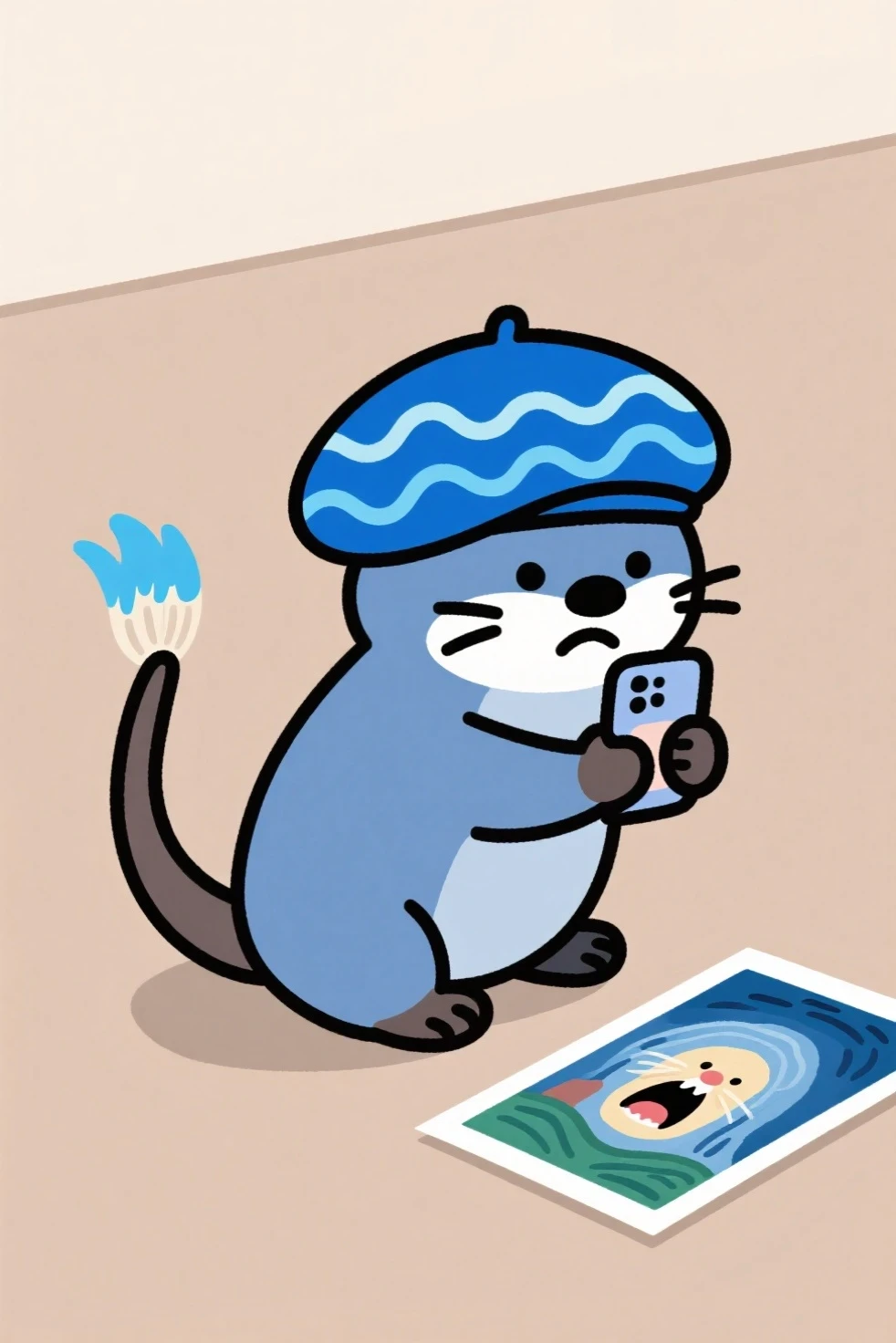
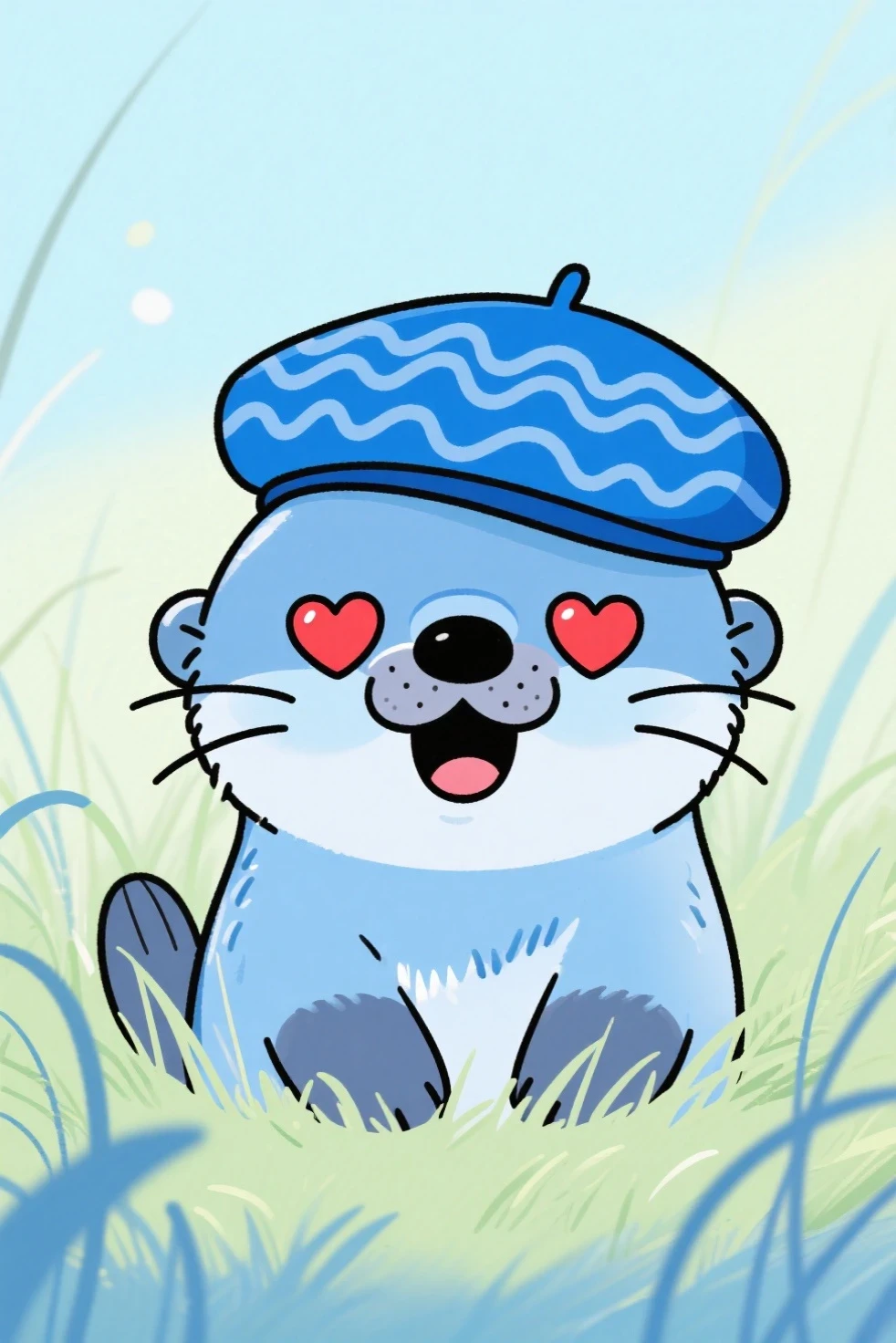
The many art styles of Arthur the Sea Otter
I suggest using a LoRA to help mitigate this problem. However, I think some details will still be up to the generation. If it is not story-crucial, you may overlook them. Or you may try to fix it with image editing tools after generation.
For my character Arthur, in the spirit of it being a character made with generative AI, I just use whatever the checkpoint gives me and didn't create any LoRA for it (and also I'm lazy and clueless about creating an original character's LoRA). However, one detail that I am particular about that no checkpoint has ever generated correctly for me is the paintbrush tail. So, I have to draw a little paintbrush shape at the tip of its tail for every image that shows its full body. This can be very tricky, which is why I have to talk about the next point to consider when generating the image – art style.
Art Style
Pick a checkpoint and LoRA that can consistently generate the art style you want. For me, I learned to choose a minimalistic, cartoony art style as it is easier for me to edit after generating them. More complicated art styles will be tougher to edit if you want to paint over them yourself like I do. It is ultimately up to your skills and how comfortable you are when it is required for you to modify the generated images.
Here is an example when I was using a more complicated art style.
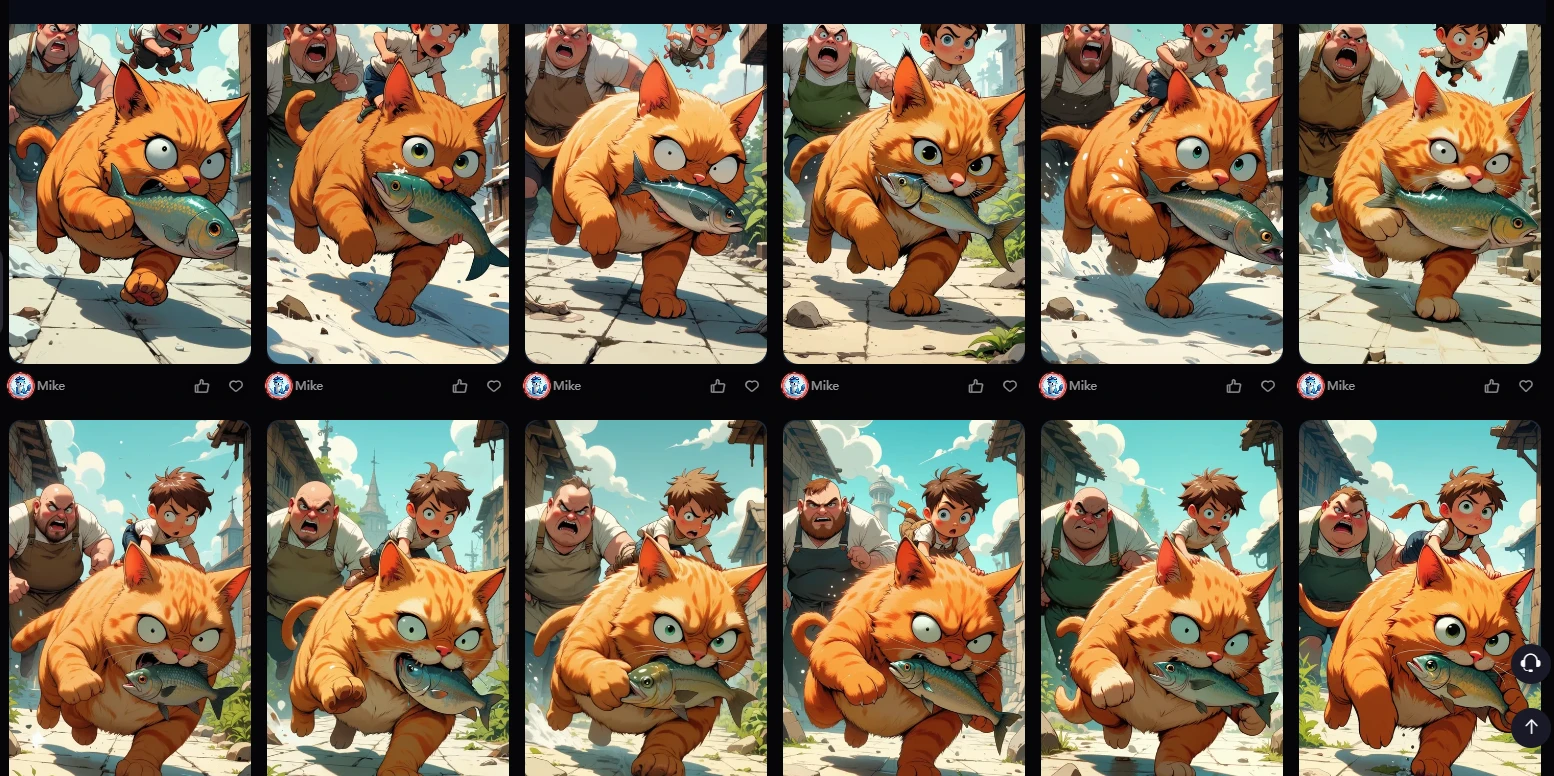
These are only a selection of images that I saved, there were a lot more that had obvious flaws that I didn't even consider for my comic. It was unbelievably hard to get exactly what I want. In this panel, the cat runs away from a fish seller after stealing a fish. I wanted the cat to look cute, with a small boy on its head. It took many tries before I got this perfect composition, but the details are not perfect. So, I use Img2Img countless times in order to get what I want.
As you can see, it kept generating the cat using its paw like a hand (which I don't want), angry looking (not cute! I don't want), and the boy doesn't look small enough on its head (too much weight on its head, not logical. I don't want!). Since I was quite the perfectionist but didn't have the skill to paint over this art style, I decided to keep generating images. It took me a while to get to something that satisfies my many criteria. I repeated this process many times for almost all the panels because of its art style (which is tough for me to edit myself) and also because of the composition, which is my next point.
Composition
I swear generative AI has a tough time with composition. Maybe it is the prompting that is difficult? You may try some camera keywords like close-up, zoom out, wide angle, from below, fisheye lens, etc., but it will take a long time to generate something perfect. AND it is even trickier if you have MULTIPLE CHARACTERS in the composition. The cat example from earlier took me quite long to get it, and I held on to that composition dearly (by spamming Img2Img with that composition).
Anyway, I dread having to generate comic panels with very specific actions for multiple characters within the scene. Let me give you an example panel I need for one of my comics. I wanted to create a panel where an otter walks away from the robot while a fox walks towards the robot. Simple, right? But it is stupid hard to get it right through image generation. Just look at what it generated for me below.
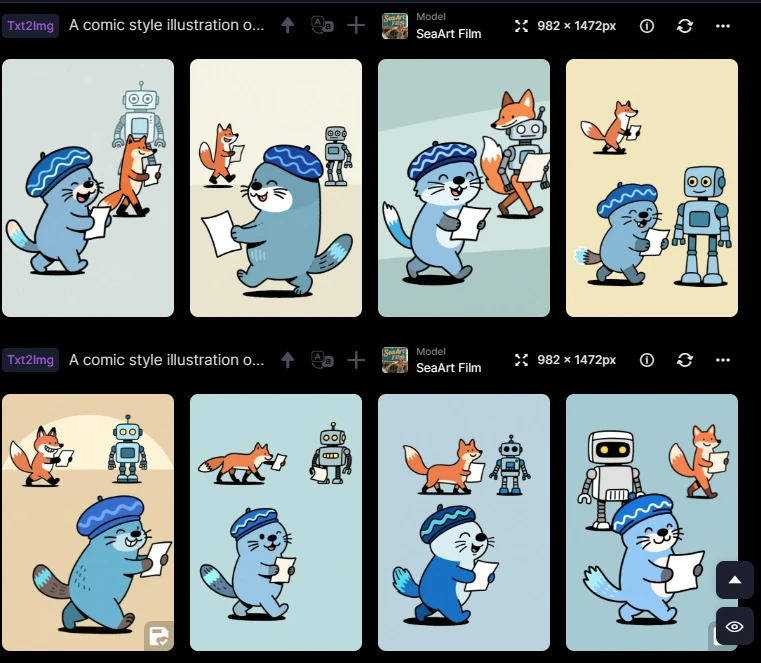
Otter walks to the right, facing away from the robot; a bipedal fox walks in from the left towards the robot; etc. Write the prompt as detailed as you like, it will still struggle to generate it correctly for the first 50 times (just kidding, I didn't count the number of failed generations, could be more than 50 idk).
So, I guess maybe I should try to keep the panel's details as simple as possible? As a rule of thumb: If you can't describe the panel's details simple enough, try again. Find ways to generate the panel where AI can easily capture the essence, as they are not great with composition details. Only generate these kinds of images if you absolutely have to.
Overall
If you find difficulty in generating a certain panel, you may need to revisit step 1 to find a workaround to replace the problematic panel. If there are some minor imperfections that can be fixed via image editing, just use the image. Do not waste time and energy generating until something perfect comes along. And lastly, if the generations keep yielding unsatisfying images after many tries, you may want to revisit step 1 and 2 to find out what works.
Step 3: Edit
So, once you've got your comic panels, chances are they are not perfect. So, for the next step, you will edit them. Just pick any image editing tools that you are comfortable with to get the job done. For me, I use Photoshop to paint over the details, but anything similar should work just as well.
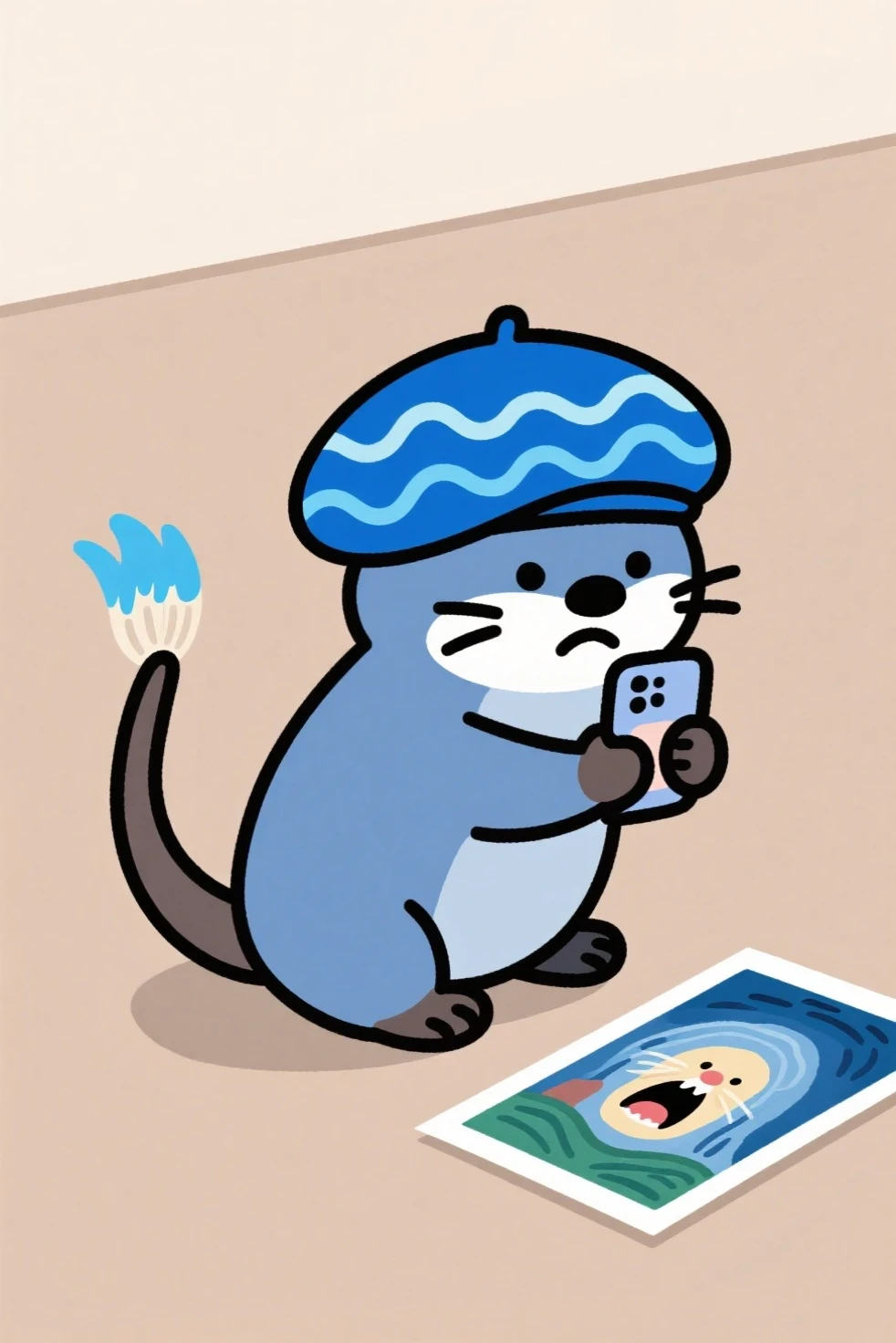
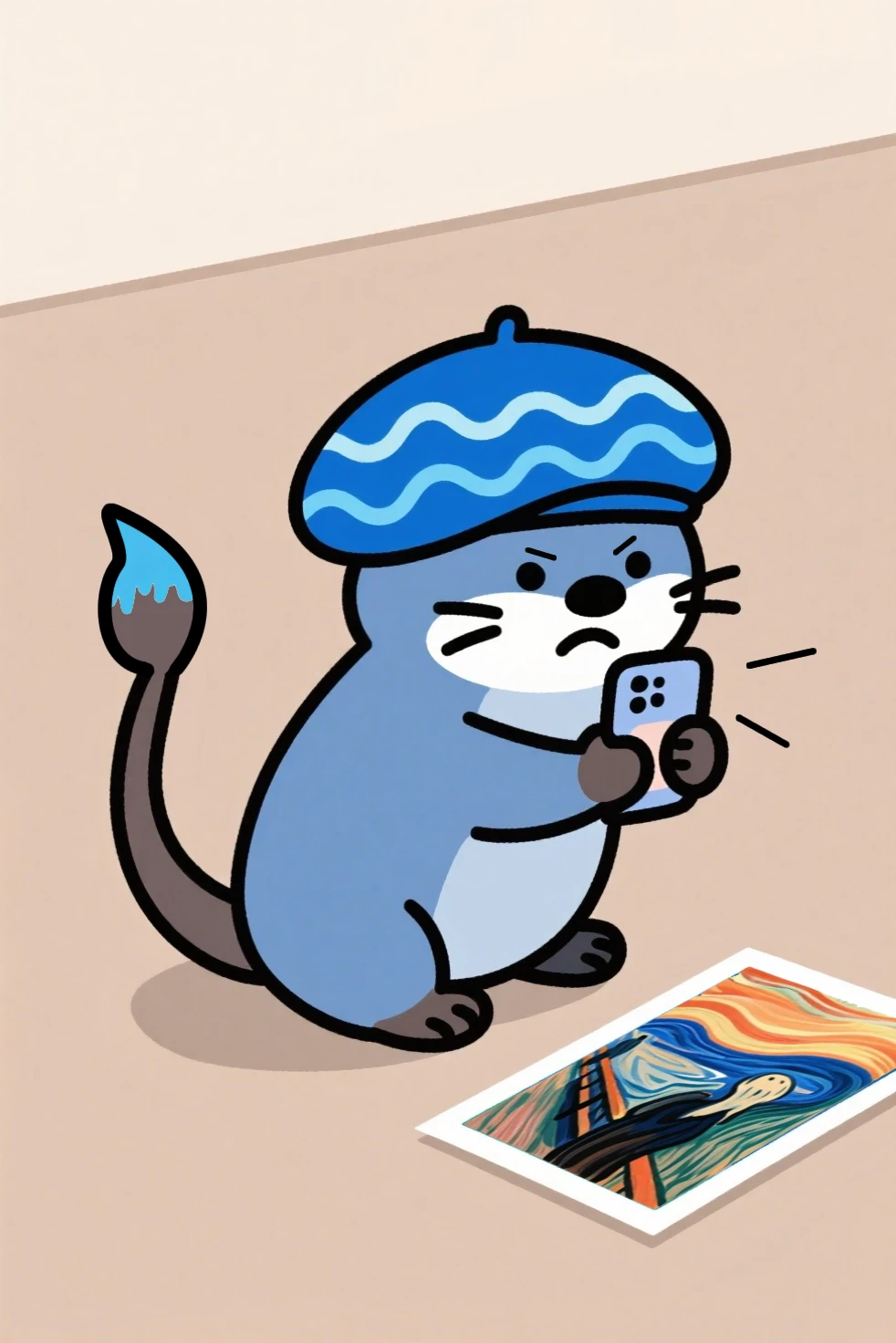
Generated image vs edited image
If you find some images not suitable to edit, you may also need to revisit step 1 and 2 again to find a workaround.
Step 4: Publish
Now that you have generated and edited all your panels, it is time to publish them. When you are publishing the comic, make sure to create a banner before you post it as an article. Aside from posting it as an article, you can also publish it as an image post with descriptions that explain each image. Personally, I prefer the article post as I can control the pacing with each comic panel. It is much easier to edit in the future too.
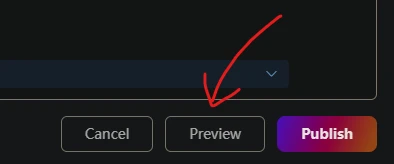
Also, don't forget to preview your article before publishing.
Conclusion
That's it! That's my sharing on how I create my comics. It takes more time to create, but it is satisfying if you always have a story to tell but couldn't find a way to do it. Generative AI is not perfect, but it does open doors to people like myself to create something. Hopefully, it can help you tell your stories too. Looking forward to reading your comic soon!
Featured Comics
My Journey with a Cat: https://www.seaart.ai/articleDetail/cu8kqude878c73acva7g
Arthur #1: https://www.seaart.ai/articleDetail/d09qegle878c73a09n70
Arthur #3: https://www.seaart.ai/articleDetail/d0md2nde878c73d2k25g
Arthur #4: https://www.seaart.ai/articleDetail/d0moh0te878c73foto8g
Arthur #5: https://www.seaart.ai/articleDetail/d1ehho5e878c738f0ktg