
Welcome to our official SeaArt Film Video Tutorial Guide!
To help you explore and use the SeaArt Film Video model more easily and accurately, we’ve prepared the following tutorial. It’s designed to help you use the model more effectively and generate precise, cinematic visuals.
🎬 Film Text-to-Video Model Tutorial
🌌 Write Cinematic Stories with Text | The Ultimate Guide to the Film Model 🎬✨
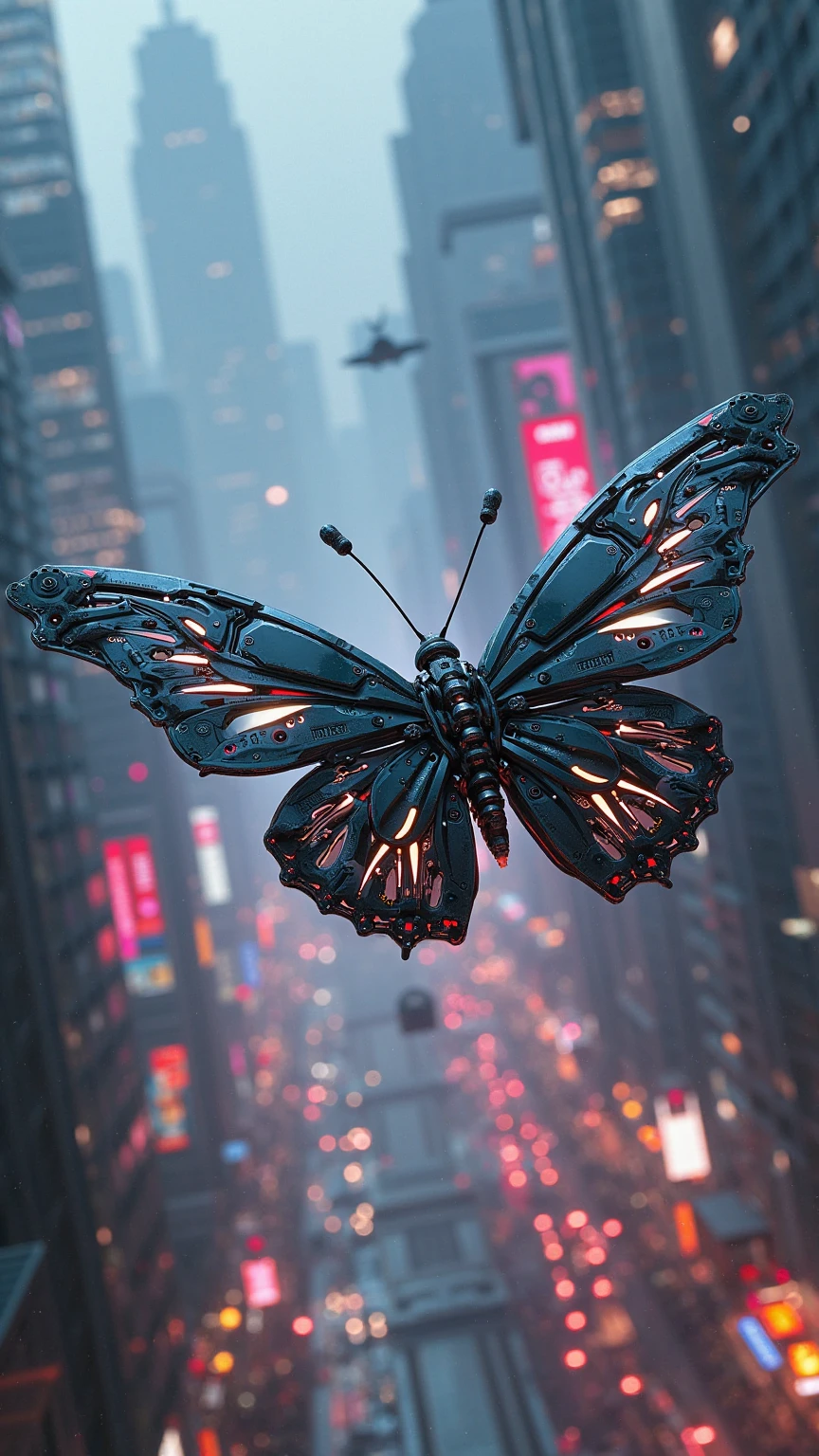
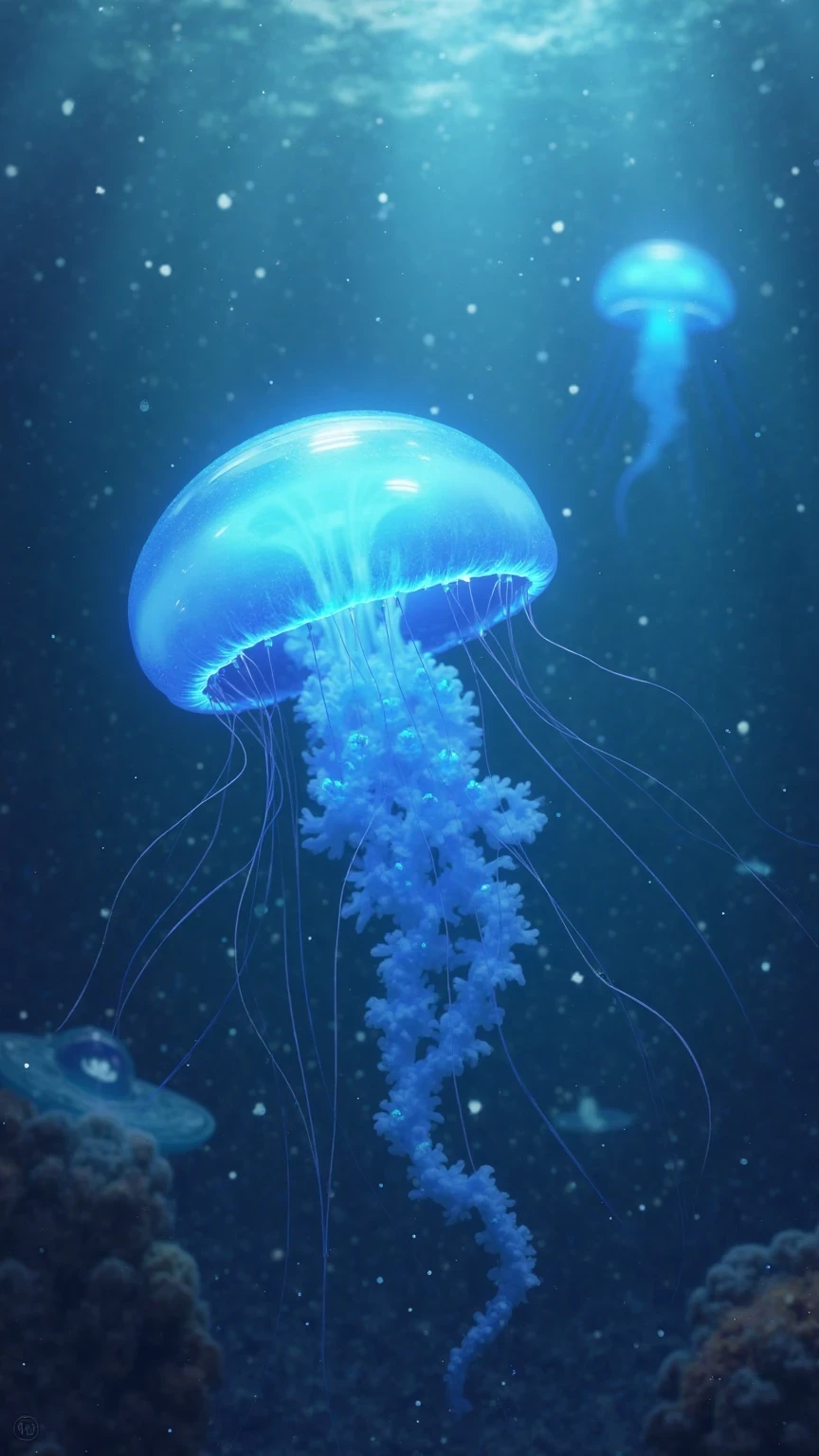
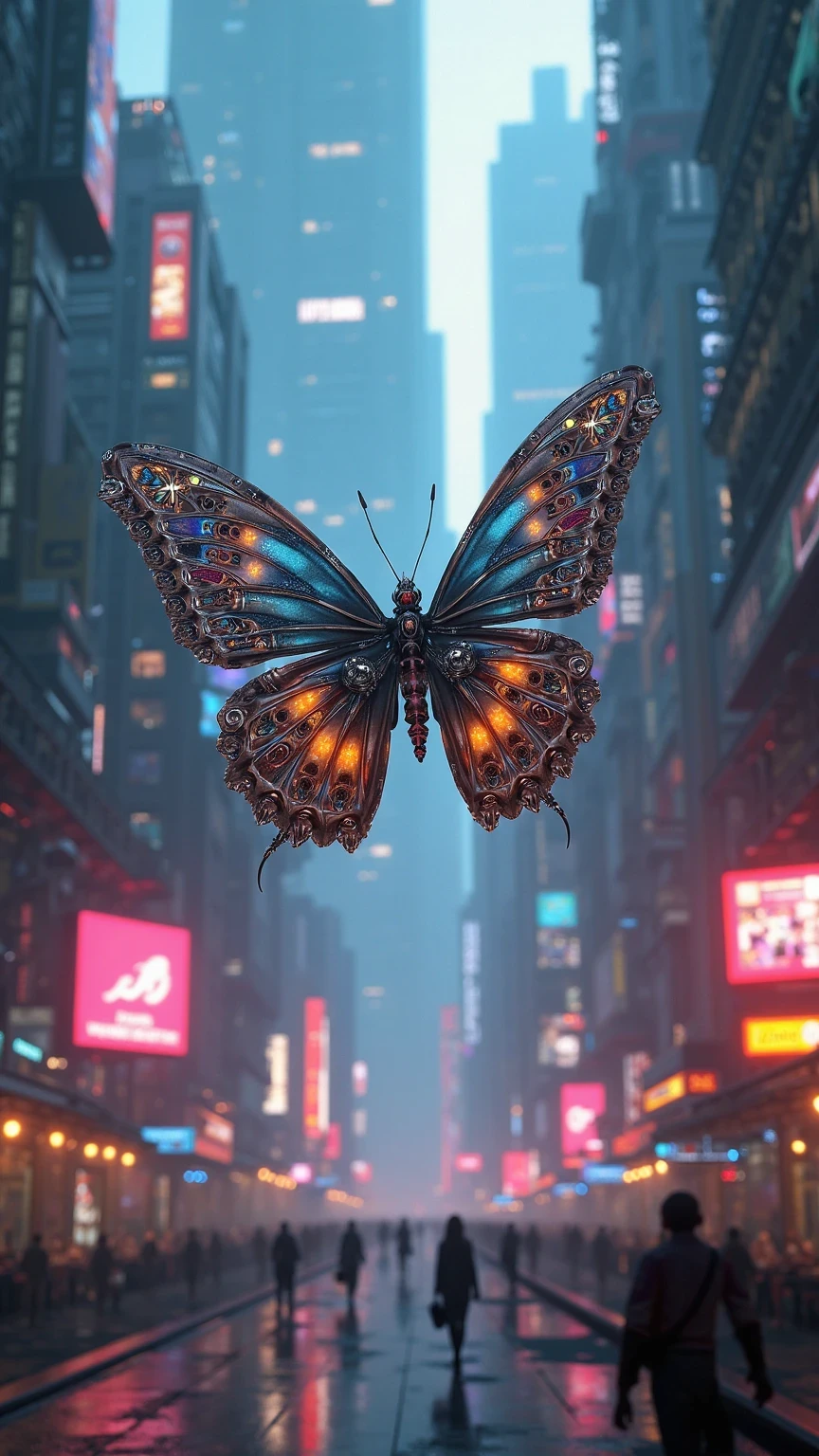
Describe your idea in one sentence to generate an immersive dynamic video – create dreamy jellyfish, mechanical butterflies, and other high-quality video samples!
The two images below were generated using our SeaArt Film Video model. By following the tutorial below, you too can achieve stunning visuals and videos! Let’s explore the power of the SeaArt Film Video model together.
I. Feature Overview
The Film model allows you to generate high-quality dynamic video content through text prompts.
It’s suitable for creative animation, concept design, visual effects, and more.
By describing the Subject + Action + Scene + Style + Camera + Quality, you can create immersive animated short clips in just one click.
II. How to Use
1️⃣ Enter a Text Prompt (Prompt Formula)
Recommended structure: Subject + Action + Scene + Style + Camera + Quality
Example a:
A glowing jellyfish slowly swimming in the deep sea, blue bioluminescence, dreamy atmosphere, wide-angle lens, cinematic quality, 2K
Example b:
A mechanical butterfly flying in a neon city, cyberpunk style, medium telephoto lens, 2K
📝 Tips:
- You can specify camera movements or visual effects (e.g., rotation, zoom-in) for a more cinematic feel Sample Link
- https://www.seaart.ai/explore/detail/d1ifv2de878c73fpts0g?source=share_link&u_code=KBO0MPCC
- Using the same seed (Seed) ensures a consistent visual style, ideal for batch creation
2️⃣ Generation & Optimization
If the initial result is not ideal, try optimizing with the following methods:
🔍 Refine the prompt by adding details such as:
“a coral-covered seabed,” “particle effects,” “floating bubbles,” etc.
🧩 Post-processing:
- Use frame interpolation to enhance smoothness
- Adjust frame rate for more natural motion
- Choose background music (BGM) that fits the video style to enhance immersion
3️⃣ Export & Share
✅ Click “Download” to export your video. Smart upscaling is supported, with resolutions up to 2K/4K
🚀 You can also publish to the community to showcase your creative works and gain feedback and inspiration
III. Sample Showcases
🎥 Sample 1
Description:
https://www.seaart.ai/explore/detail/d1f6urde878c73ah13tg?source=share_link&u_code=KBO0MPCC
🎥 Sample 2
Description:
https://www.seaart.ai/explore/detail/d1gusmle878c73alphrg?source=share_link&u_code=KBO0MPCC
✅ Pro Tips
- Keep your prompts clear and concise, avoid conflicting elements
- Try different styles or camera perspectives to find the best version
- Add voiceovers and subtitles to further enhance video quality
✨ Give it a try!
Use the Film Text-to-Video Model to instantly turn your imagination into real moving images – start your AI video creation journey today!