🎨 Behind the Scenes: How I Created a Cat-Eared Waifu in SeaArt AI
By Claudia Gonzalez | April 2025
✨ Every great piece starts with a spark of inspiration — and ends with a series of brilliant moves. In this tutorial, I’ll walk you through how I created a vibrant, fantasy-inspired waifu character with cat ears using SeaArt AI. From prompt engineering to iteration logic, here’s my full creative process.
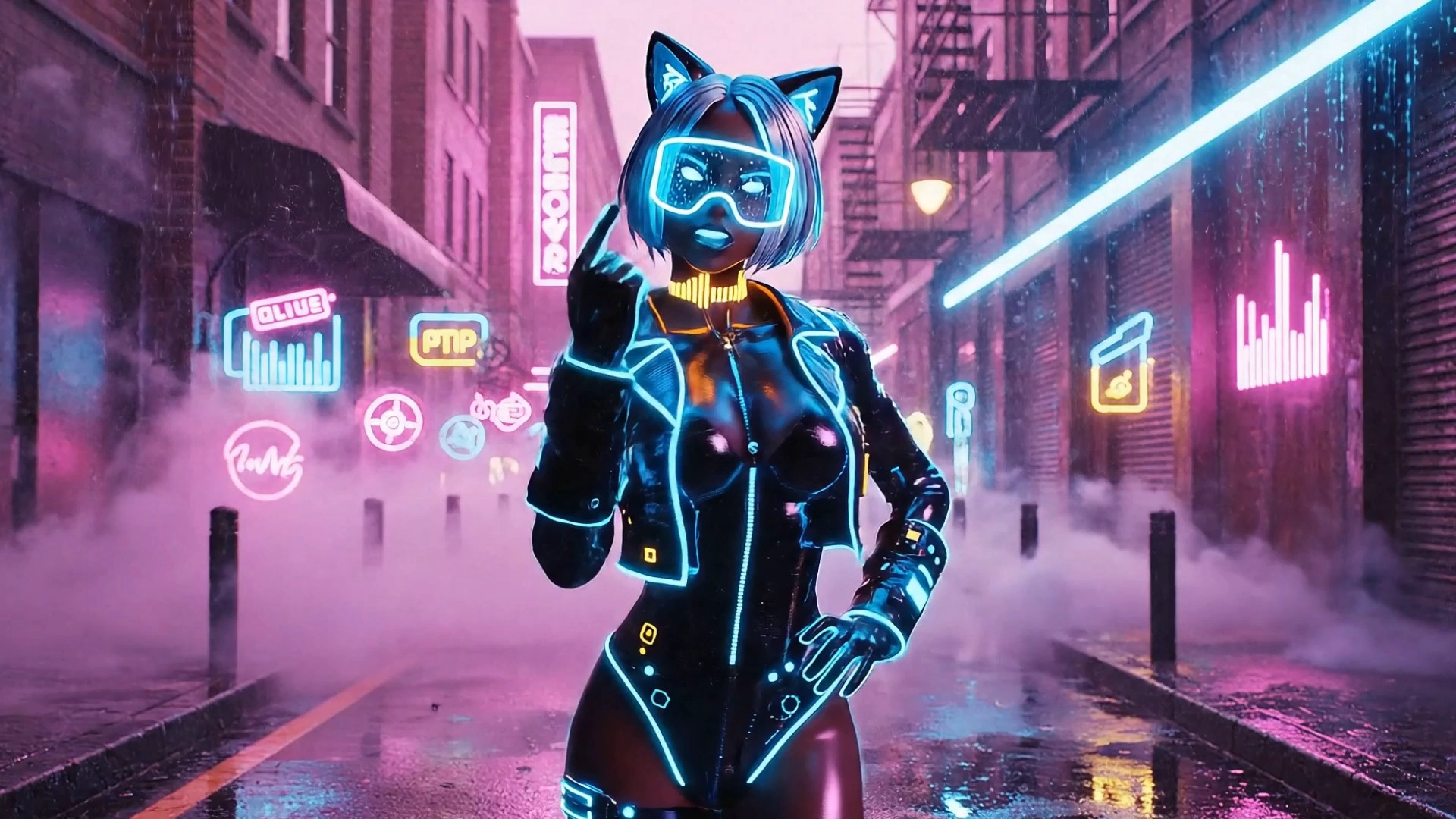
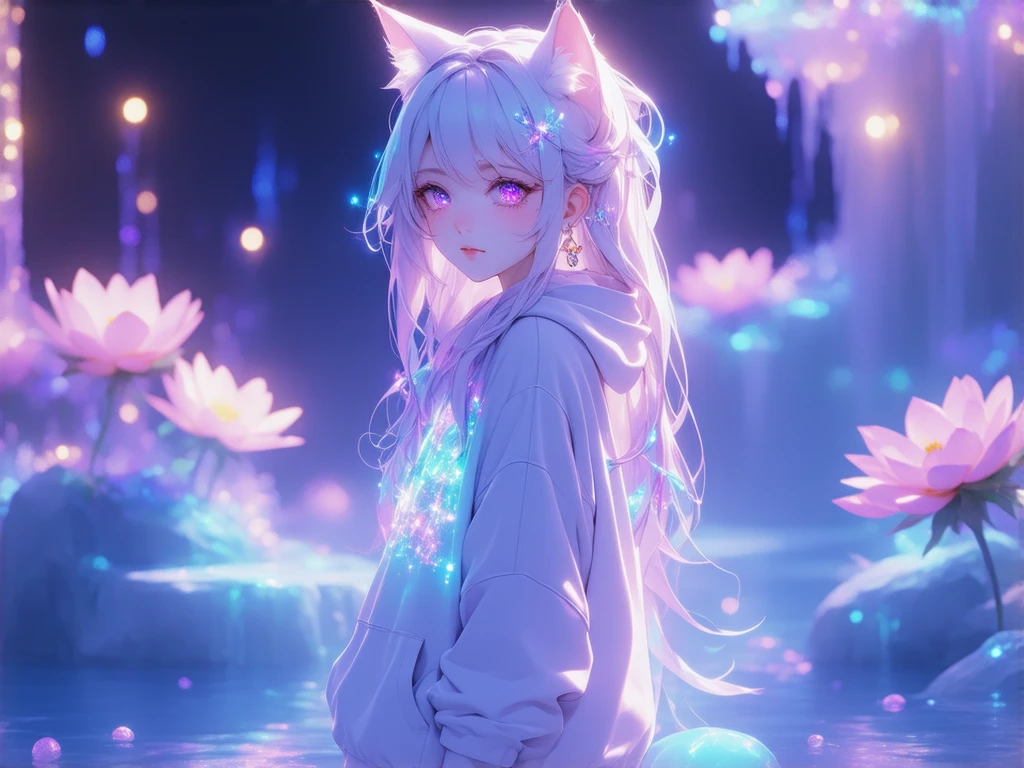
🖼️ Final Result
This is the final image we'll be deconstructing. It features a cute anime-style waifu with cat ears, glowing eyes, and a dreamy fantasy background.
🔍 Step 1: Concept & Inspiration
Before diving into tools, I defined the core concept :
- Character : A young female anime waifu
- Features : Cat ears, soft pastel hair, expressive eyes
- Setting : Dreamy fantasy world with floating islands and glowing flora
- Style : Digital painting with high detail and vivid colors
💡 Inspirations:
- Studio Ghibli for soft lighting and whimsical environments
- Popular waifu art styles from Pixiv and DeviantArt
- Bioluminescent nature scenes from sci-fi films
🛠️ Step 2: Prompt Engineering
I built a detailed prompt that would guide SeaArt AI effectively.
✅ Final Prompt Used:
1
A beautiful anime-style waifu girl with fluffy cat ears and long pastel-colored hair, large sparkling eyes full of emotion, wearing a cute and slightly futuristic outfit, standing in a dreamy fantasy world with glowing flowers, floating islands, and soft colorful lights, bioluminescent environment, vibrant tones, ultra-detailed digital painting style, 8k detailed, trending on pixiv, best quality
🖌️ Step 3: Model & Tool Selection
I used SeaArt AI v4 (Stable Diffusion-based) for this piece because it offers:
- Excellent control over anime and fantasy aesthetics
- High-resolution outputs up to 4K
- Flexible aspect ratio options
Parameters used:
- Aspect Ratio: 3:4 (Portrait)
- Image Count: 4 variations
- Seed: Randomized for diversity
- Upscaling: Enabled for fine details
🔁 Step 4: Iteration Logic
After generating the first batch, I selected the most promising version and refined it by adjusting the prompt:
First Prompt:
“Anime girl with cat ears, magical forest”
Refined Prompt:
“Anime waifu with fluffy cat ears, pastel pink hair, glowing eyes,
floating garden with glowing flowers and stars, vibrant colors,
ultra-detailed, 8k resolution”
I repeated this loop 3 times , each time focusing on:
- Facial expression clarity
- Background depth and composition
- Color vibrancy and lighting
📸 Step 5: Post-Processing (Optional)
For presentation, I did light post-processing in Photoshop :
- Enhanced glow effects around flowers
- Slight sharpening on facial features
- Adjusted contrast for better depth
🏆Final Thoughts
Creating this waifu was more than just generating an image — it was about crafting a moment of emotional connection between viewer and character. The right combination of prompt design , iteration , and artistic intuition made all the difference.
If you're just starting out with SeaArt AI, don’t be afraid to experiment. Each failed generation is just one step closer to your masterpiece!
🙌 Want to Try This Yourself?
Here's a quick recap:
- Start with a clear vision
- Build a strong, descriptive prompt
- Choose the right model and settings
- Iterate and refine
- Polish for presentation
Try creating your own version and share it with us! And remember — behind every great piece, there’s always a brilliant move.