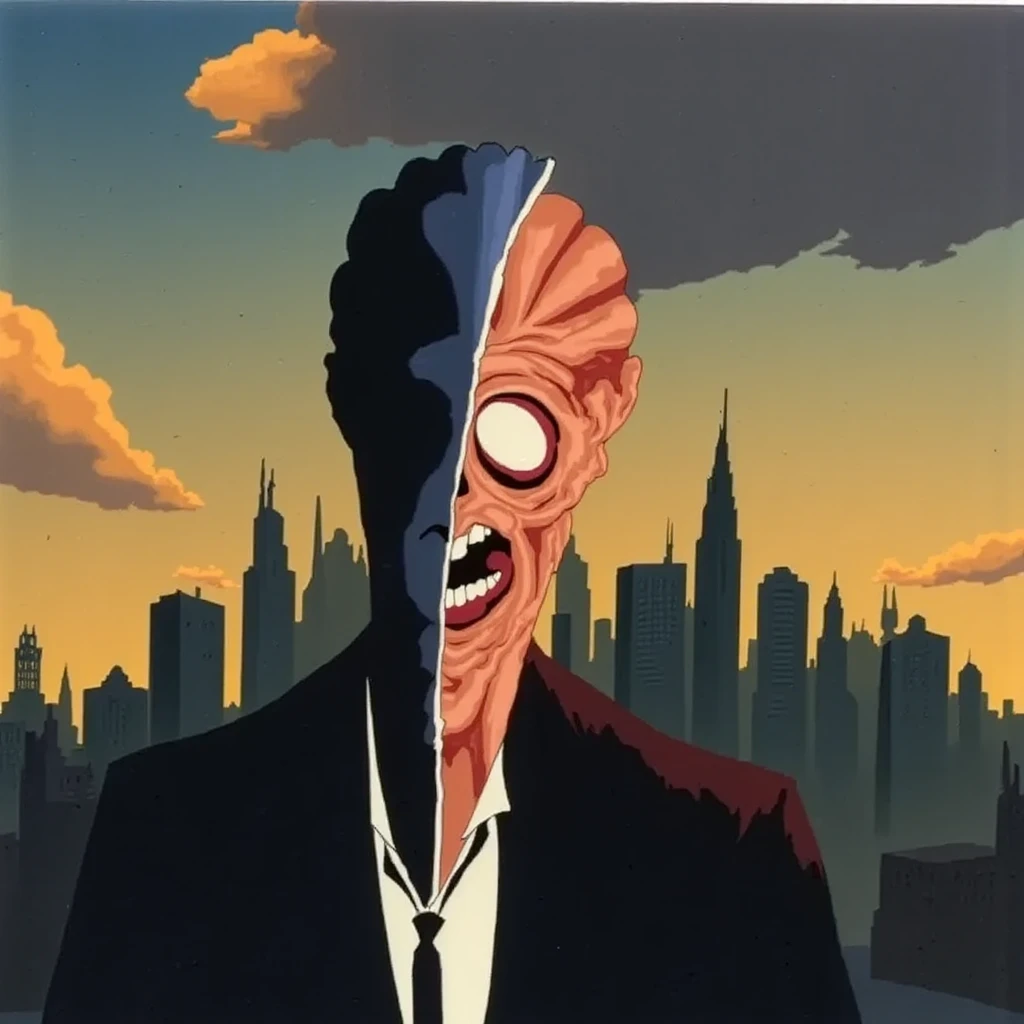
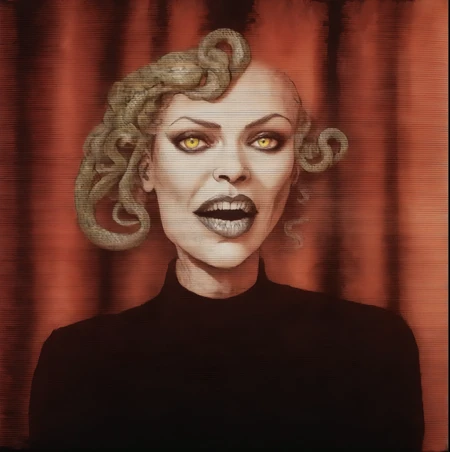
This guide will examine creating a suitable image for a daily challenge. The topic was 'Dual Identity'. I chose to do a variation of the famous villain Two Face from Batman. It is important to select a good souce image that will have elements that will reproduce well. Blurry, low resolution, cluttered images tend to be less ideal.
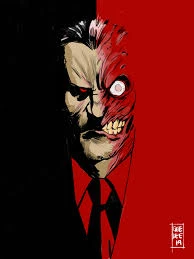
This is the selected suitable source image from online of the reference character Two Face.
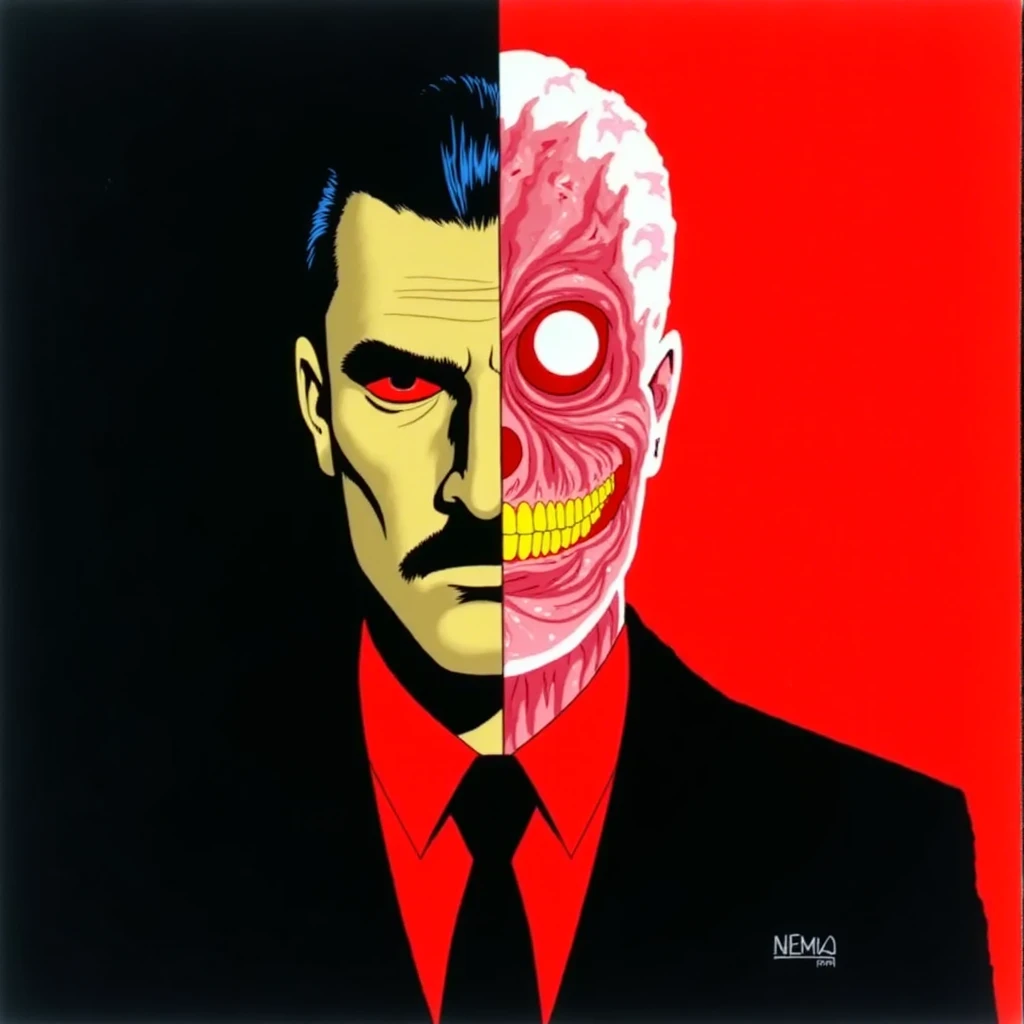
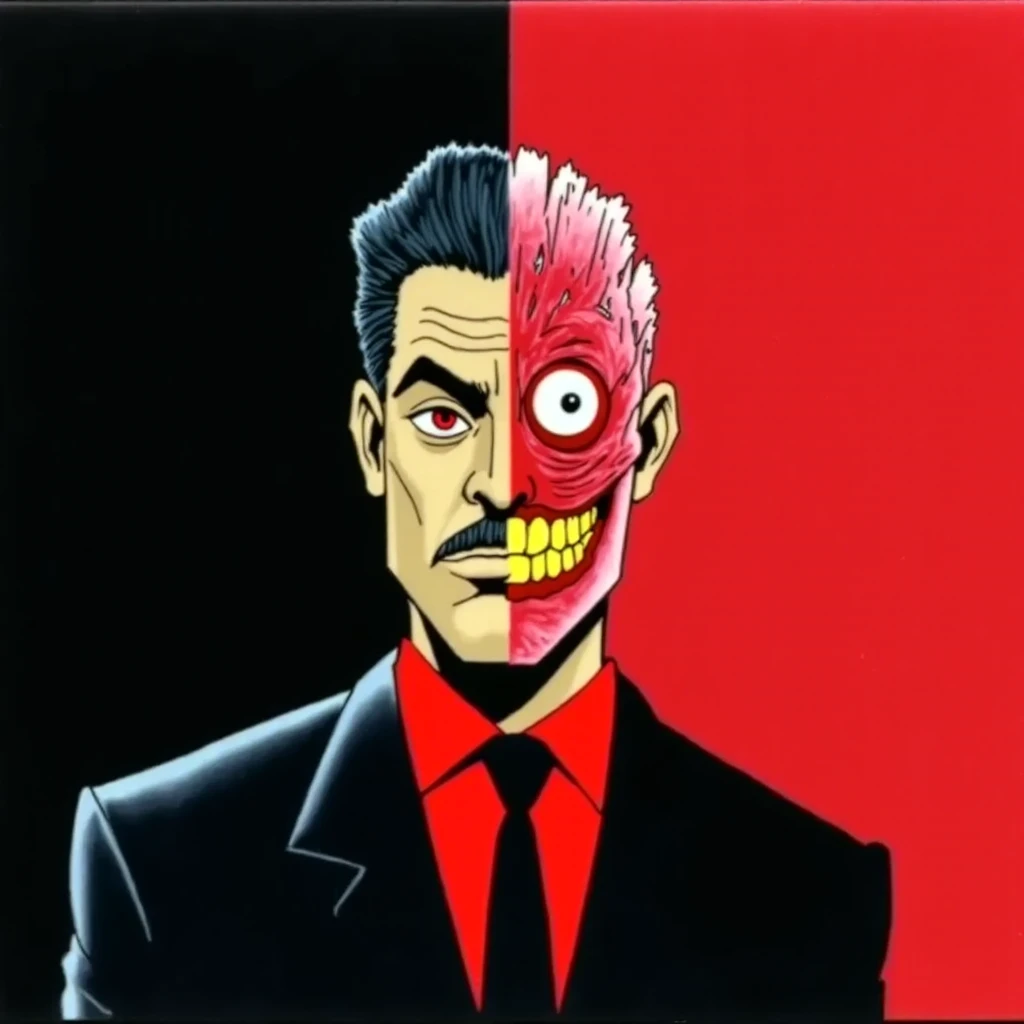
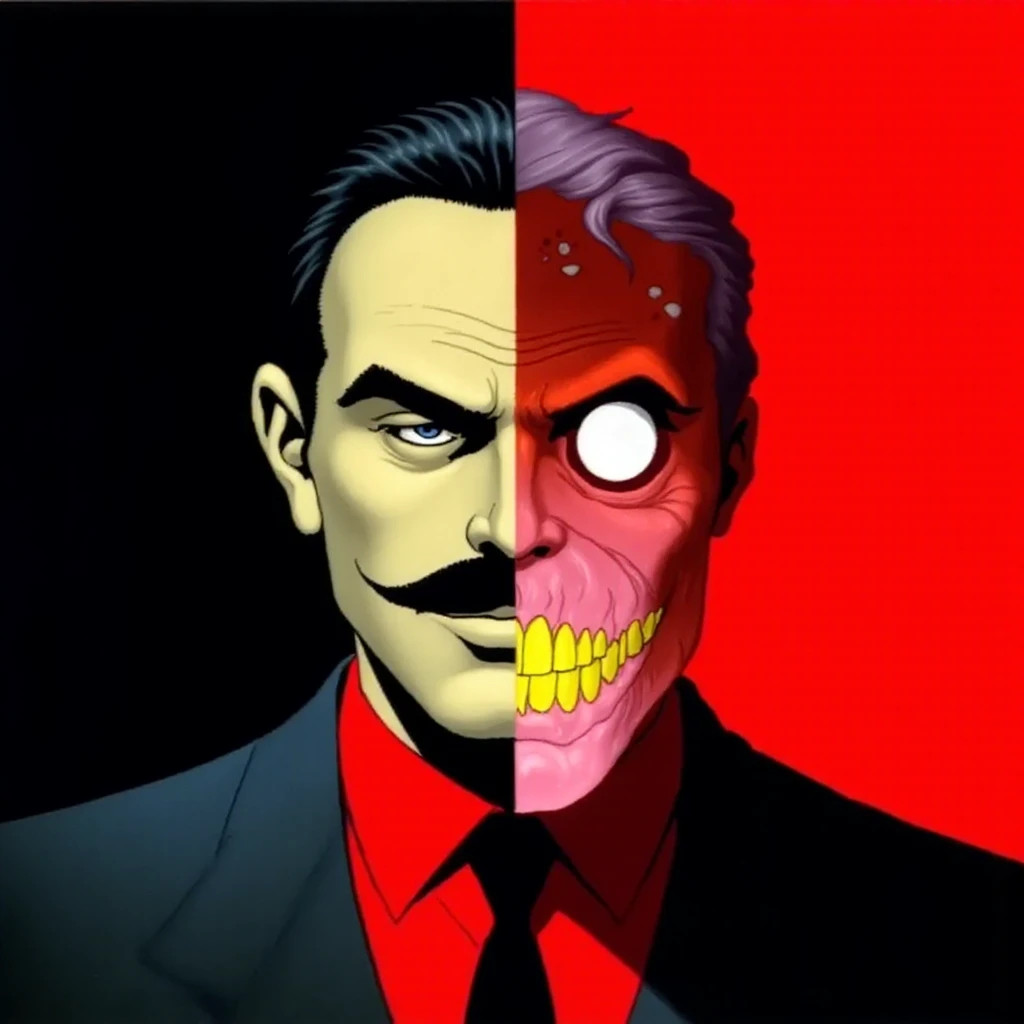
Using the prompt "dual identity , split , conflicting , juxtaposed , transcendental , splash page , comic , hand drawn , ink lines , cel shaded , animation , cartoon , charcoal , watercolor" yielded these results with Flux. While similar to the source image, it lacked the Gotham skyline wanted for this image submission for the daily challenge.
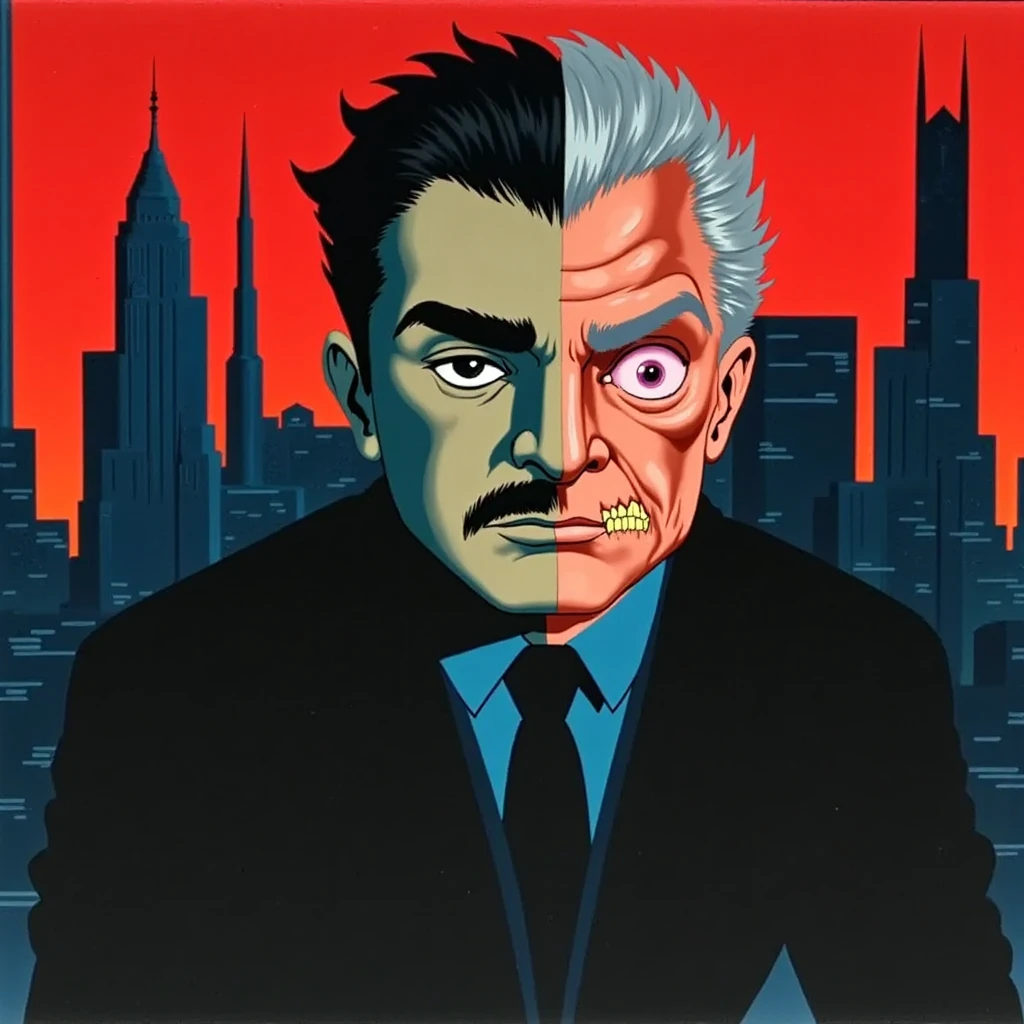
Adding "Gotham skyline , brutalism architecture , art deco" to the prompt got closer along with adding a Batman Animated Series background LoRA to the Flux image generation. The text prompt, LoRA, and img2img each factor in the final image output, User changes to the strength scale from small to large adjustments will create numerous variance to your image generations. From slight subtle changes to creative stark transformations.

Adjusting the prompt to match closer to the desired image output, varying settings based on previous generations, correctly scaling CFG, denoise, and LoRA strength to have each element synergize towards optimizing your image output.
___
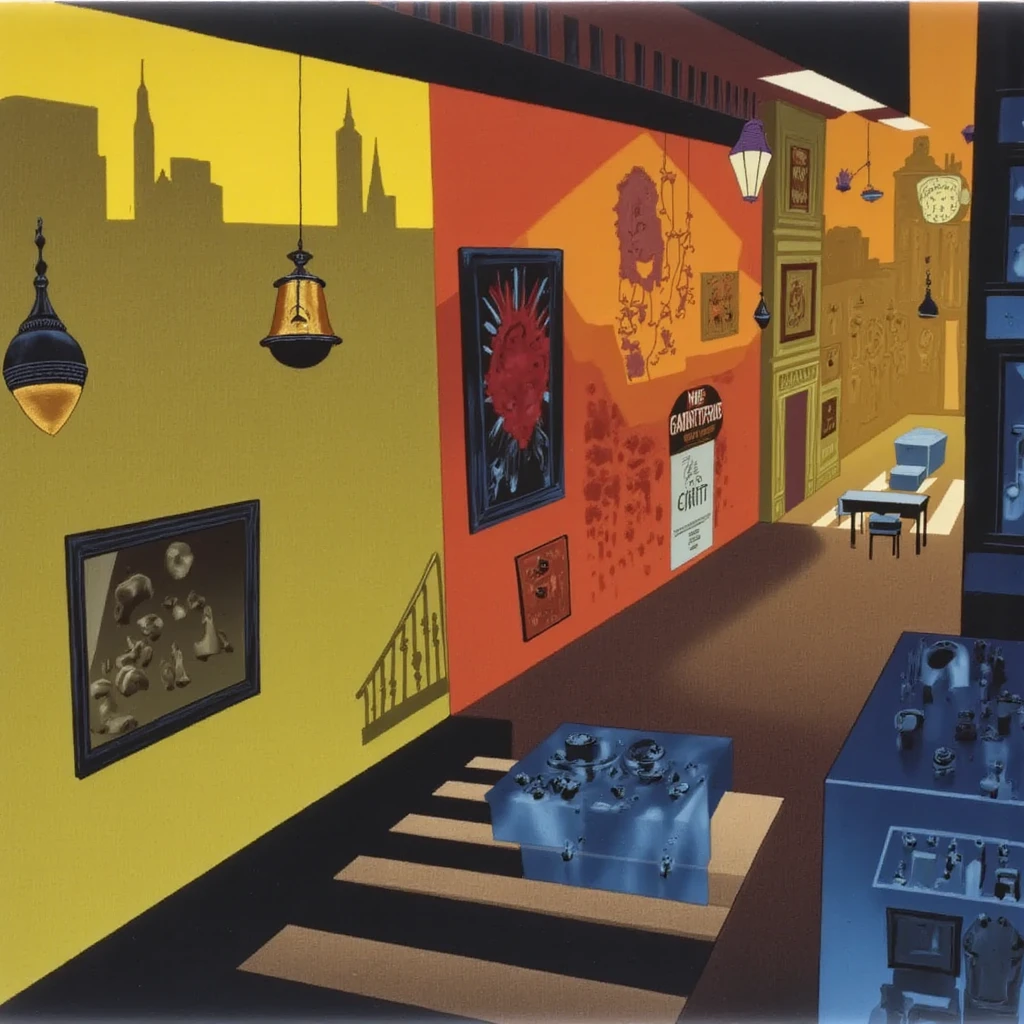
A factor to consider is not simply tuning any LoRA to high strength scale settings at first, as you can lose the source image by the overpowered strength scale of the LoRA.
Using multiple LoRAs at the same time at different strength scales will allow you more control over the final image output.
___
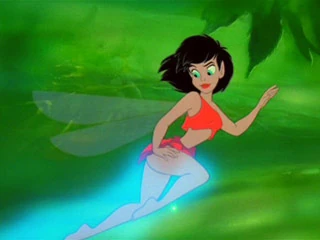
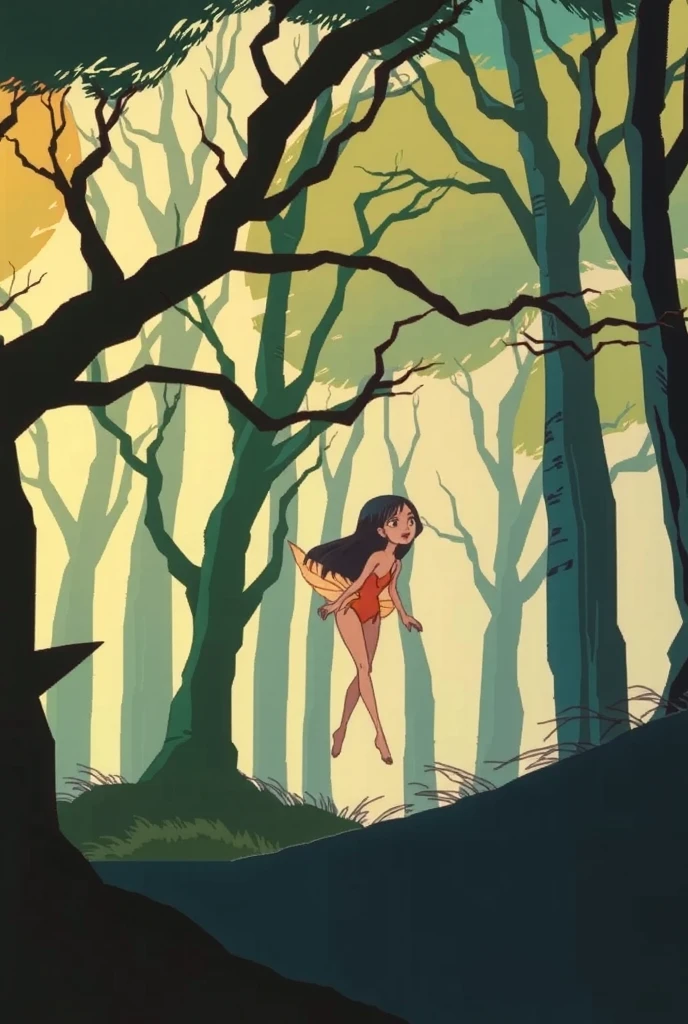
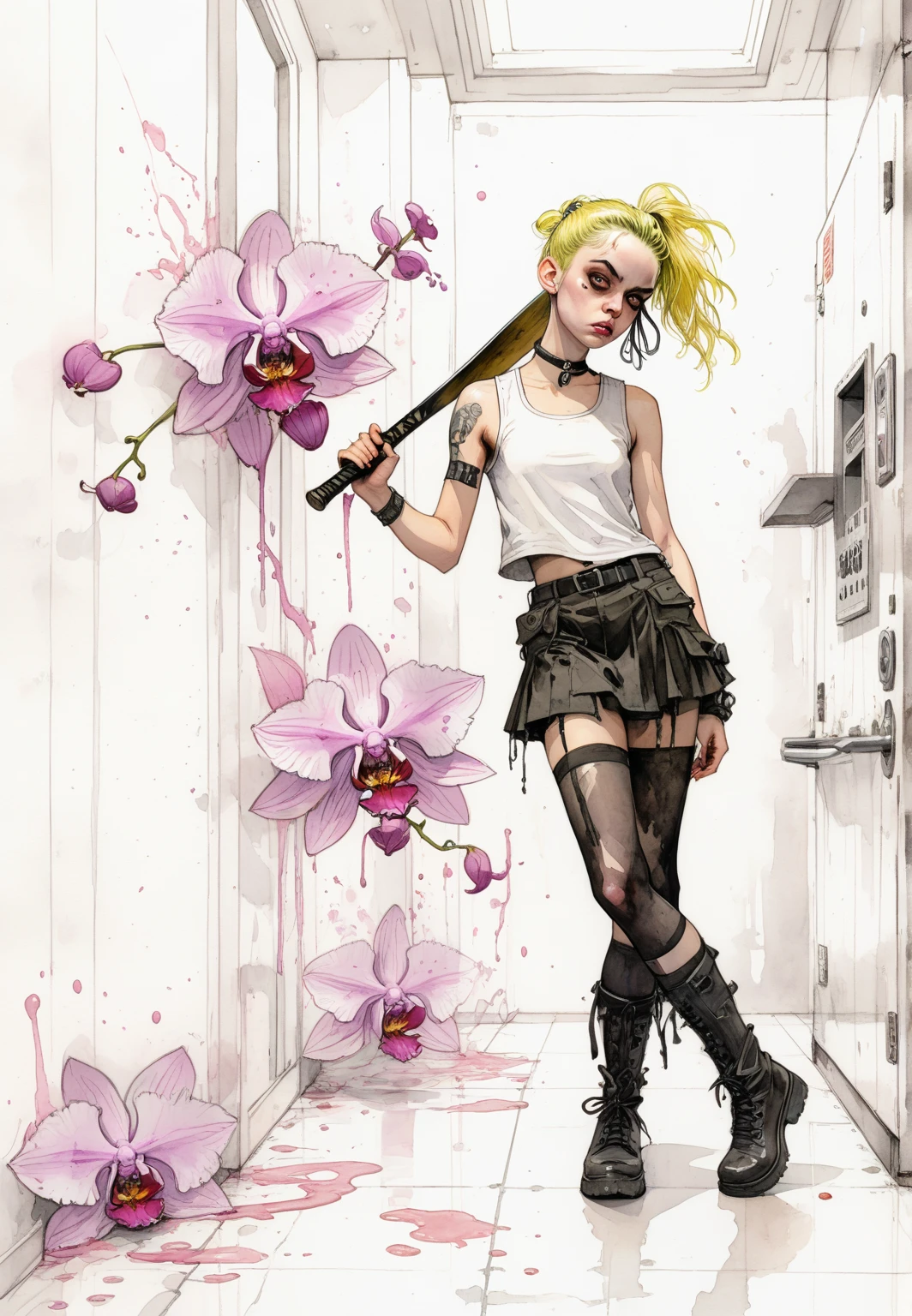
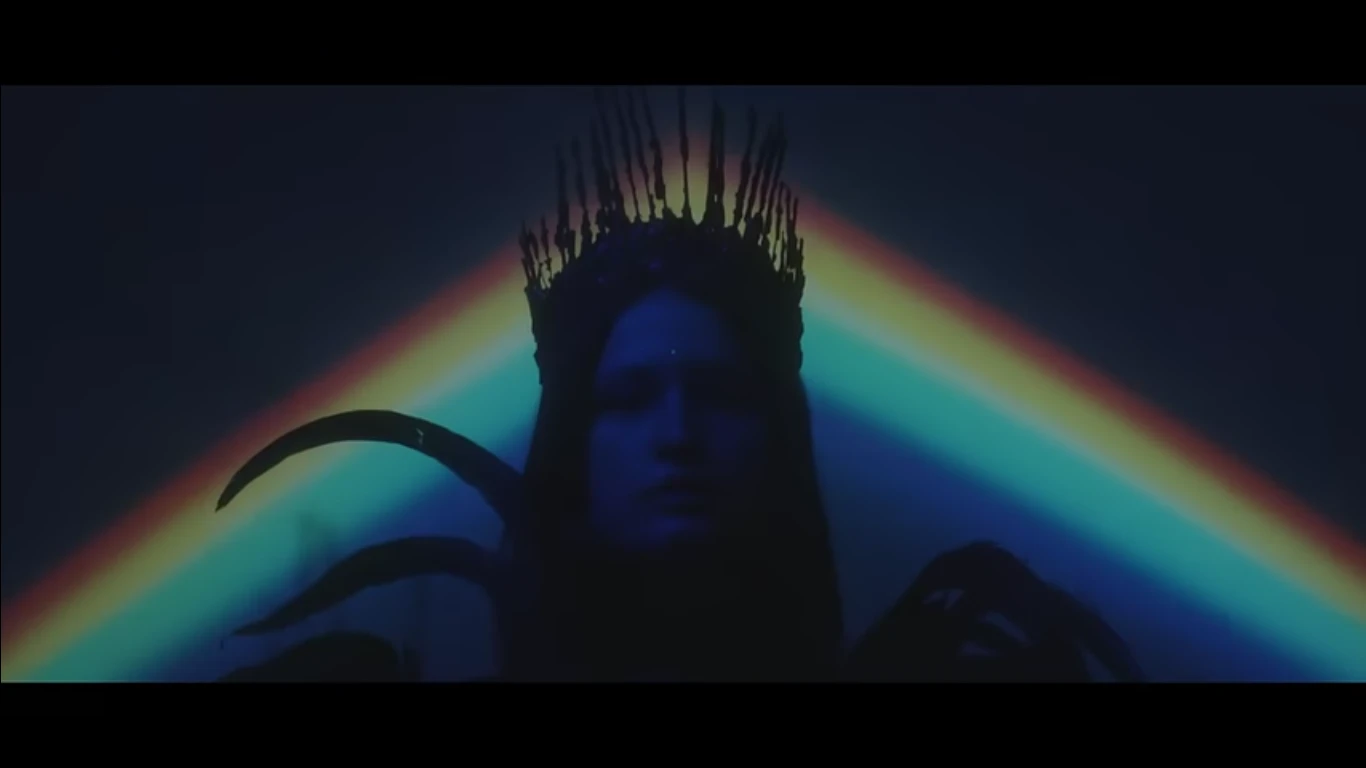
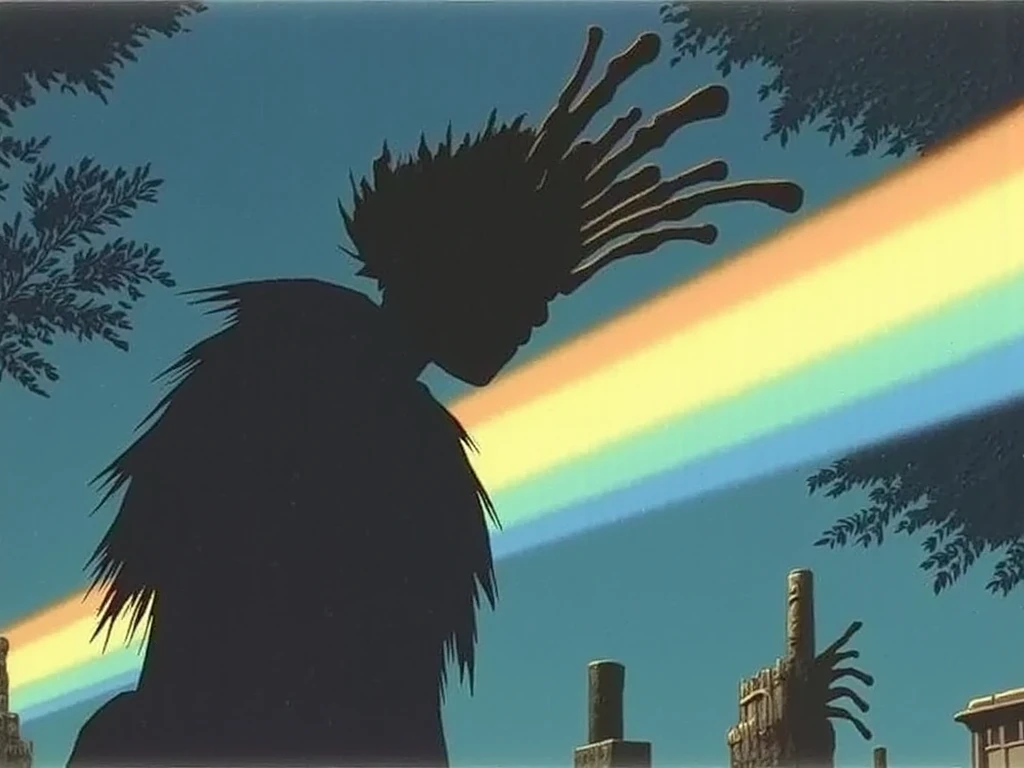
Here are some other examples of the source image and the final image output after trial and error of correcting the settings while generating.

___
Users are able to be creative and use any text prompt they choose. A detailed list of things wanted in the image, or something more inventive such as text of an interview, film dialog, lyrics to songs and poems. These in combination with standard text to image prompting can yield more variance in your results, especially with CFG scale.
Understanding the foundational elements of image generation from text prompting, to img2img, LoRAs and their strength scales, all will benefit the end user in being able to fully use any of these settings to gain more control over making the images you want.