Introduction
The Waifu Pony Diffusion Prompt Generator was developed to help users create detailed and personalized prompts for generating "waifu"-style character images using AI models such as Pony Diffusion. It is especially useful on platforms like SeaArt.ai.
The tool simplifies the process of prompt creation, allowing users to focus on creative direction while handling prompt formatting and tagging automatically. you can acess here.
Please note: This tool perfectly fits with all models that can understand danbooru tags
Interface Overview
1. Top Controls
Language Selector: Switch between Portuguese, English, Japanese, and Spanish.
Theme Toggle: Choose between light (default) and dark themes for improved visual comfort.
2. General Settings
Rating: Choose between SFW (Safe For Work) and ???? (?????????????????). This selection determines available features and the type of prompt generated.
Source (Main Style): Select the visual base style (Anime, Furry, Cartoon, Pony).
Number of Characters: Specify how many characters will appear in the image.
3. Artistic Style
Choose an artistic technique or style (Oil Painting, Watercolor, Pixel Art, etc.).
4. Appearance
Species: Define the character type (Human, Elf, Neko, etc.).
Hair: Set color and style.
Eyes: Choose the eye color.
Skin Tone: Select a skin tone, and optionally enable "Tanned Skin" for a sun-kissed effect.
5. Body
Age: Specify an age range (Young Adult, Adult, Mature, MILF).
Build: Choose body type (Slim, Average, Curvy, etc.).
Bust Size: Adjust using the slider.
6. Clothing & Accessories
Outfit Type: Choose attire such as School Uniform, Casual, Nurse, etc.
Accessories: Add items like Glasses, Hats, or Chokers.
7. Daily Actions
Choose an everyday activity, such as Reading, Cooking, or Sports.
8. ???? Settings (Visible Only if ???? is Selected)
A content warning for 18+ material will be shown.
Detailed configuration is available for poses, actions, body features, fluids, and more.
9. Pose & Expression
Define the character’s body position and facial expression.
10. Scenario
Choose the scene's location and lighting.
11. Additional Art Quality
Optional enhancements like “Masterpiece” or “Best Quality” can be added.
12. AI Assistance (Gemini)
Enhance Positive Prompt with AI: Get suggestions for tags that improve the positive prompt.
Generate Character Idea with AI: Based on your current selections, the AI generates a list of Danbooru-style tags for a new character concept.
13. Generated Prompts
Positive Prompt: Automatically built based on your selections.
Negative Prompt: Tags that help prevent unwanted elements.
Copy Buttons: Quickly copy each prompt for use.
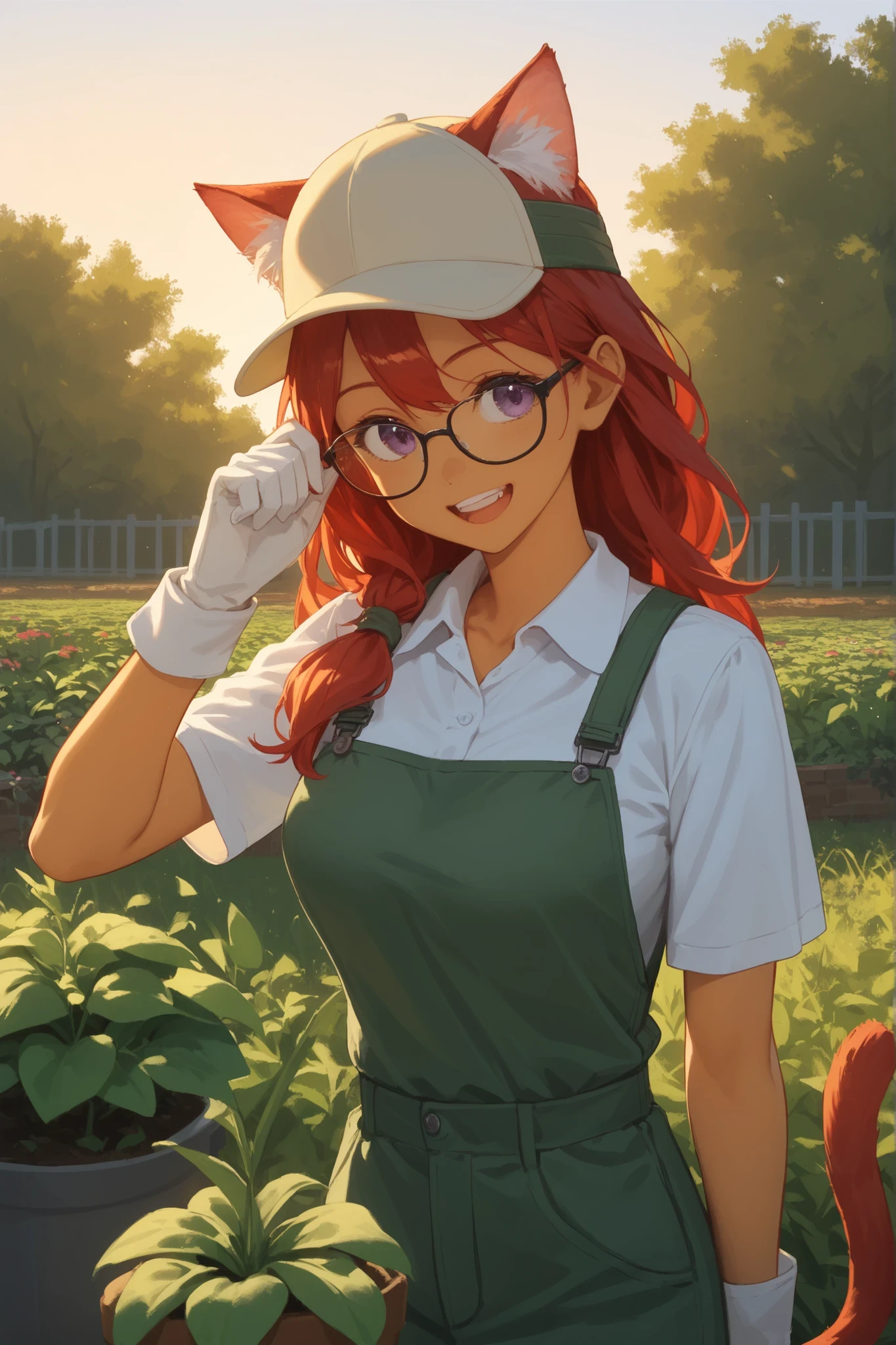
Example creating an SFW with automatic generated prompts after all selections:
in positive prompt:
"score_9, score_8_up, score_7_up, working, olive skin, rating_safe, source_cartoon, 1girl, cat ears, cat tail, red hair, long hair, purple eyes, young adult, athletic, ?, gardening clothes, glasses, hat, gloves, upper body, laughing, outdoors, sunset, masterpiece, best quality"
In negative prompt:
score_6, score_5, score_4, worst quality, low quality, normal quality, bad ?, deformed, blurry, text, watermark, signature, extra limbs, malformed hands, ugly, mutated hands, poorly drawn hands, missing fingers, extra fingers, rating_questionable, rating_explicit, ?, child, loli, ?ualized, ?, ?, ?, futanari, ????????, ?, pubic hair, ?, ?, ?, ?, ?, ?, sideboob
Result:
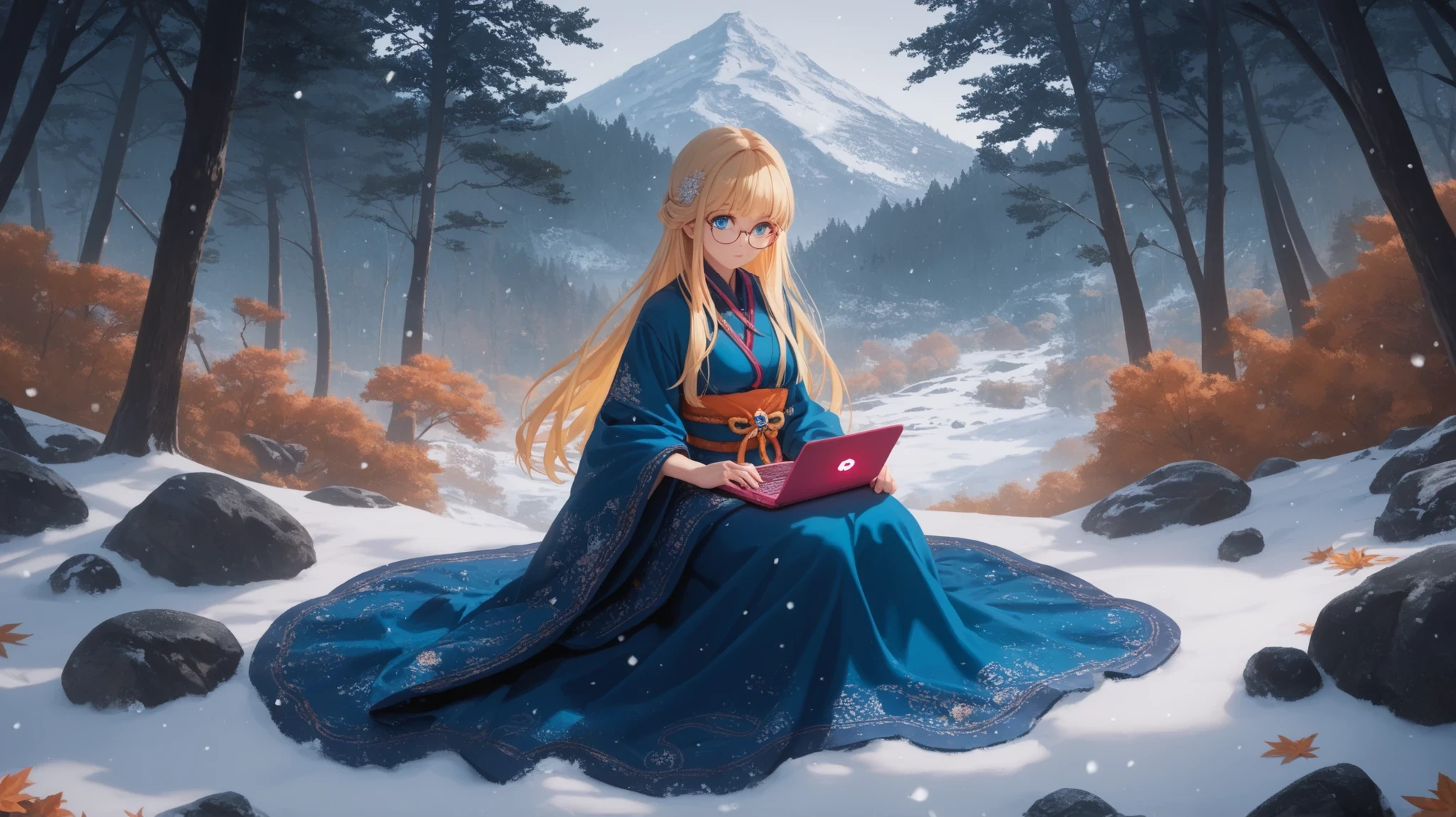
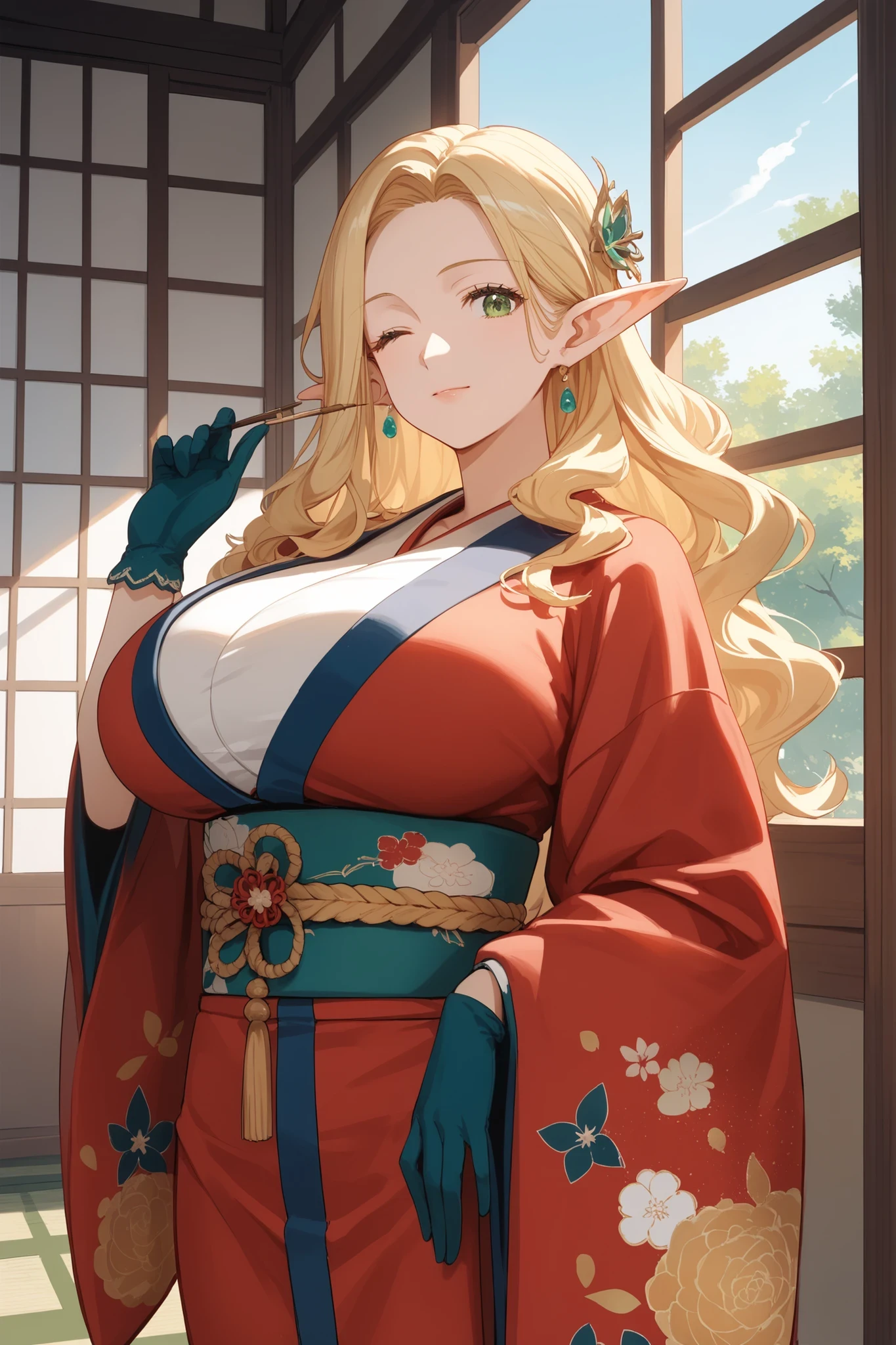
in positive prompt:
"score_9, score_8_up, score_7_up, looking out window, pale skin, rating_safe, source_anime, 1girl, elf ears, blonde hair, wavy hair, green eyes, mature, curvy, ?, kimono, gloves, looking at viewer, winking, indoors, day, masterpiece, best quality"
the negative prompt is the same.
Result:
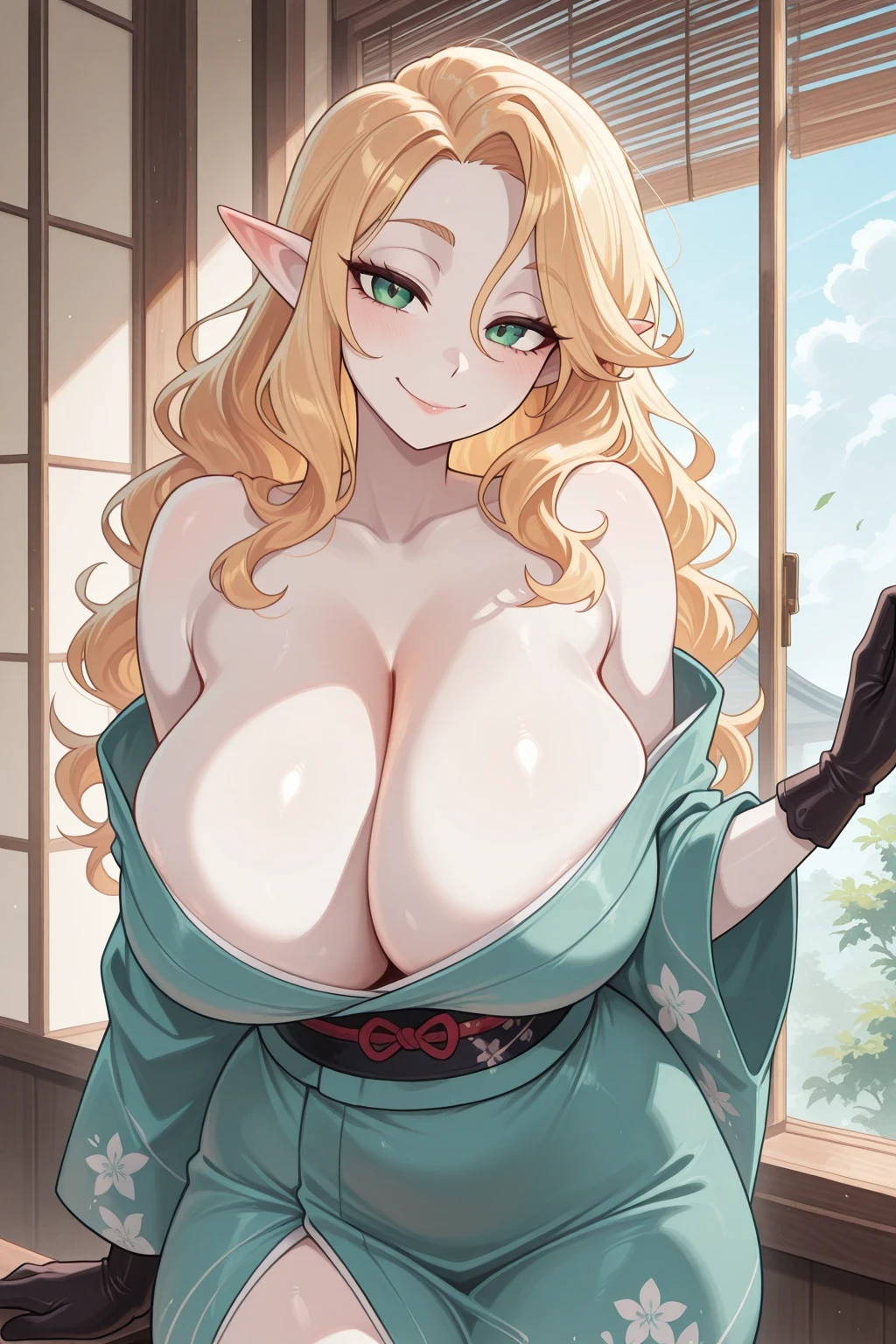
the same prompt in an Illustrious* base model:
14. Reset
Reset all settings to default with a single click.
Step-by-Step Usage Guide
1. Begin by selecting the preferred language and theme.
2. In "General Settings," define whether the image should be SFW or ????, select the source style, and indicate the number of characters.
3. Choose your preferred artistic style in "Artistic Style."
4. Customize the character's appearance, including species, hair, eyes, and skin tone.
5. Adjust body details such as age, build, and bust size.
6. Select an outfit and any additional accessories.
7. Choose an everyday activity in "Daily Actions."
8. If using ???? mode, configure intimate options in the specific ???? section.
9. Set the pose and facial expression.
10. Define the scene's environment and lighting.
11. Use the art quality tags to enhance the image results.
12. Optionally, use the AI features to refine the prompt or generate character ideas.
13. Copy the generated prompts and use them with your preferred AI image generation tool.
14. Click "Reset to Defaults" if you wish to start over.
Tips for Better Results
- Try different combinations to understand how each setting affects the final result.
- Begin with fewer settings and gradually add more complexity.
- Review the negative prompt to prevent unwanted visual elements.
- Note that Japanese and Spanish translations are machine-generated. You may wish to revise them locally if necessary.
Conclusion
The Waifu Pony Diffusion Prompt Generator is a powerful and user-friendly tool designed to support your creative process. Whether you're a hobbyist or a professional, it offers a structured approach to crafting high-quality AI character images.
Ilustreous* based models are considered flexible, allowing the use of both natural language (similar to SDXL) and Danbooru tags.
Developed by BlackSkull90