
Introduction
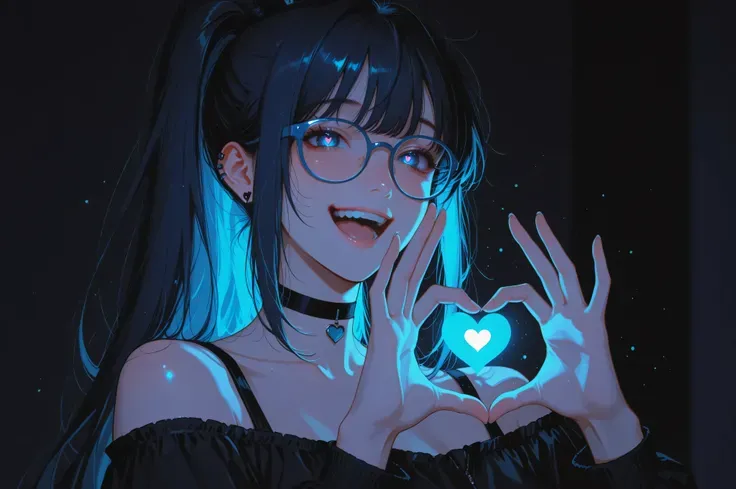

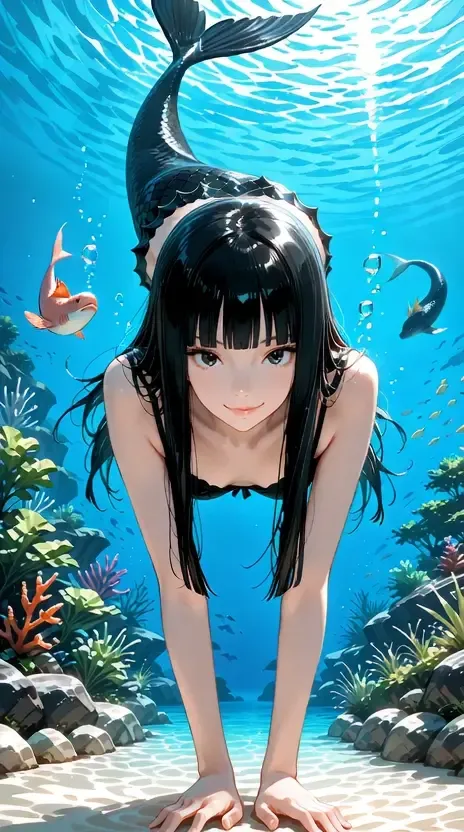
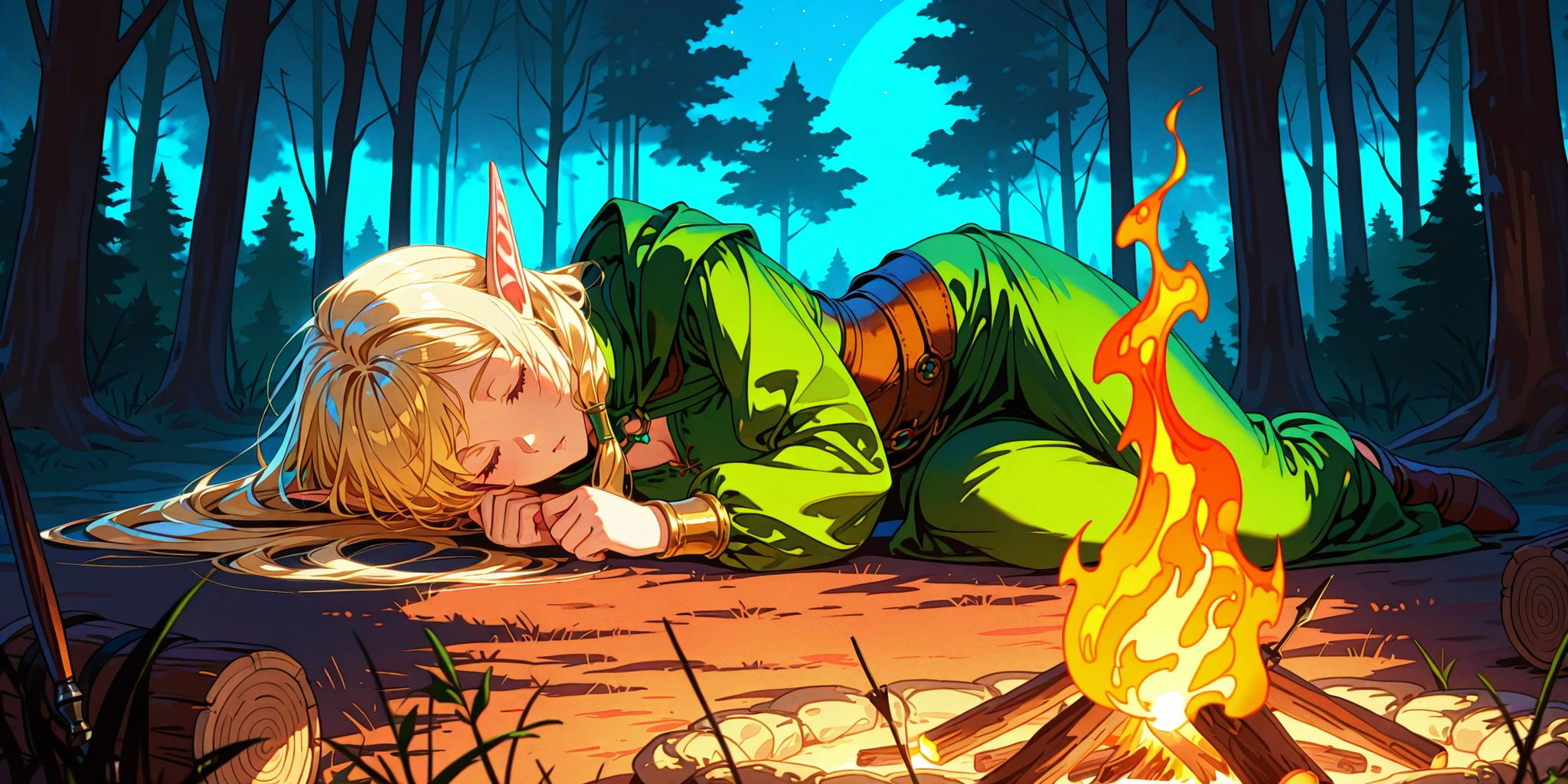
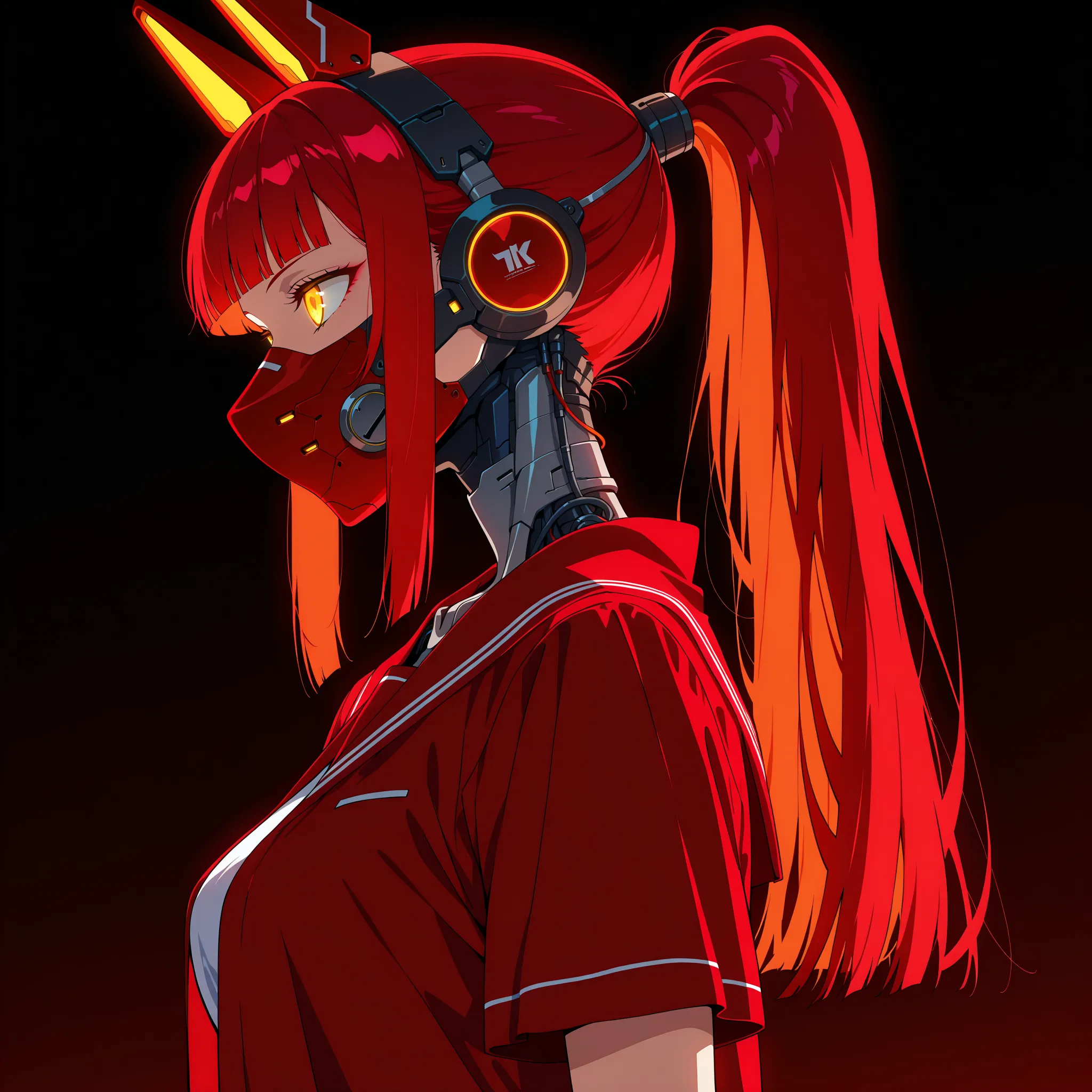
Illustrious models, such as the open-source Illustrious models, are transforming AI-generated art, especially in anime and creative illustration domains. Built on the Stable Diffusion framework, these models excel at producing detailed, high-quality artwork. However, to unlock their full potential, crafting effective prompts is key. This includes both positive prompts (what you want) and negative prompts (what you don't want).
Negative prompts are vital for filtering out unwanted elements like poor quality, distorted ?, or irrelevant styles. In this article, we'll explore the most efficient negative prompt for Illustrious models, explain why it works, and provide actionable tips to enhance your results.
What Are Negative Prompts?
Negative prompts are instructions that tell the AI what to avoid in the generated image. Here's a quick breakdown:
- Positive Prompt Example: "A futuristic city with neon lights."
→ Tells the model what to create.
- Negative Prompt Example: "No blurry lines, no watermarks."
→ Prevents unwanted flaws.
For Illustrious models, which specialize in artistic illustrations, negative prompts ensure the output stays clean and professional by eliminating common issues like pixelation or comic-style layouts.
Why Negative Prompts Matter for Illustrious Models
Illustrious models are designed for high-quality anime and manga-style art. Without a negative prompt, you might encounter:
- Low-quality outputs: Blurry or pixelated images.
- Anatomical errors: Distorted hands, extra limbs, or odd proportions.
- Unwanted styles: Comic panels (e.g., 2koma) or ? (?).
A strong negative prompt acts like a safety net, keeping your artwork aligned with your vision.
The Most Efficient Negative Prompt
Based on insights from Hugging Face, Civitai, and community feedback, here’s the most efficient negative prompt for Illustrious models:
worst quality, comic, multiple views, bad quality, low quality, lowres, displeasing, very displeasing, bad ?, bad hands, scan artifacts, monochrome, greyscale, Twitter username, jpeg artifacts, 2koma, 4koma, ?, extra digits, fewer digits, jaggy lines, unclear
This prompt is broad yet targeted, making it perfect for most illustration projects.
Breaking Down the Prompt
Let’s examine why each term is included:
Quality Control
- worst quality, bad quality, low quality, lowres: Prevents blurry or low-resolution images.
- displeasing, very displeasing: Filters out results that look unappealing.
Anatomical Accuracy
- bad ?, bad hands, extra digits, fewer digits: Ensures characters have correct proportions and no odd features (e.g., six fingers).
Style and Format
- comic, multiple views, 2koma, 4koma: Avoids comic-strip layouts unsuitable for single images.
- monochrome, greyscale: Keeps the output colorful (unless you want black-and-white).
Artifacts and Noise
- scan artifacts, jpeg artifacts, jaggy lines, unclear: Removes visual glitches from compression or scanning.
Unwanted Content
- Twitter username: Blocks random text like watermarks.
- ?: Excludes ? or violent themes.
Analogy: Think of this prompt as a "clean-up crew" for your art—each term sweeps away a specific mess!
How to Use the Negative Prompt
Follow these steps to apply it effectively:
- Set Up the Model: Access a Illustrious model on SeaArt
- Write a Positive Prompt: E.g., "A magical girl in a starry sky."
- Add the Negative Prompt: Paste the recommended prompt into the negative field.
- Test and Tweak: If issues persist, adjust the prompt (e.g., add "watermark" if needed).
Troubleshooting Common Issues
Even with a great prompt, problems can arise. Here’s how to fix them:
- Problem: Images still look low-quality.
→ Fix: Add "pixelated" or increase the weight on "low quality." - Problem: Comic style keeps appearing.
→ Fix: Double-check that "comic, 2koma, 4koma" are included. - Problem: Hands are still distorted.
→ Fix: Add "deformed hands" or "extra fingers."
Tailor the prompt to your specific needs—there’s no one-size-fits-all!
Conclusion
The most efficient negative prompt for Illustrious models is your key to unlocking stunning, professional-grade illustrations. By understanding its components and applying it wisely, you can eliminate unwanted flaws and focus on creativity. Whether you’re new to AI art or a seasoned pro, this guide equips you with the tools to succeed.