
Generate
History
Private Creation

Details

48
15
2026-04-09 08:42:05 Update
...View More
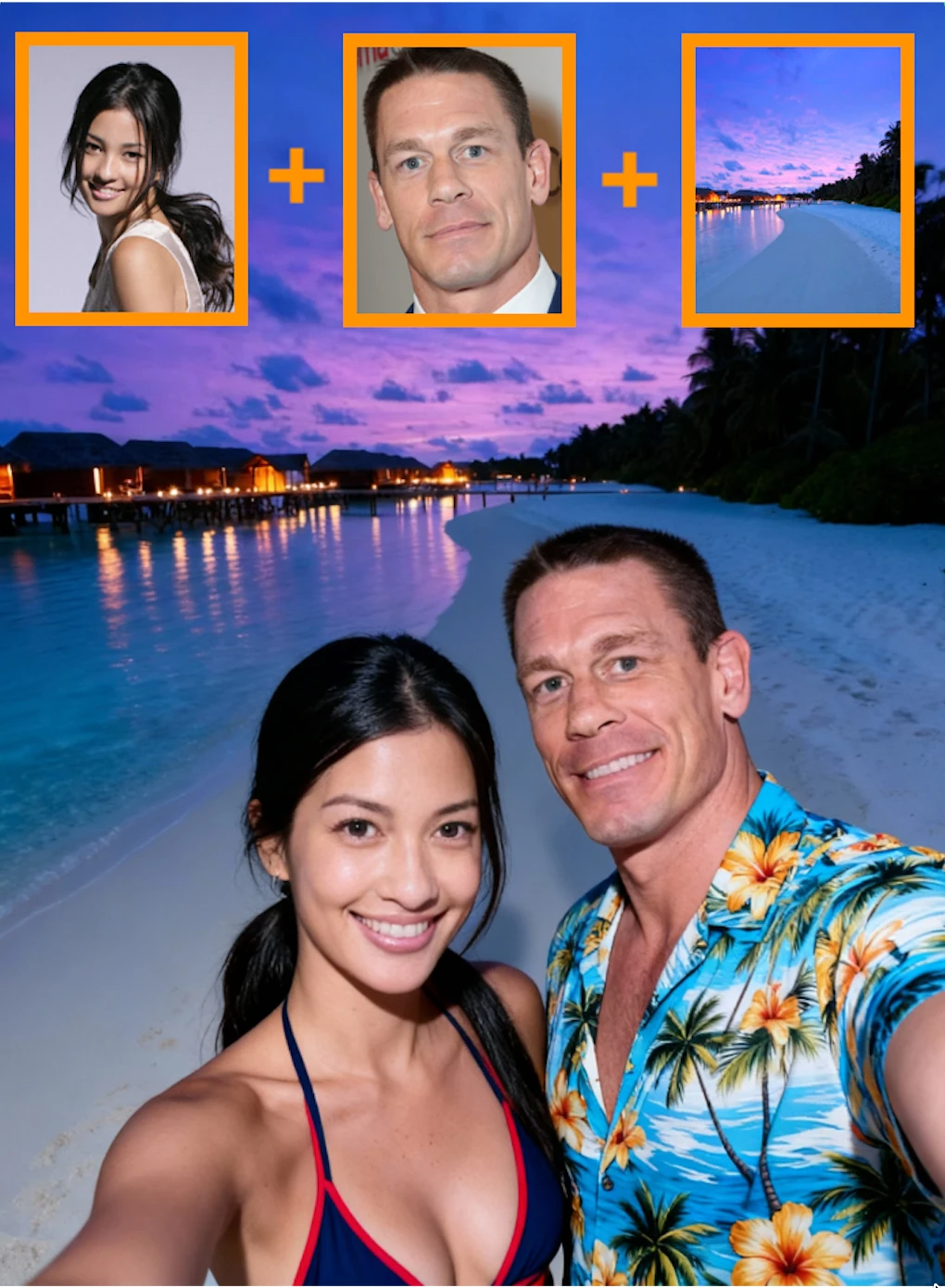
Upload two clear portrait photos separately, then enter the desired background for the generated image in the prompt (for example: the Eiffel Tower, Guilin, the Taj Mahal, the Pyramids, etc.). If you don’t enter anything in the prompt, the generated image will use the background from one of the reference photos. Finally, click Create. Additional note: in the generated image, the person from the first photo will be the one extending their arm to take the selfie. We hope this app brings you a good mood.
more

No data available


SolWander
1.3K
9.6K
Explore Related












Download SeaArt App
Continue your AI creation journey on mobile devices