
Generate
History
Private Creation

Details
137
16
2026-02-22 11:53:45 Update
...View More
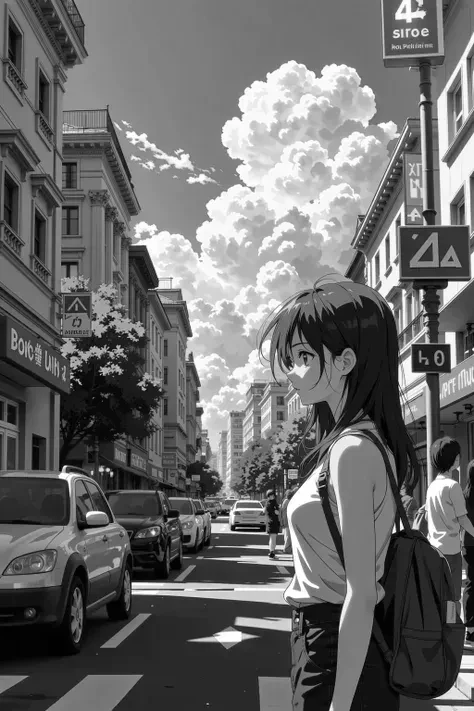
By default, the video is converted to black and white. It is a simple decolonization, not an artistic black-and-white film effect. The final look depends on the contrast of the original video.
Numerical settings are now open, allowing for free adjustment from "Black and White to ViVid color."
-0.01 is Black and White (0 results in an error, so please use a negative value of -0.01 or lower)
1.00 keeps the original video as is
2.00 is color enhancement with 200% saturation (anything over 2.00 is treated as 2.00)
Sample images show extreme examples of 0.00 / 1.00 / 2.00.
The Flow version also includes image grayscale conversion. Image black-and-white conversion will be included in another AI app in the future.
more

No data available

Rex.
332
118.6K
Explore Related













Download SeaArt App
Continue your AI creation journey on mobile devices