Generate
History
Private Creationvip-icon
Details
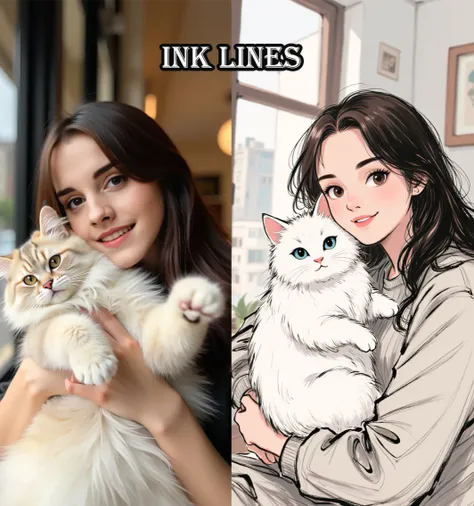
One-click Ink Wash Style
Original

One-click Ink Wash Style

52
0
12
2026-01-13 15:21:10 Update
#Filter Effects
...View More

One-click conversion to ink wash style

Rating & Review

-- /5

Not enough ratings or reviews received yet

more
no-data
No data available

One-Click Ink Wash Conversion Features

Quickly convert images to a black-and-white ink wash style, creating visuals with the allure of traditional art.

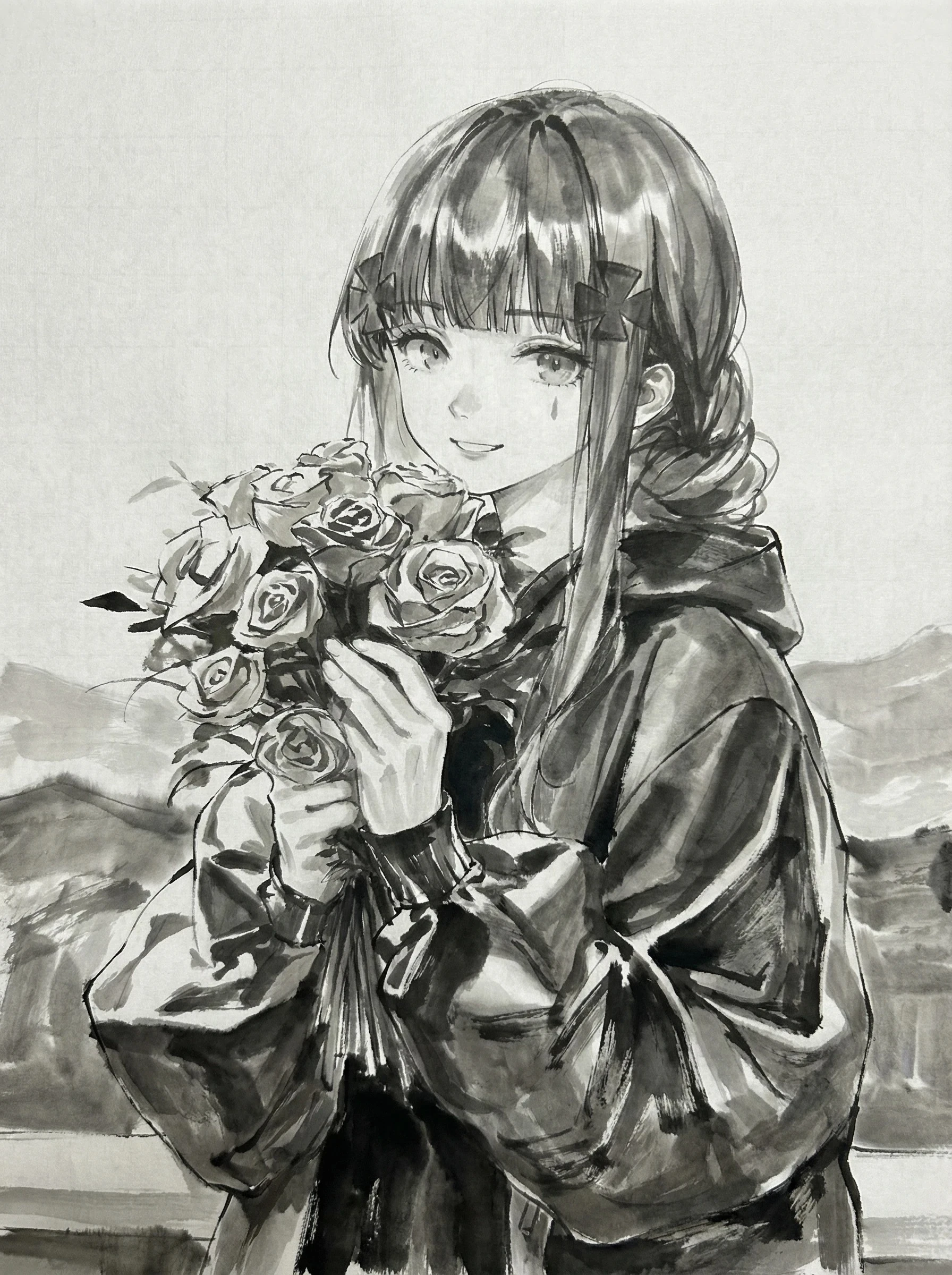
blurred portrait holding bouquet of flowers

Achieve Black-and-White Ink Wash Effects in One Click

With a single step, convert your images to a black-and-white ink wash style—ideal for artistic photo presentations. This feature supports multiple image formats, processes quickly, and enables batch conversion.

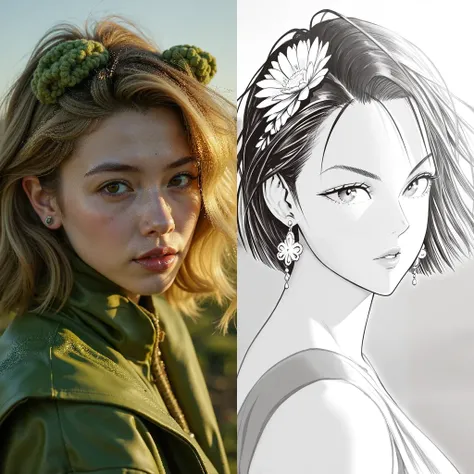
blurred portrait holding bouquet of flowers

Enhance the Artistic Value of Photos

Apply a black-and-white ink wash filter to give photos a traditional artistic touch—perfect for art exhibitions, book illustrations, and personal portfolios. You can also control the ink intensity to fine-tune to your desired look.

Steps

Upload Image

Choose the image file you want to convert and upload it to the app. Common image formats are supported.

Choose Ink Wash Effect

In the filter menu, select the black-and-white ink wash style and adjust the ink intensity to achieve the desired effect. Preview the result to make sure you're satisfied.

Download the Converted Image

Save the converted black-and-white ink wash image to your device for sharing or further editing.

FAQ

collapse

Which file formats does One-Click Ink Wash Conversion support?

The app supports a variety of common image formats, including JPEG and PNG, making it easy to handle different types of images.

expand

What is the quality of the output ink wash images?

The output images maintain high resolution and deliver a high-quality black-and-white ink wash effect, suitable for printing and digital display.