Generate
History
Private Creationvip-icon
Details
Improvement of the SeaArt flux model
Reprint

Improvement of the SeaArt flux model

2
0
14
2026-01-12 03:25:16 Update
#HD Zoom
#Graphic Design
#Realistic
...View More

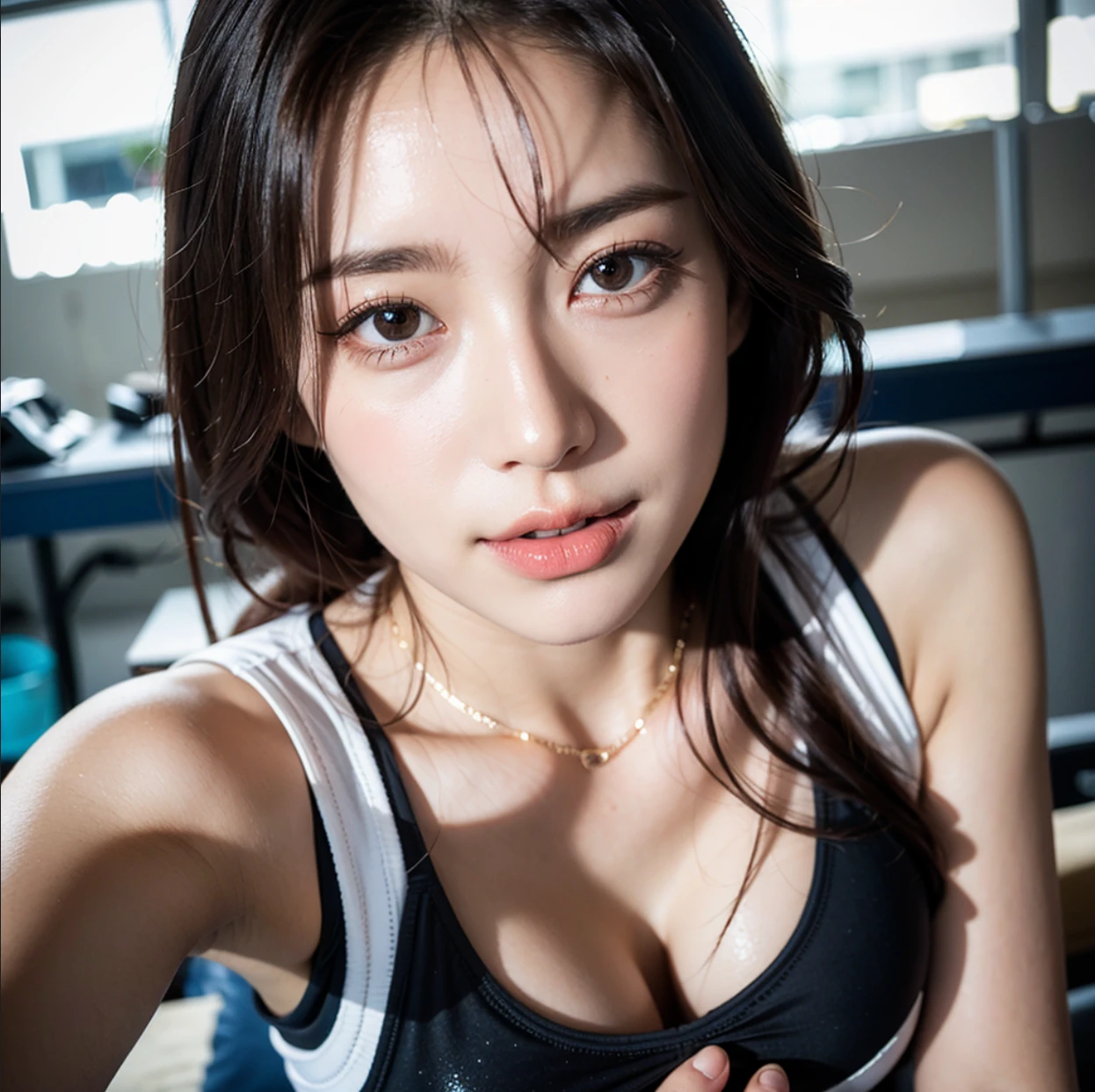
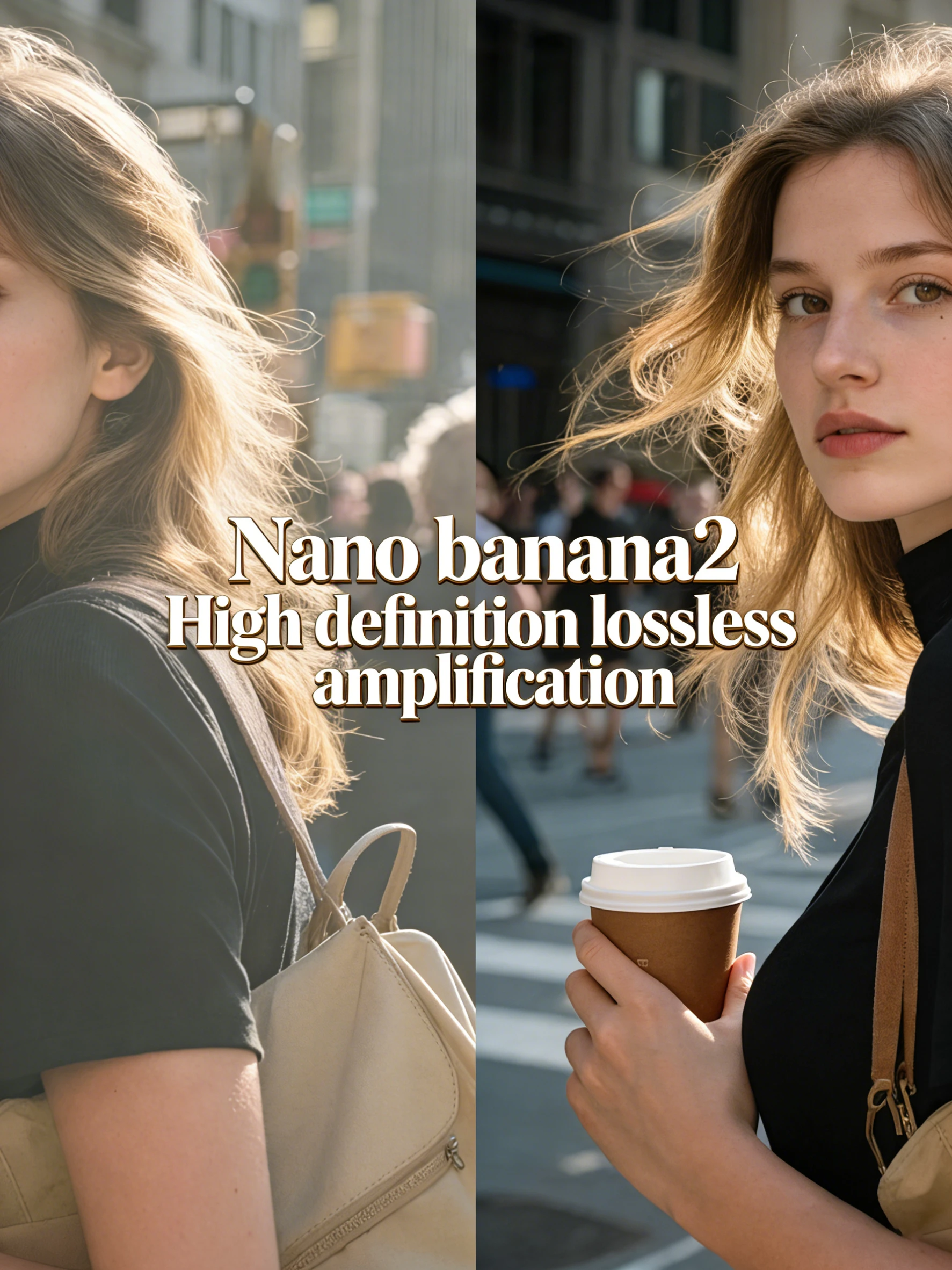
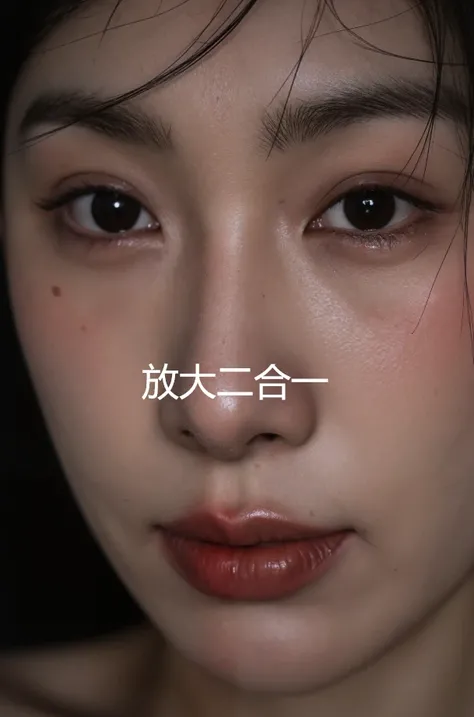
The SeaArt workflow uses QwenImageDiffsynthControlnet and Z-Image-Turbo technology,By leveraging the flux model,Provide intelligent image processing and optimization capabilities。This tool can perform image resolution enhancement and detail enhancement,Suitable for design and content creation scenarios that require high-quality output。

Rating & Review

-- /5

Not enough ratings or reviews received yet

more
no-data
No data available

SeaArt Flux Model Enhancement: Intelligent Image Optimization

SeaArt Flux Model Enhancement delivers high-quality image processing and intelligent optimization, elevating the detail and resolution of your designs.

person leaning on brick wall blurred face

Enhance Image Resolution

Leveraging QwenImageDiffsynthControlnet technology, the SeaArt Flux Model elevates image resolution to higher levels, delivering clearer and more lifelike visuals. It is suitable for design scenarios that require high-resolution output, ensuring every detail is impeccably rendered. This technology supports multiple resolution parameter options to meet diverse creative needs.

Optimize Detail Rendering

Powered by Z-Image-Turbo technology, the SeaArt Flux Model deeply optimizes image details, making textures and light-and-shadow effects more realistic and vivid. This capability is especially suitable for enhancing detail presentation in photography and complex designs, ensuring a refined and lifelike final output, and it supports input in multiple image formats.

Steps

Upload Image

Select the image file you want to enhance, ensure the file format is compatible, and upload it to the SeaArt Flux Model Enhancement interface.

Choose Optimization Parameters

Choose appropriate resolution-upscaling parameters and detail enhancement options based on the image's needs to achieve optimal results.

Download Optimized Result

Click Generate, and once processing is complete, download the optimized high-resolution image to your device for further use or sharing.

FAQ

collapse

What types of images is SeaArt Flux Model Enhancement suitable for?

SeaArt Flux Model Enhancement is suitable for images that need higher resolution and detail rendering, including photography, illustrations, and other design work requiring high-quality output.

expand

Are there any requirements for the output image format?

SeaArt Flux Model Enhancement supports processing in multiple image formats, and the output format matches the input to ensure seamless compatibility.

expand

What parameter settings should I pay attention to when using SeaArt Flux Model Enhancement?

We recommend choosing appropriate optimization parameters based on the image's initial resolution and detail requirements to avoid quality loss from overprocessing.

expand

How does the SeaArt Flux Model ensure details aren't lost?

With Z-Image-Turbo technology, the SeaArt Flux Model enhances image details while preserving the authenticity of textures and lighting, avoiding over-sharpening or distortion.