Generate
History
Private Creationvip-icon
Details
Elf Style
Original

Elf Style

260
0
90
2025-12-29 20:45:54 Update
#Expression Face Swap
#Fun to Illustration
#Dynamic to Illustration
#Anime
#Nano Banana Event 🔥
...View More

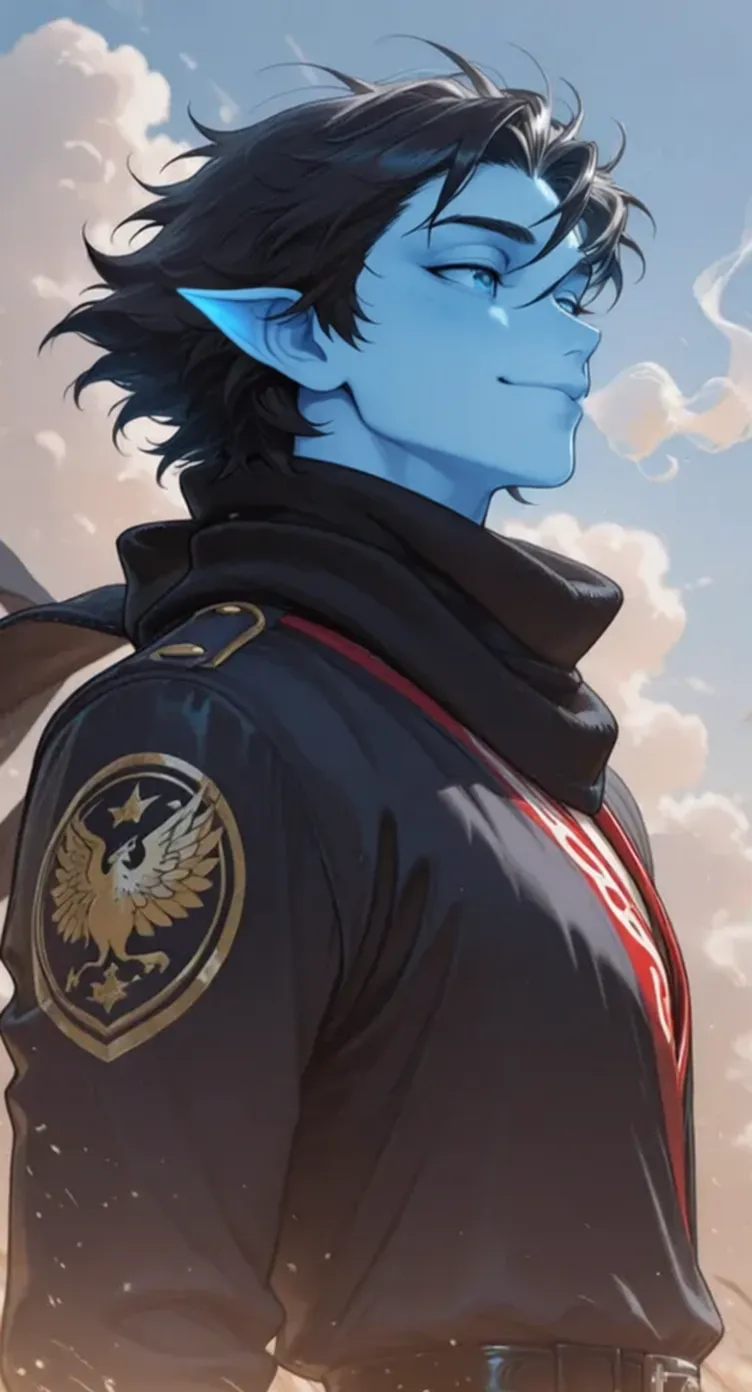
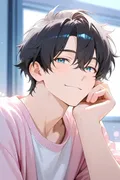
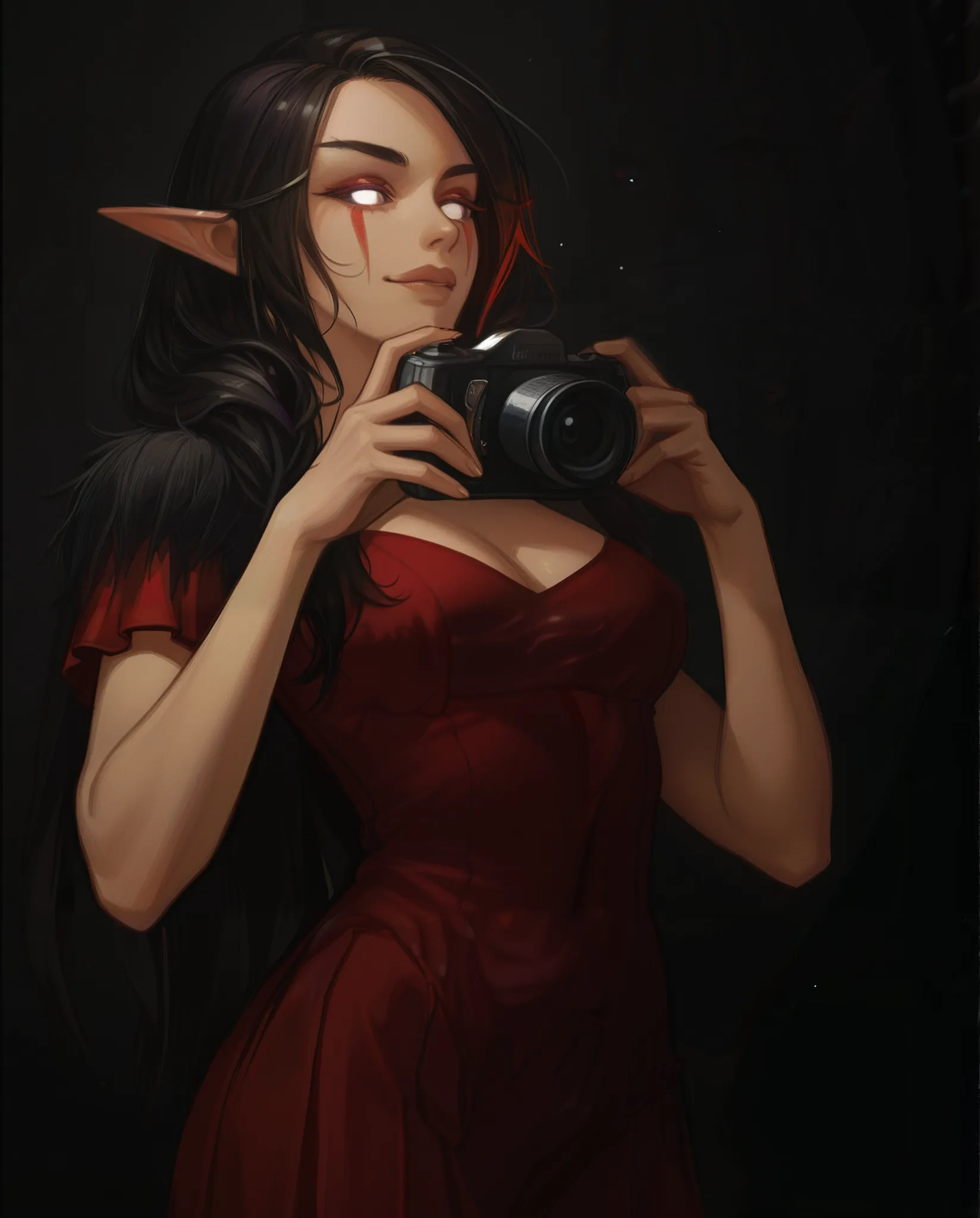
The AI ​​application is used to modify the skin, ears, and textures to transform your character into a blue elf. The ears become pointed, the color light blue, the eyes appear more slanted, and there is a clear elf transformation without altering the character's basic structure using the following prompt

(Masterpiece, High-Quality Edition: 1.2). Pointed ears are added to the image without changing the pose. The image retains its original style, whether realistic, illustration, or anime. The original pose is maintained, but the expression and character features, such as the mouth, eyes, and nose, are modified to adopt elven features. Blue skin. Normal ears are modified to be pointed and elongated.

(Original Hairstyle Preserved: 1.4) (Original Eye Color Preserved: 1.4) (Original Clothing and Background Preserved: 1.3) Subtle magical aura, bluish skin tone.

Rating & Review

5.0 /5

Not enough ratings or reviews received yet

more
no-data
No data available

Discover the Elven Transformation with Elf Style

Transform any image into a blue-skinned mystic elf while maintaining the original style.

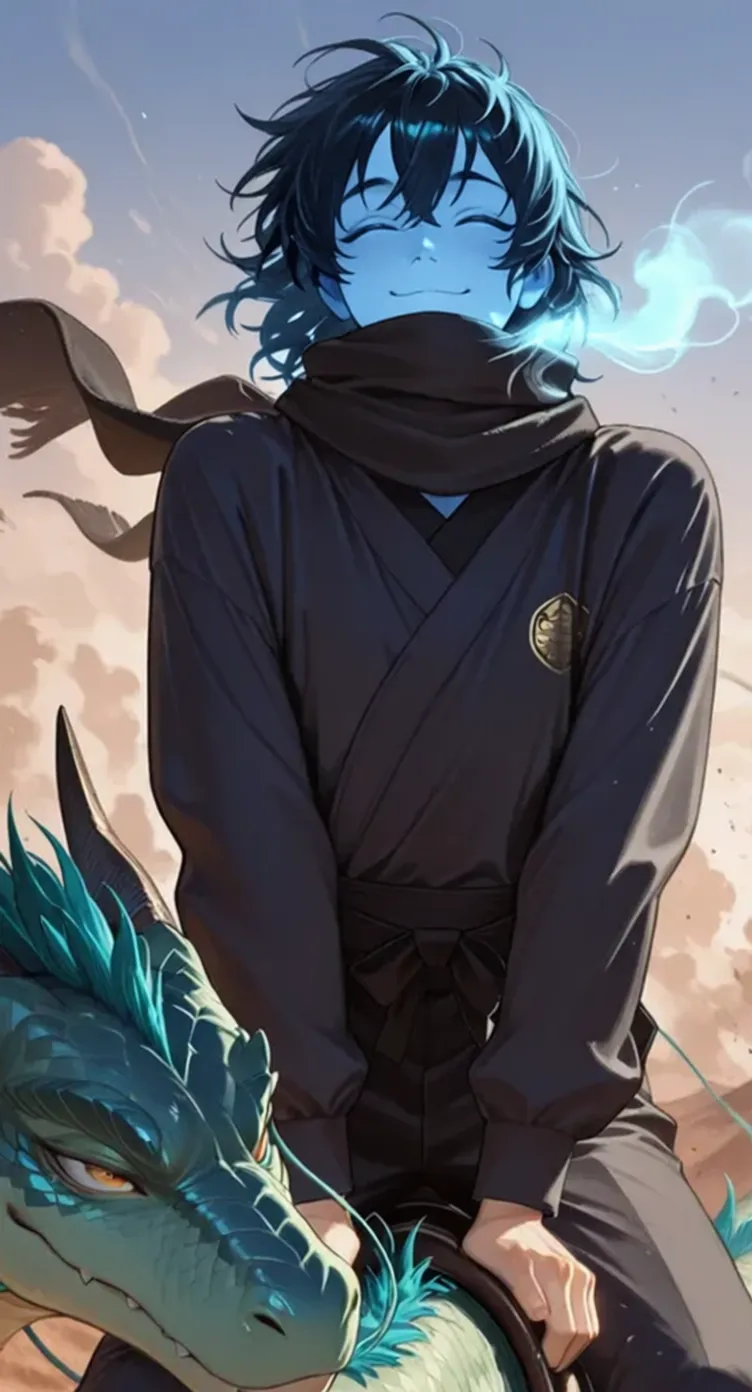
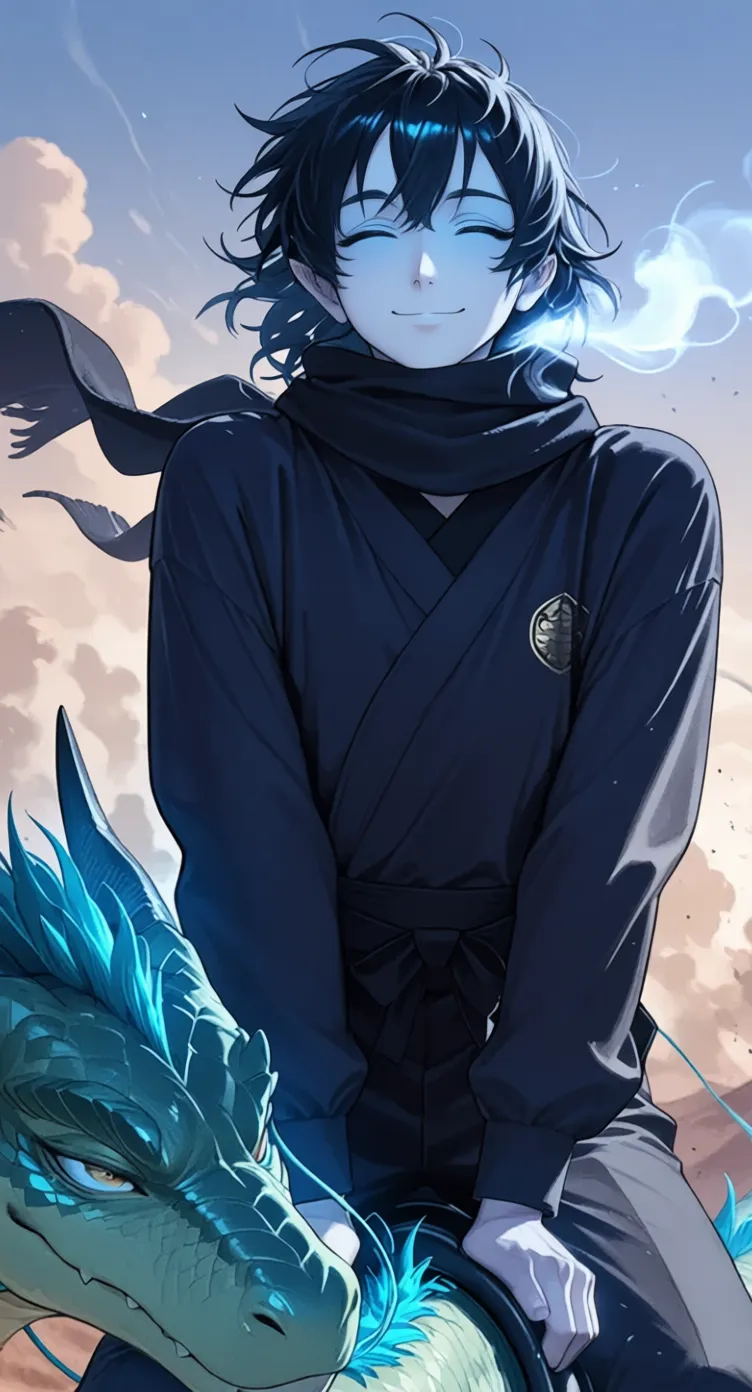
blue-haired character and dragon

Intelligent Dermal Repigmentation

Elf Style identifies the subject's original skin tone and repigments it in blue tones while maintaining natural lighting and texture. It ensures that the blue skin appears organic and vibrant, preserving the original pores and volume.

Person in black outfit posing with dragon

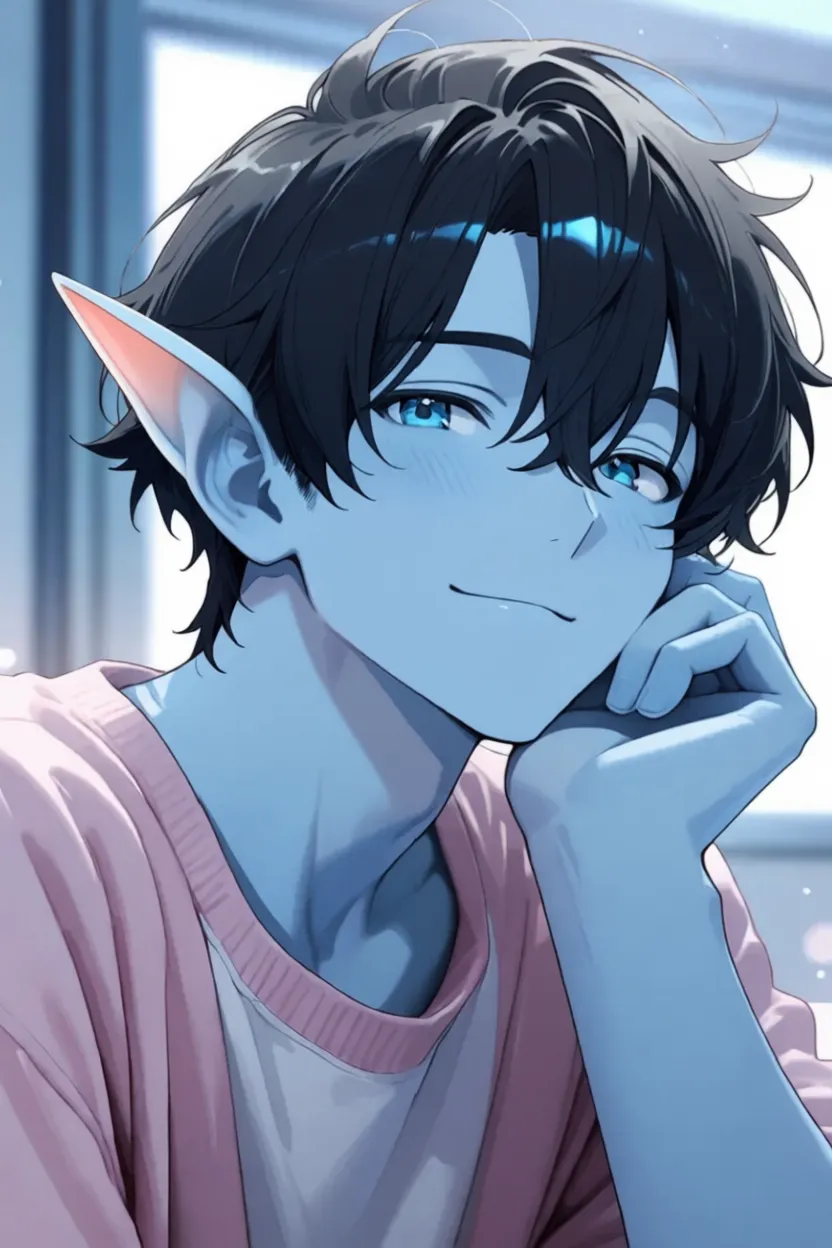
Anatomical Modification of Ears

Elf Style's AI system generates elongated, pointed elven ears that integrate seamlessly into the image, preventing them from appearing artificially added. This is achieved by merging them with the existing hair and jawline.

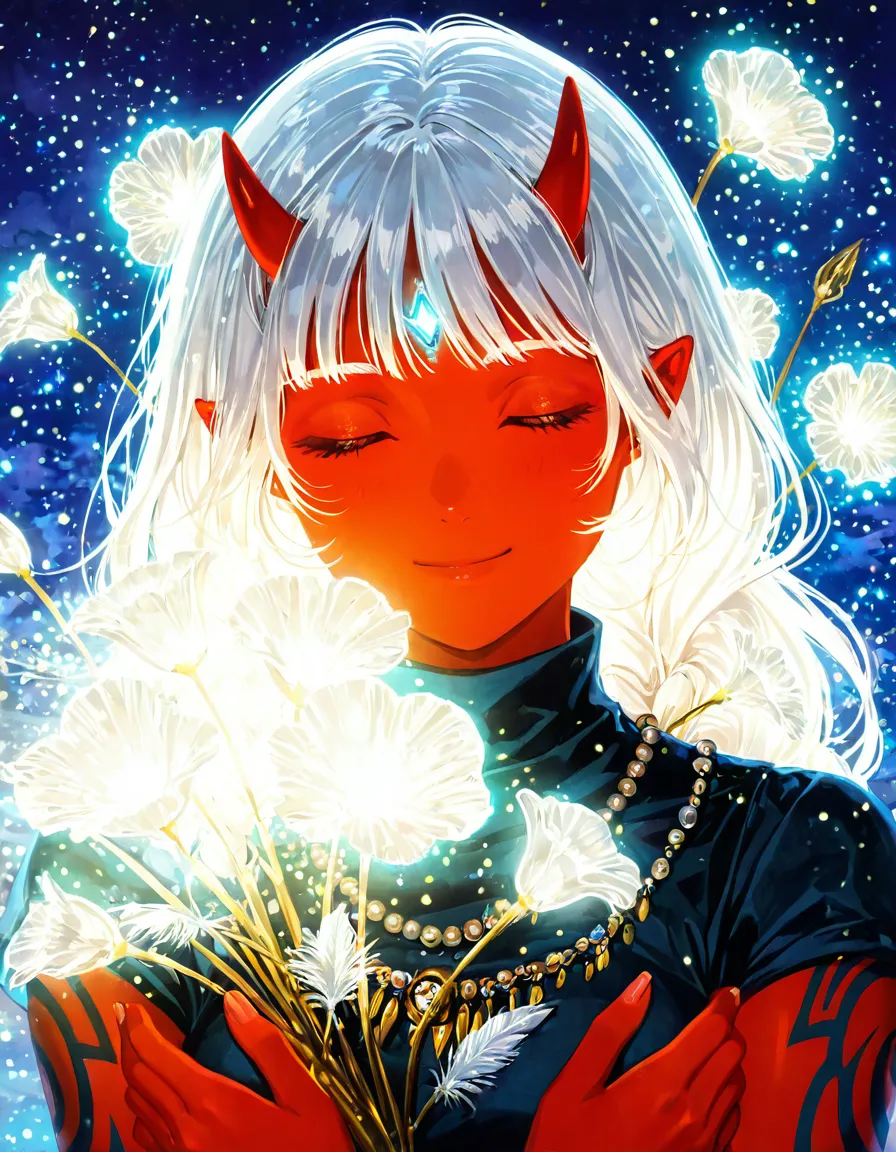
Anime character with blue skin, pointed ears

Preservation of Visual Identity

Original ?????? features, style, emotional expression, and background are kept intact. The app functions like cinema-grade digital makeup, precisely adjusting details without sacrificing the subject's identity.

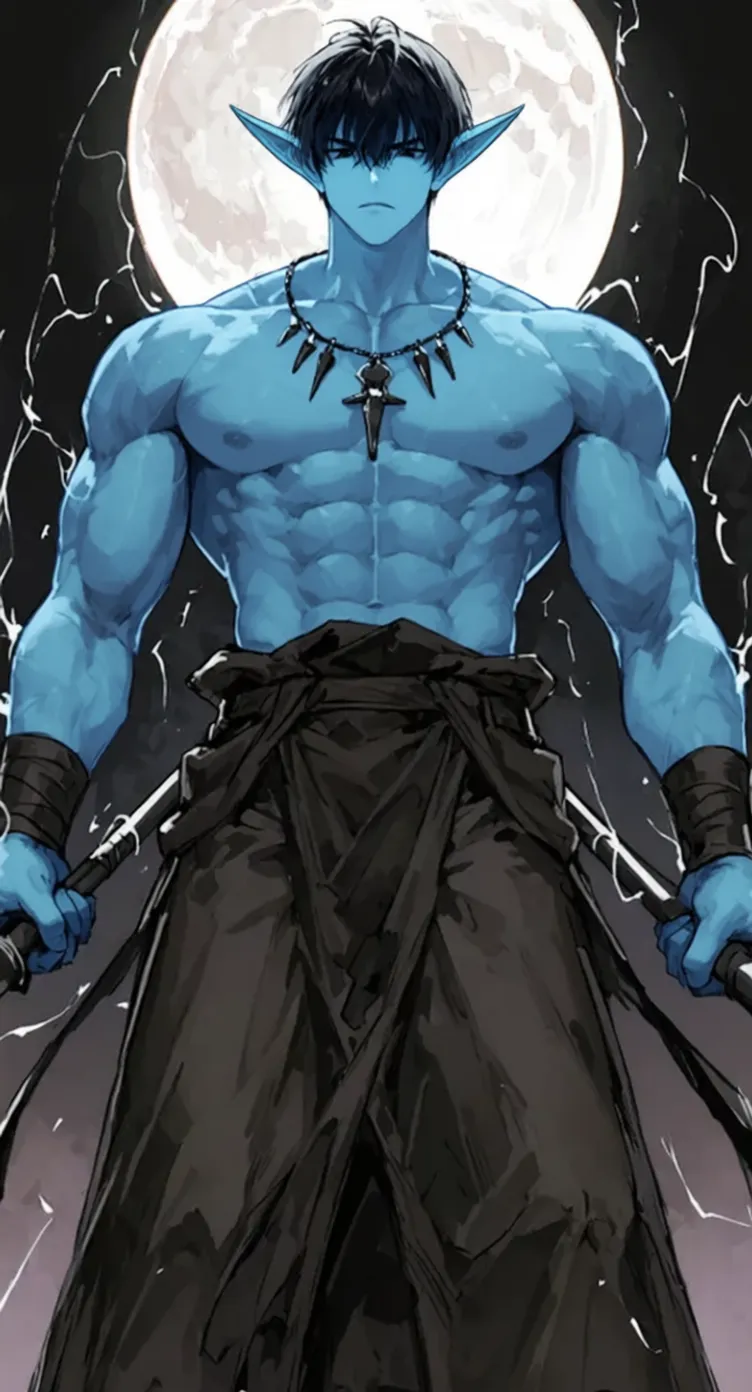
Muscular blue-skinned character, moon backdrop

Multi-model Artistic Versatility

Elf Style supports multiple art styles, including anime, photorealism, and illustration, ensuring that the elf transformation matches the original style, whether it's a pencil drawing or a high-resolution photograph.

Operation Steps

Upload a base image

Select and upload an image from your device. The app processes 2D illustrations, 4K photos, or anime-style images.

Customize the transformation

Use specific prompts to define the degree of transformation, including skin color and desired elven characteristics.

Download the transformed image

Once the process is complete, download the transformed image to your device, now with a mystical touch of blue skin and elven ears.

FAQ

collapse

What image formats does Elf Style accept?

Elf Style accepts a wide variety of image formats, including 2D illustrations, high-resolution photos, and anime styles, ensuring that the original style of the image is preserved.

expand

Does the application preserve the original image quality?

Yes, Elf Style guarantees that the original image quality remains intact, preserving details such as textures, lighting, and volumes in the transformation.