Generate
History
Private Creationvip-icon
Details
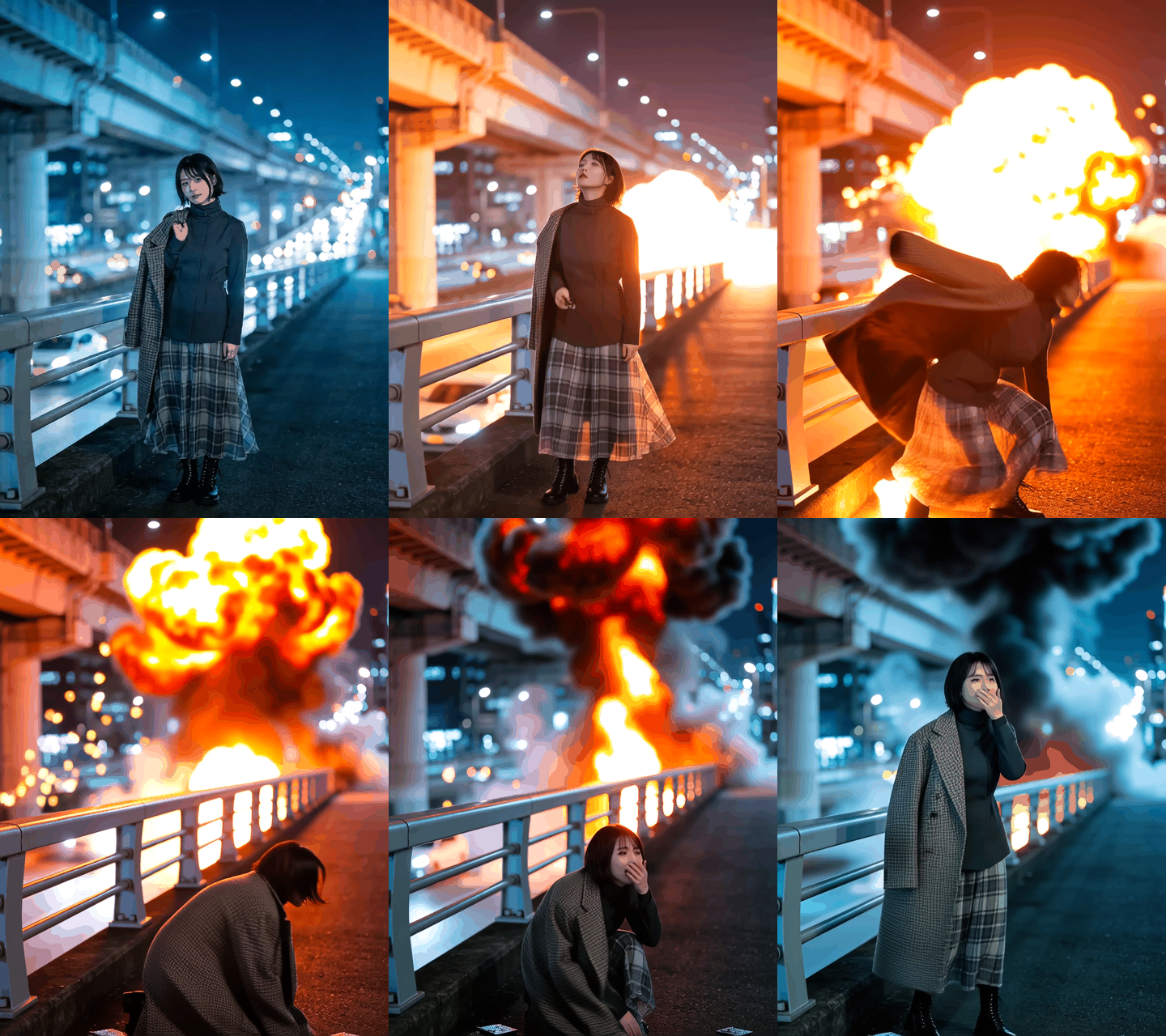
Explosion Effect
Original

Explosion Effect

2.2K
0
946
2025-12-15 04:00:04 Update
#Hot
#Video Generation
#Parody meme
#Creative Morphing
#Role-playing
...View More

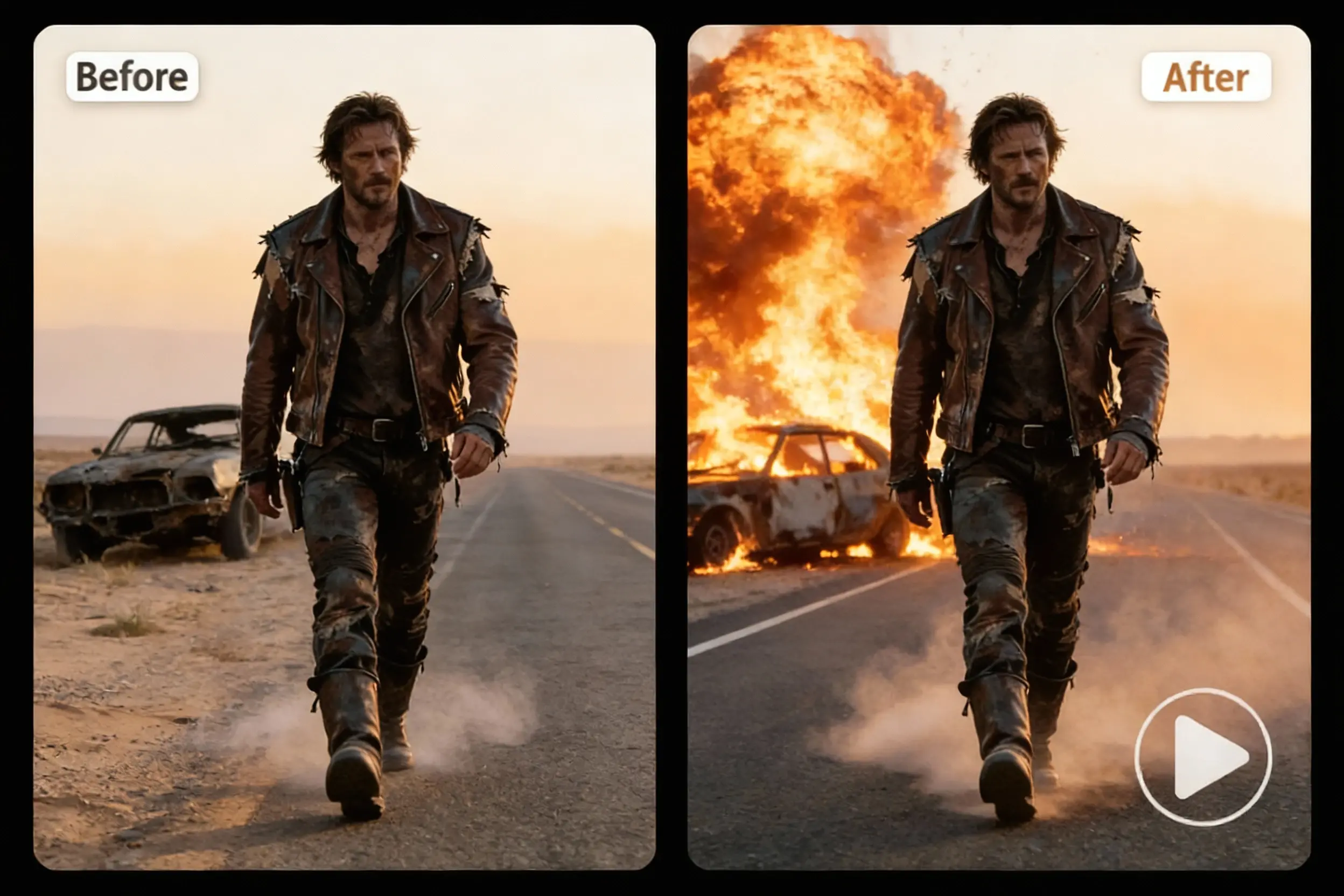
Turn photos into explosion videos with realistic fire, debris, and shockwaves instantly!

Rating & Review

4.8 /5

Not enough ratings or reviews received yet

more
no-data
No data available

Spectacular AI Explosion Effects in Action

See how AI transforms ordinary photos into cinematic blast moments.

Create Professional Explosion Effects with Advanced AI

AI detecting subject outline in photo before applying realistic explosion effect along edges

Smart Subject Detection

AI automatically identifies people, objects, or buildings in photos and applies explosion effects precisely along edges. SeaArt AI detects contours, ensuring realistic particle dispersion and debris trajectories that follow subject shapes—no manual masking or editing skills required. Works flawlessly with portraits, products, architecture, and vehicles for authentic cinematic blast results. The smart detection system understands depth and perspective, creating explosions that wrap naturally around subjects.

Realistic Physics & Cinematic Details

Advanced AI calculates natural particle trajectories, lighting interactions, and motion blur for studio-quality results. Fire glows illuminate surroundings with heat haze effects, smoke billows dynamically following real-world physics patterns, and debris rotates mid-flight with accurate weight distribution. Every particle responds to simulated forces—gravity pulls fragments downward, momentum carries embers outward, and shockwaves create realistic atmospheric distortions. This cinematic depth makes explosions feel tangible rather than flat.

Adjustable Explosion Power

Control explosion intensity from gentle sparks to catastrophic blasts—adjust particle density, flame strength, and shockwave power to match content perfectly. Want complete creative control? Use the AI video generator with custom prompts like "massive building explosion with flying concrete chunks, orange fireball, thick black smoke, debris raining down, cinematic slow motion" or "subtle character disintegration into glowing particles, soft fire embers, minimal smoke, dreamy atmosphere" to craft exactly the explosive moment you envision for trailers, memes, or viral content.

Why Choose AI Explosion Effect Generator?

One-Click Explosion

Upload your photo and generate cinematic blast effects in seconds.

Cinema-Quality VFX

Skip expensive post-production and get high-impact visuals that rival Hollywood action scenes.

100+ AI Models Supported

Access cutting-edge AI models including Sora 2, Veo 3.1, Kling 2.6, Runway Gen-4, and more on SeaArt AI for diverse explosion styles.

Trusted by 10M+ Creators

Join millions of content creators worldwide using SeaArt AI's powerful platform for professional-quality visual effects and creative projects.

Create Cinematic Explosions in 3 Easy Steps

Upload Your Photo

Select a clear, high-quality photo with a simple background for optimal explosion edge detection.

Generate Explosion

Click "Generate" and let AI automatically detect your subject and apply realistic blast effects—no adjustments needed unless you want to customize intensity.

Download & Share

Download and share your explosion video instantly on social media!

Common Questions About AI Explosion Effects

collapse

What is the AI Explosion Effect?

The AI Explosion Effect is a free creative video generator that transforms photos into cinematic explosion animations. Upload an image and watch AI generate realistic blast effects.

expand

Is it safe? Will my photo be damaged?

Absolutely safe! The original photo stays untouched—only a new explosion video is generated. All uploads are processed securely.

expand

Can I use videos commercially?

Yes! Basic features are free with 130 Stamina for new users. For unlimited generations and full commercial rights for marketing campaigns and client projects, premium subscriptions are available. Check the pricing page for details.

Explore More Creative AI Effects & Tools