
50M
+ Creator

Pick a style to bring your subject to life
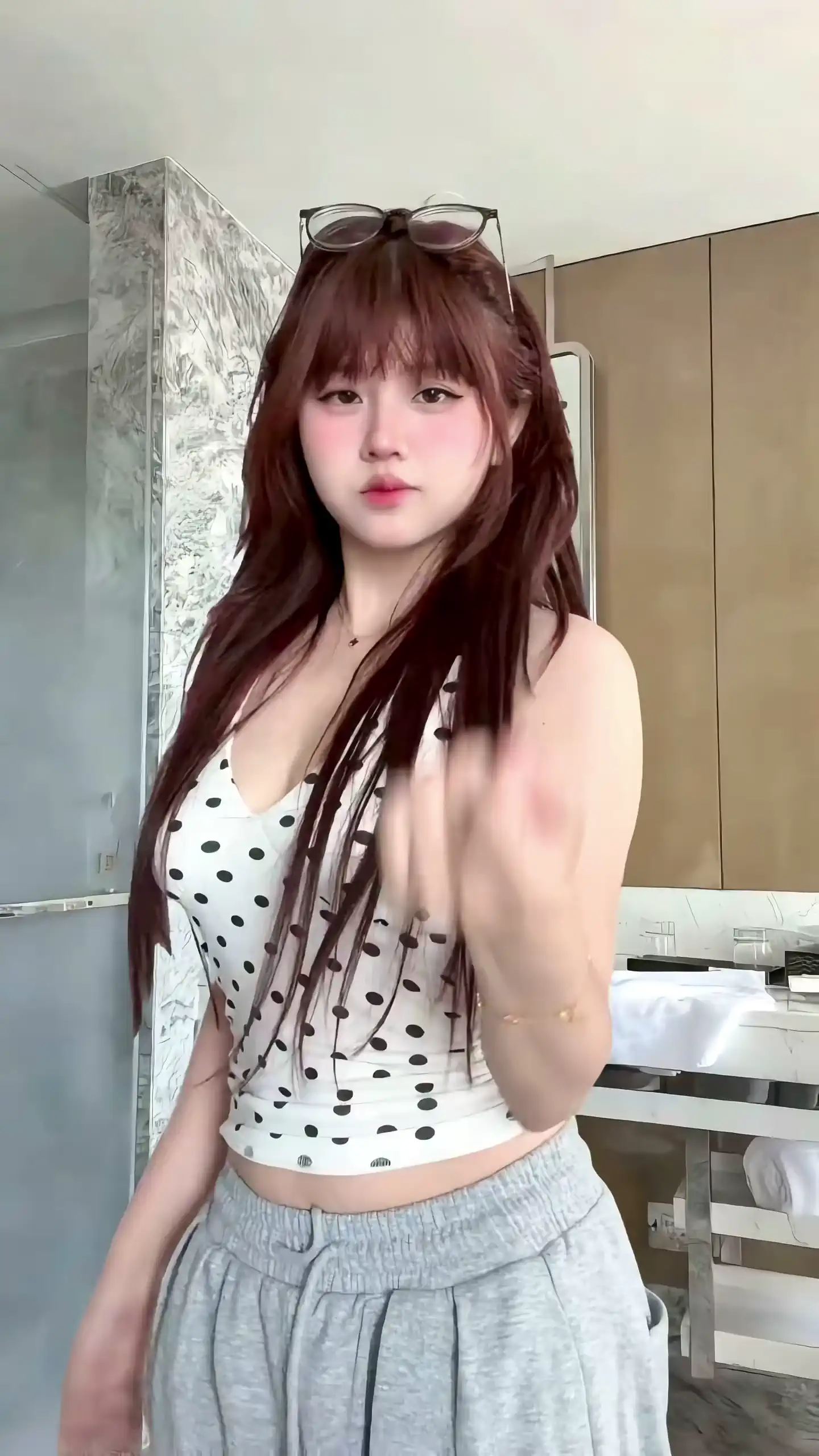
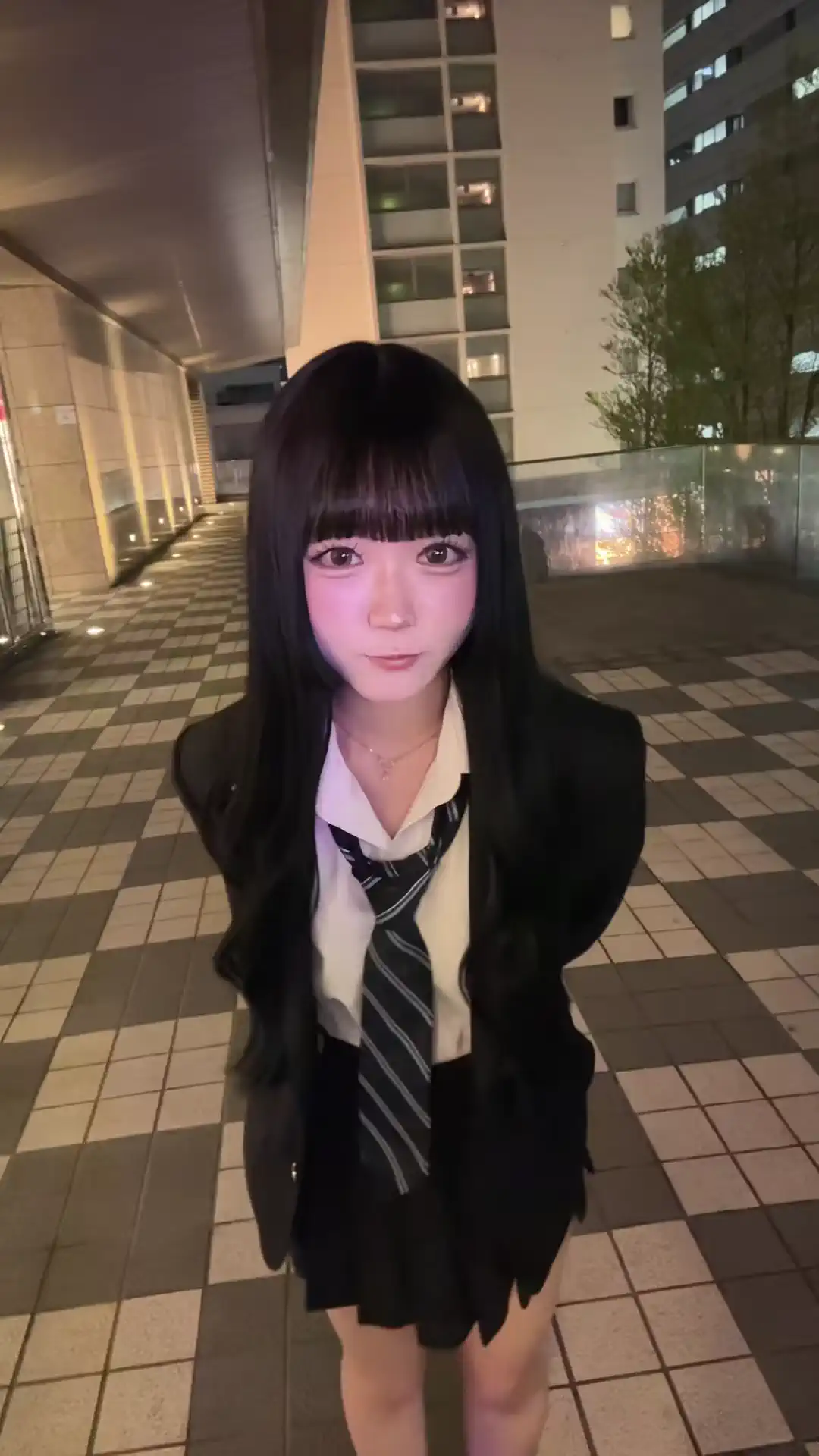
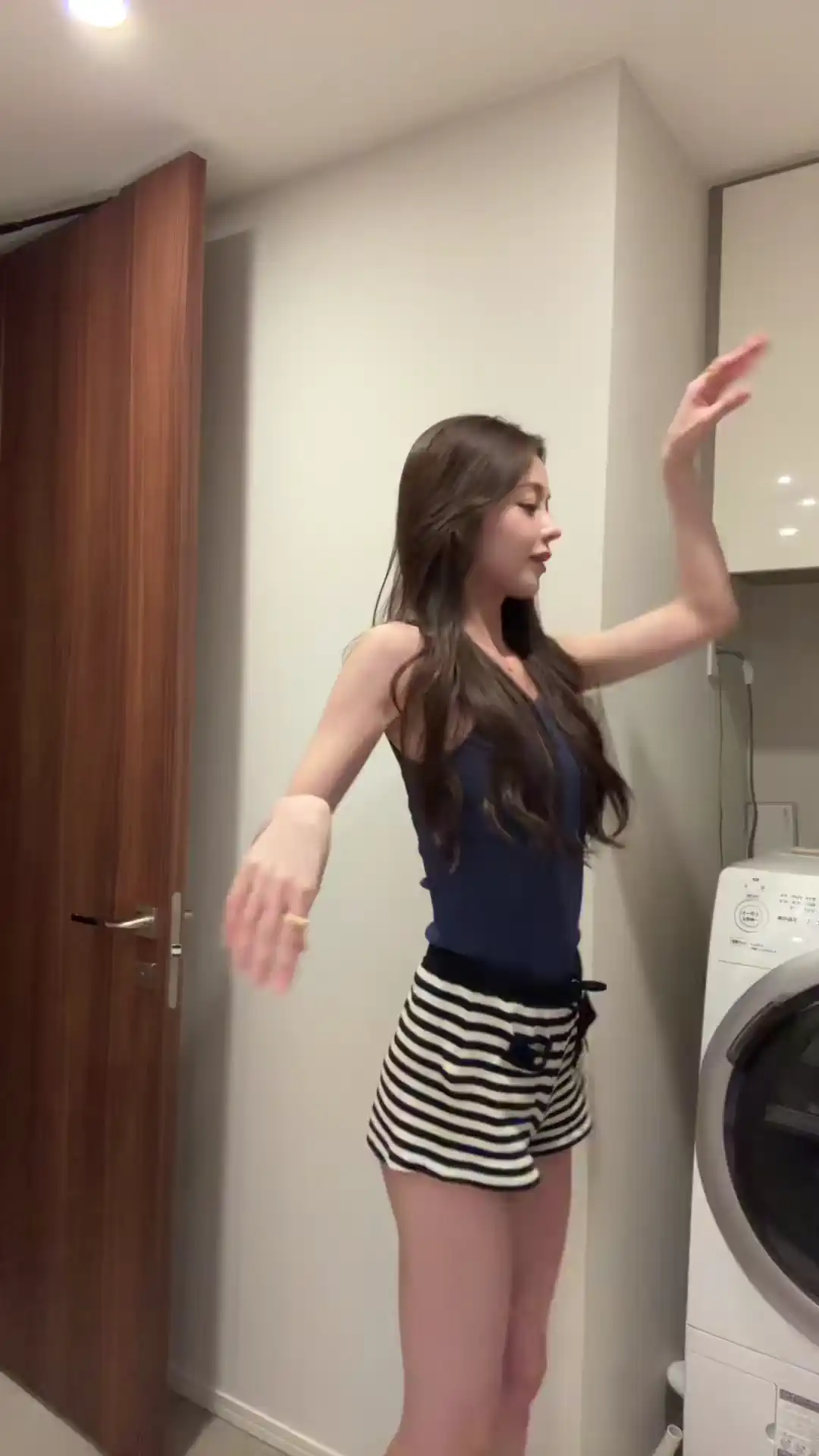
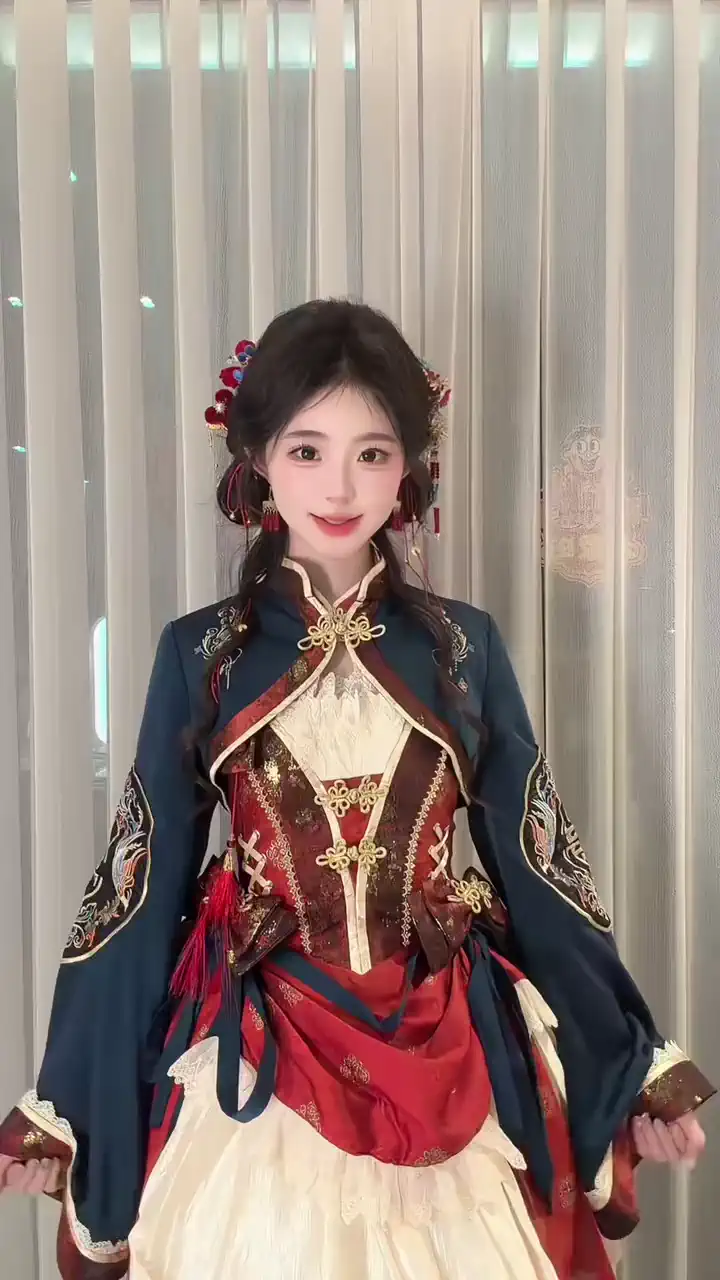
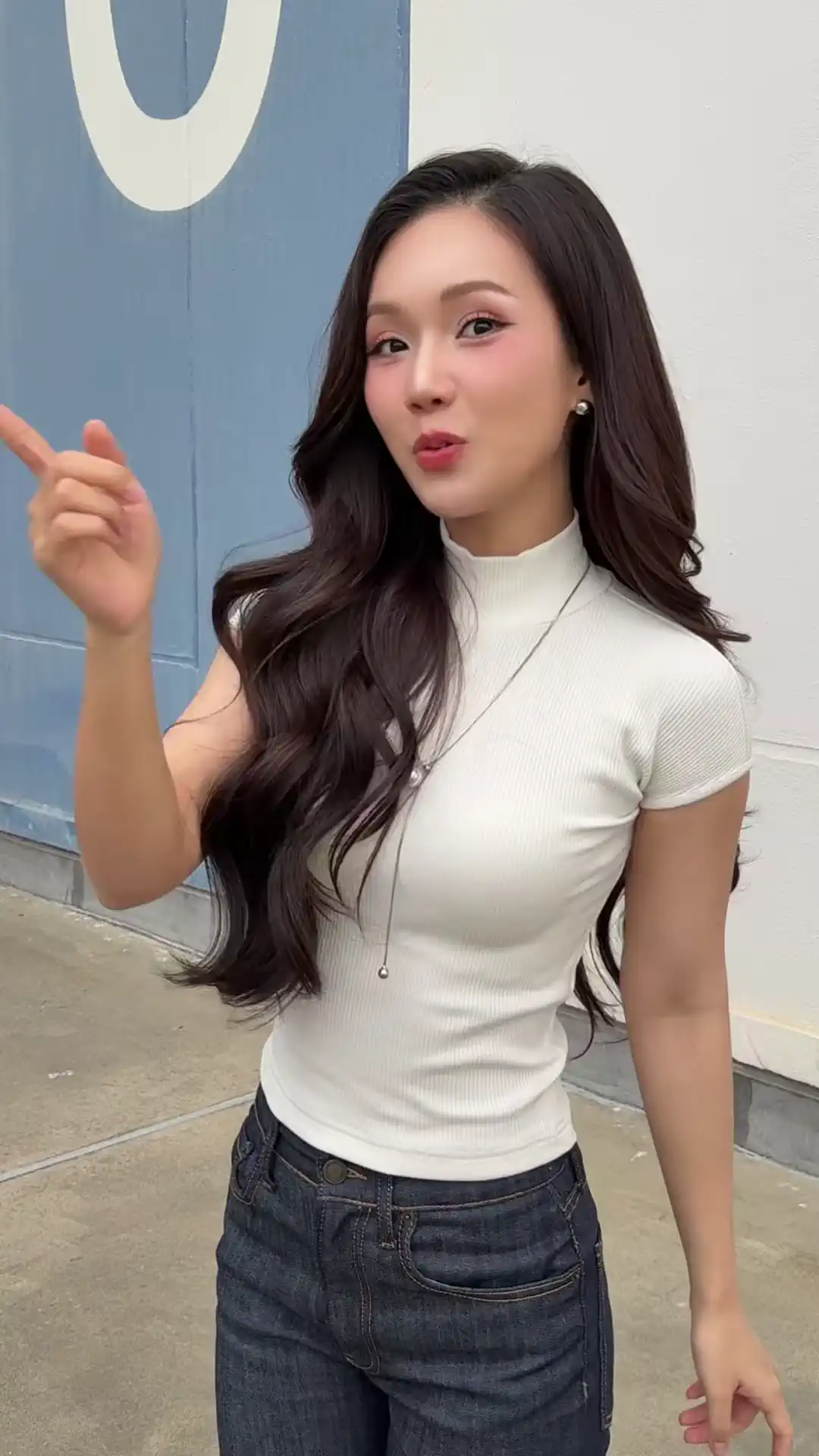
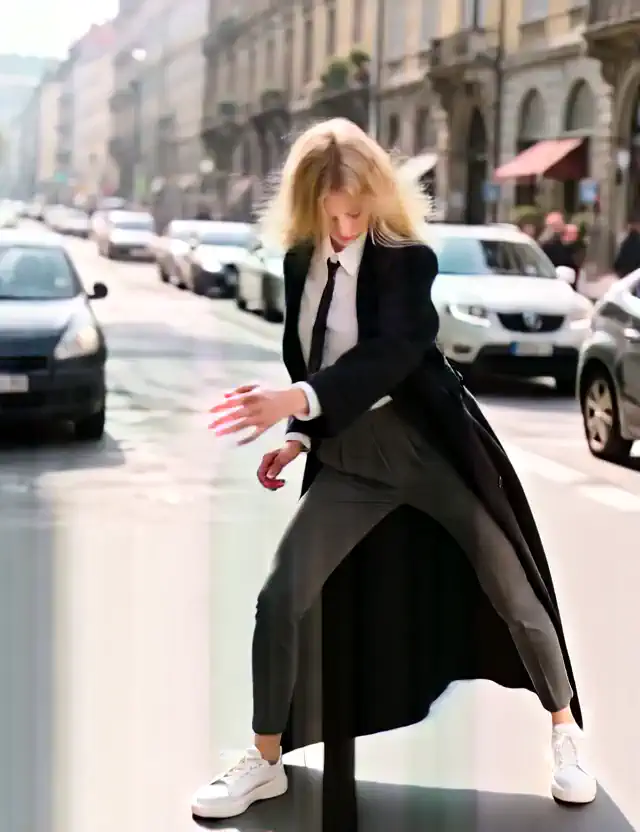
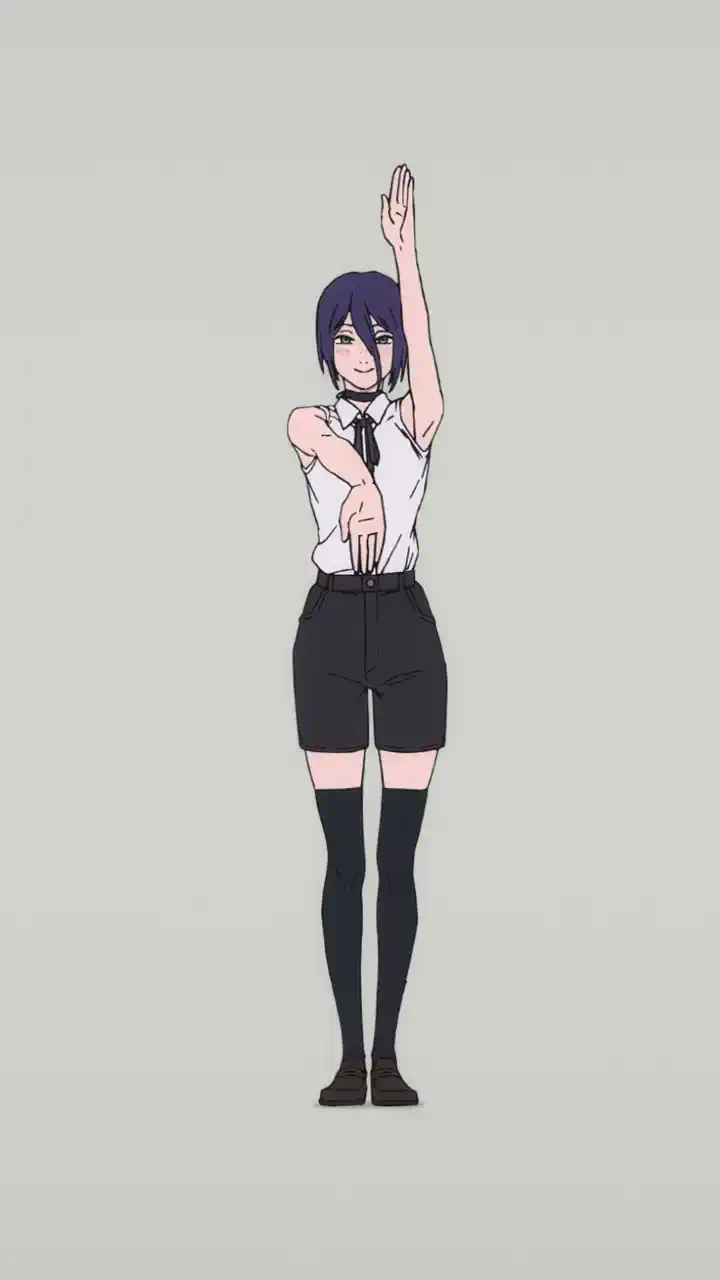
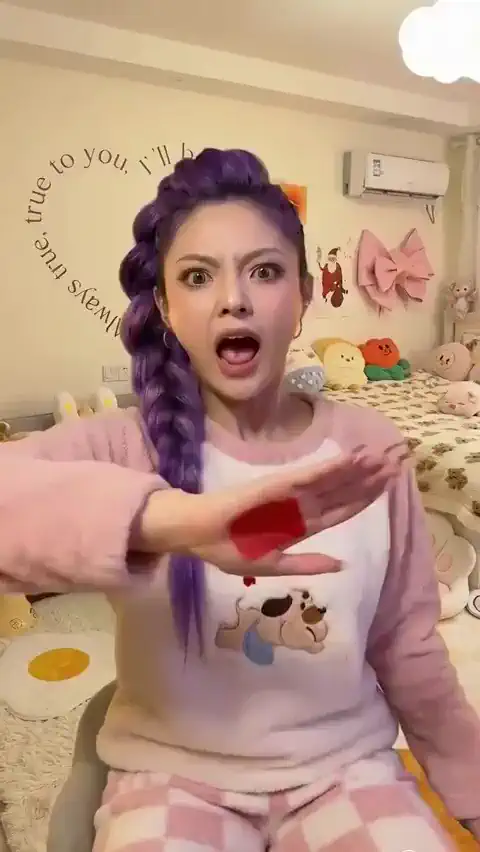
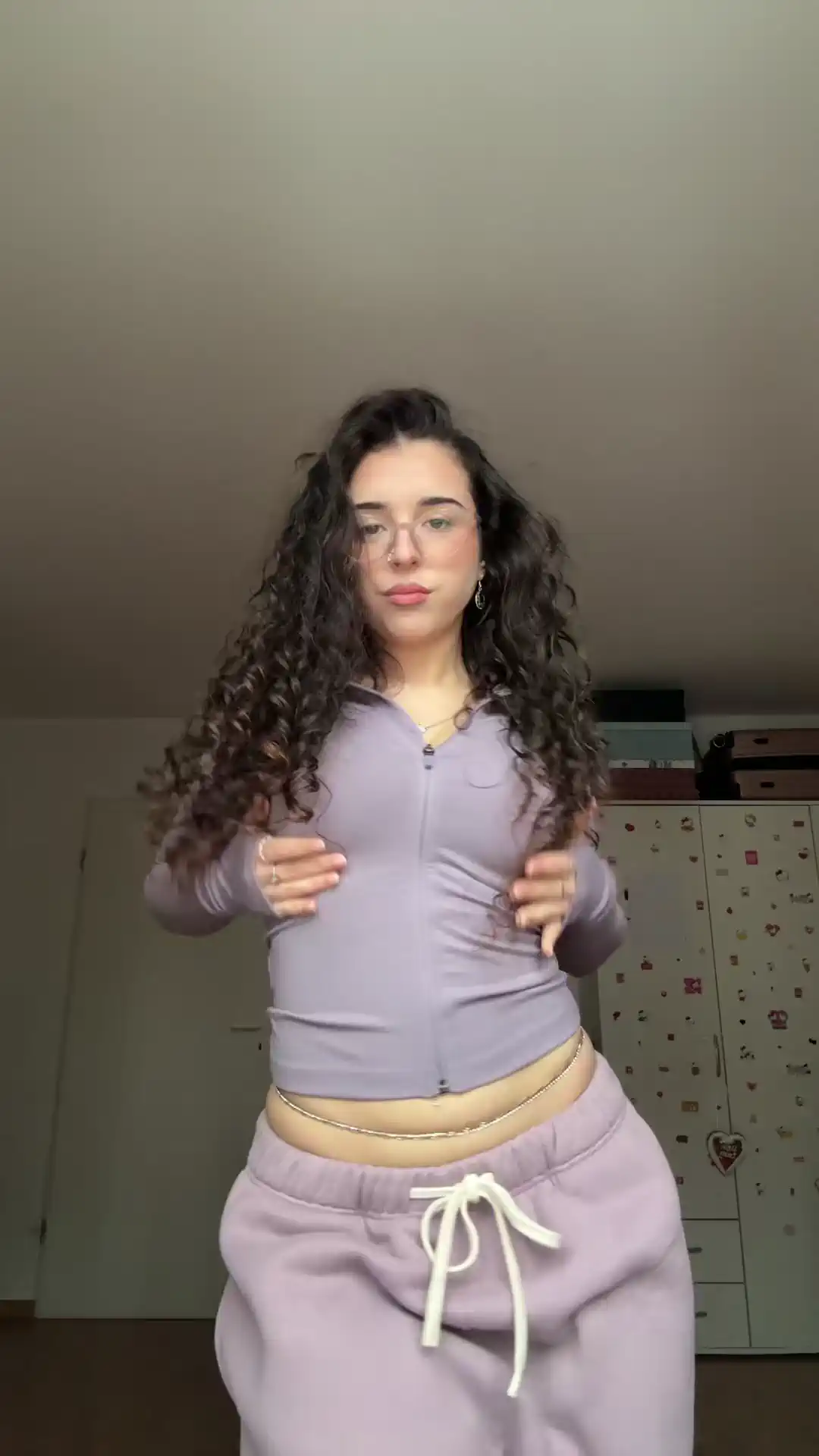
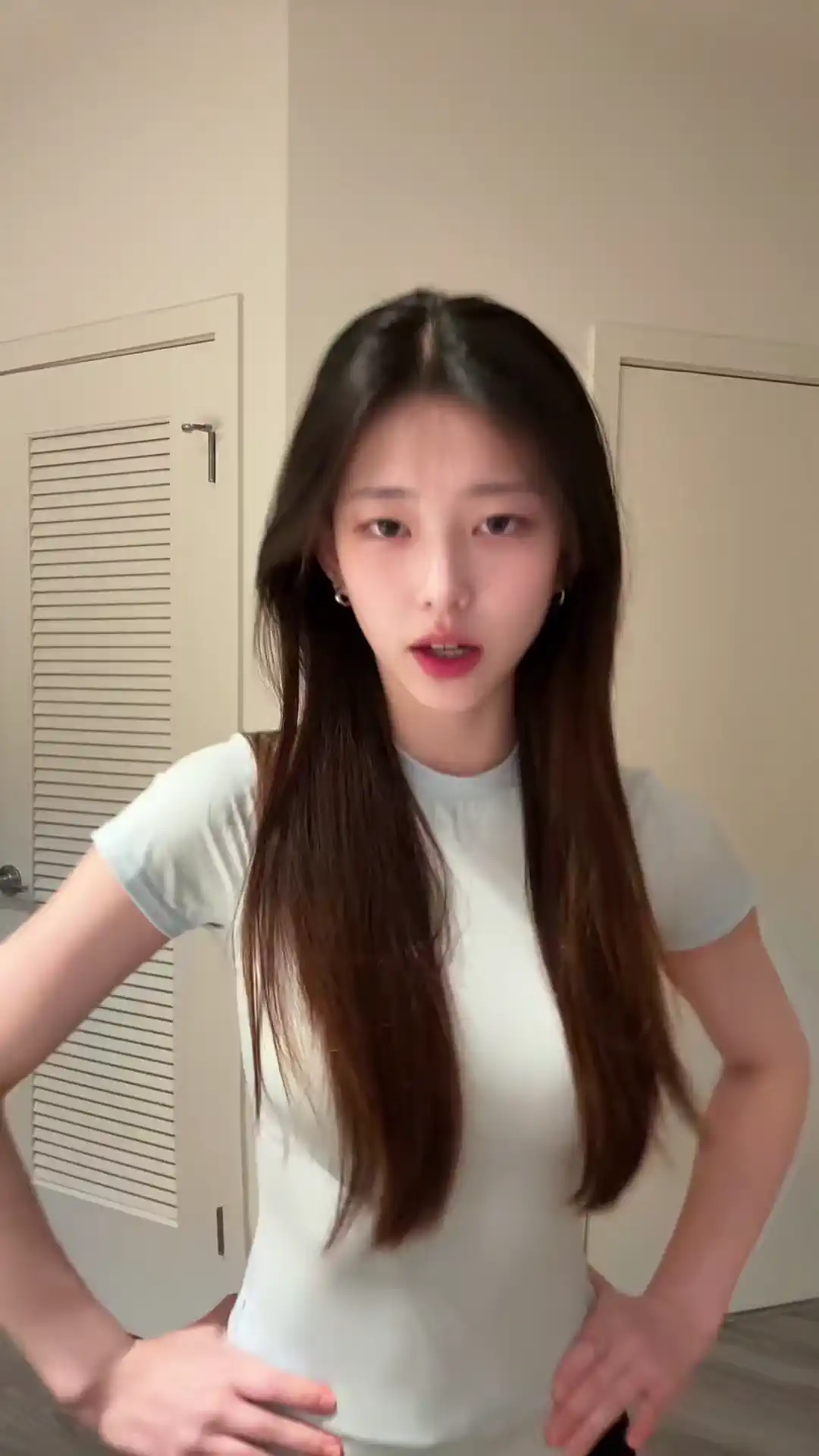
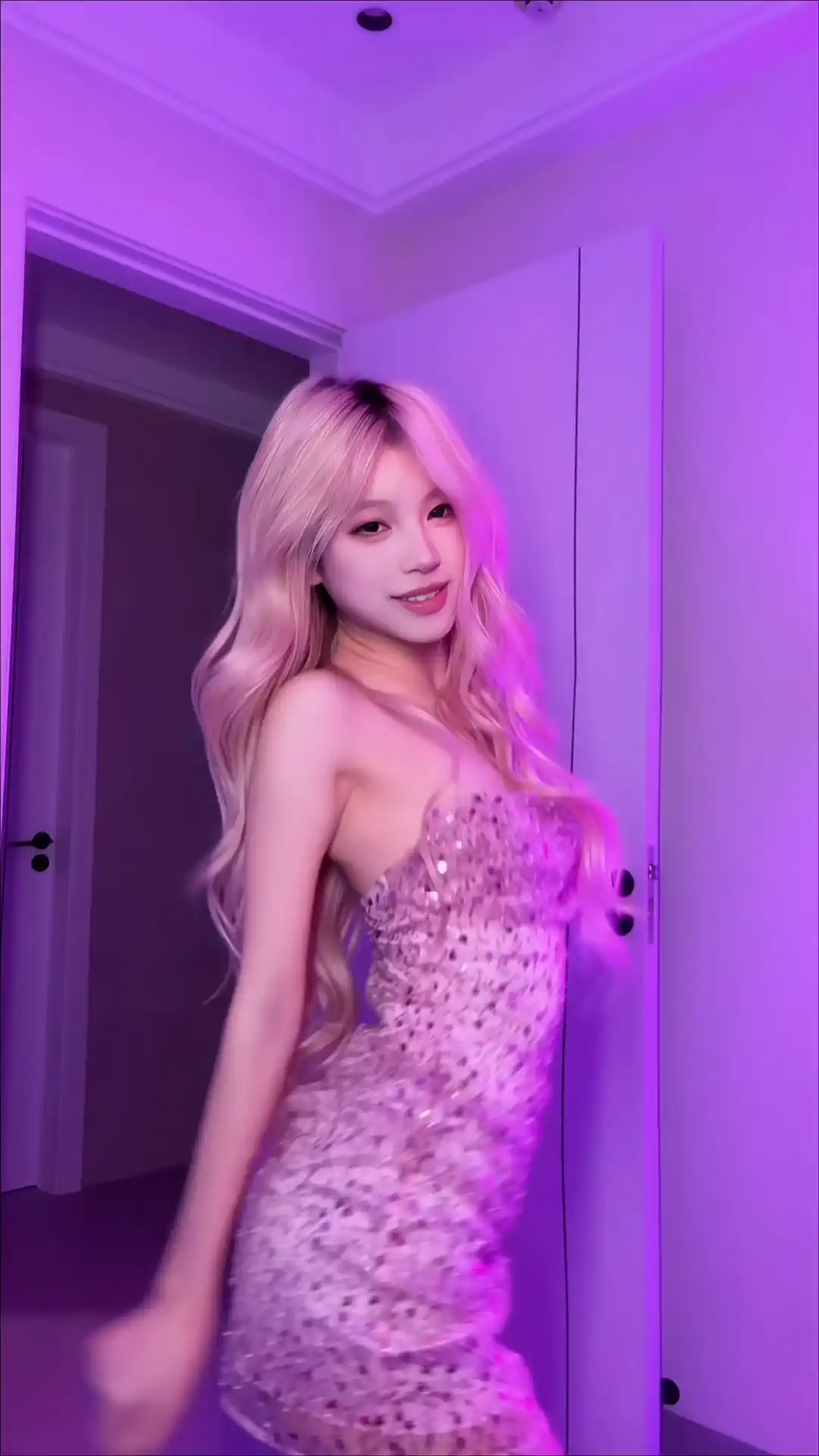
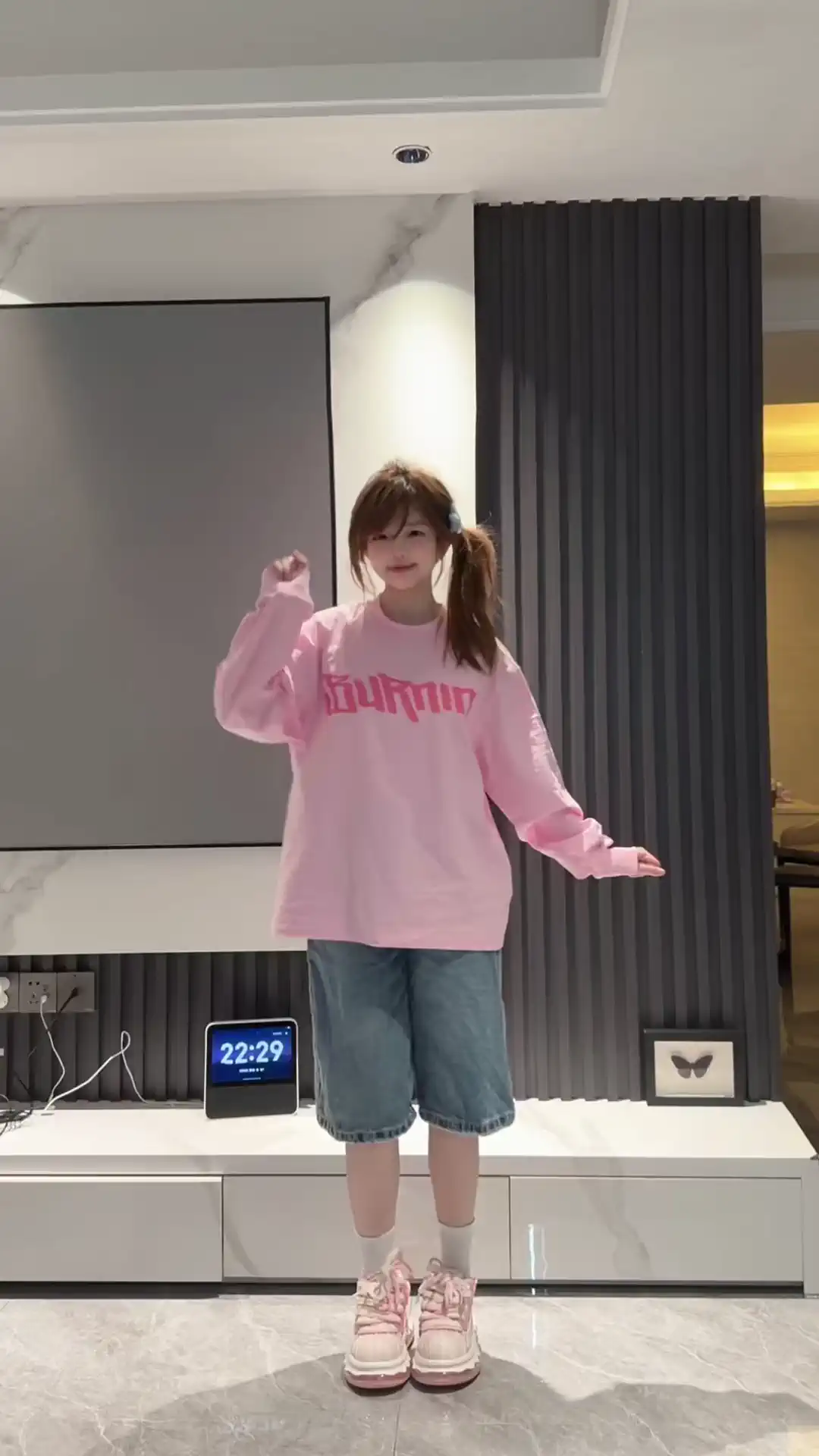
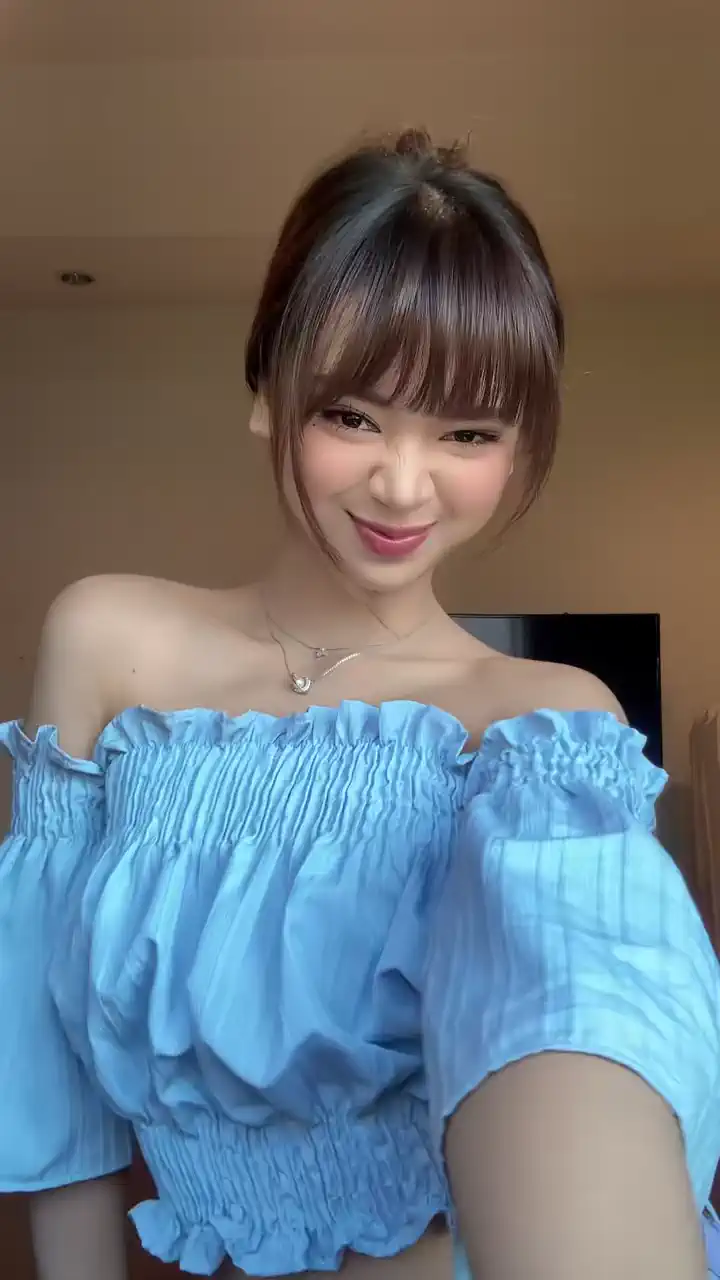
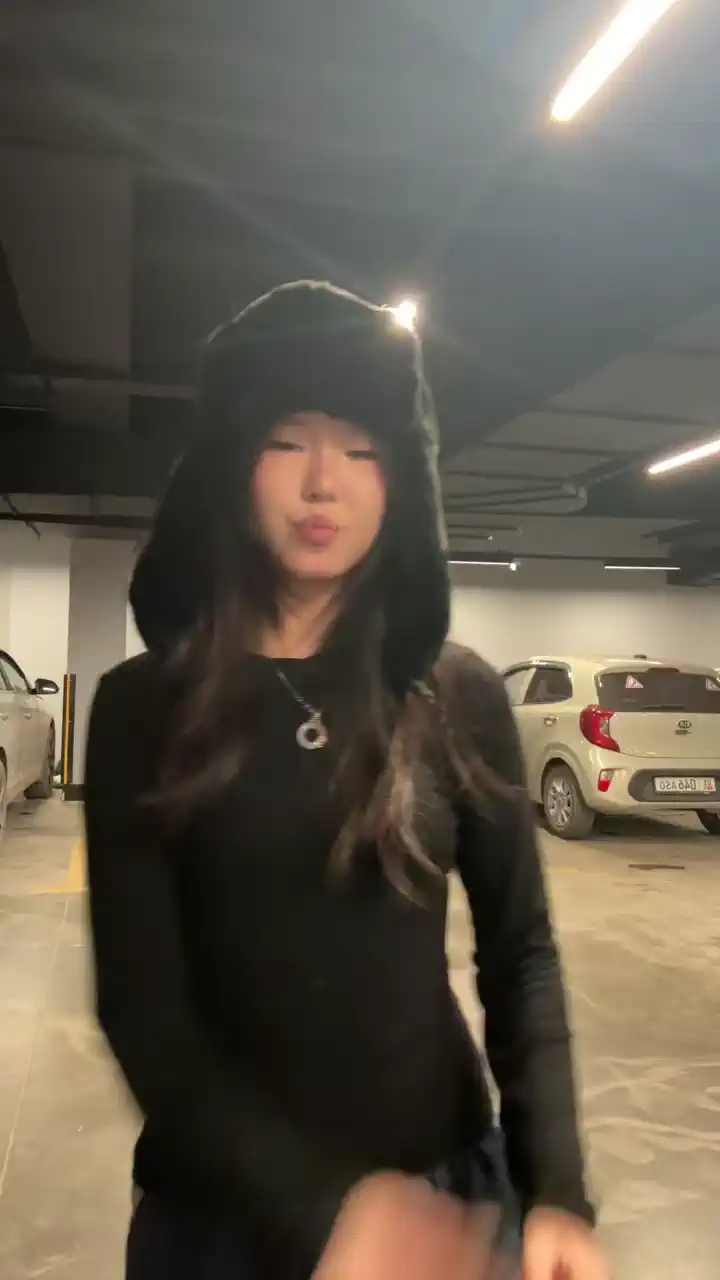
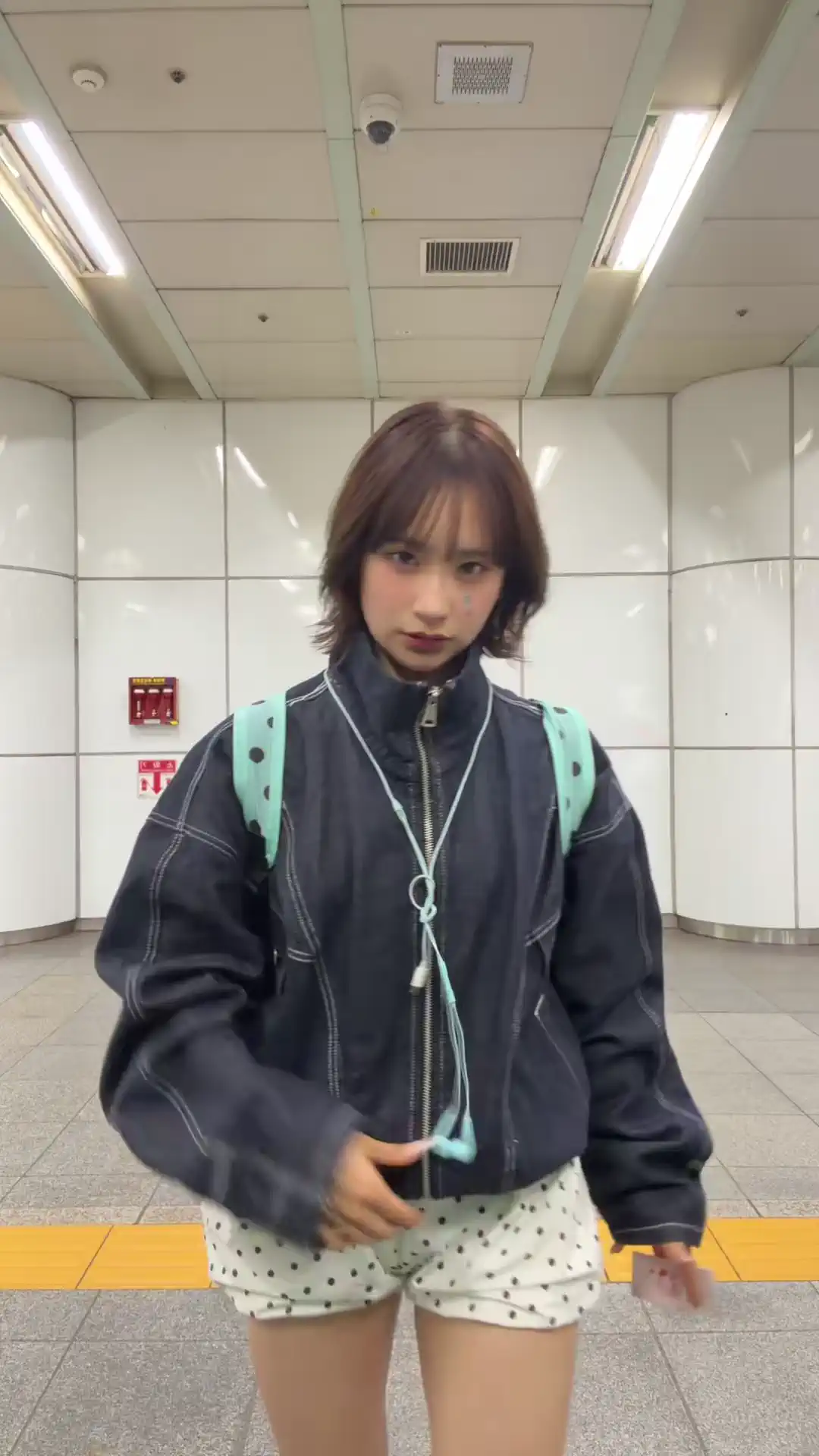
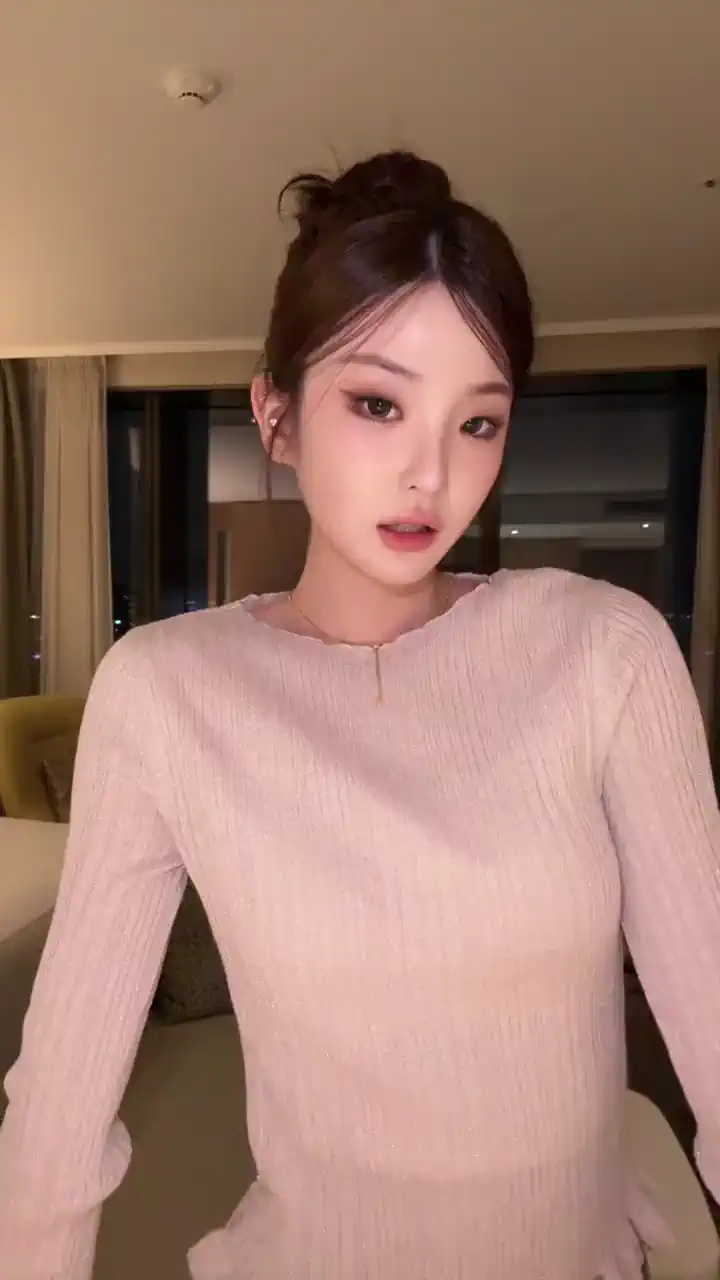
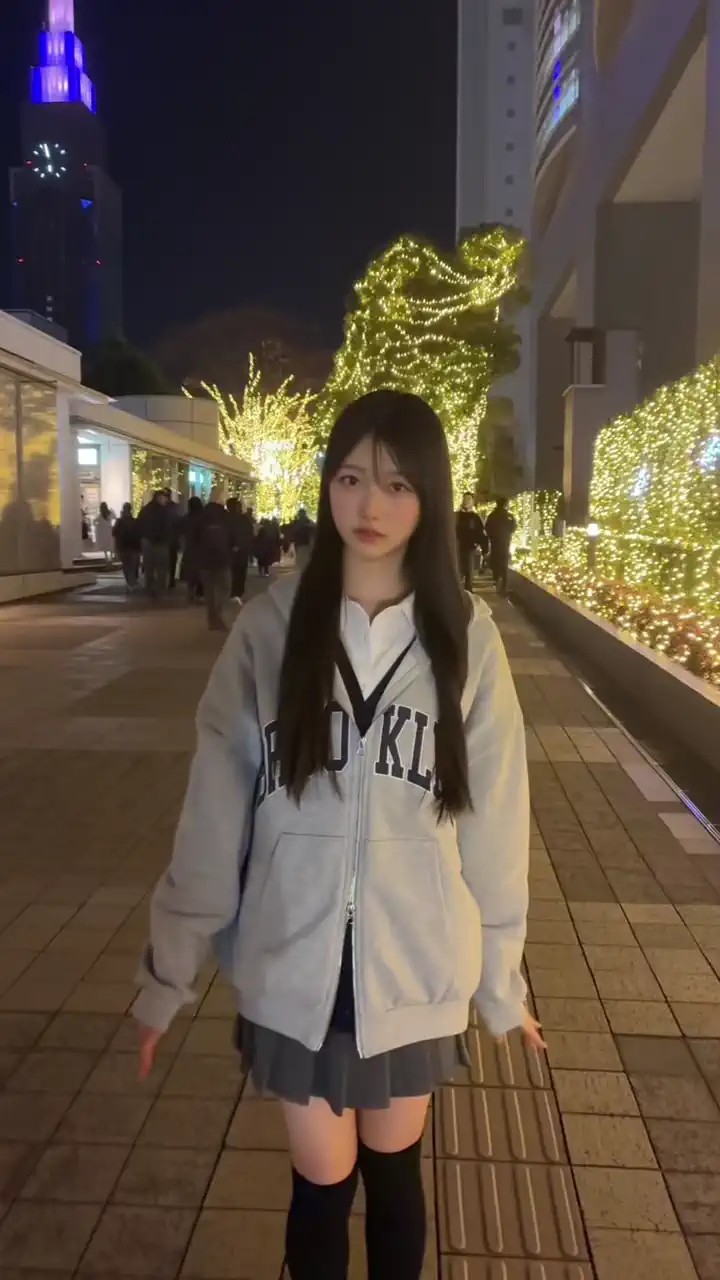
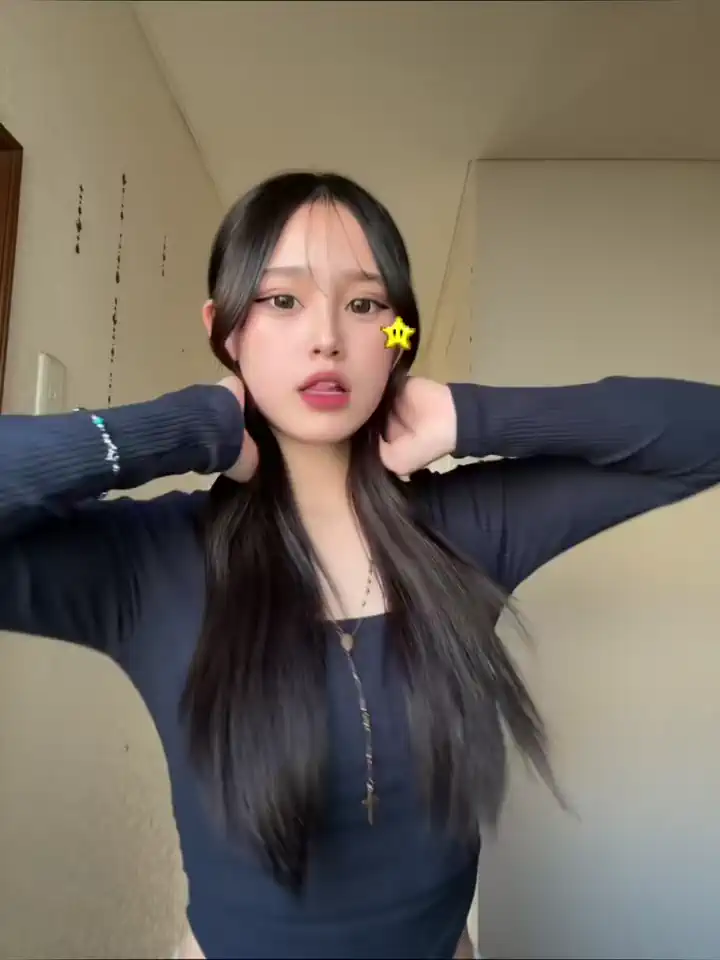
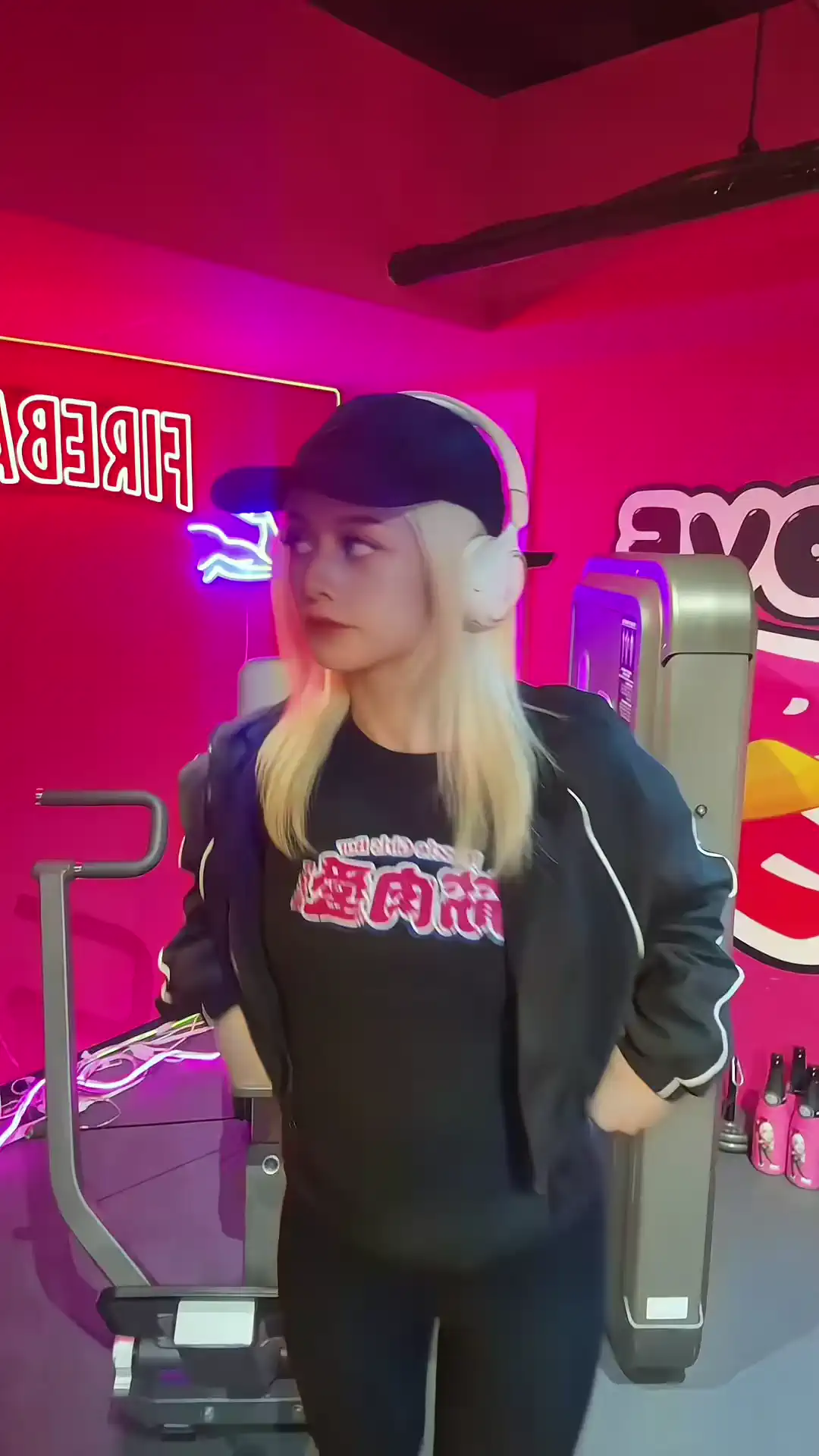
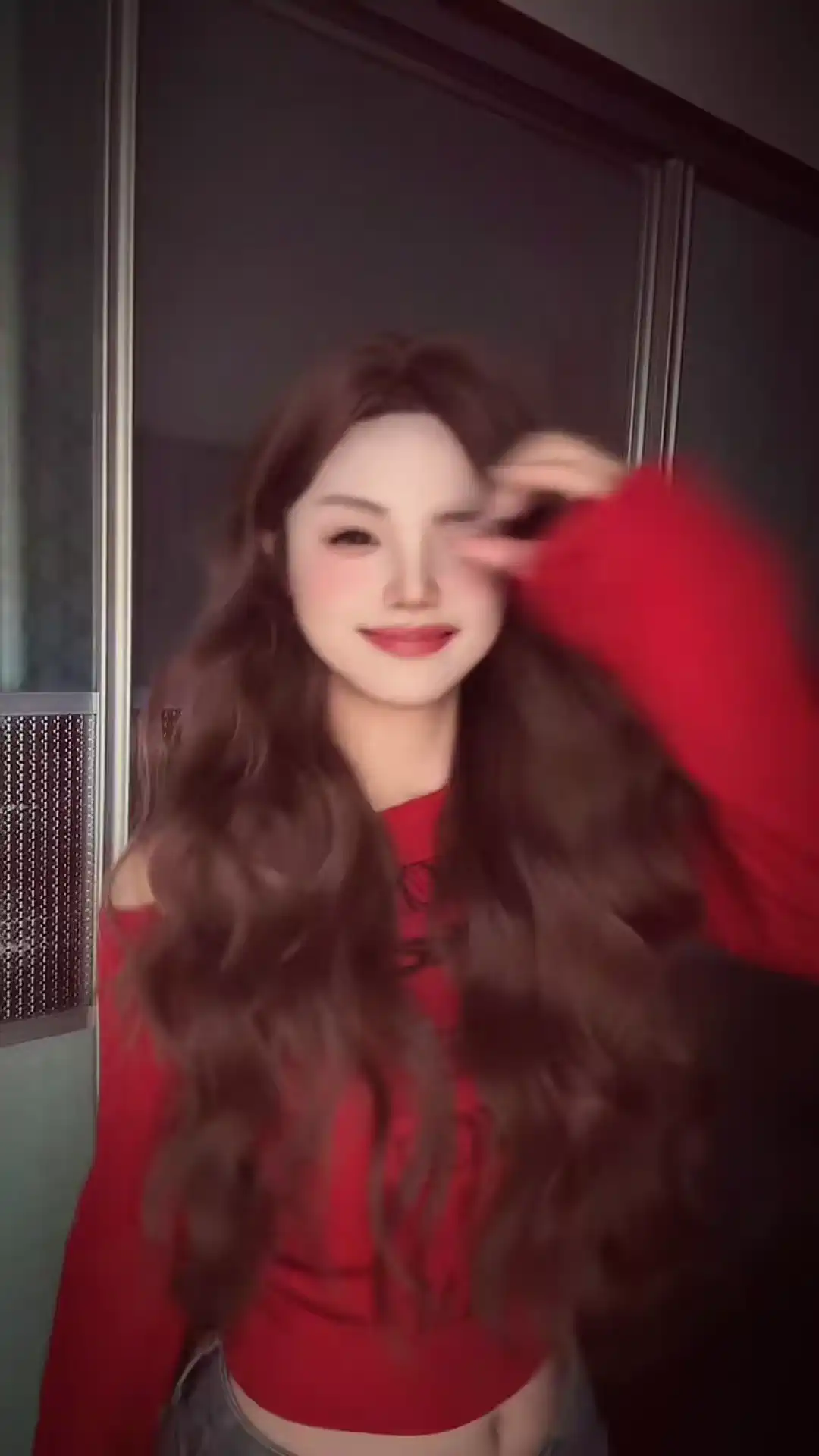
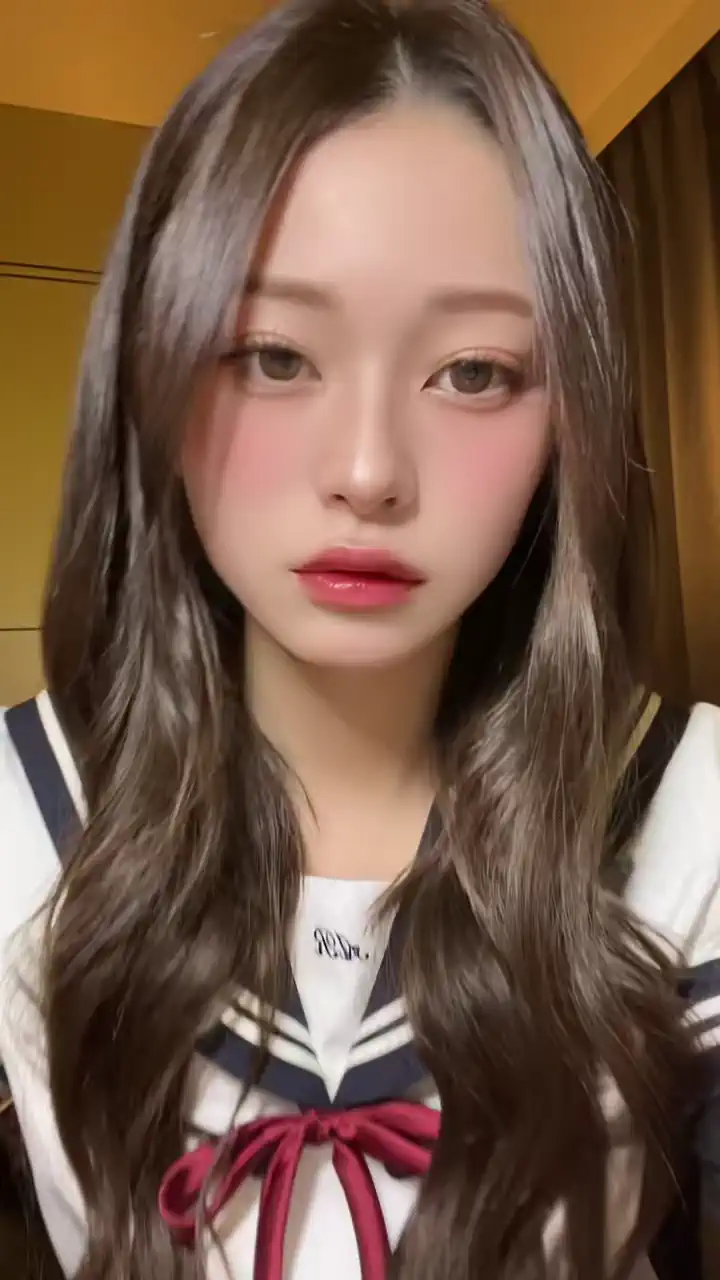
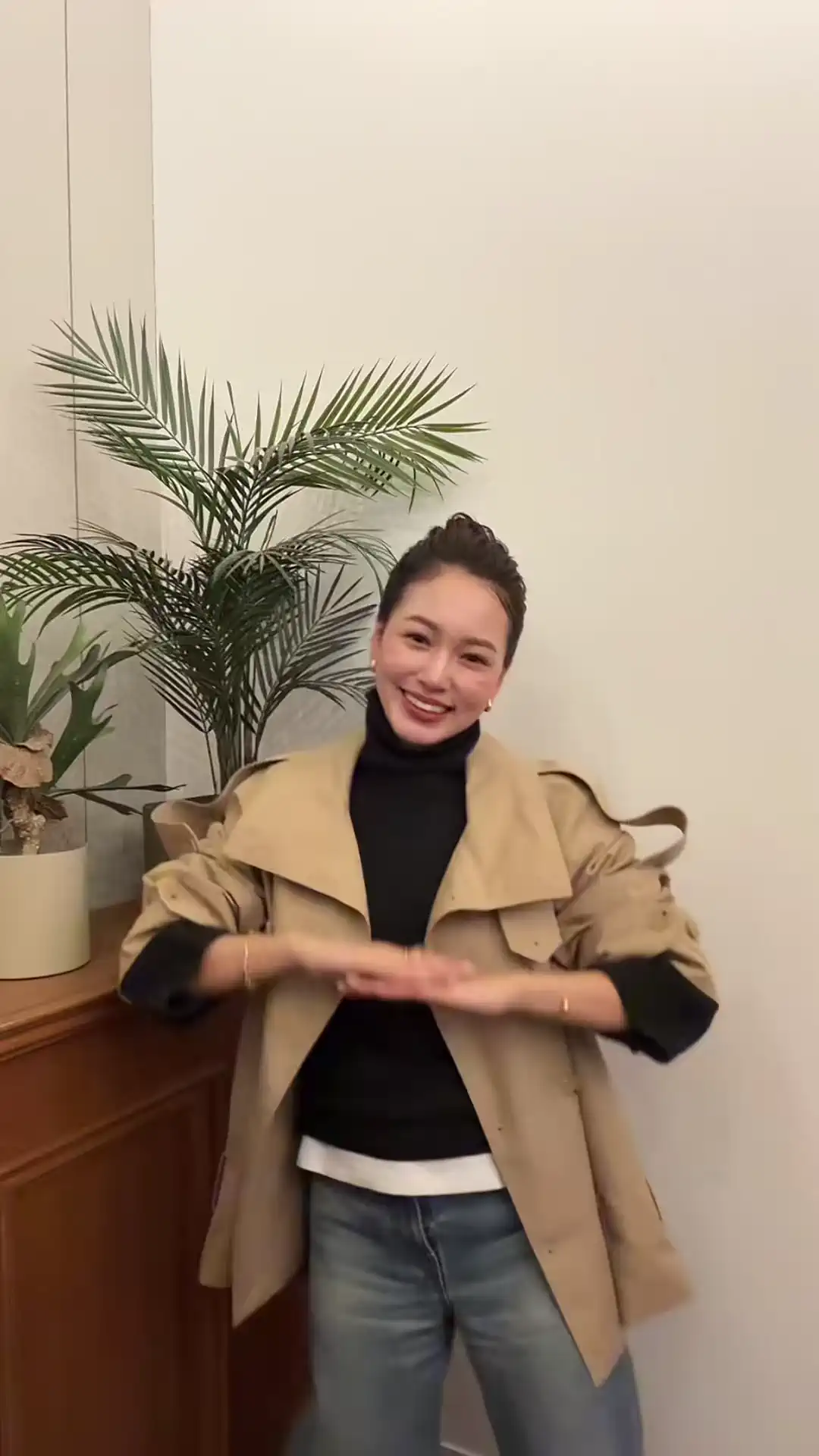
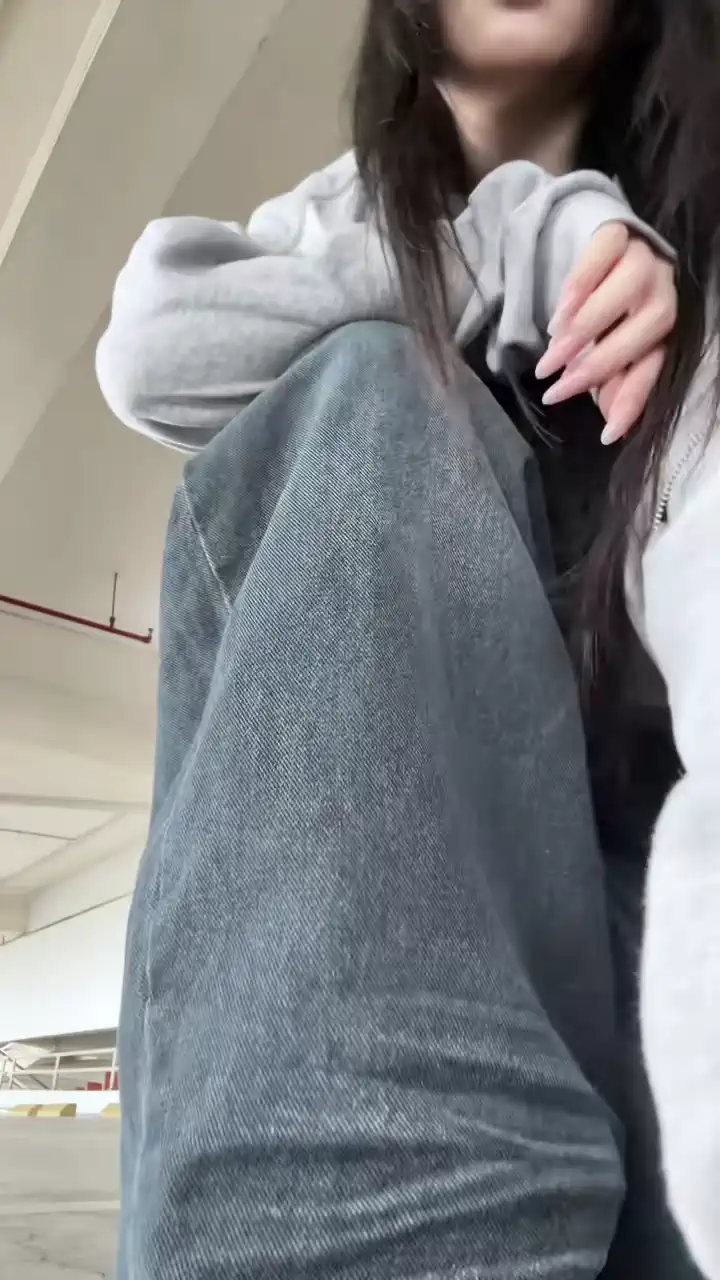
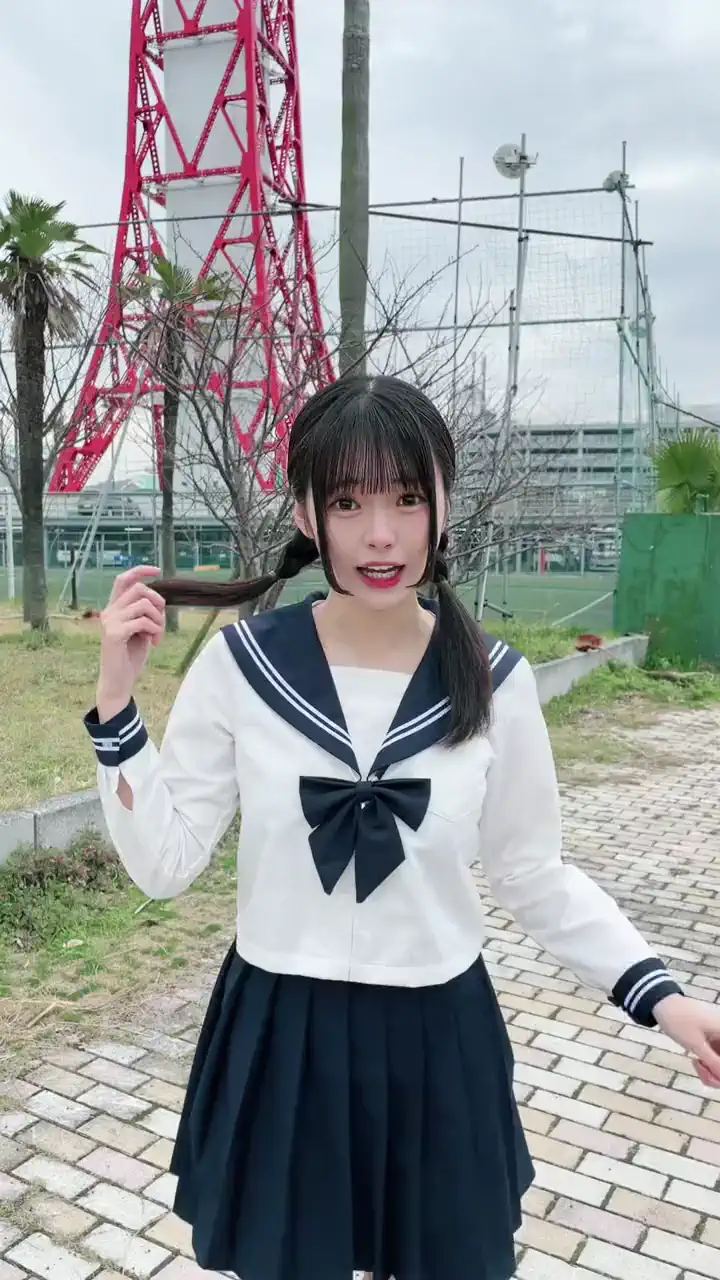
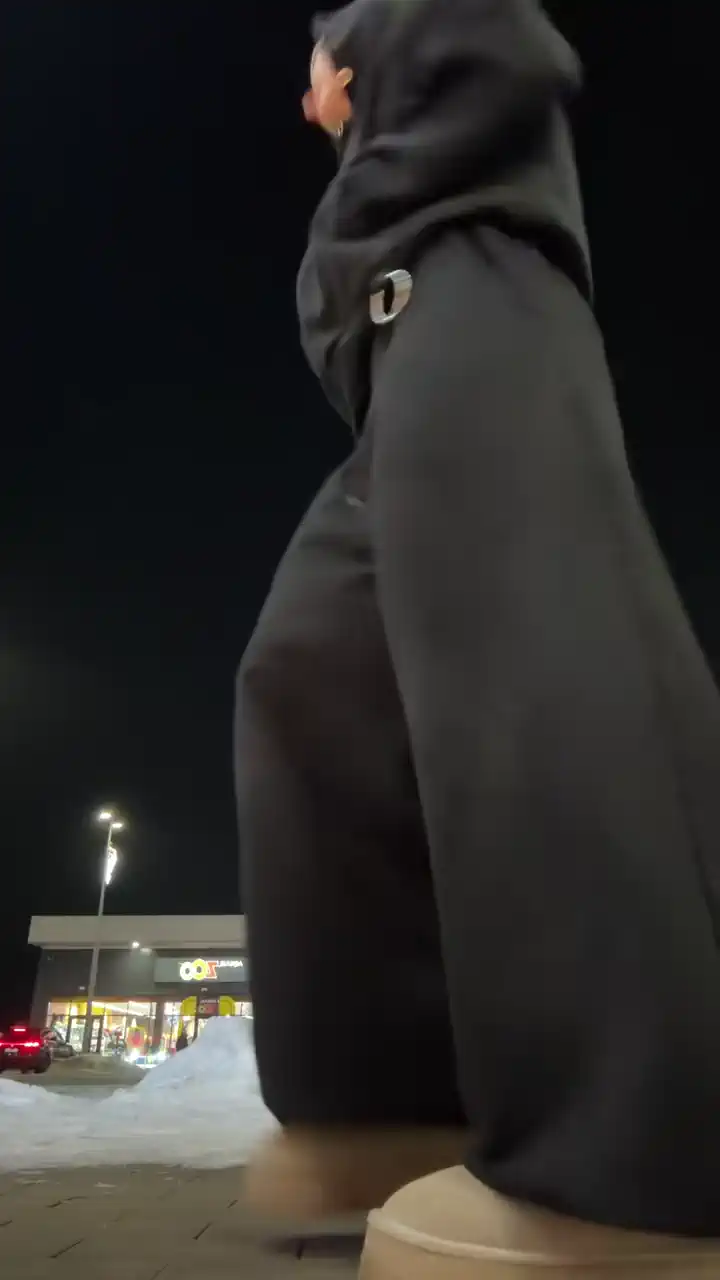
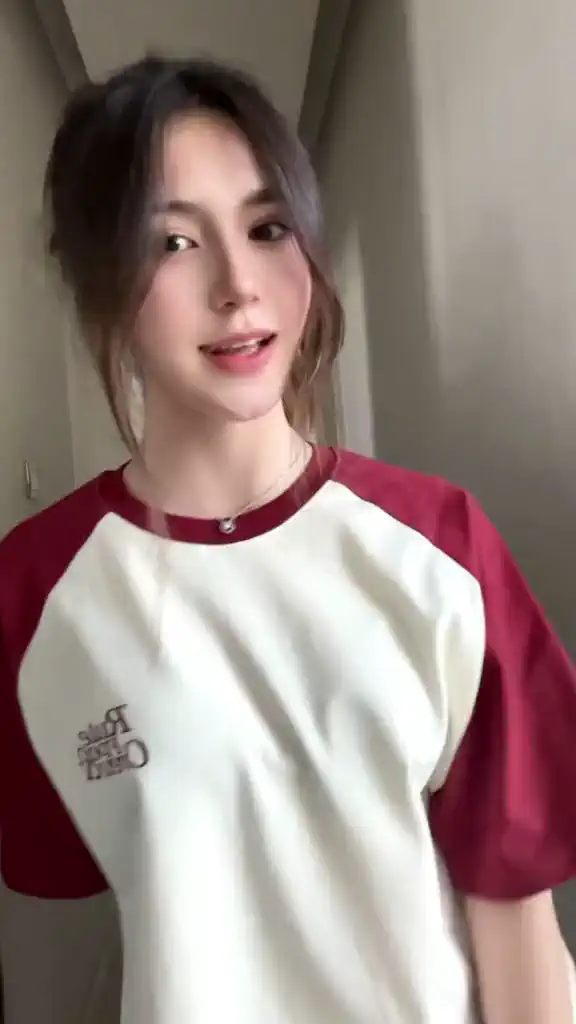
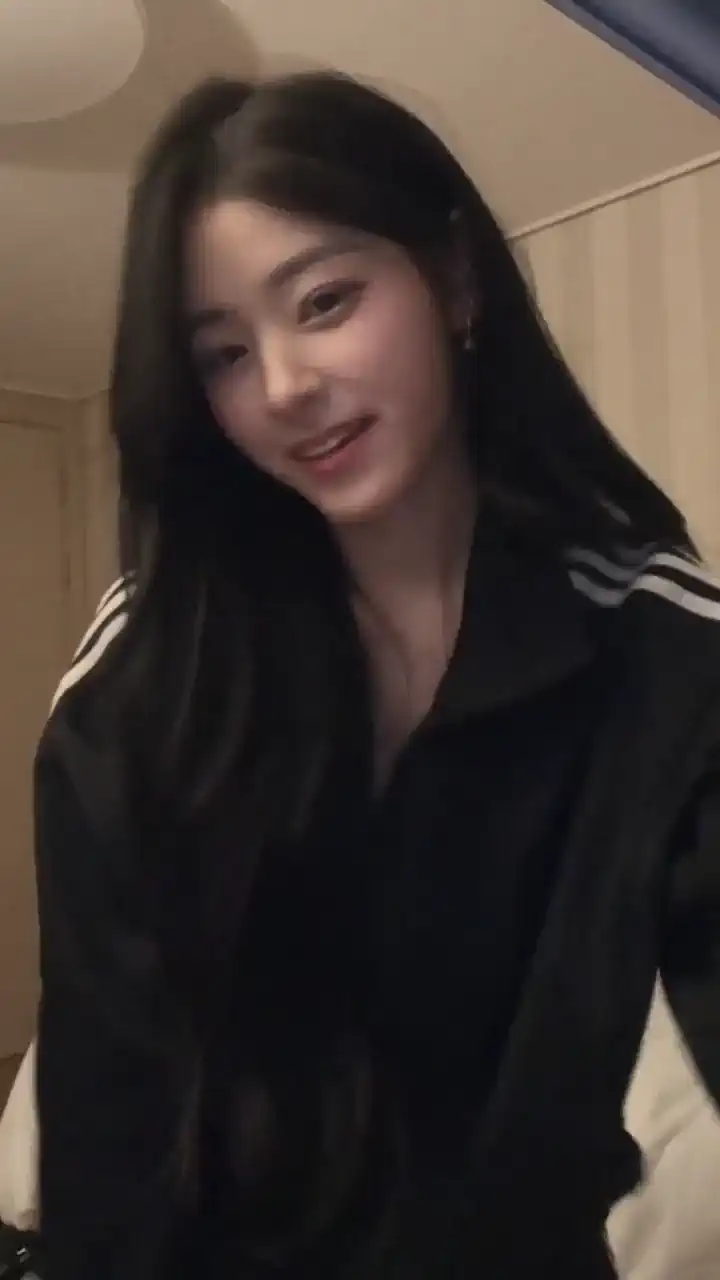
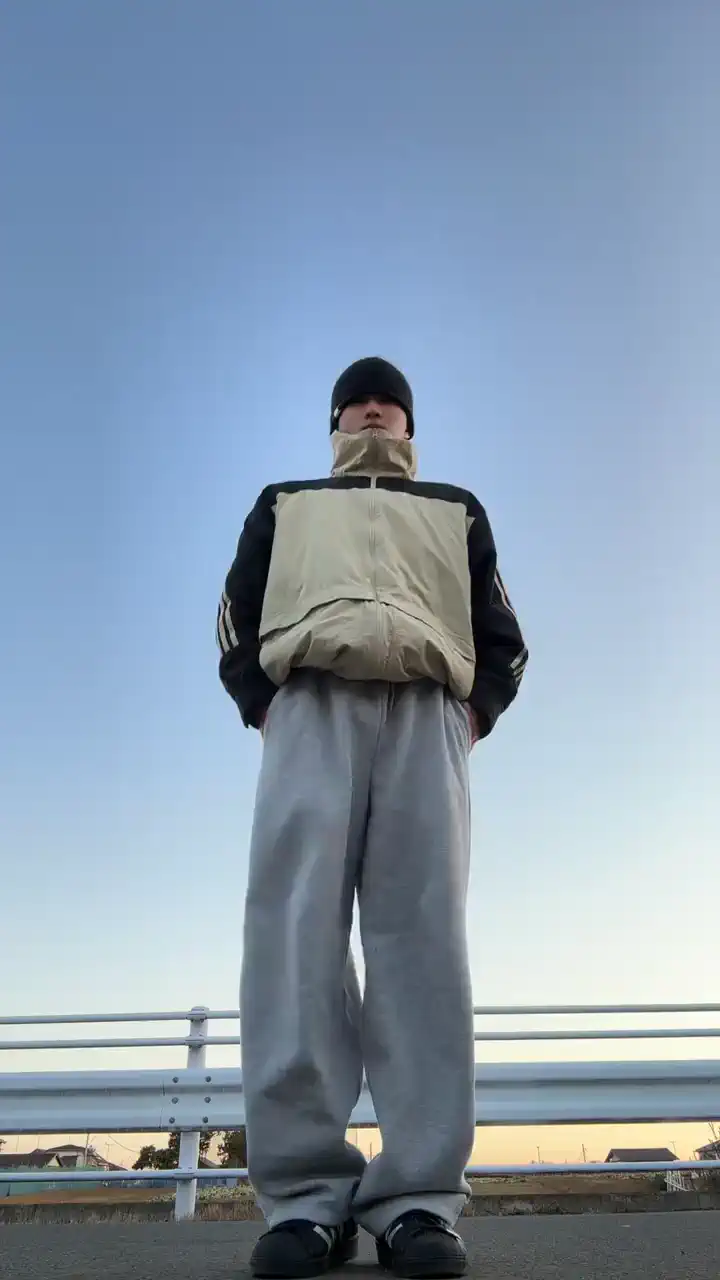
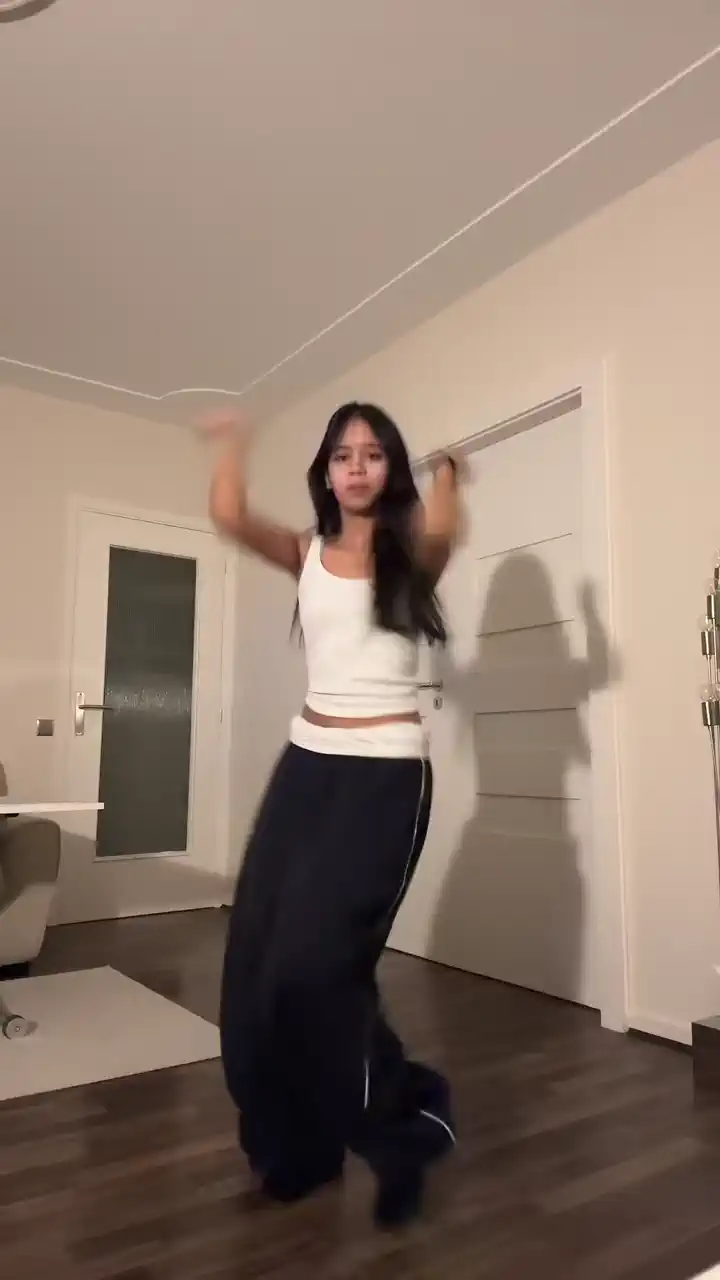
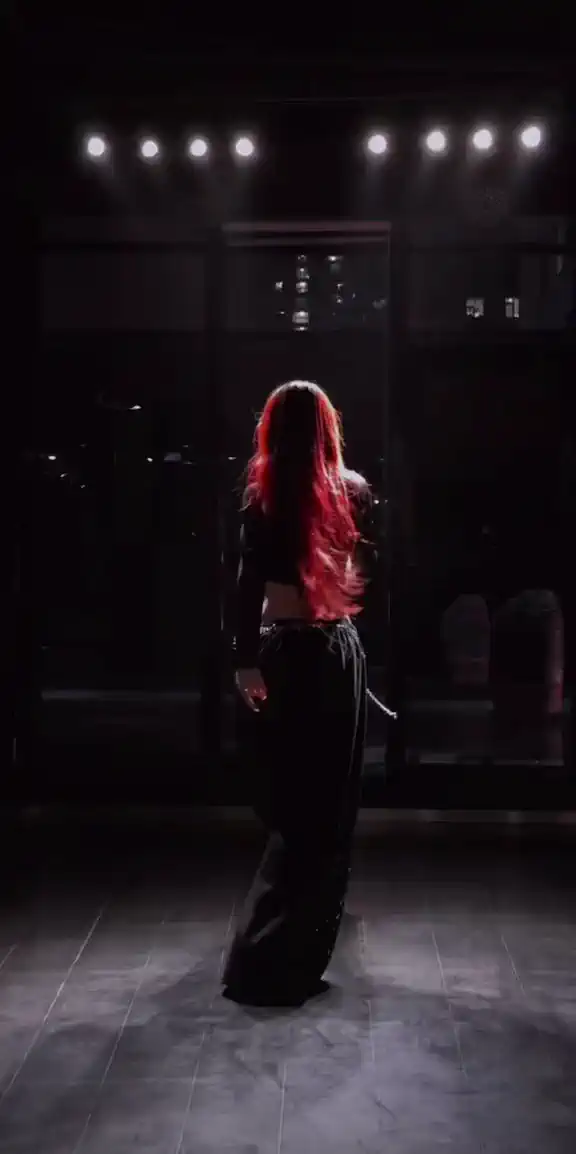
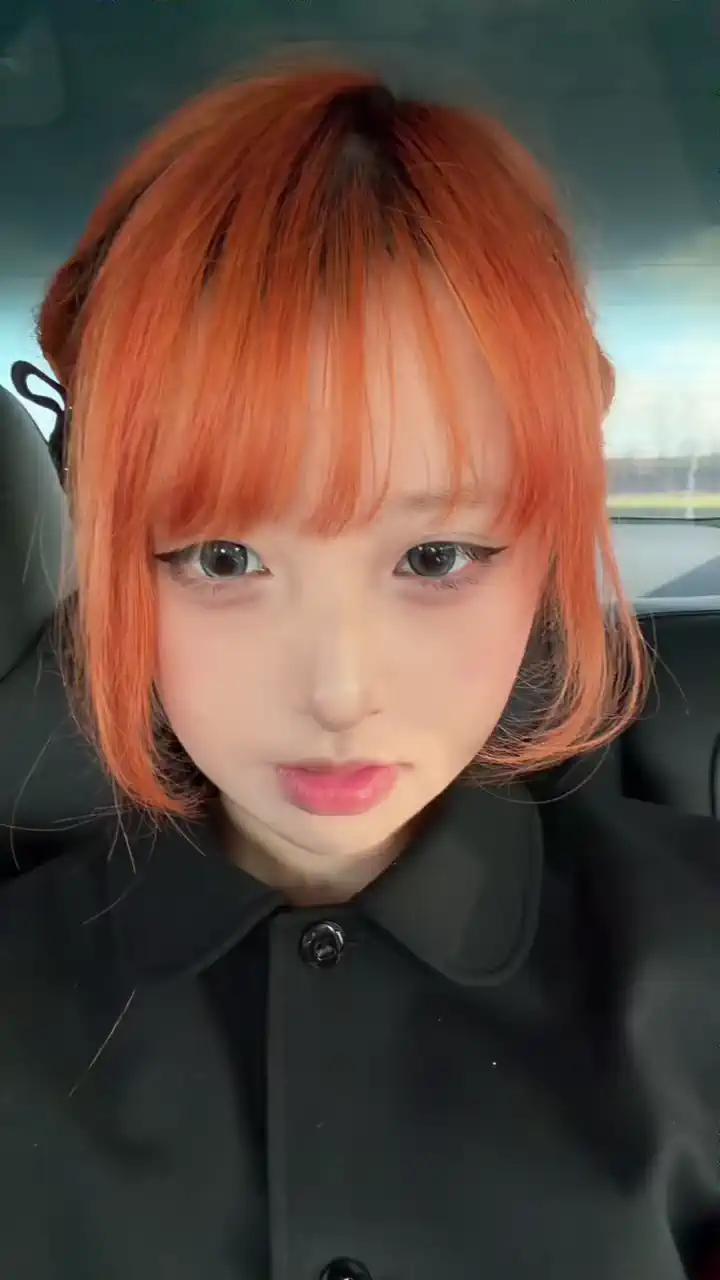
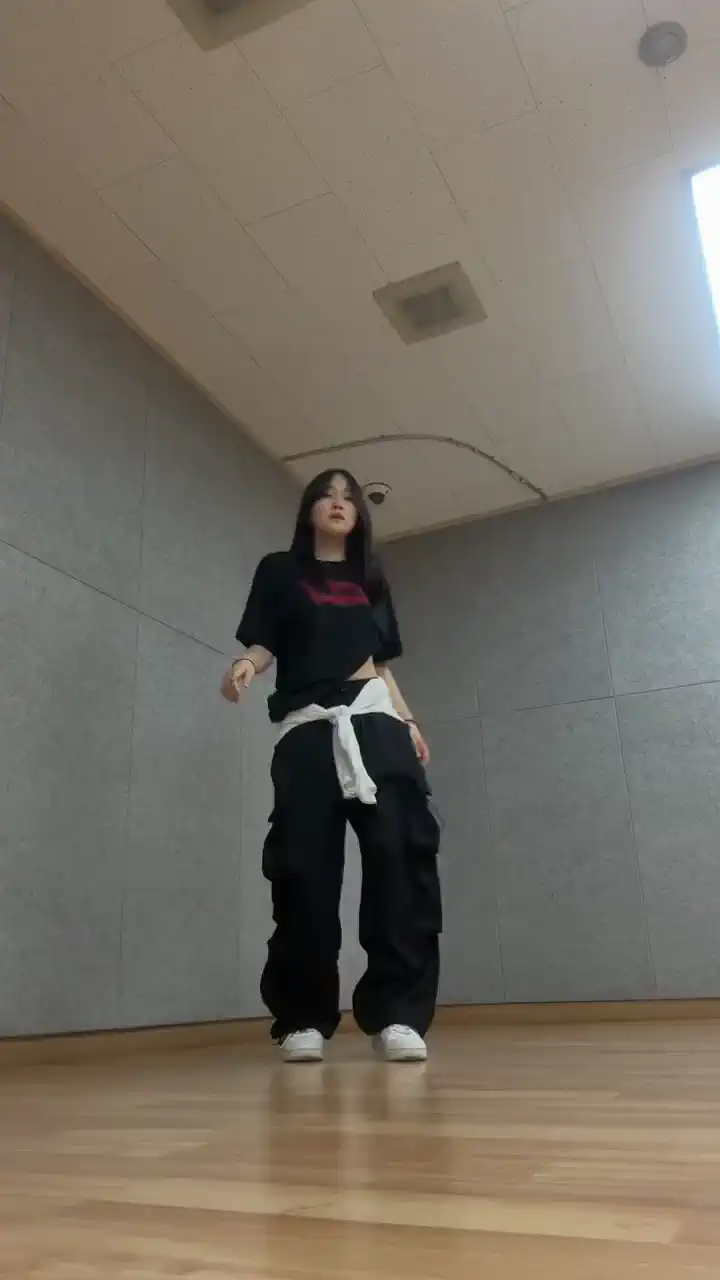
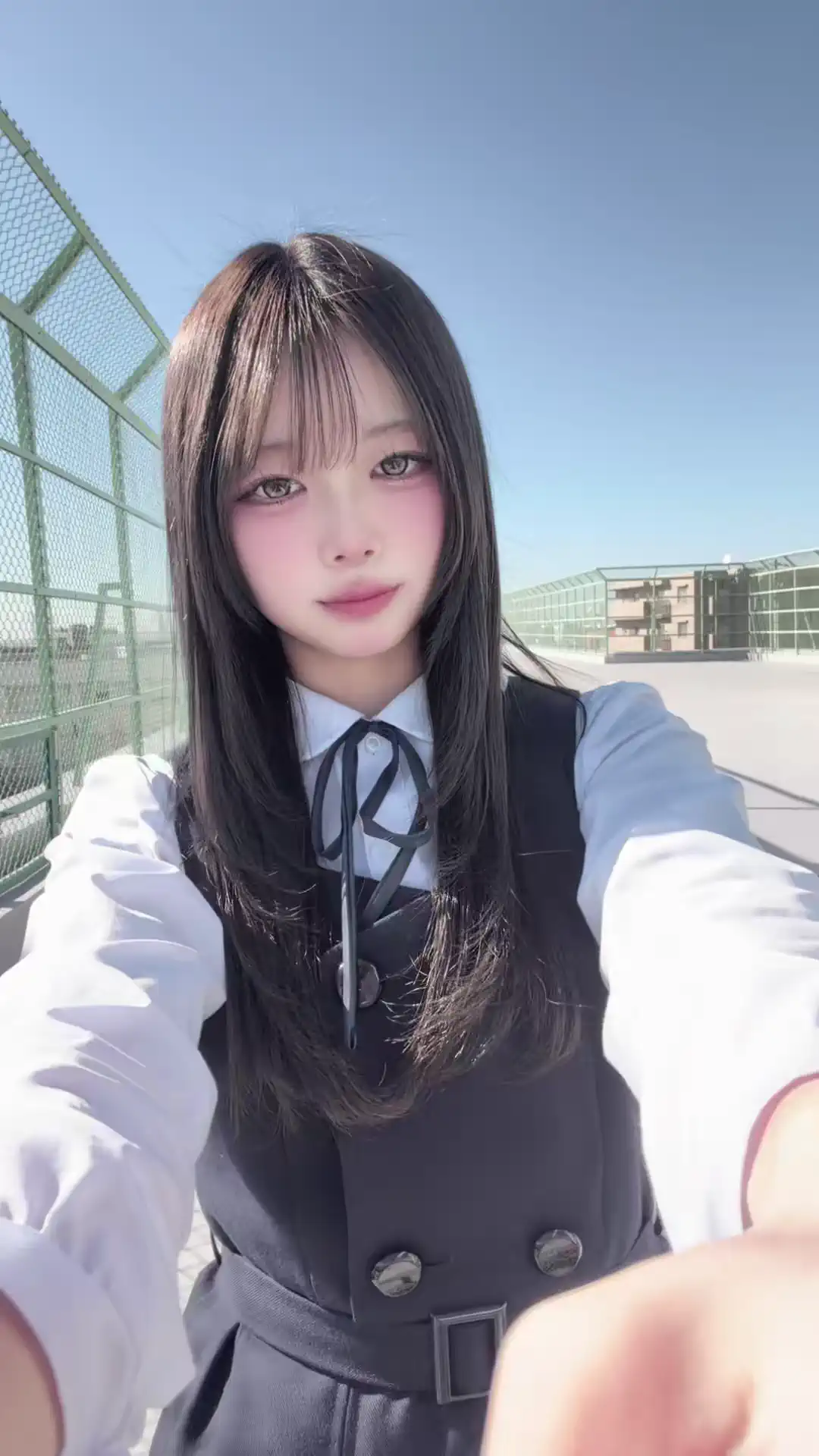
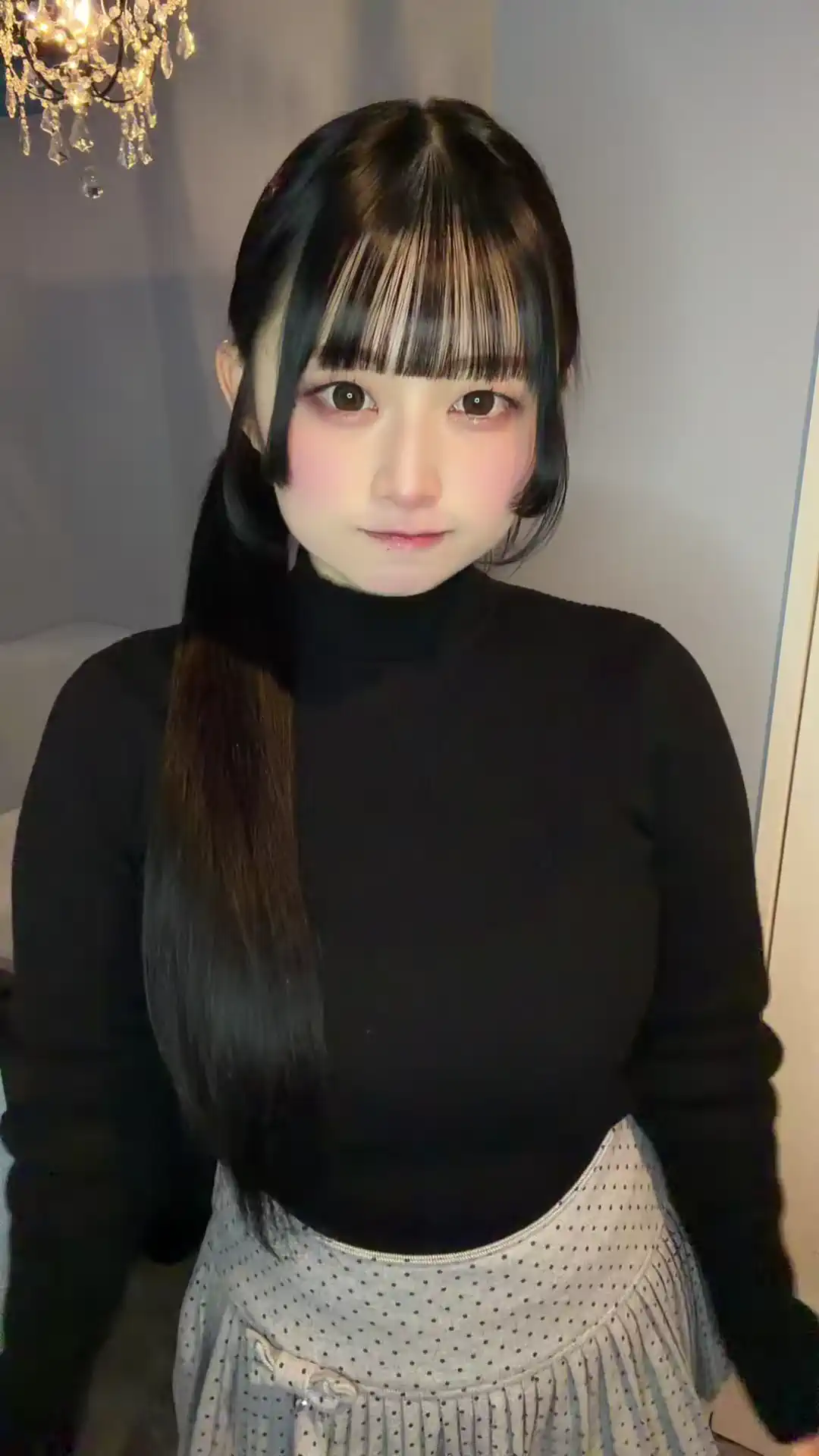
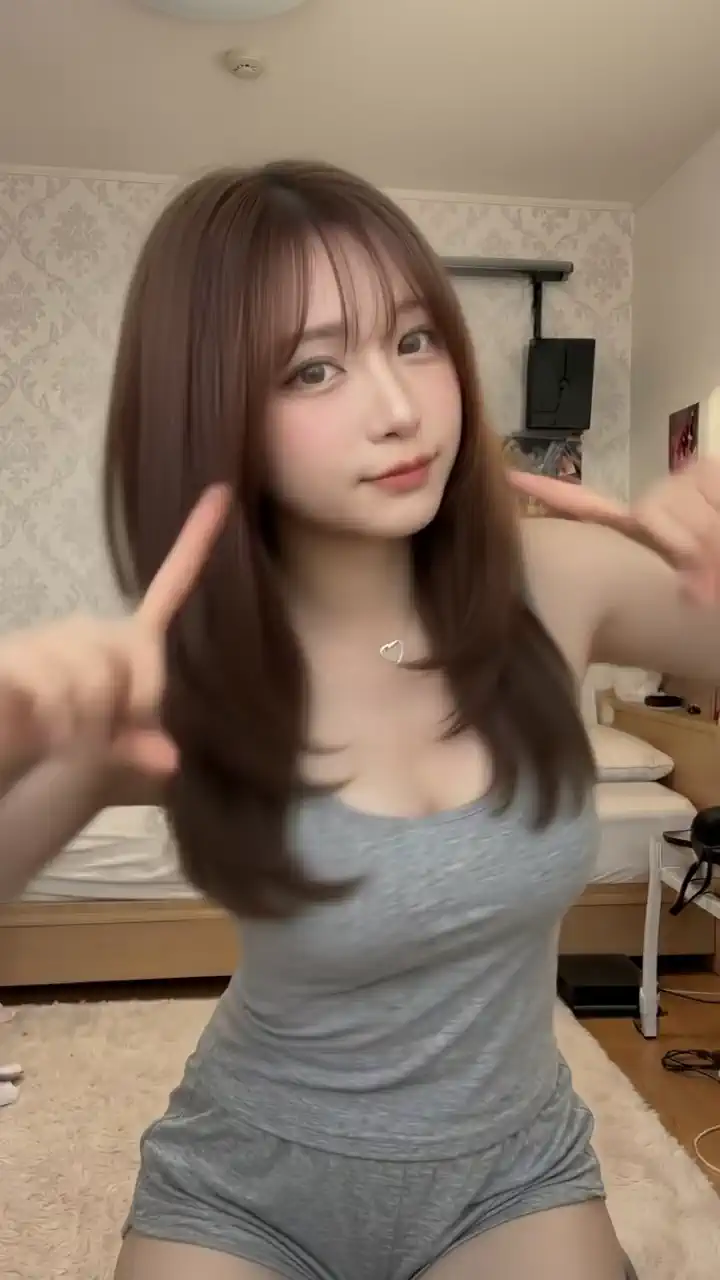
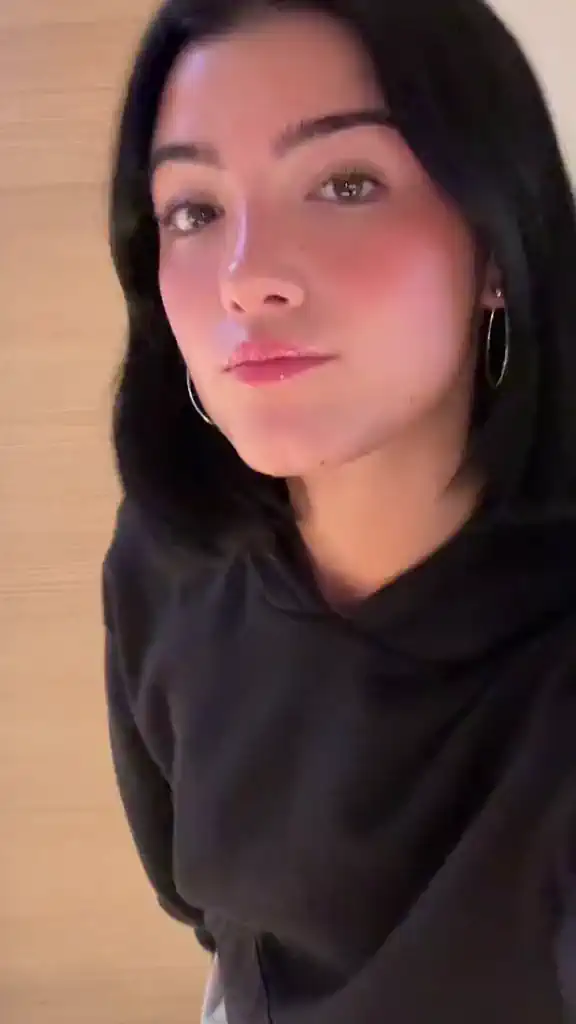
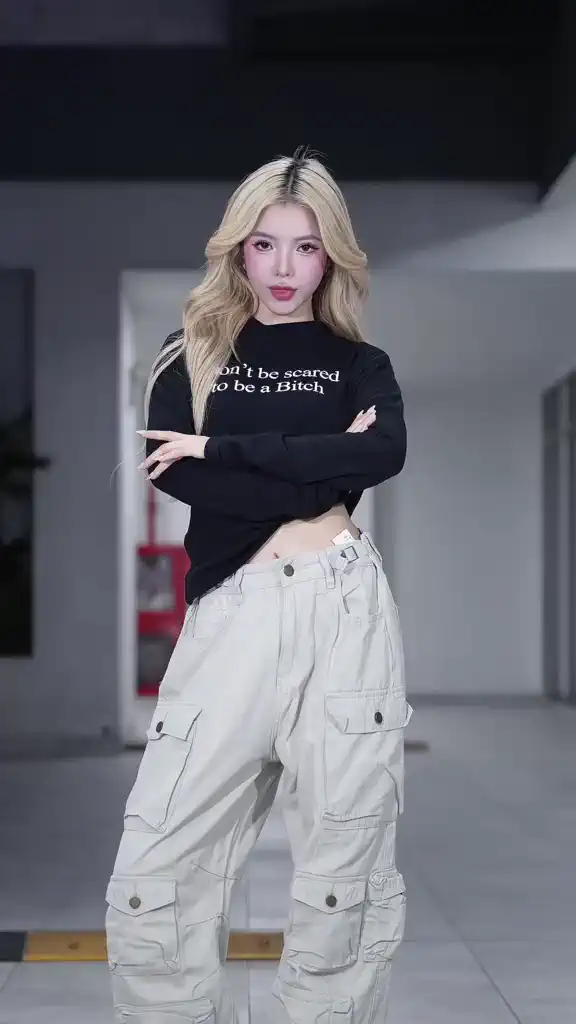
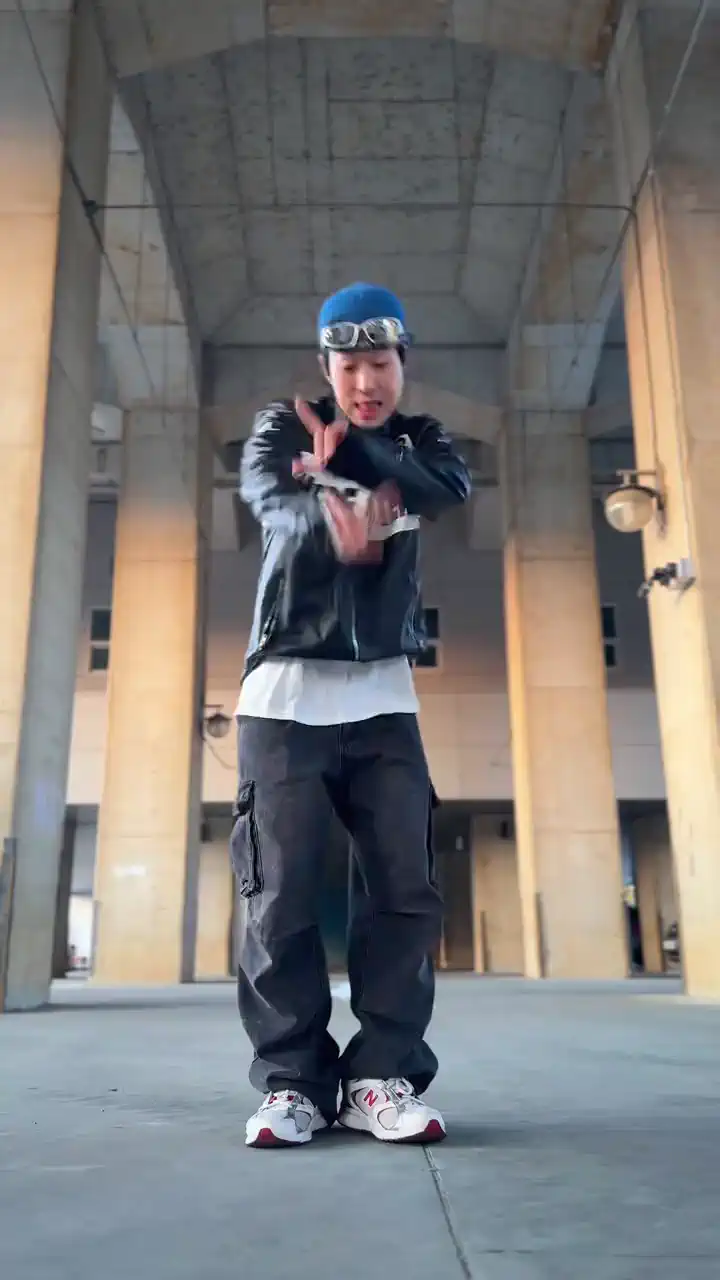
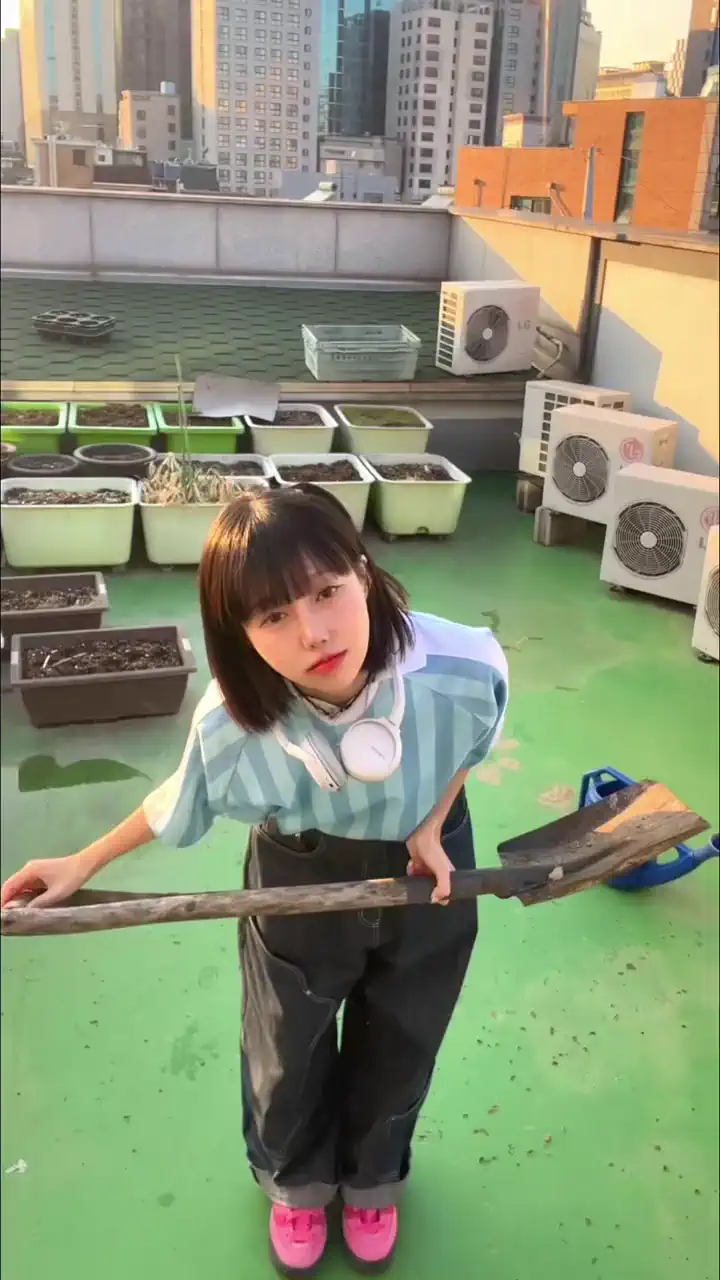
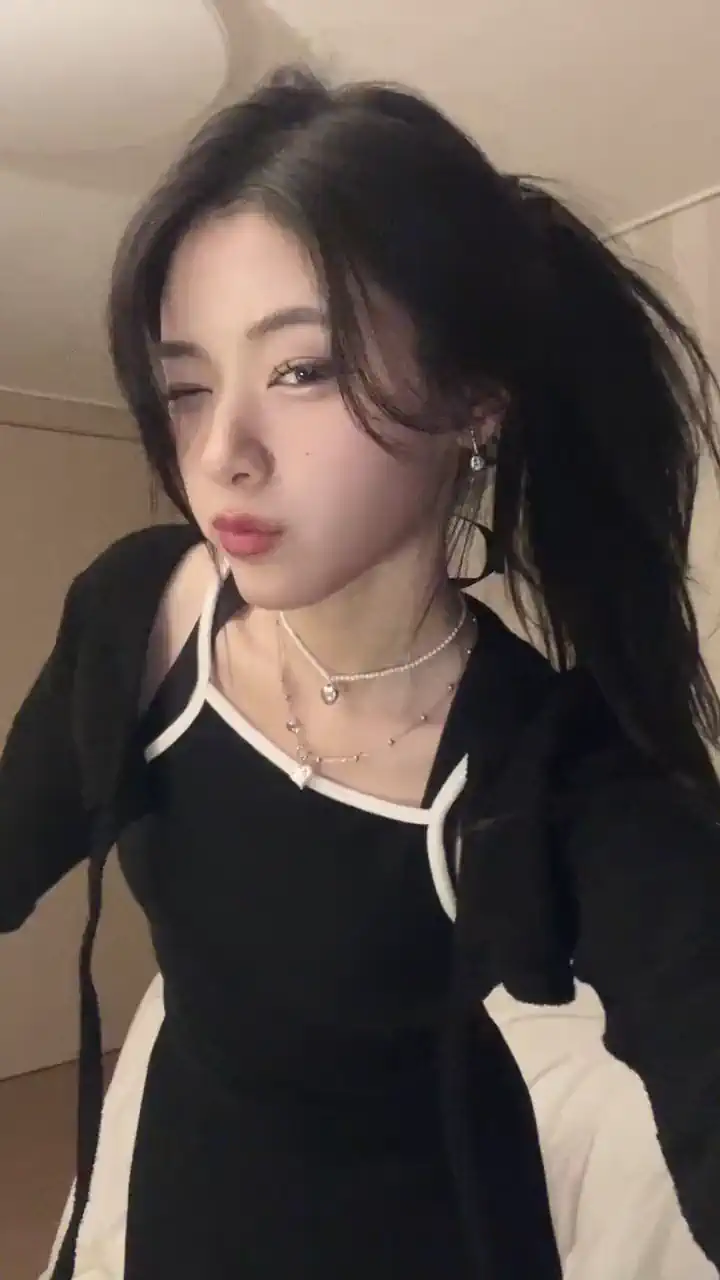
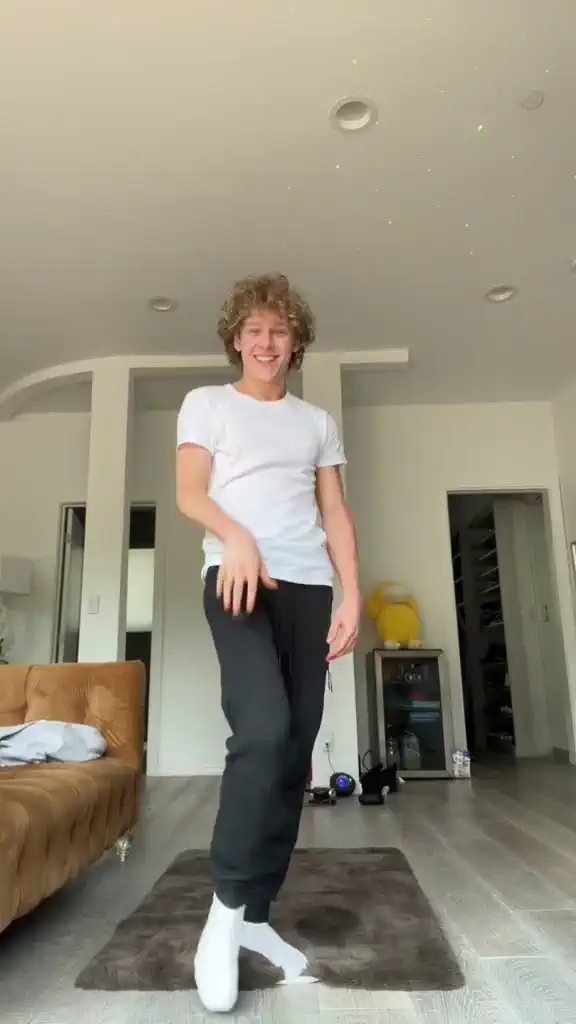
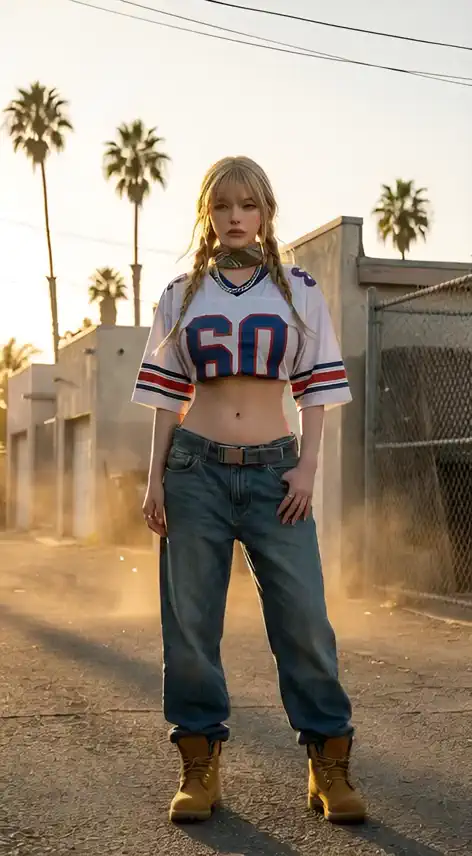
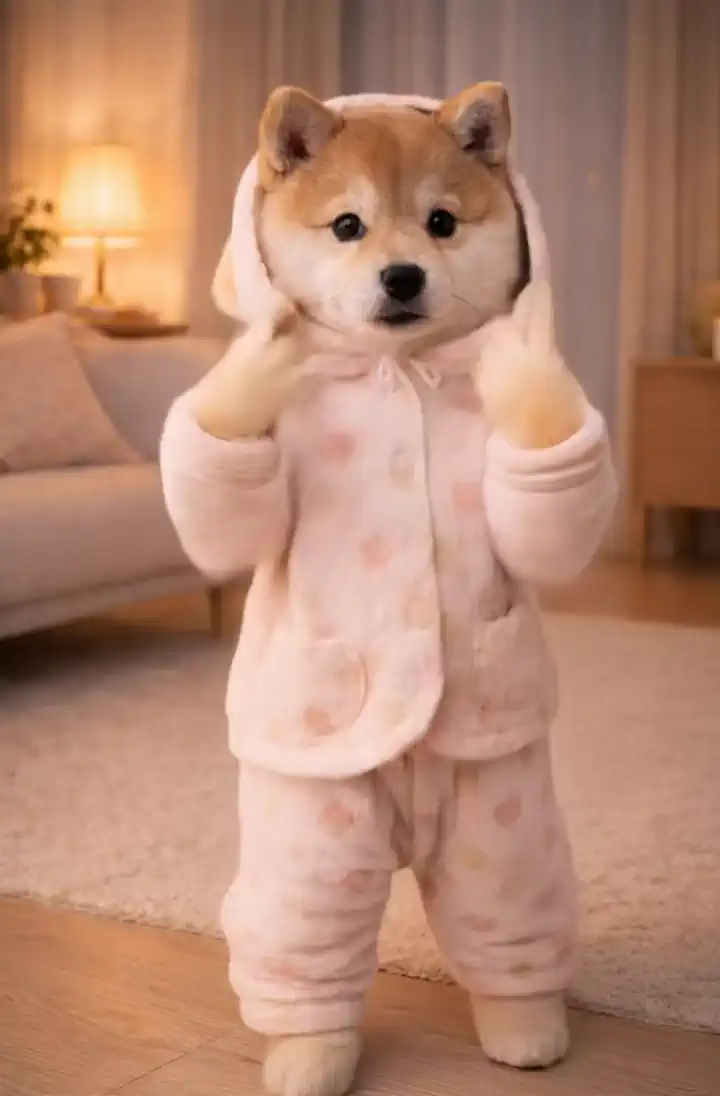
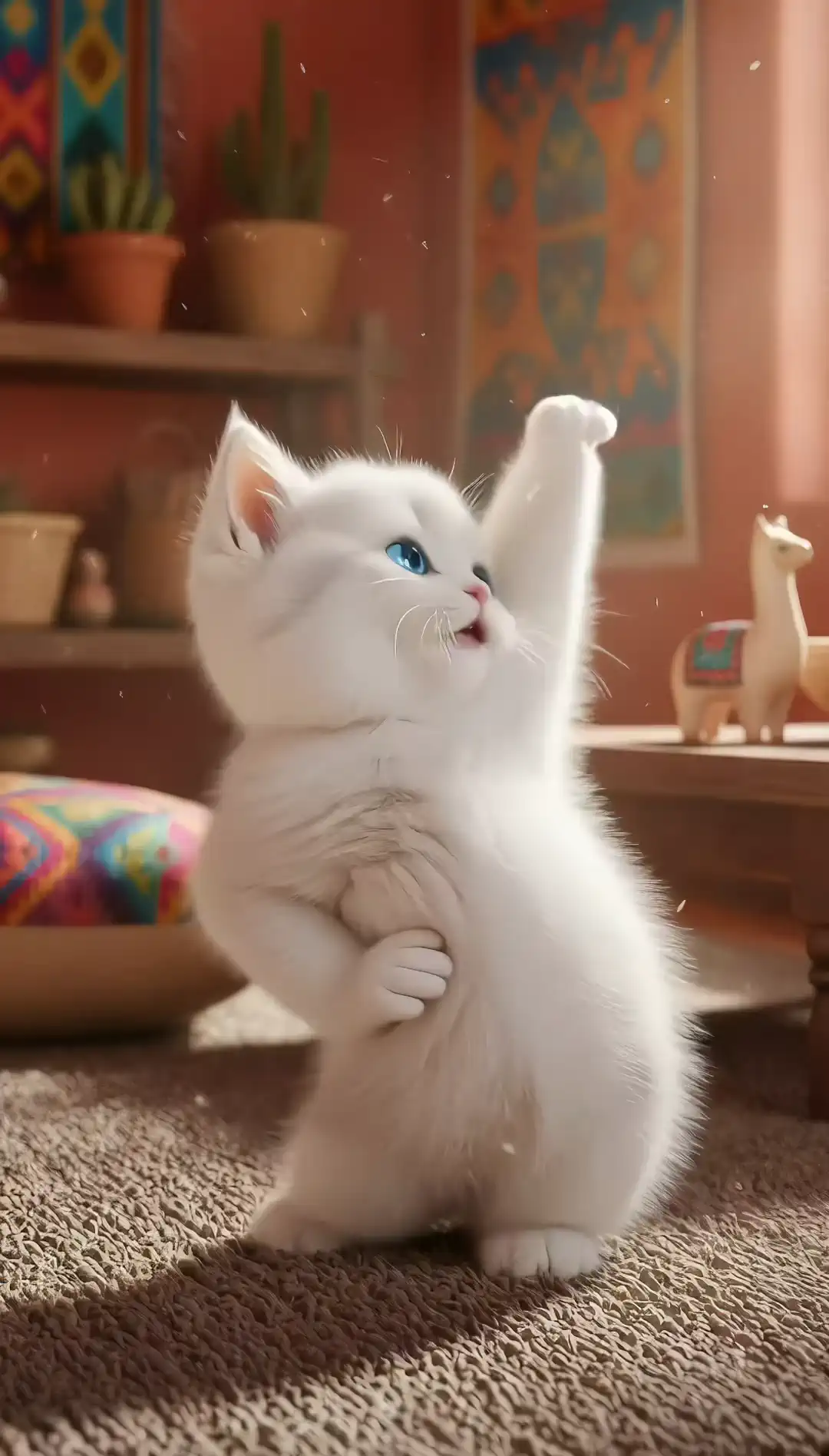
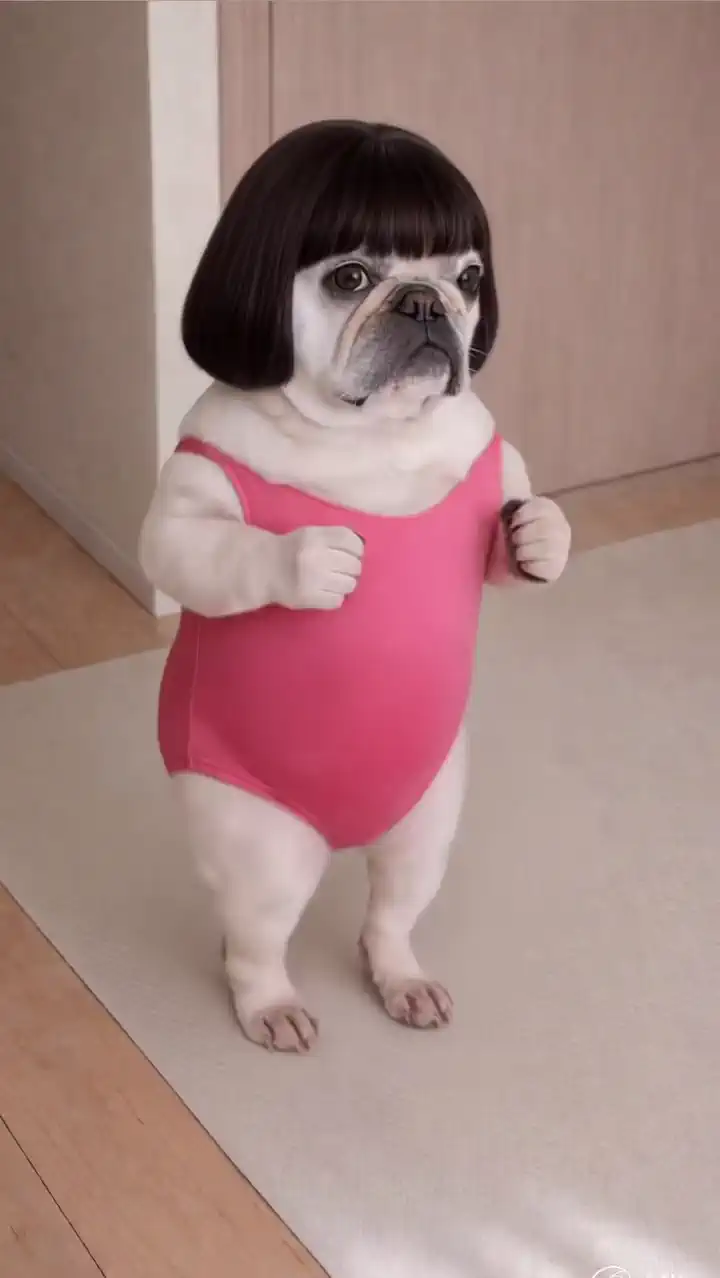
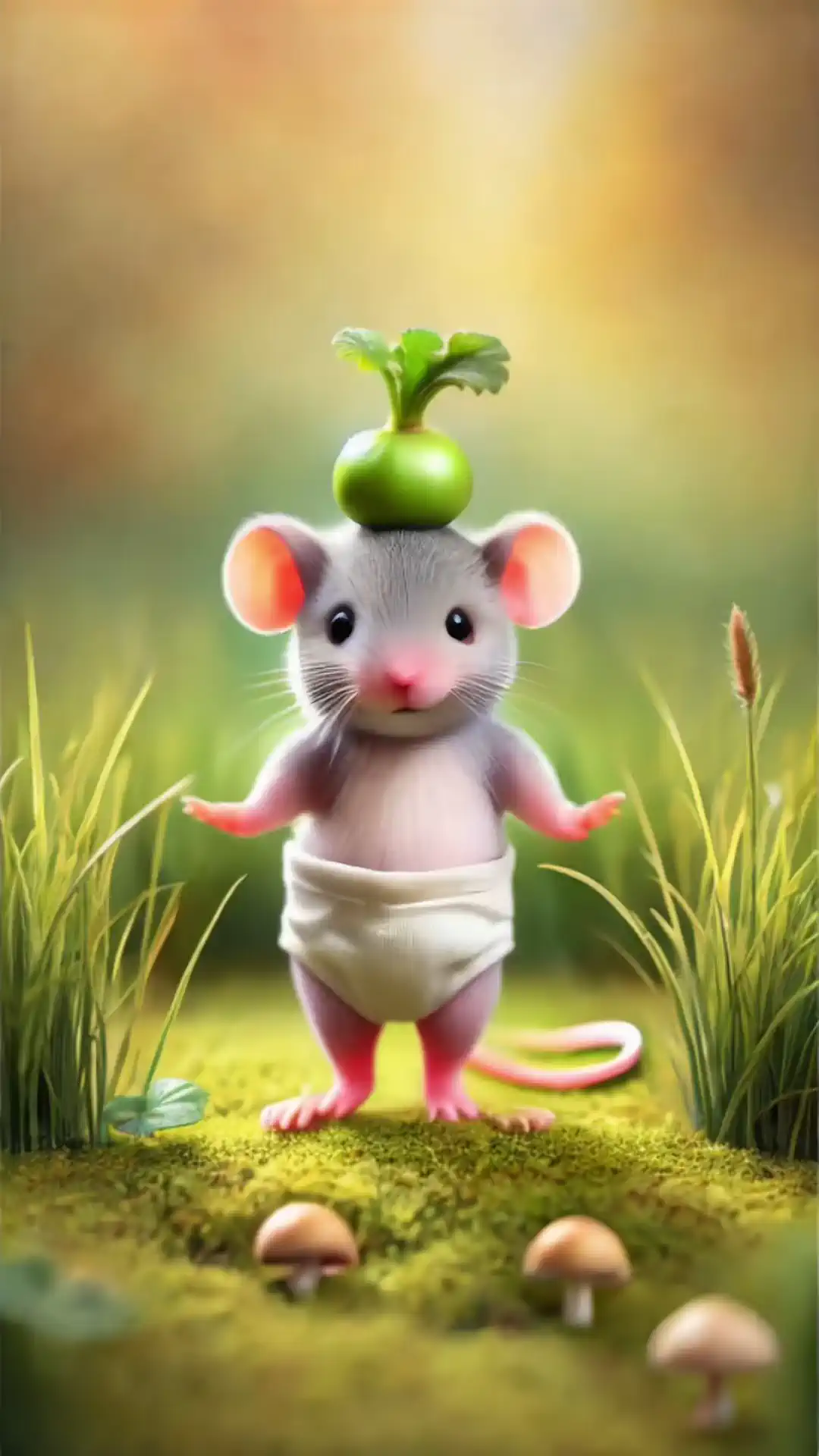
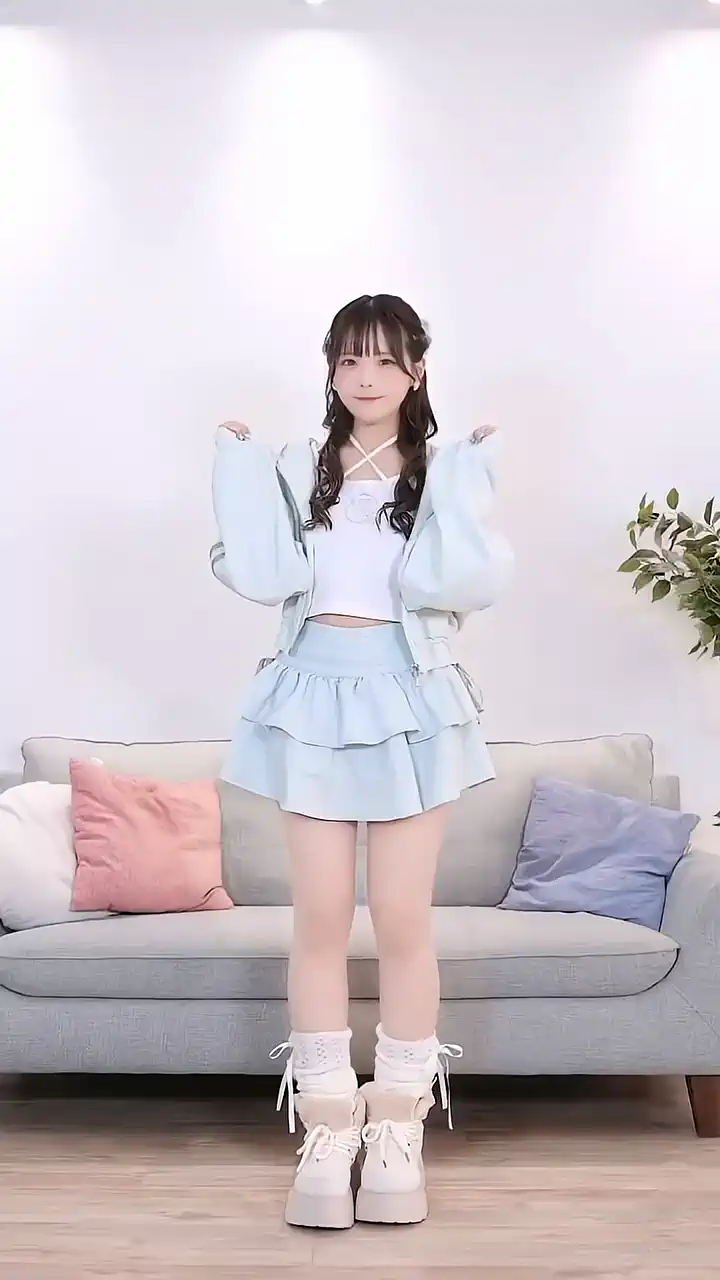
Upload a reference video. Watch your static image come to life.
The built-in Motion Gallery lets you pick a dance, pose, or movement clip directly without uploading anything. You can also bring your own reference video (3-15 seconds) and Kling 3.0 extracts the full body motion pattern - limb angles, weight shifts, body proportions, timing, and outfit movement - then maps it frame by frame onto your target character. Smoother transitions and more natural body mechanics than previous versions.
Kling 3.0 introduces Element Binding, a facial consistency system that locks in your character's face across every angle, emotion, and occlusion. Stable features and smooth expressions hold through complex multi-angle motion and long-duration sequences. One face reference image is enough - keep it clear and front-facing for the best result. Hats, hands, and other obstructions no longer break character identity. It connects directly with AI video generator projects that require consistent character appearance throughout.
Motion Control is character-agnostic. It handles photorealistic photos, anime characters, illustrations, digital avatars, and stylized artwork - the same motion reference applies cleanly across all of them. For best results: pair full-body images with full-body action clips, and portrait shots with portrait-framed reference videos. One motion reference can also be reused across multiple different characters, useful for campaign variants and AI influencer workflows.


Motion Transfer Technology
Kling 3.0 analyzes reference videos and applies exact movement patterns to your content. Natural, fluid motion control without manual keyframing.

HD Video Quality Output
Generate motion-controlled videos in high-definition quality. Professional results suitable for social media, marketing, and creative projects.



Privacy Protected
Your videos and motion data stay secure with encrypted processing. Create motion-controlled content privately without sharing your creative work publicly.

Fast Generation Speed
Create motion-controlled videos in minutes. Kling 3.0 processes complex motion analysis and transfer quickly without long rendering times.
Upload Reference Motion
Upload a motion reference video (3-15 seconds) and a character image (up to 10MB). Full-body shots with full-body action clips work best.
Choose Your Quality
Pick HD 720p or Full HD 1080p, then hit Generate.
Download Your Video
Preview the result and download. No watermarks.
Creators are already using Motion Control on SeaArt AI to produce motion-controlled videos without filming anything. Upload a reference video, pick a character image, and your result is ready in minutes. No keyframes. No rigging. No production delays.

What is Motion Control?

What video sizes and durations does Motion Control support?
Motion Control supports reference videos from 3 to 15 seconds. The output aspect ratio follows the reference video - 16:9 (landscape), 9:16 (vertical), or 1:1 (square) is determined automatically based on what you upload.
What types of motion can Kling 3.0 Motion Control capture?
Walking, running, dance and choreography, athletic movements, complex action scenes, and dramatic acting are all supported. The tool is built to handle high-difficulty body motion and dynamic performances with precise frame-level accuracy.
How does Motion Control differ from regular video generation?
Unlike text-to-video generators creating content from scratch, Motion Control transfers specific movements from reference videos to your subjects with precise frame-level control.


